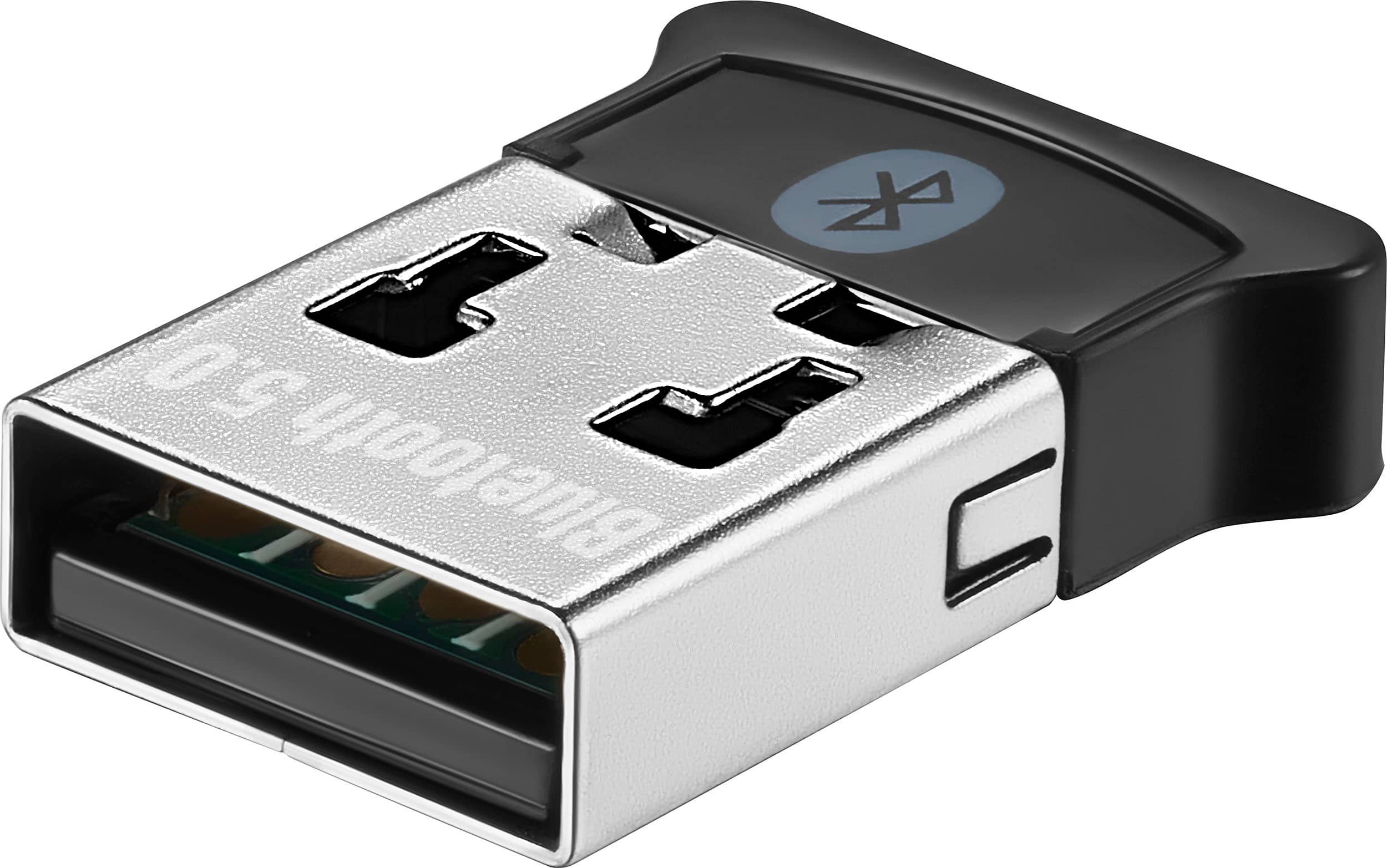
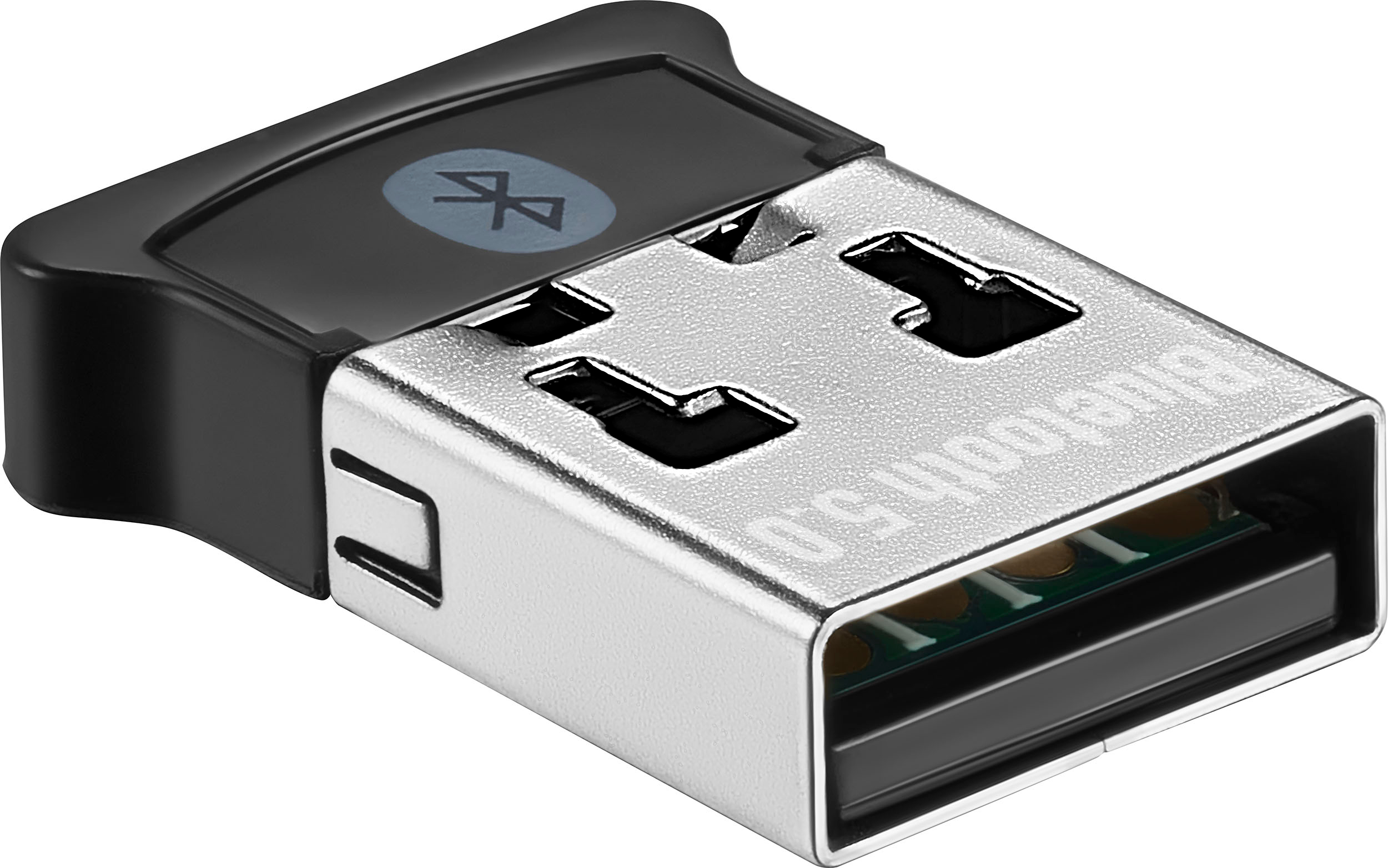
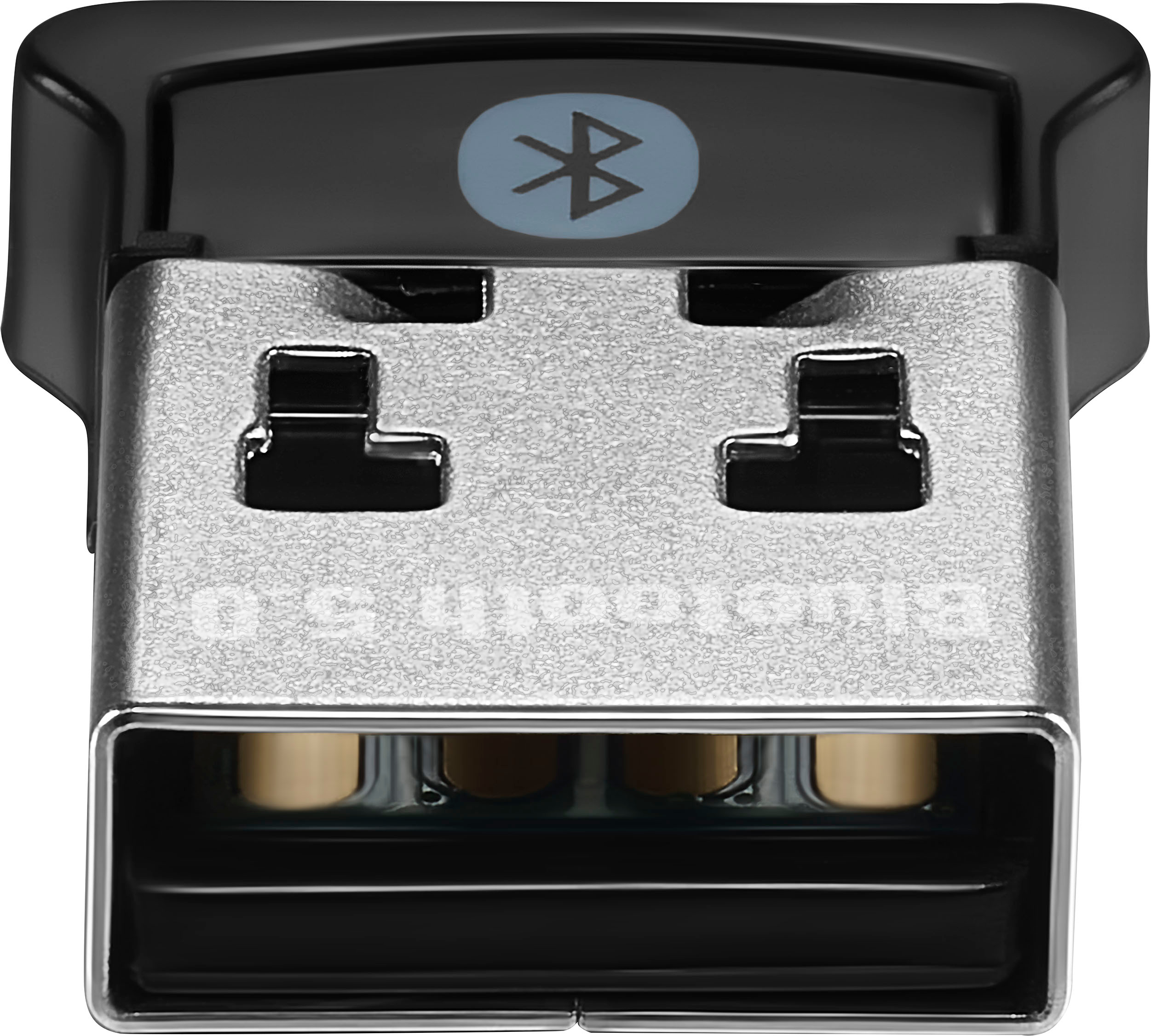
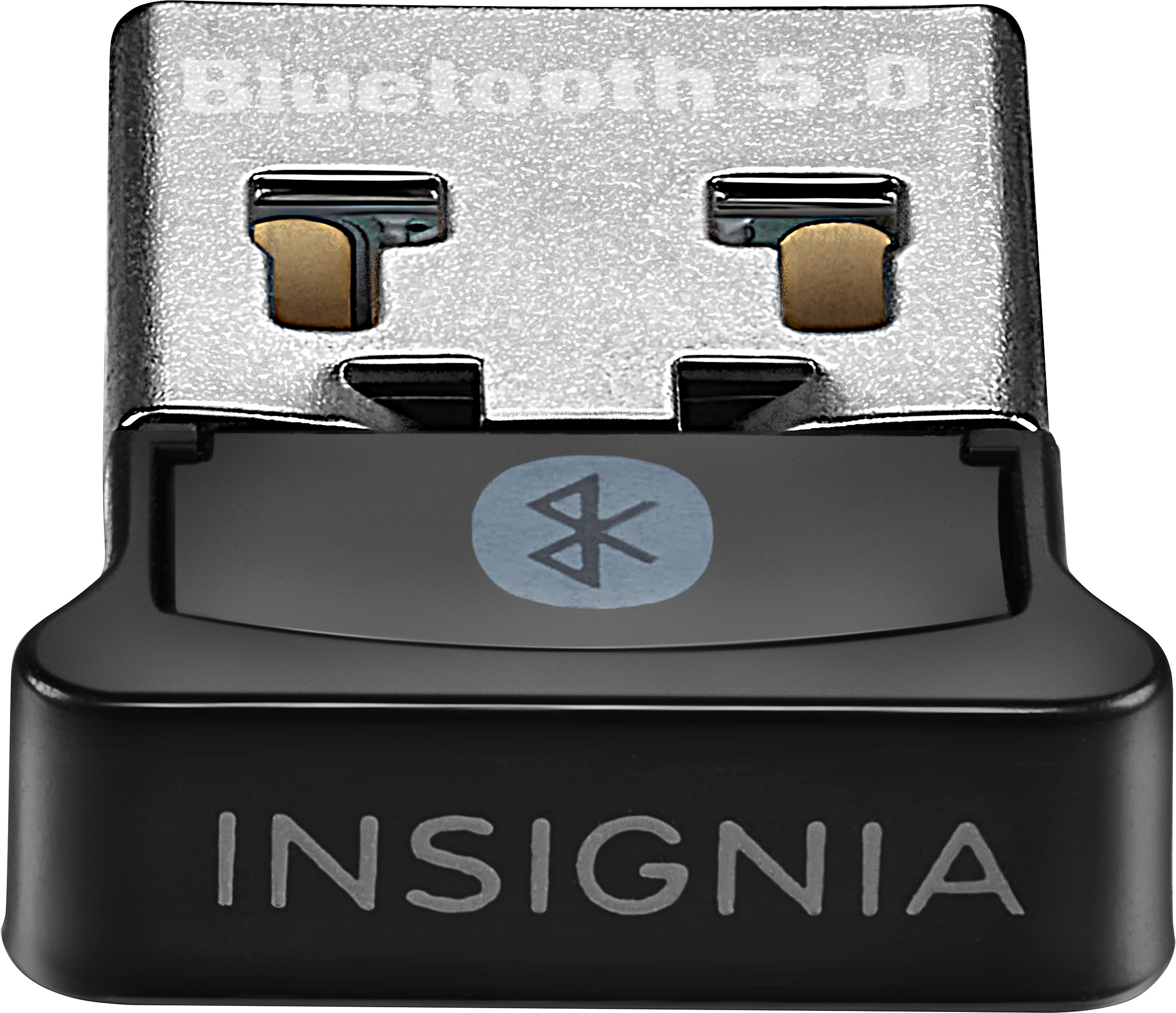
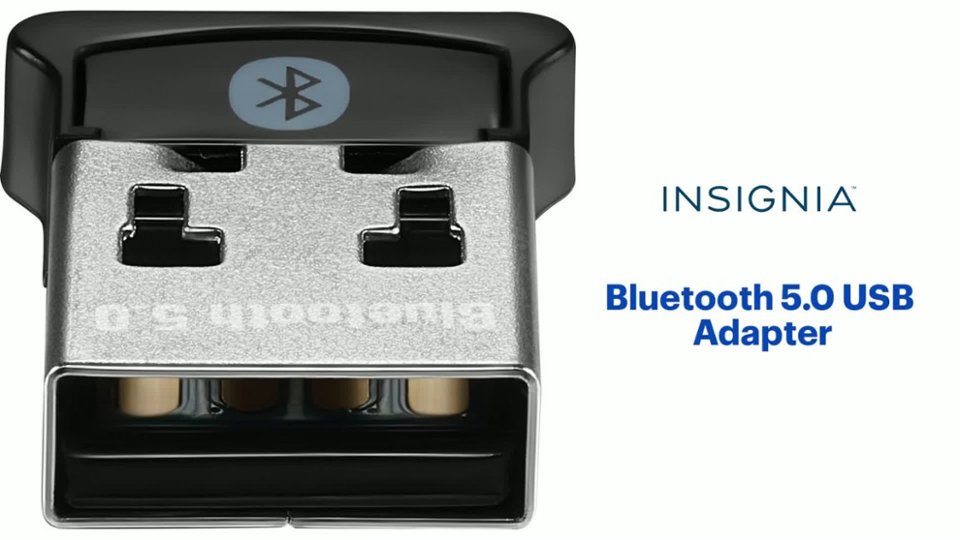
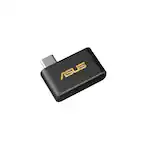
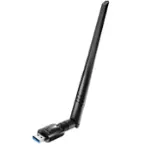
A:Answer For the Insignia™ Bluetooth 5.0 USB Adapter (Model: NS-PA3BT5A2B22), you can update the drivers through Windows Update. Here are the steps:
1. Connect the Bluetooth adapter to your computer.
2. Open Device Manager:
- Press the Windows key + R to open the Run dialog box.
- Type `devmgmt.msc` and press Enter.
3. Update the driver:
- Find the Bluetooth adapter in the list, right-click on it, and select "Update driver."
- Choose "Search automatically for updated driver software" and follow the prompts
If the automatic update fails, you can uninstall the driver and reconnect the adapter to let Windows reinstall it.
Regarding the Bluetooth protocol subsets, the Insignia Bluetooth 5.0 USB Adapter supports the following profiles:
- A2DP (Advanced Audio Distribution Profile): For streaming high-quality audio.
- AVRCP (Audio/Video Remote Control Profile): For controlling media playback.
- HFP (Hands-Free Profile): For hands-free calling.
- HID (Human Interface Device Profile): For connecting devices like keyboards and mice.
- SPP (Serial Port Profile): For serial communication between devices
These profiles ensure compatibility with a wide range of Bluetooth devices. If you encounter issues with specialty security software, ensure that the software supports these Bluetooth profiles.
If you need further assistance, feel free to ask!