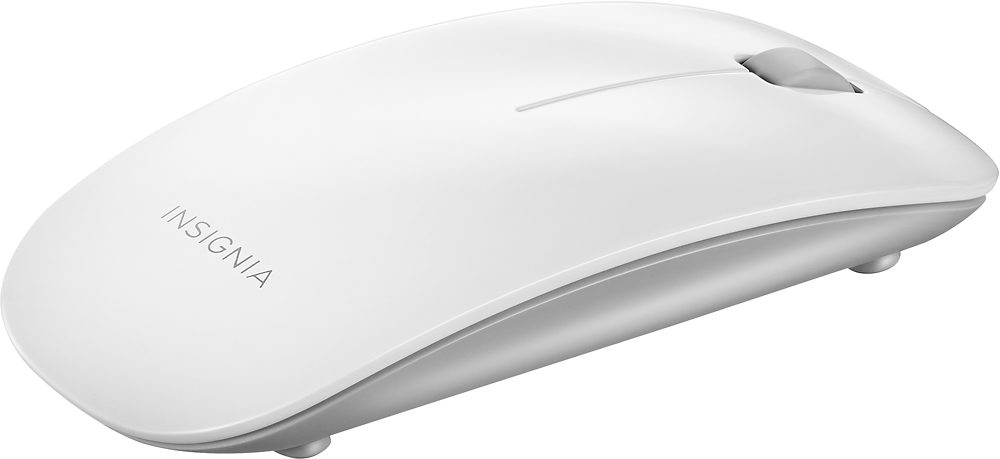
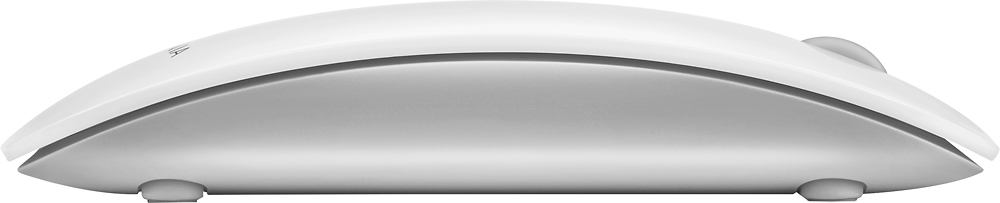
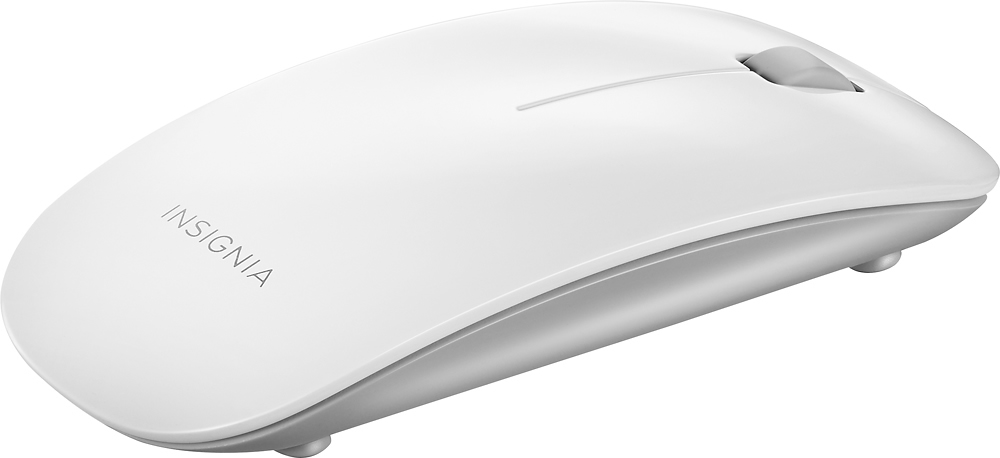
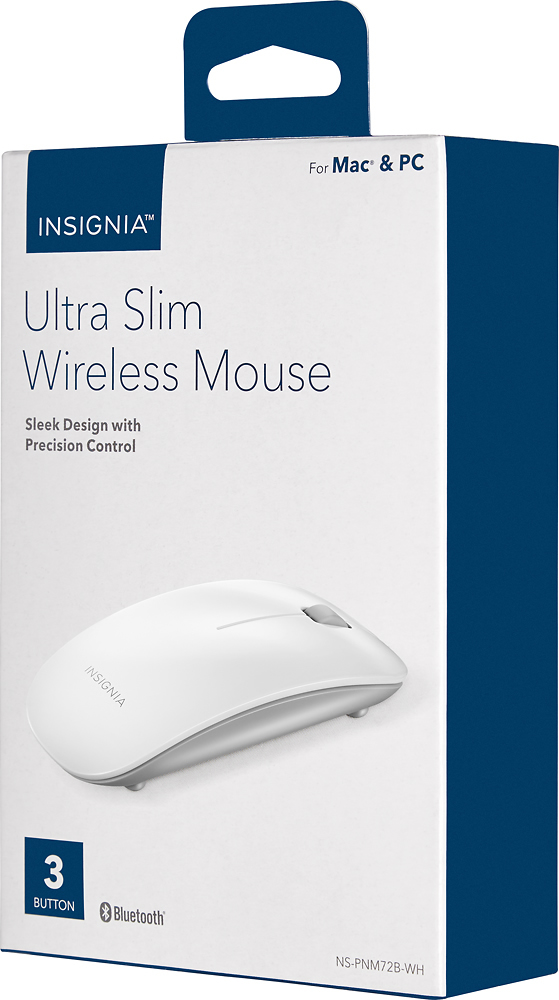
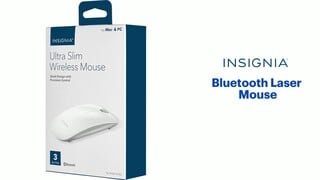
A:Answer This mouse is compatible with Mac computers.
On your Mac computer you need to:
1. Open System Preferences in the dock.
2 Click the Bluetooth icon .
3 Click + in the lower-left corner. Your computer searches for your mouse.
4 Double-click Ultra Slim Wireless Mouse.
Note: If your computer has never connected to a Bluetooth device, click Set
Up New Device to pair your mouse to your computer.
When pairing is complete, the LED indicator lights turn off.