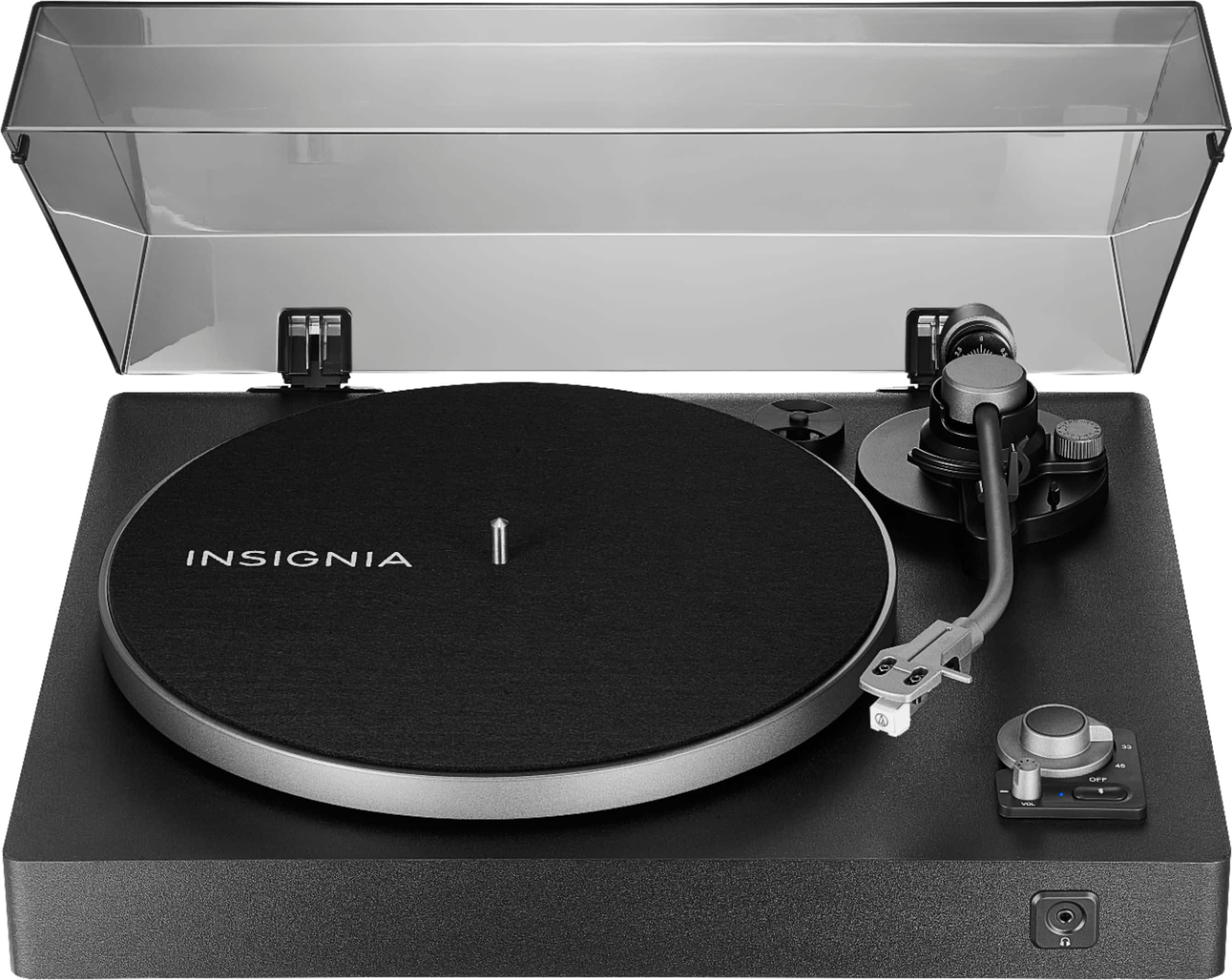
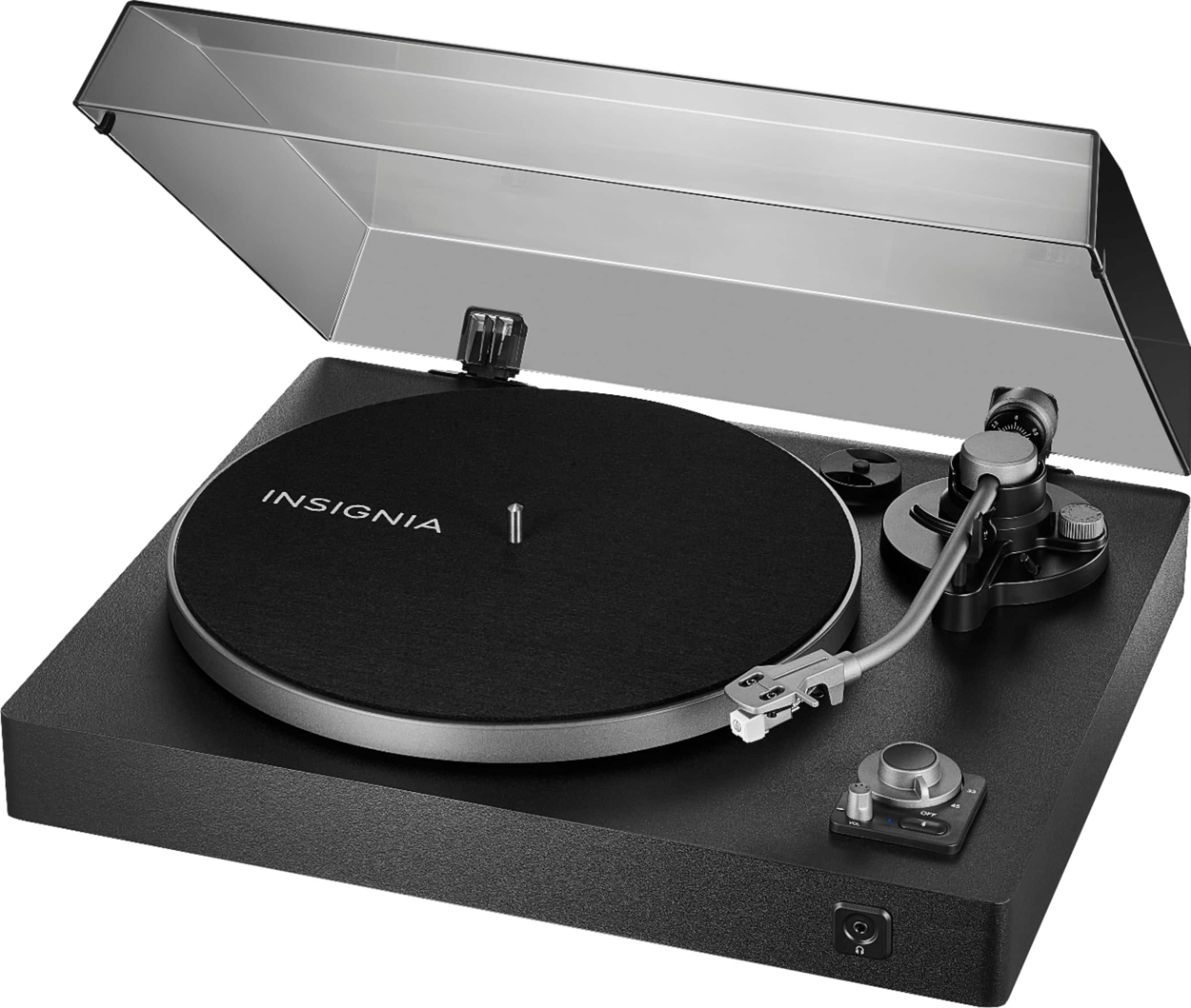
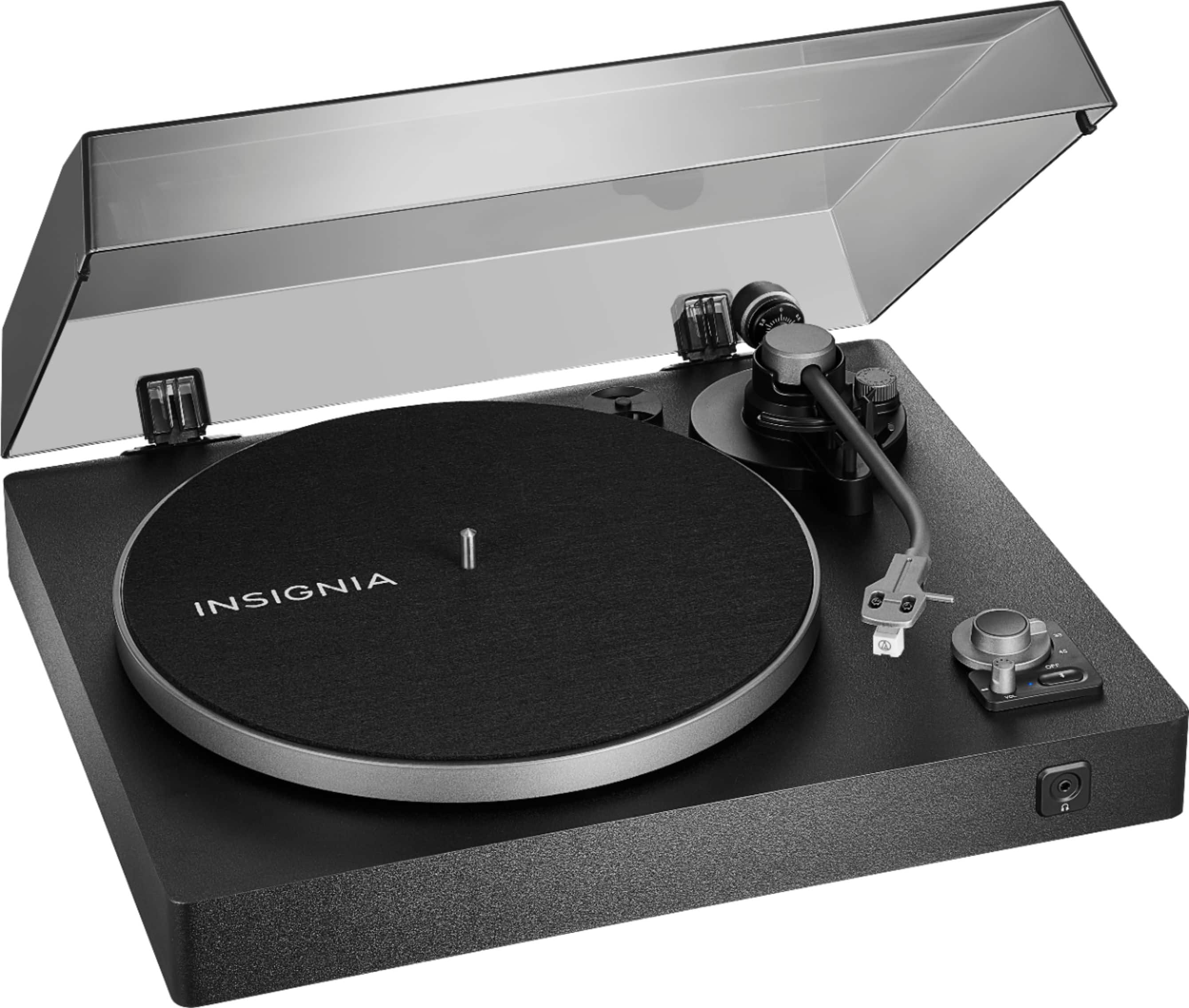
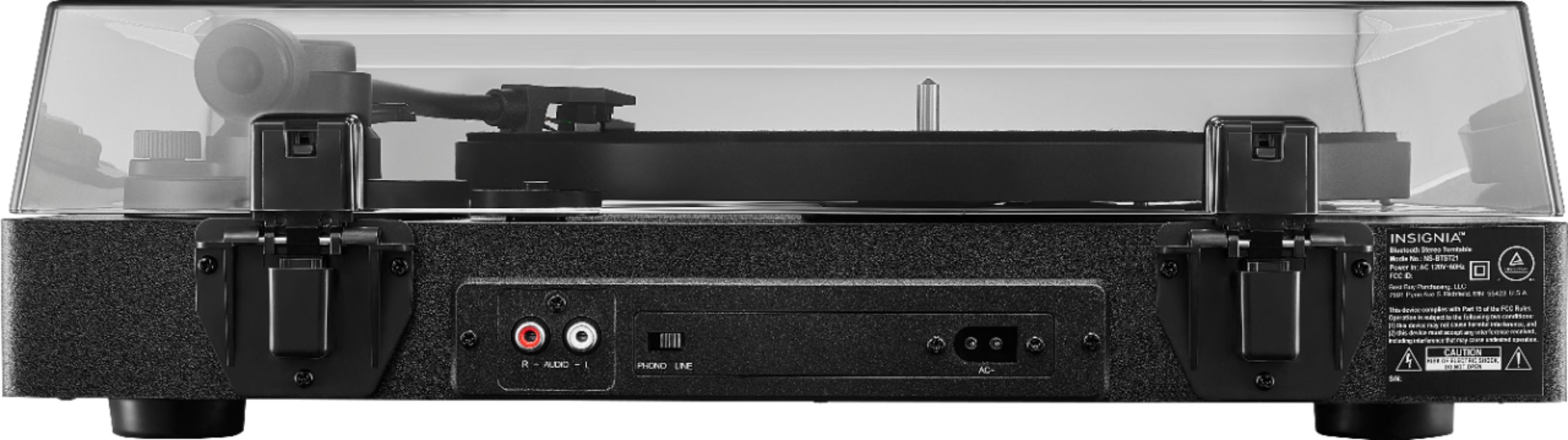
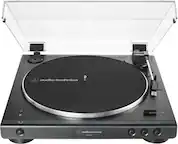
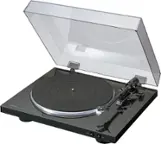
A:AnswerYes, your setup should work. Here's how it can be done:
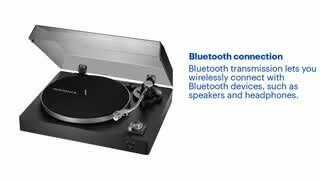
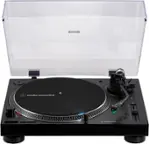
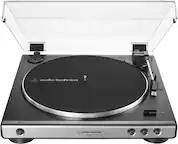
1. Pair your Insignia™ Bluetooth Stereo Turntable with your Hisense 8N TV via Bluetooth. This will allow the audio from the turntable to play through the TV's speakers.
2. Use the ARC (Audio Return Channel) feature on your Hisense TV to send the audio signal to your receiver. Connect an HDMI cable from the TV's ARC-enabled HDMI port to the corresponding HDMI port on your receiver.
This setup will enable you to play audio from your turntable through your TV and then route it to your receiver and speakers via ARC.
If you encounter any issues or need further assistance, feel free to ask!
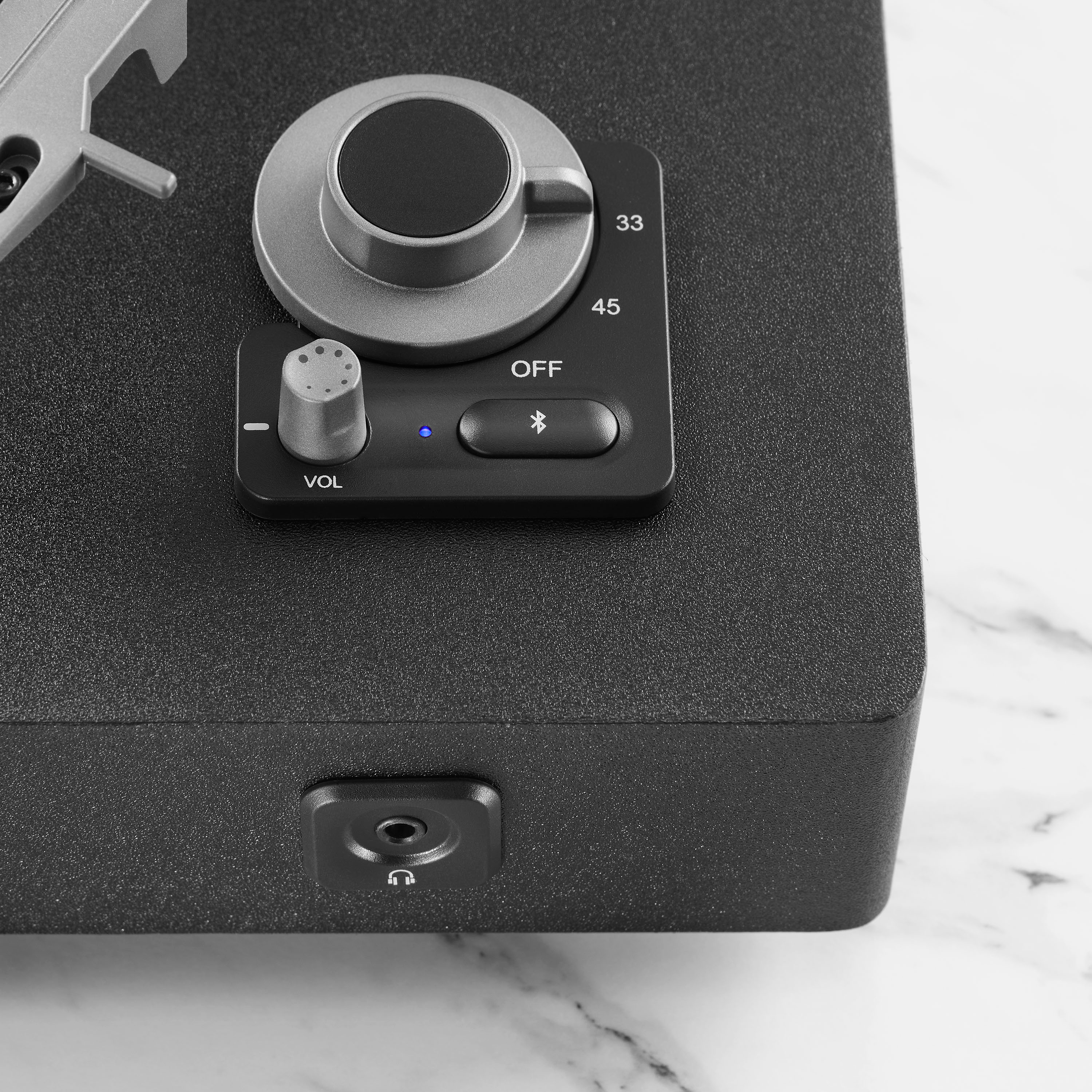
A:AnswerDepends. It can play at 33 1/3 and 45 RPM. 10" records typically play at either 33 1/3 or 78 RPM, so you can play them as long as they play at 33 1/3 RPM.
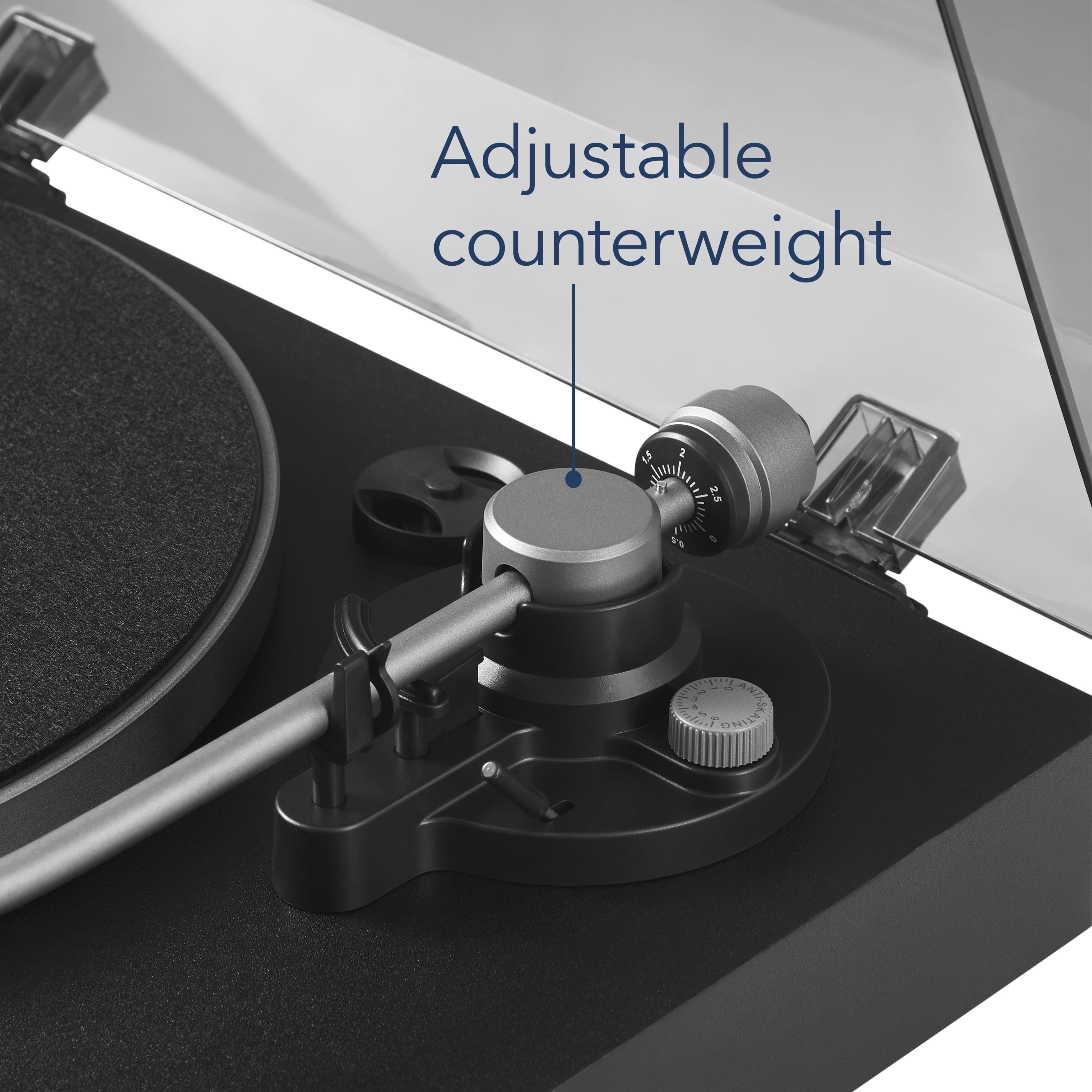
A:AnswerYes, you have to install the belt, weights, and plate, but the instructions were fairly simple. The counterweight is the only part I had a hard time with, but that could be chalked up to user error.
A:AnswerI'm sorry to hear about the issue with your Insignia™ Bluetooth Stereo Turntable. The motor part number for this model is not readily available in the user manual or typical product listings. However, you can obtain the replacement motor through the following steps:
1. Visit Encompass Parts: This website often carries replacement parts for Insignia products. You can search for your specific model (NS-BTST21) to find the motor and other components.
2. Check with Local Repair Shops: Sometimes local electronics repair shops can source the parts you need or offer compatible alternatives.
If you need further assistance or have any other questions, feel free to ask!
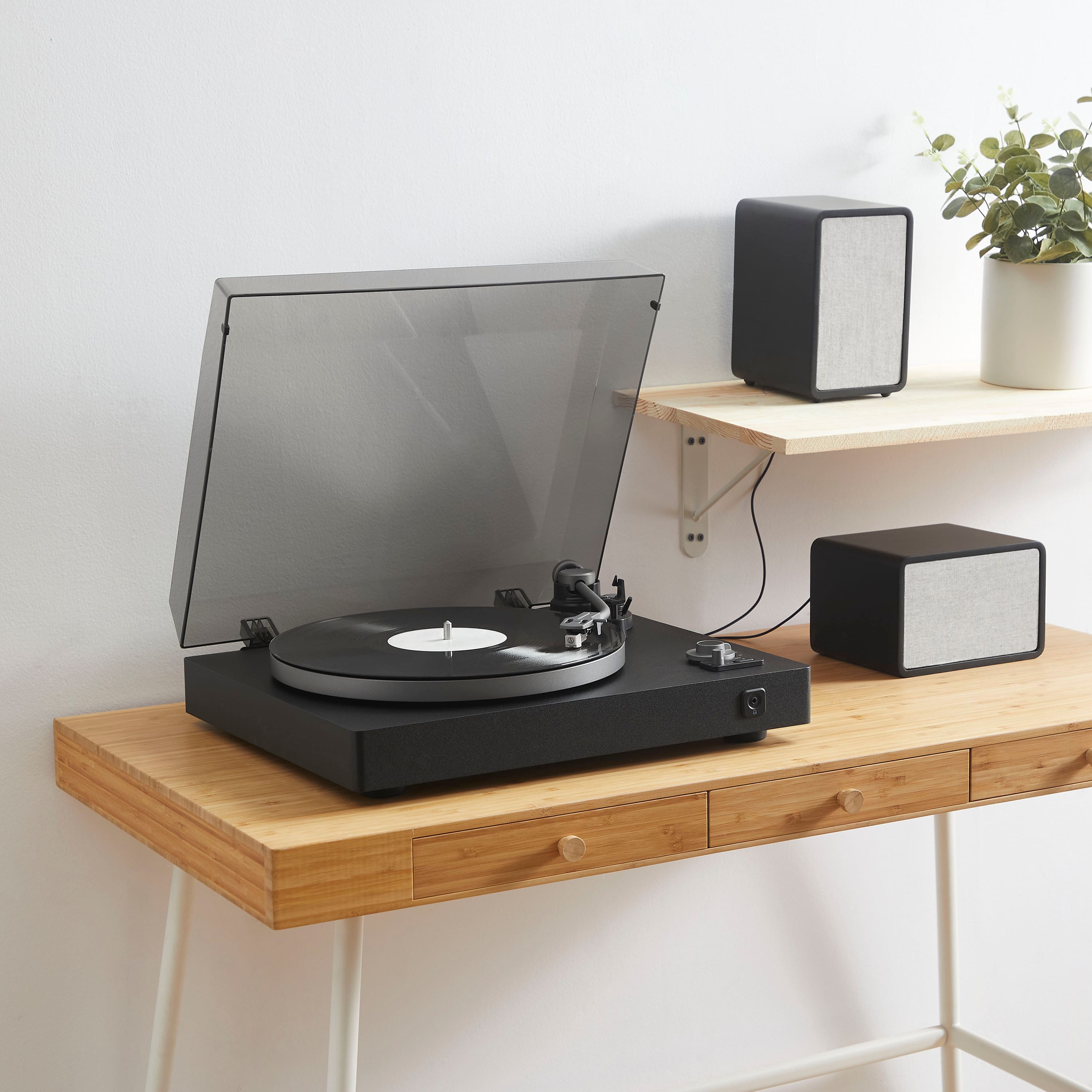
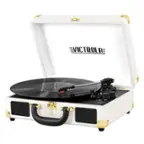
A:AnswerThank you for your inquiry! Yes, you will need to buy speakers for the Insignia™ Bluetooth Stereo Turntable if you want to play music aloud. This turntable does not have built-in speakers, so you’ll need to connect it to external speakers via Bluetooth or use wired speakers with an amplifier to enjoy your records. Keith | Insignia Support https://www.bestbuy.com/site/insignia-bluetooth-stereo-turntable-black/6432620.p?skuId=6432620
A:AnswerProbably way late to this but I chose the Insignia 2.1 Speaker system. The cables are a bit of a mess and the RGB lights (thankfully) can be turned off, but for $50 they sound INCREDIBLE. The bass is deep and can be adjusted, and the mid and treble is quite nice. It's also much more compact than giant bookcase speakers and their color matches well with the record player.
A:AnswerHi David,
We apologize for your experience with this product. We really want to help you address this issue.
Please perform the following troubleshooting steps:
- Press and hold the (Bluetooth pairing) button for two seconds to make sure that your turntable is switched to transmittingmode.
- Make sure that your Bluetooth speaker is turn on and in Bluetooth mode. See the instructions that came with your Bluetooth speaker.
- Move your Bluetooth speaker closer to your turntable.
For us to better assist you, please contact us directly at 1-877-467-4289 so we can provide the best possible solution.
Insignia Products
Marites
www.bestbuy.com/site/brands/best-buy-brands/pcmcat1596746025285.c?id=pcmcat1596746025285
A:AnswerMake sure that the belt is not twisted, then use your thumb to stretch the belt until it reaches the round hole in the platter. If issue persists, please call our Customer Service at 1-877-467-4289. Our team will be happy to assist you with your concern.
Dina || Insignia Support || https://www.bestbuy.com/site/brands/best-buy-brands/pcmcat1596746025285.c?id=pcmcat1596746025285
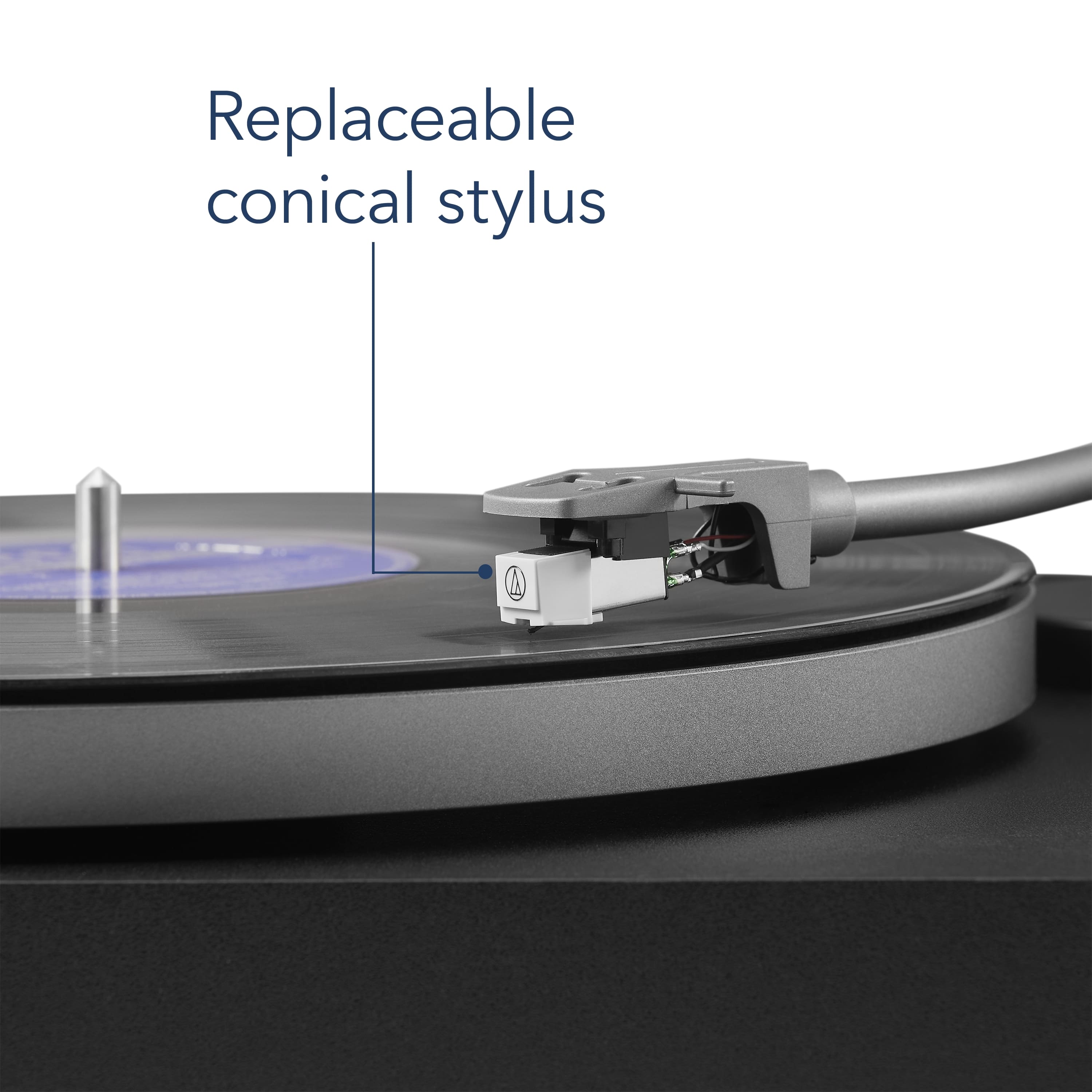
A:AnswerNo, this arm has a fixed headshell. You can install different cartridges on it, but you will have to do it the old-fashioned way. Install the cartridge on the arm while it is attached to the turntable.
A:AnswerI have a HomePod speaker and the insignia turntable doesn't work with my speaker. I went to Best Buy and purchased the Sony XP500 bluetooth speaker and it does connect to the turntable. Maybe you'll solve this yourself or purchase something new! Ya. I love new things!