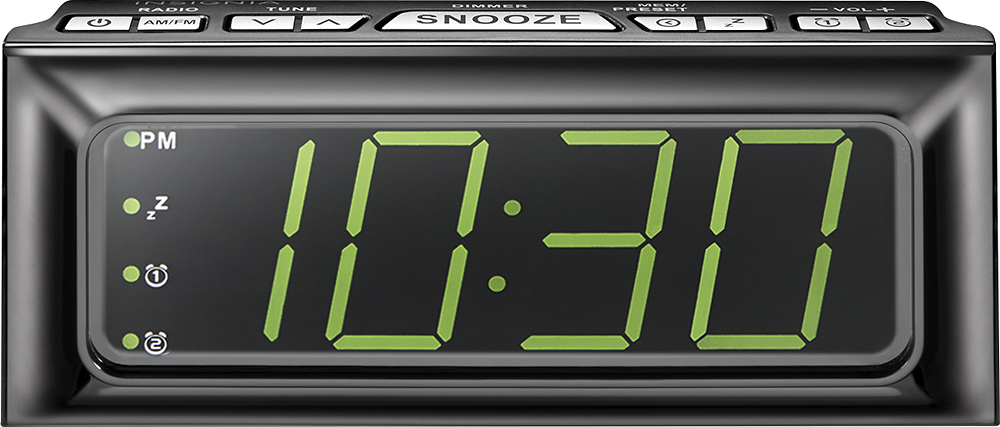
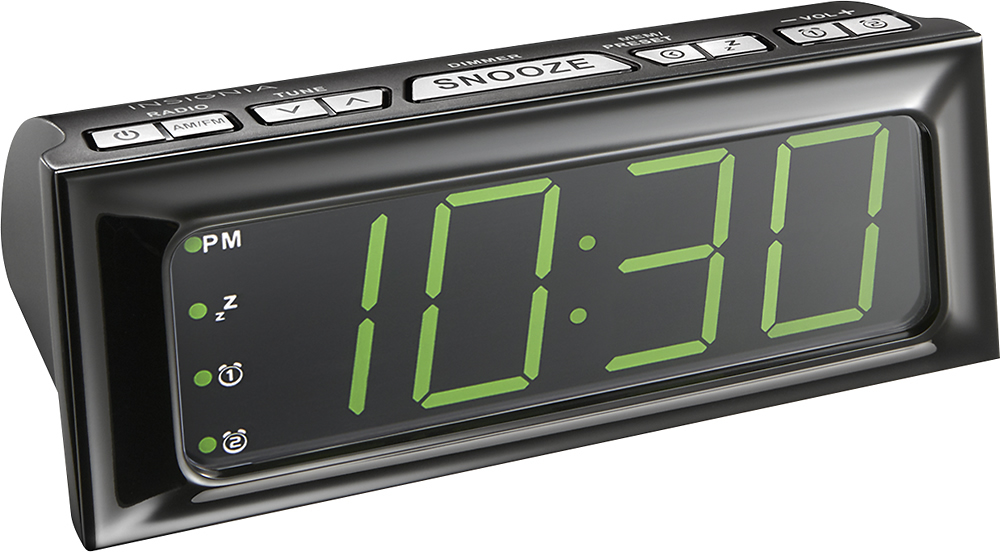
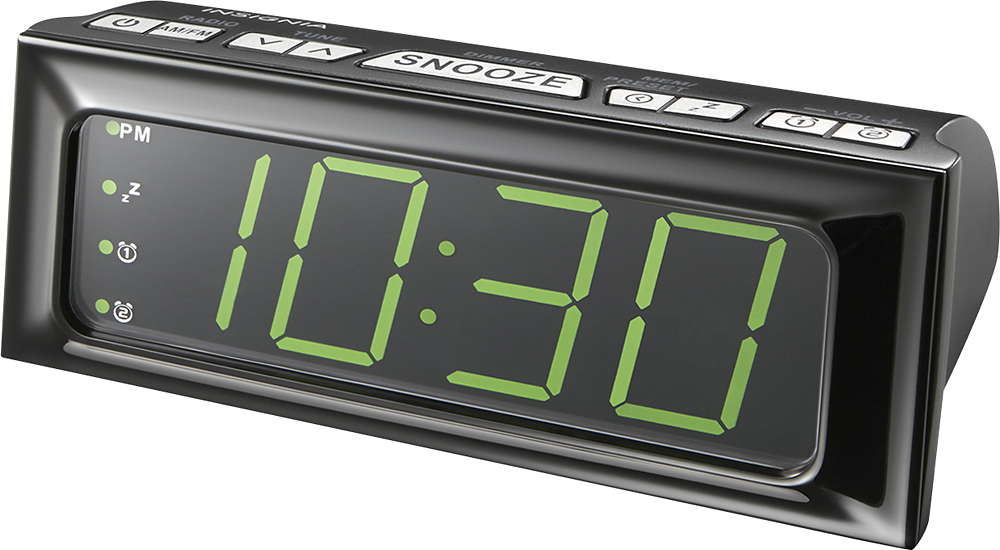
A:AnswerINSIGNIA Digital AM / FM Clock Radio
With large LED Display
To set clock
1 - plug in the AC power adapter. The hour digits will blink on the display
2 - press TUNE up or down repeatedly to set the correct hour, then press < / MEM / PRESET to confirm the setting . The Minutes digits will blink.
3 - press TUNE up or down repeatedly to set the correct minutes ,then press < / MEM / PRESET to confirm the setting.
Hope that can answer your questions.
Or website
www.insigniaproducts.com
A:AnswerThis is not a small clock and the reason I like it. The numbers are soft on the eyes but large enough to see. The dimensions are 7 3/4 long x 3 1/2 tall x 3 deep. The radio pay has worked great in an office where reception is bad. It’s a really good deal for the money. I’ve seen smaller ones go for up to $24.00. I’m glad I bought it.
A:AnswerHi.
I appreciate you sharing your inquiry with us. The dimmer switch on this Alarm Clock works only while your are holding the button. The unit does not have a set up to adjust the brightness of the display.
Alexander G. - Insignia Support
A:AnswerThis is further proof that this unit's programming is not acceptable in this day and age. There is much faulty programming in this unit. Your problem highlights that beautifully.