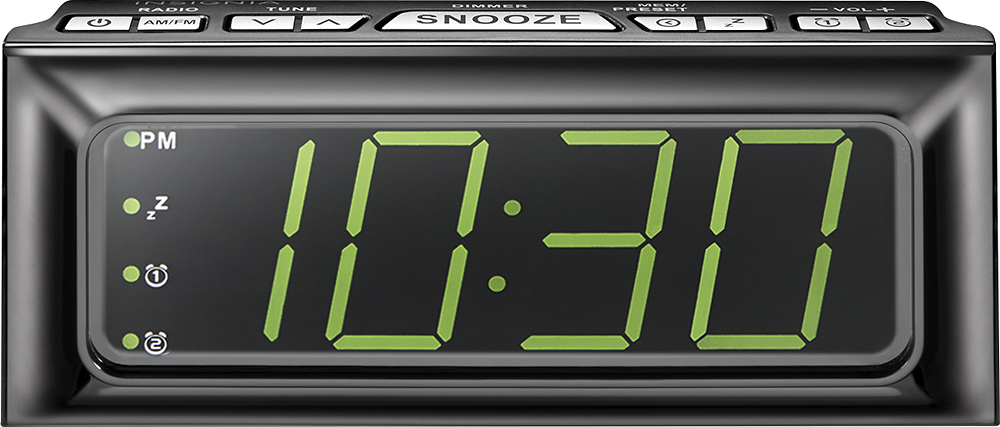
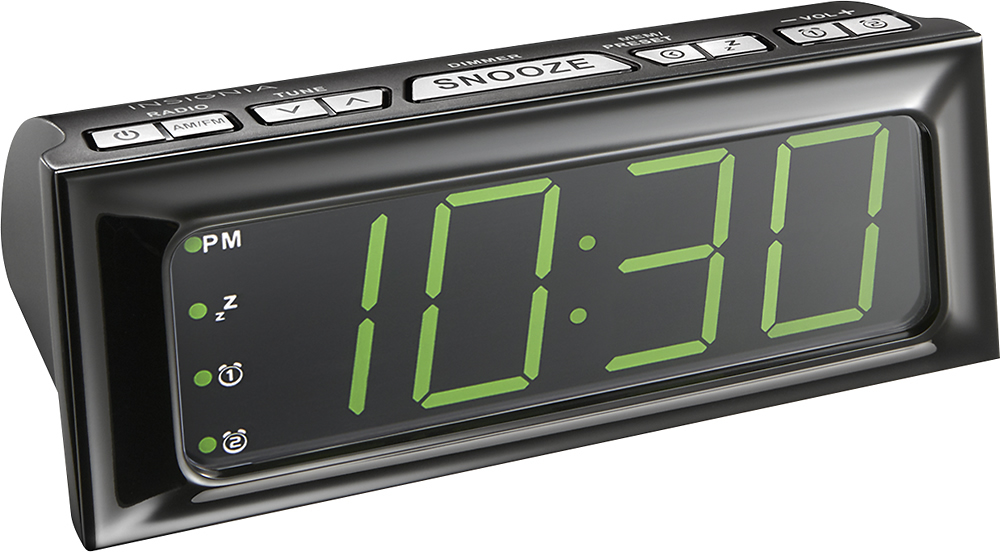
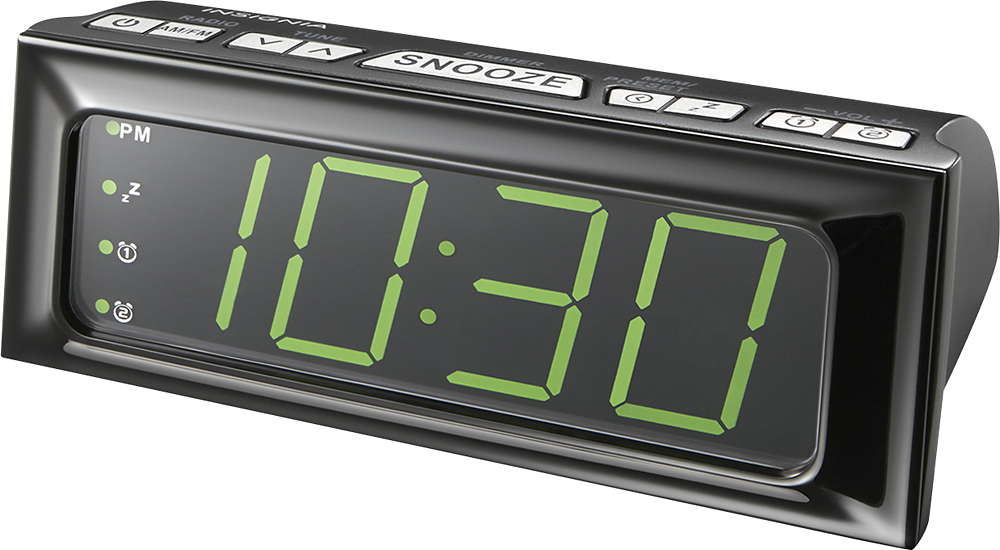
A:AnswerPush the mem/preset button and the time will blink, hours first. Use tune arrows to change, then press again to stop it. Then press to get minutes and repeat. Definitely not a user friendly clock.
A:AnswerIn order to set a radio station you have to press the "tune" buttons up and down in order to find the station that you want. There is a station preset button with radio stations preset into it but I found it easier just to toggle to my favorite station.
A:AnswerI guess they don't send it out on purpose.
That said, there is a user guide manual online, here is the link.
https://www.google.com/url?sa=t&rct=j&q=&esrc=s&source=web&cd=1&cad=rja&uact=8&ved=0ahUKEwie37zS2dzXAhXm8YMKHdkvCgoQFggmMAA&url=https%3A%2F%2Ffiles.bbystatic.com%2FTyXk%252BkY3lmEt7cCjKcQdGw%253D%253D%2FNS-CLOPP2_Manual_EN.pdf&usg=AOvVaw3krKgqQfqThcgM2NDJK-g4