A:AnswerYes. You can do all of that from the camera itself. It comes with a small sheet of instructions in the box but there is a link to a manual if you prefer that instead.
A:AnswerHi there!
Trim rings allow installation of Control Contractor ceiling speakers into existing ceiling speaker cutouts that are larger than the speaker's normal cutout size.
If you have any other concerns, you may use the link below to reach us.
Insignia Support
Dina
Please visit https://www.insigniaproducts.com/contact-us
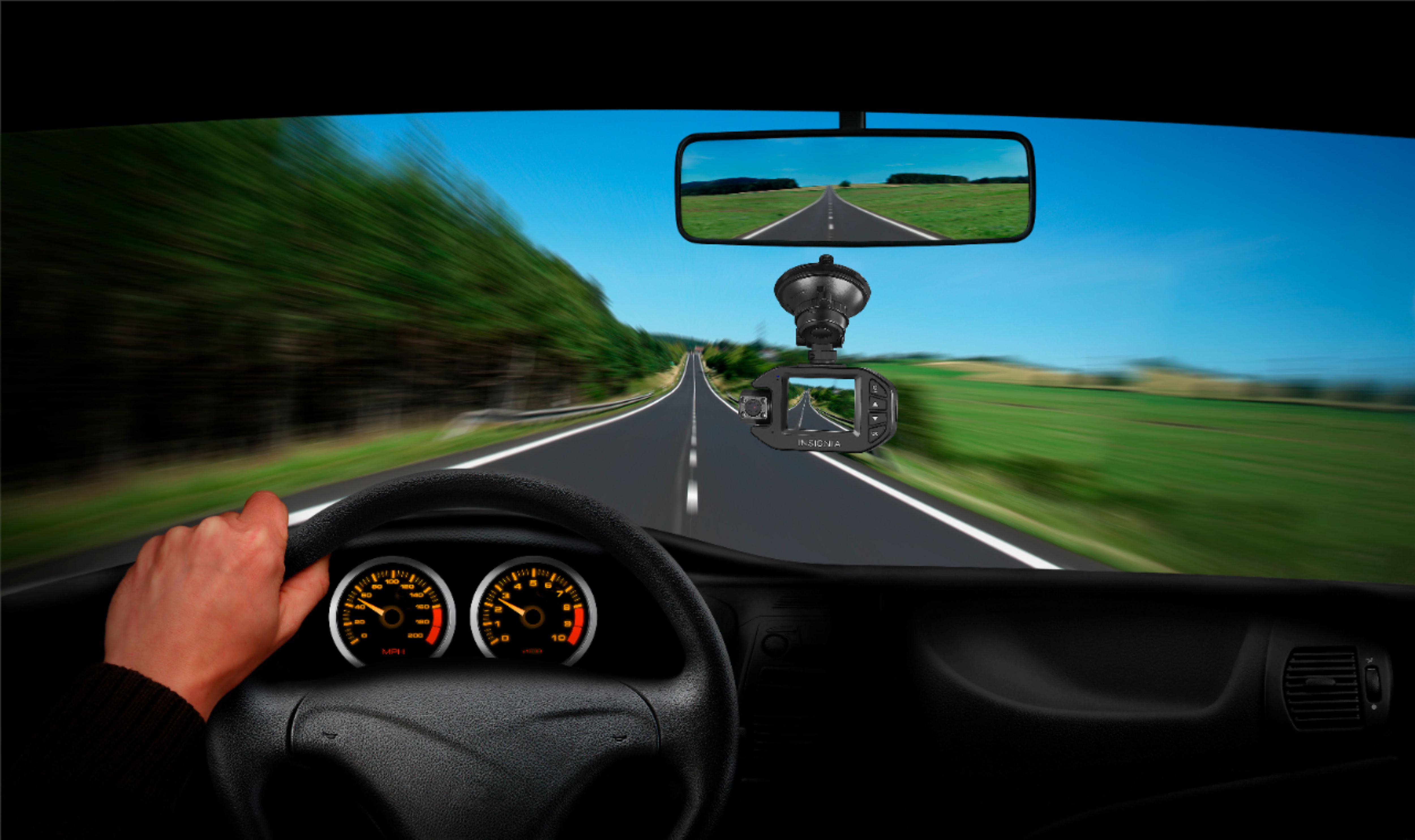
A:AnswerNo. I installed it in the windshield just over the dash without any problem. The only problem I had is the high temperature the dash cam was exposed
A:AnswerGo to Menu Set > Format Memory Card > Press the OK button to start formatting.
For product support, please visit https://www.insigniaproducts.com/email-us
A:AnswerYes it does record sound, After installing and driving for the first time, I checked what was recorded and it had a nice video of me singing along with the radio, not quitting my day job.
A:AnswerYes. When an SD card is formatted, it erases all data on the card. Be sure to save any wanted files on a computer prior to formatting the SD card.
A:AnswerOnly stays on when has electricity, otherwise it will not record or even be on. It overwrites every 5 minutes (at max time), so be mindful of that as well.
A:AnswerThat is dependent on size of SD card you use, and if you are recording at 4K or 1080 etc. this comes with a 64 gig and I think that gets about 6-8 hours at 4K.
A:AnswerMost cars dashes have a texture to them which won't allow the camera to properly stick. You can search for a dashcam kit but even then you could face trouble getting it to stick. Silicon suction cups need nonporous surfaces.
A:AnswerThe brackets are specifically disigned for the item it holds. It is unlikely the go pro bracket will mount up to a different cam brand. But yes, the bracket does separate from the camera.
A:AnswerLoop recording overwrites the oldest footage and prevents you from running out of storage. Go to Menu > Microphone to turn the microphone On or Off.