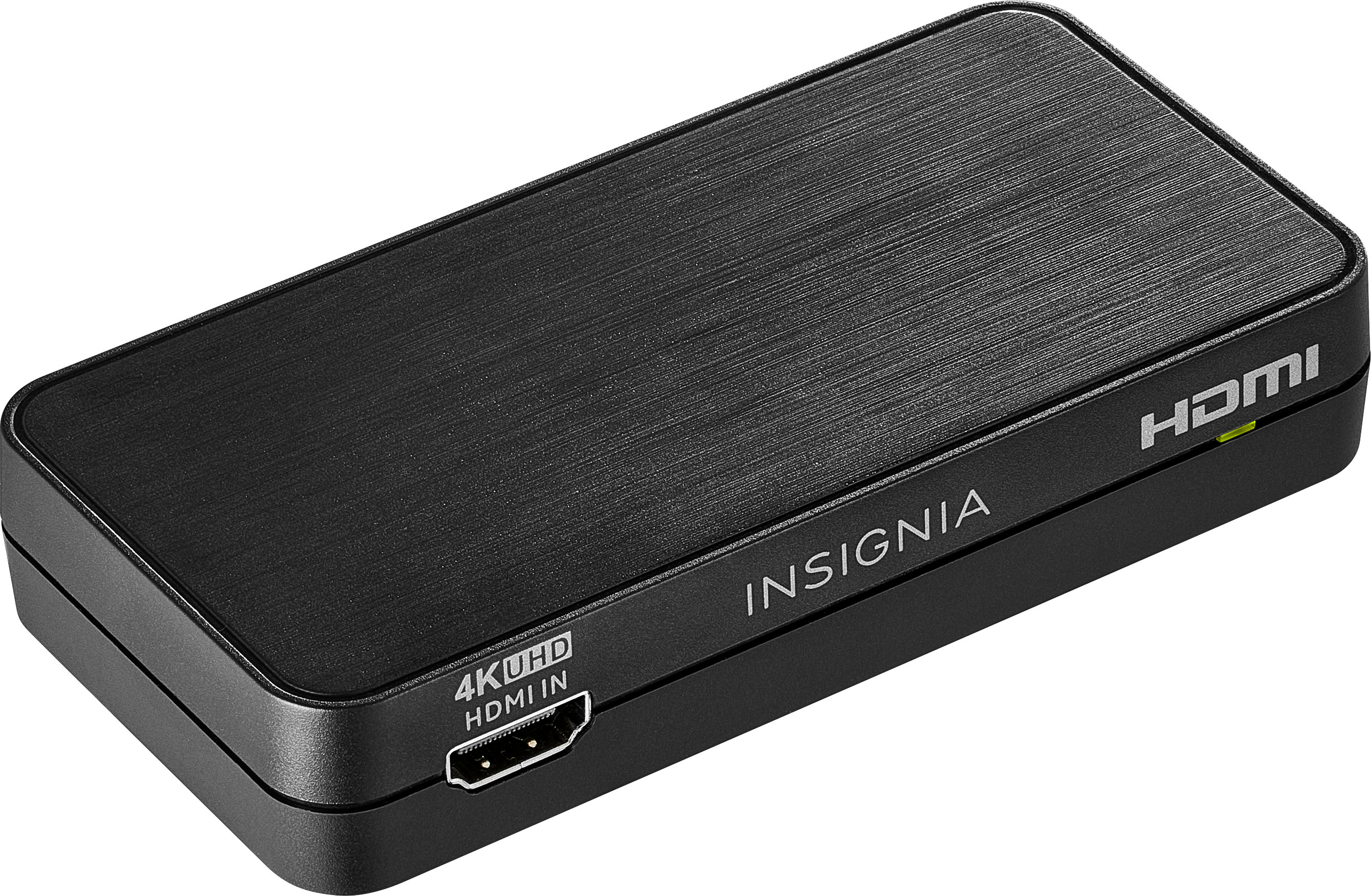
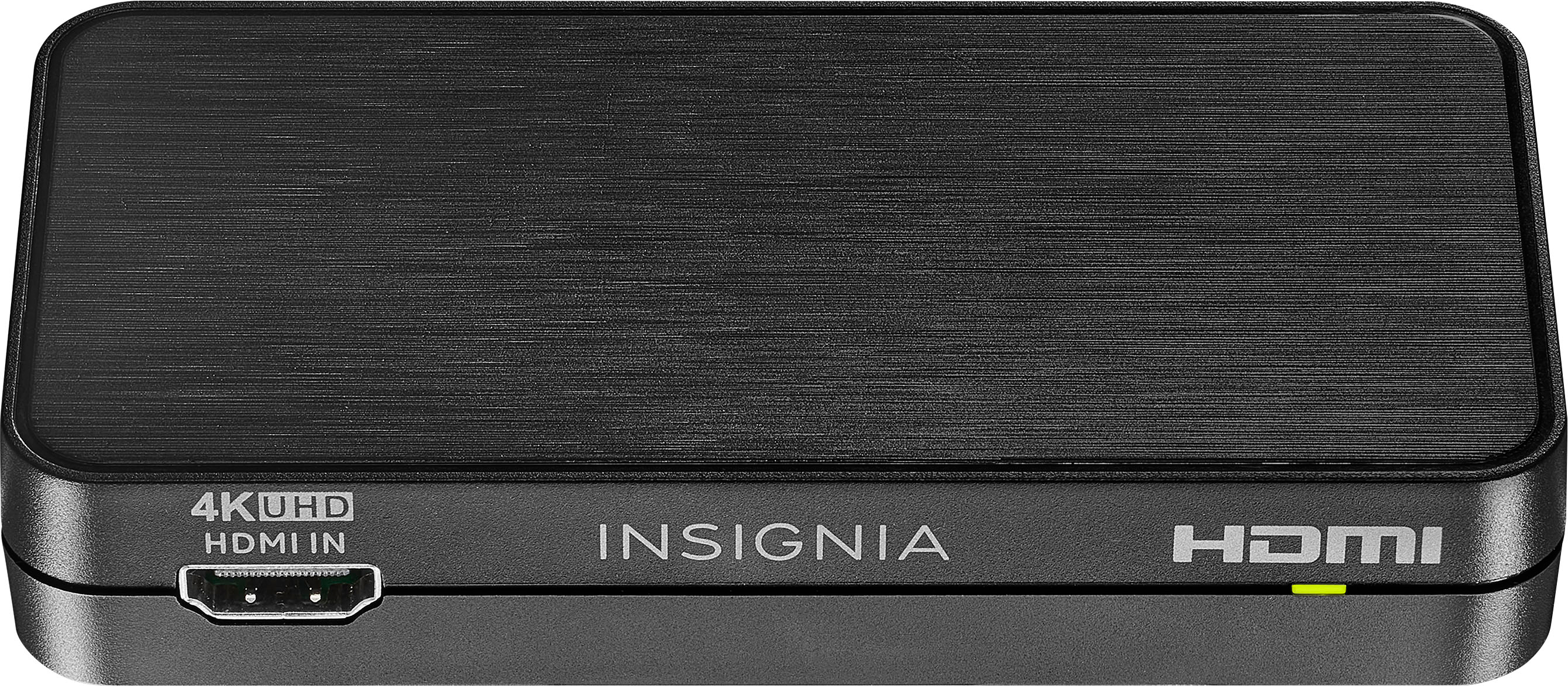
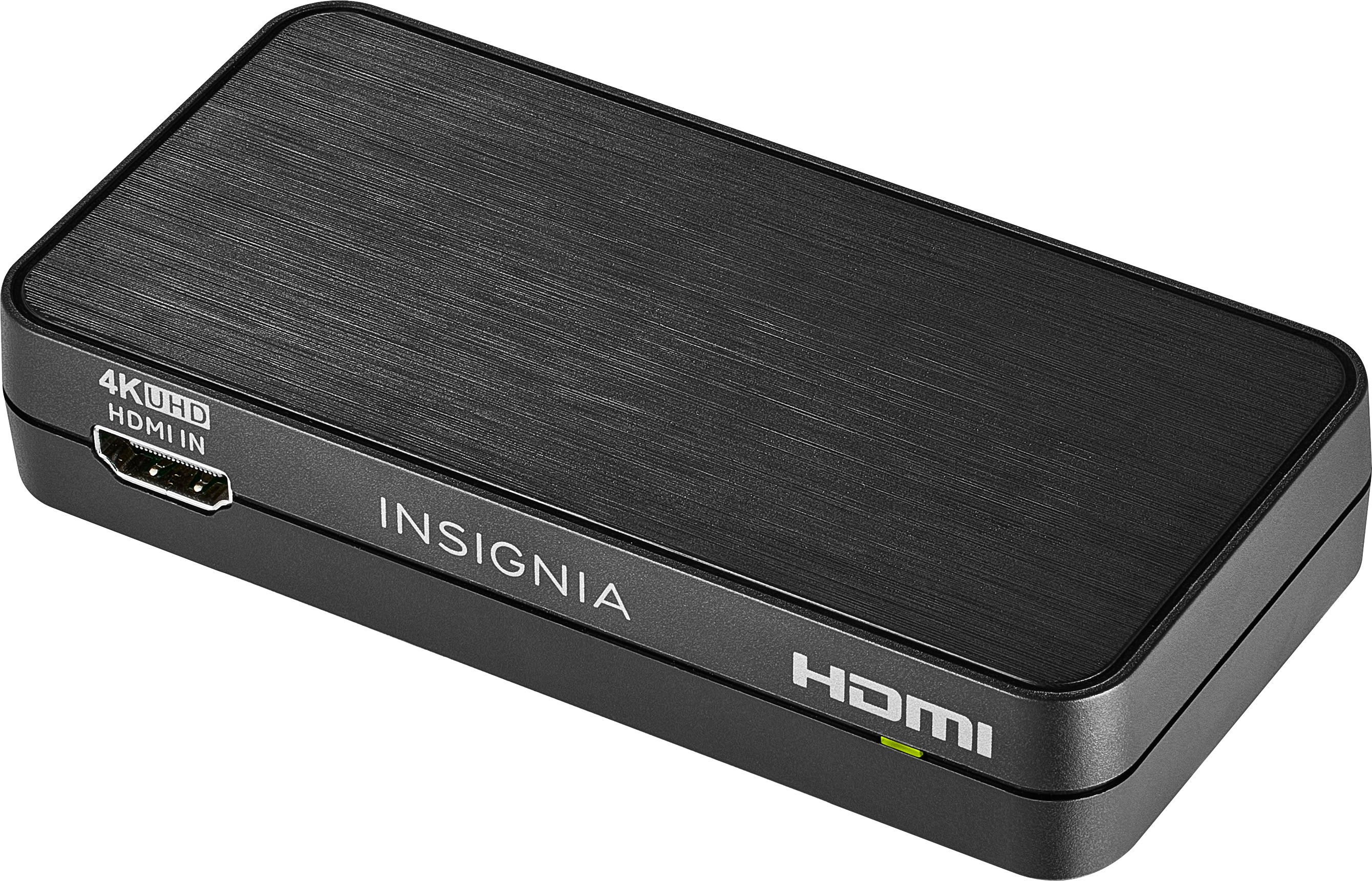
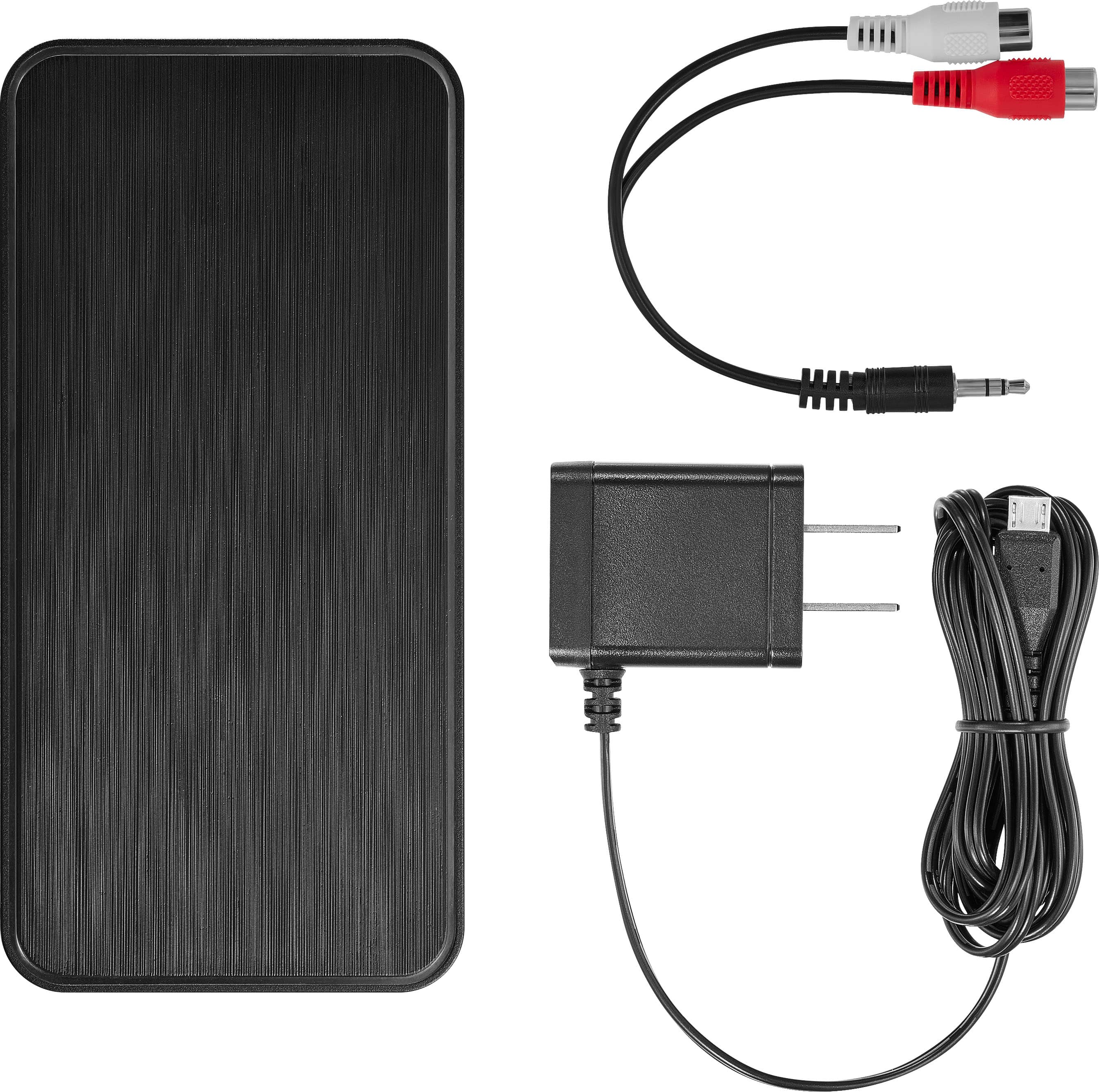
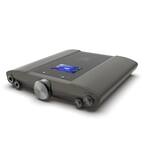
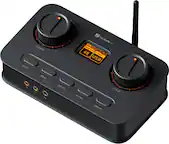
A:Answer You could be me asking this question. I am trying to solve the exact same problem: new LG TV, existing Sonos sound bar, new Phonak (hearing aids) TV Connector.
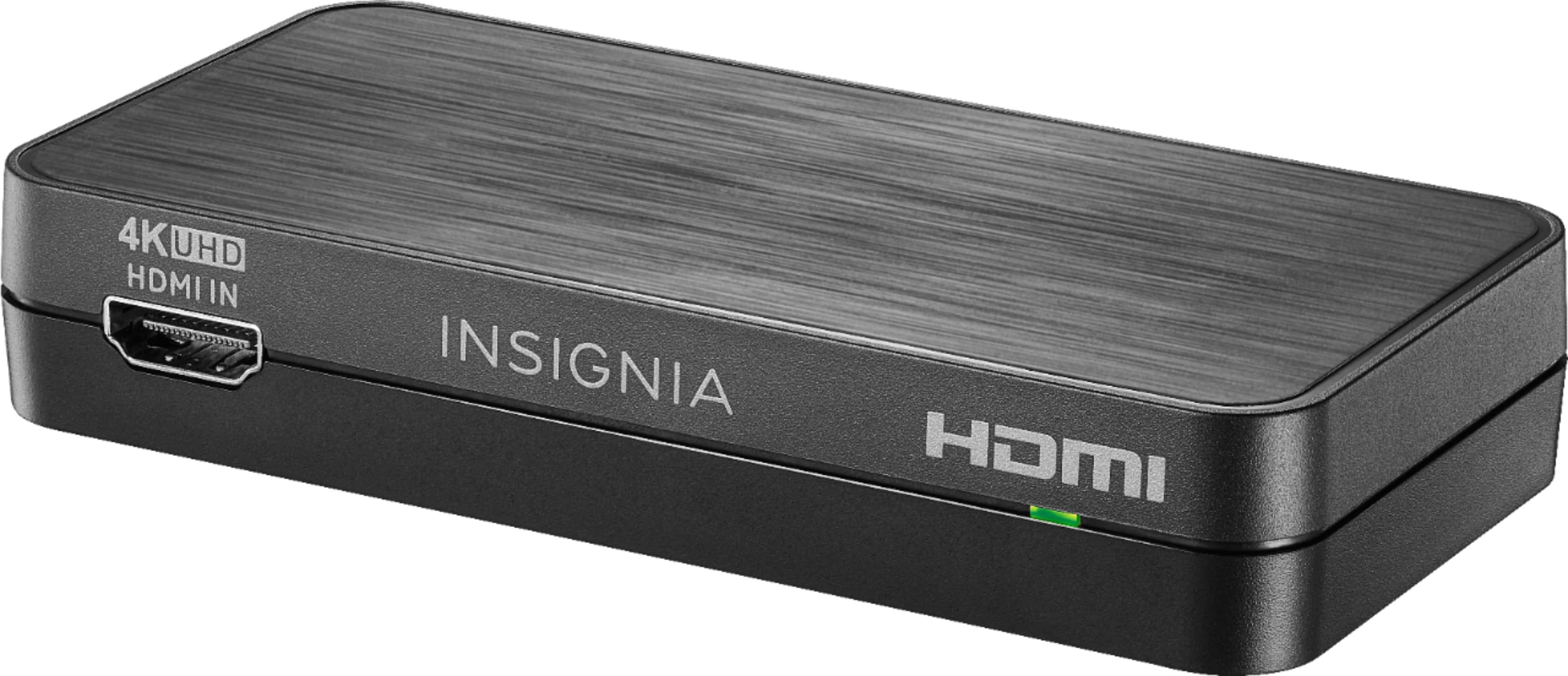
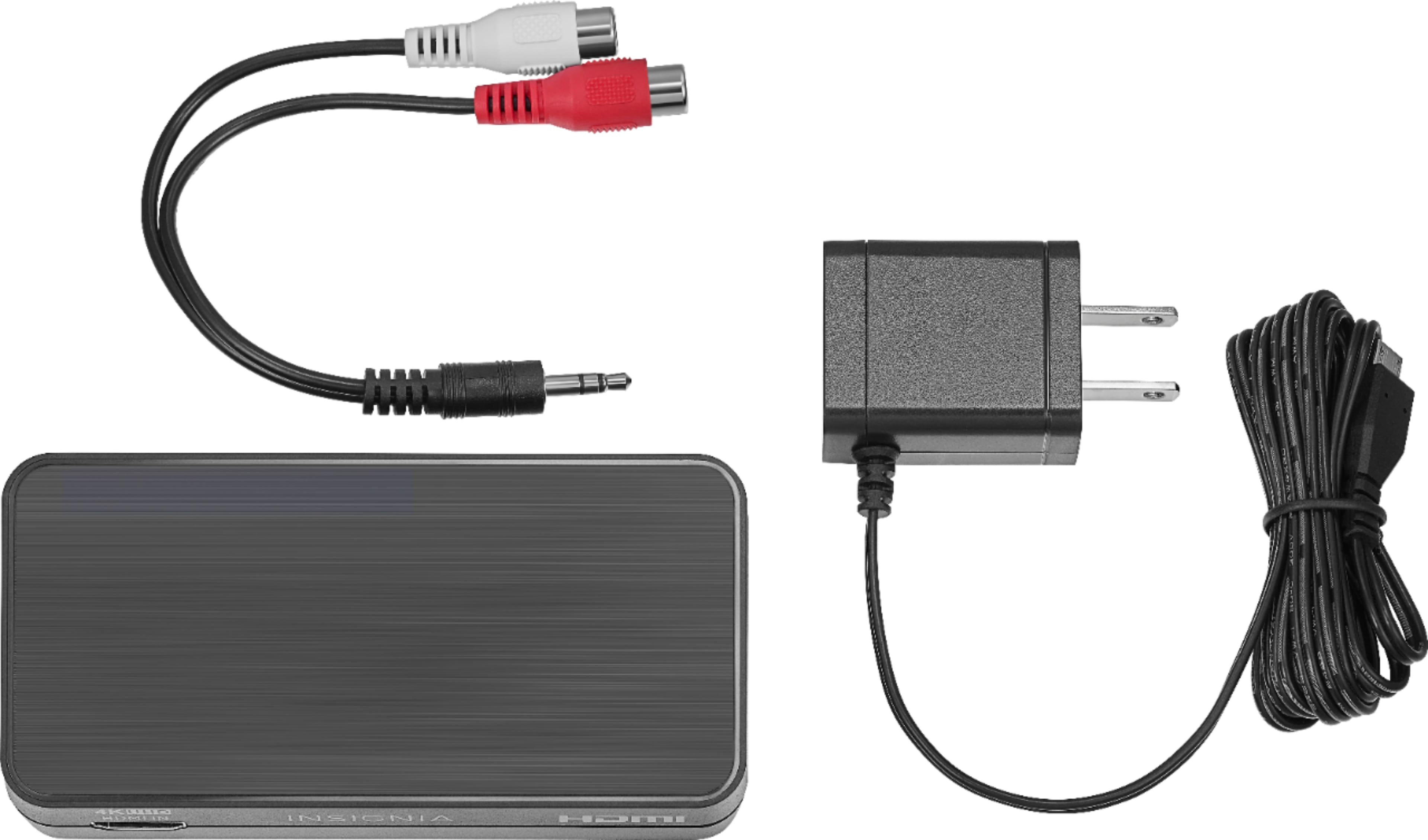
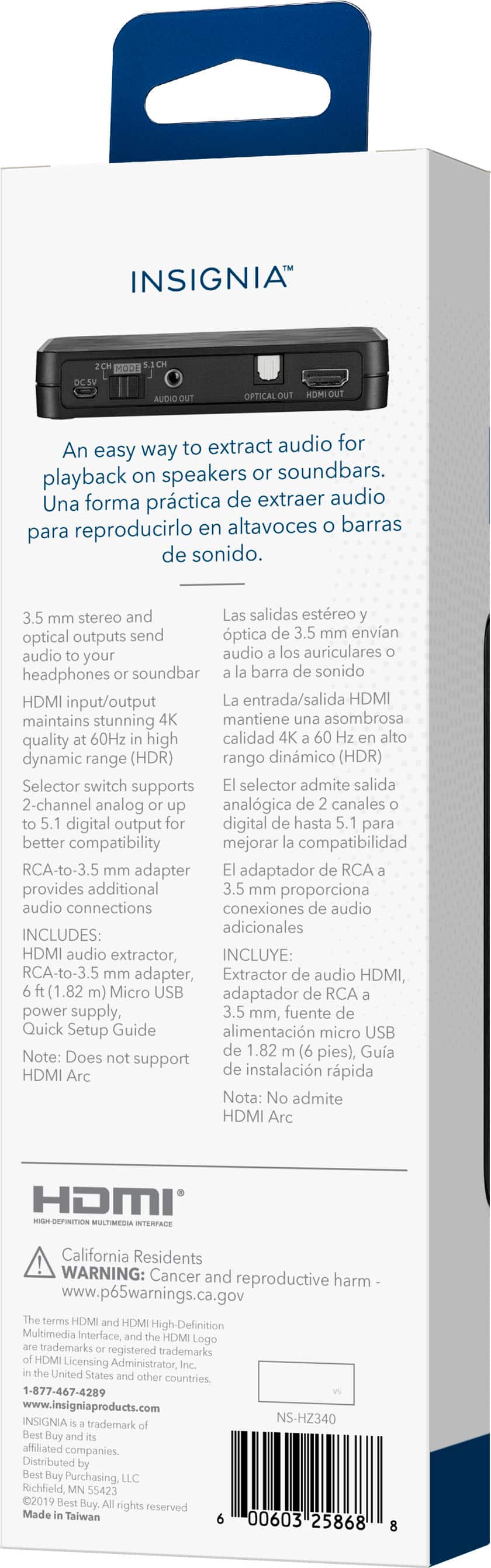
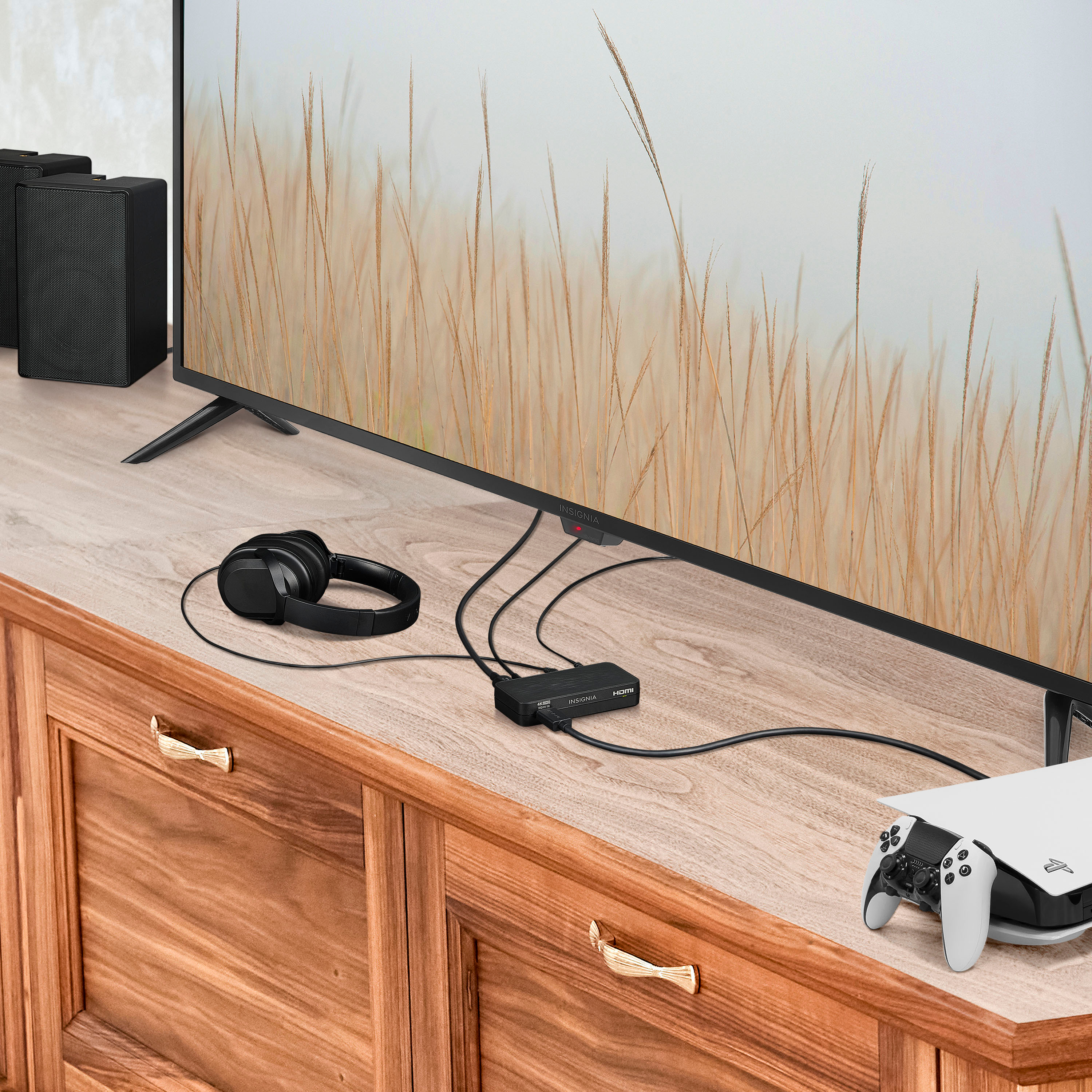
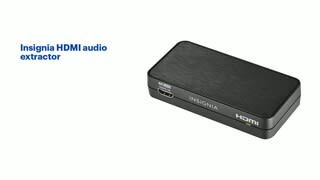
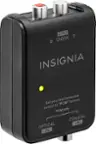
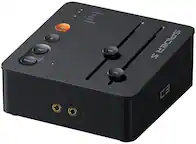
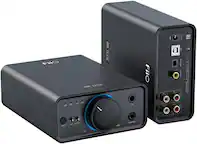
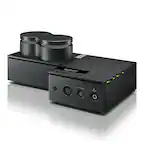
I don't have a complete answer but here is my experience so far. I was in Best Buy yesterday and they advised me to purchase this device, and use the HDMI output for the sound bar and the optical output for the Phonak TV Connector. I already had an HDMI ARC cable, so I purchased another to make all the connections. Everyone assisting me missed the note on the extractor box that the extractor is not compatible with ARC. I called support today to find this out. However, support also said the extractor will only output one audio signal. That seems to defeat the purpose, so I'm planning to buy two basic HDMI cables (one for TV to extractor, one for extractor to sound bar), then try all of it again before I give up on the Phonak TV Connector. I also called Phonak and they said yes, I need a splitter, but had no additional advice to offer.