A:AnswerYes, the antenna goes with older TV's that are digital. If you mean older TV's that were manufactured before the digital tv mandate, then no. For older analog TV's you have to purchase a converter box and hook the antenna up to it in order to receive broadcast television.
A:AnswerOn the back of my HDTV is an "antenna in" port ("ANT IN") which you simply plug into. You will have to do some experimenting to find best location and positioning for signal reception. I played with it a few hours before I found the best spot. Mine sits in the corner of the top of the credenza next to my flat sccreen HDTV.
A:AnswerMy TVs only get local channels. I live about 40-45 miles from the tower and have no problem picking up ABC, CBS, Fox, along with public TV and several other channels - about 29 in all.
A:AnswerYes. I have mine behind the television. We scaled back our cable usage and found most of the internet television stations to be too slow. Plugging in the antenna and we have all of our local stations and some we never knew we had.
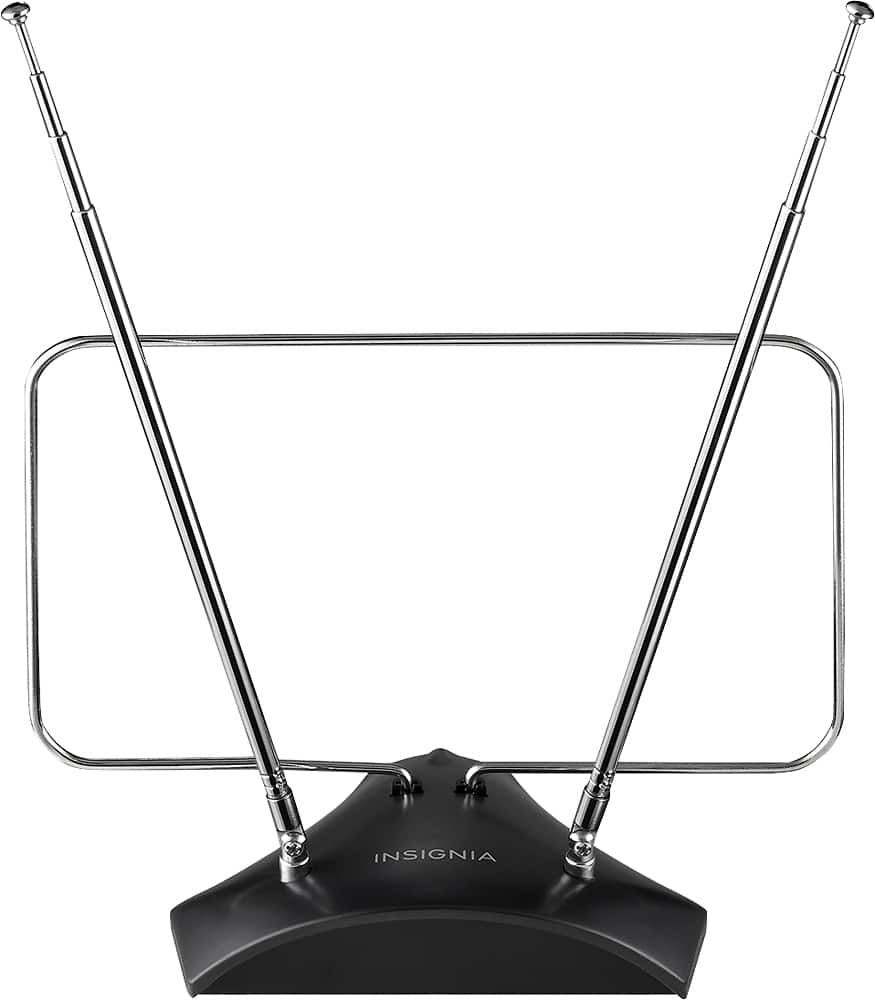
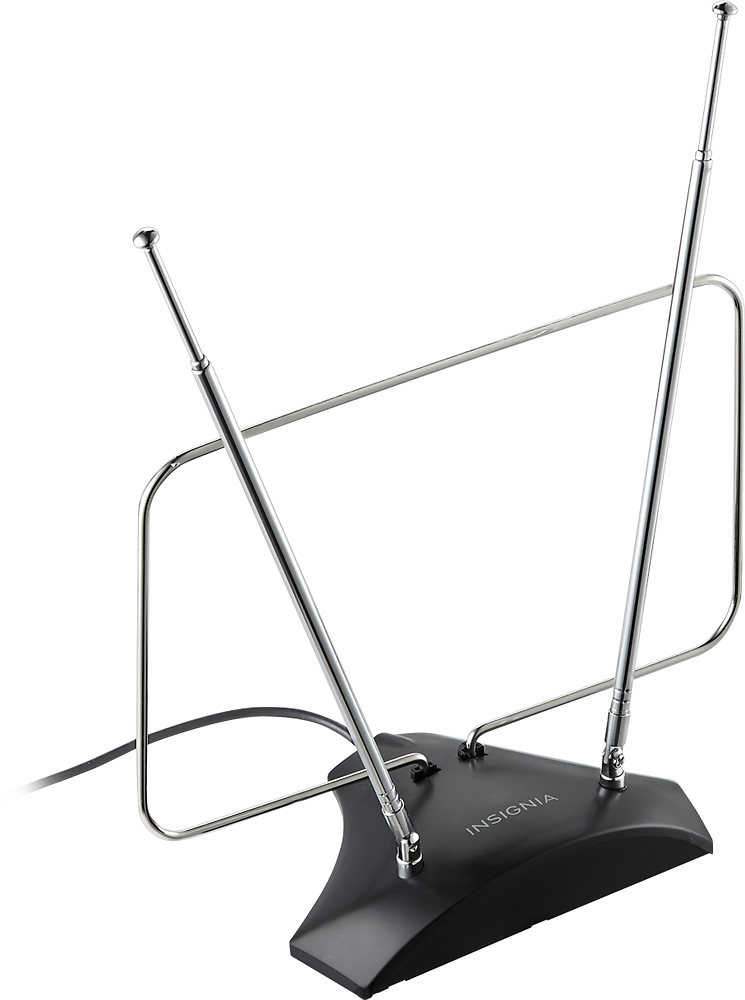
A:AnswerHow long are these antennas. I know that the longer the antenna then the greater reception to be had. - Lynn D
The length of the antennas were between 19.5 and 20 inches by a ruler I have in my home. I haven't tried them yet. I plan to do some tests on some radios and think they may help me. - Dizzy
A:AnswerYou can connect the antenna to the coax port on your TV and make sure your cable TV is connected to one of the HDMI ports on your TV. then you can use both and just switch between inputs when you want to watch TV via the antenna vs cable TV. Of course - this is providing you have an HDMI port on your TV And your cable box has an HDMI port. Your cable provider can provide you with the HDMI Cable if needed.