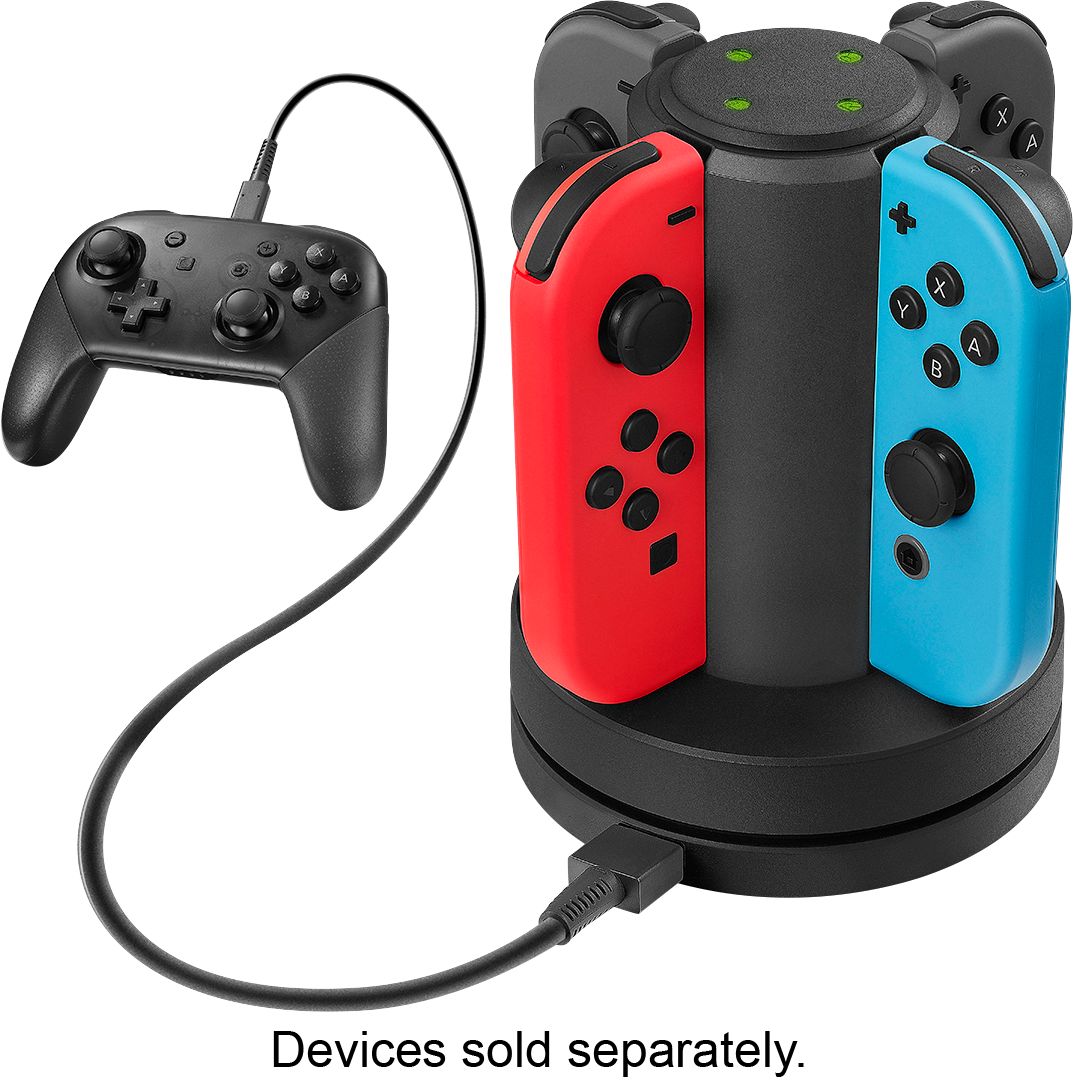
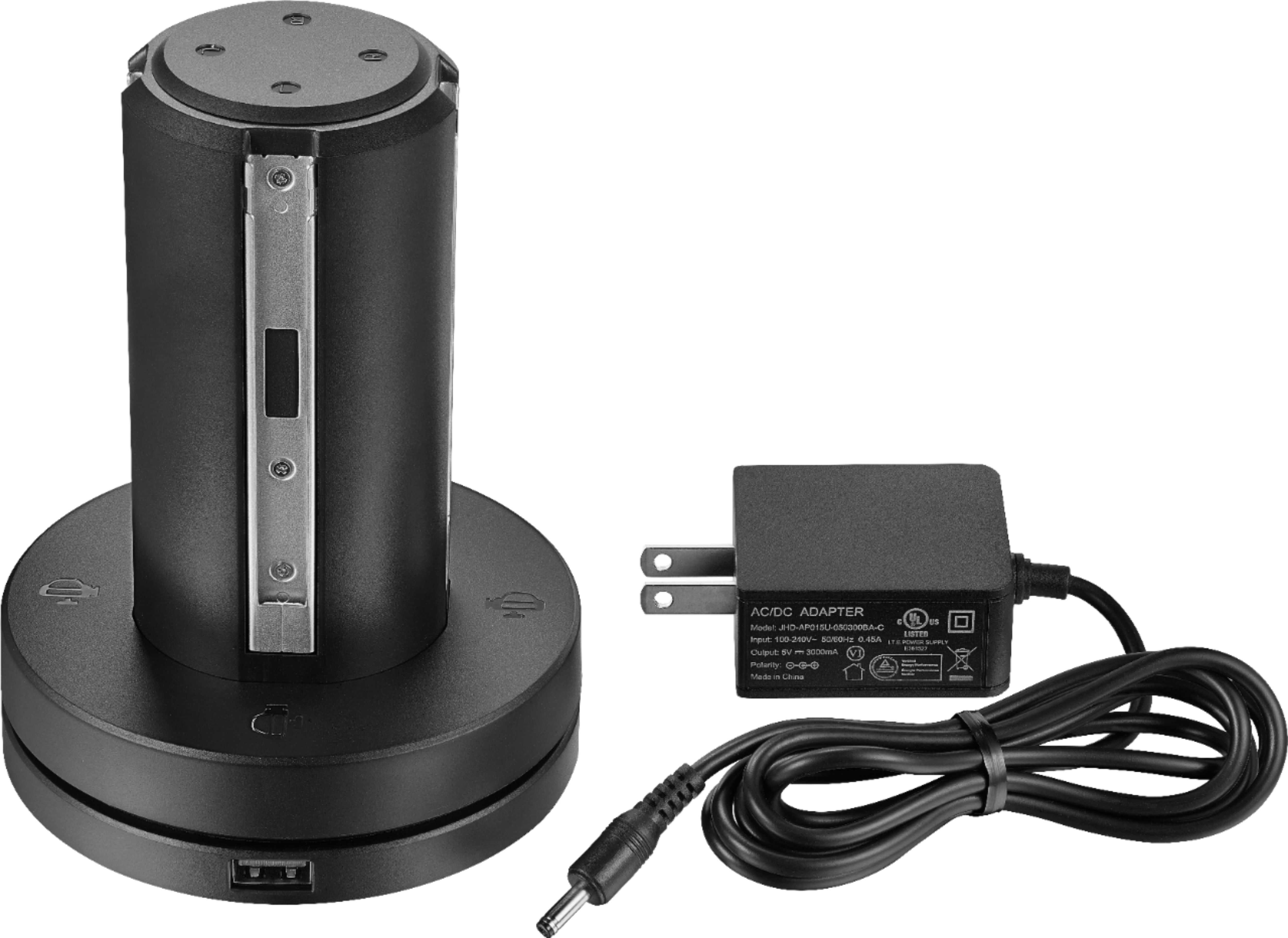
A:AnswerIt has 4 slots for joy cons and a usb slot for pro controller. It charges with the provided ac adapter. You don’t need any other cables unless you plug usb in for pro controller.
A:AnswerThe LEDs turn green when the controllers are charged. If they aren't lighting up you either don't have power at that outlet, the cord isn't fully plugged in, the chargers aren't fully seated, or your charger is defective. Check the controllers first, make sure they have 'clicked' when you pushed them down. If the LED turns red then they are fully seated on the charger.
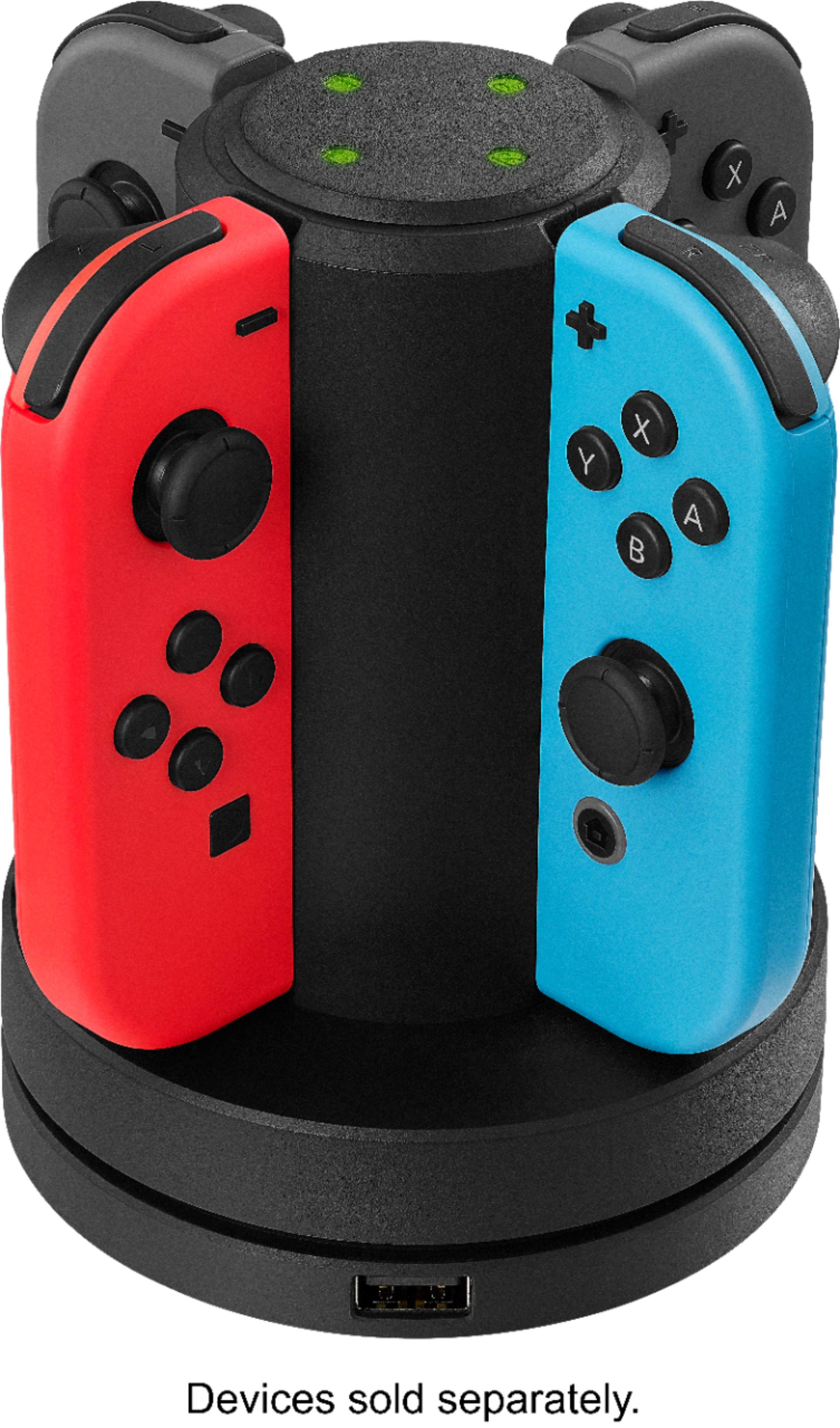
A:AnswerAll controllers have the same sliding feature. It doesn't matter if its left/right. They are interchangeable. If you want to charge 4 rights or 4 lefts you can :)
A:AnswerSeems to be not working properly. Mine turns red when Joy-Cons are put on, then will turn green once they are charged. My suggestion, either issue with charging station or Joy-Cons, because definitely should light up red when charging.
A:AnswerWell looking at the Switch console, my guess is you can since there is an USB outlet but my son just use the cord that comes with the charging station.
A:AnswerIt comes w a cord the plugs into the wall but that could be swapped out with a standard switch or new Samsung phone cord w a usb on the other end to plug in and change to a laptop.
A:AnswerIt isn’t. Not sure why someone answered this and said it would but I had to return it because the NES Joycons are too big and won’t fit on the base correctly to charge.