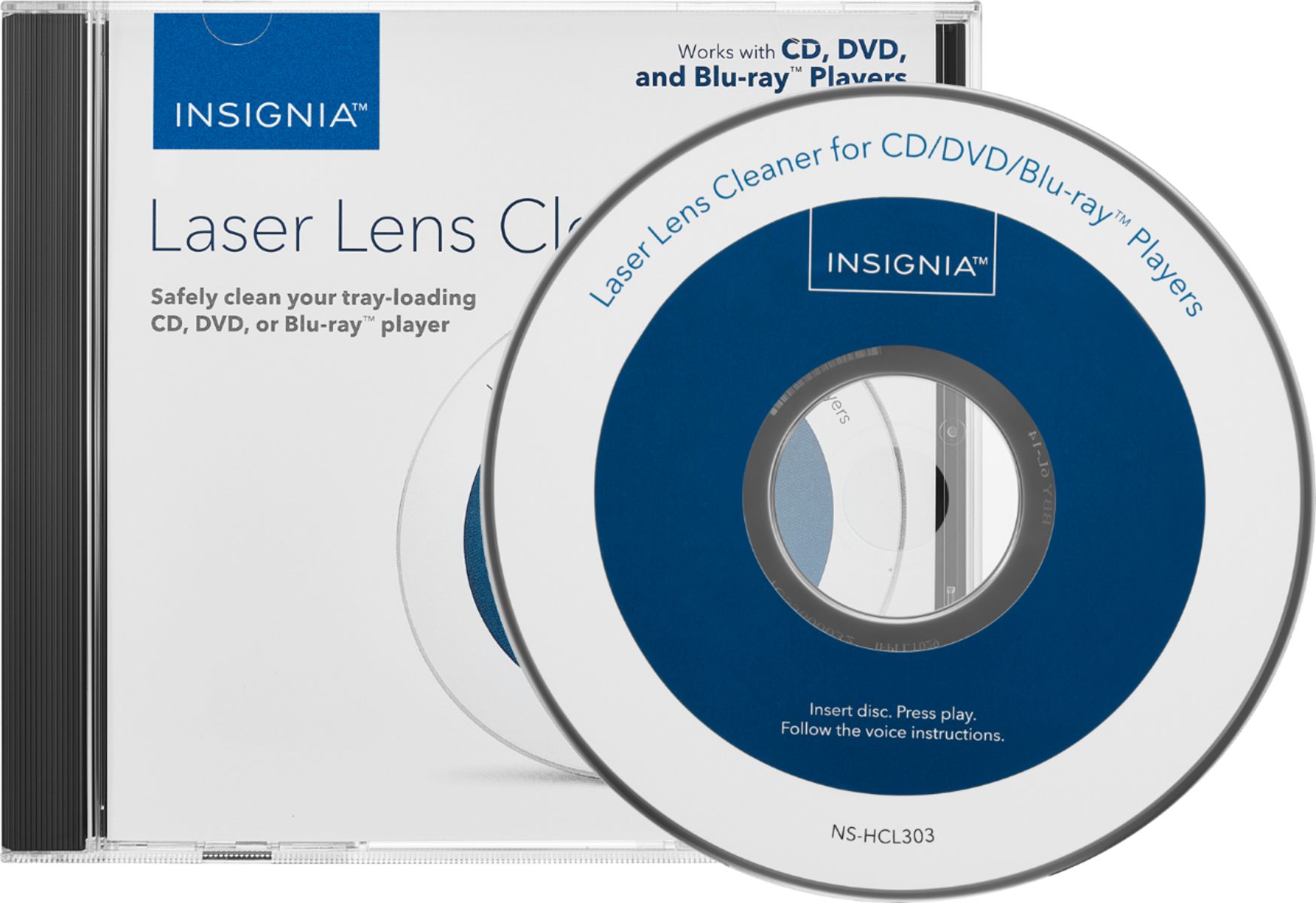
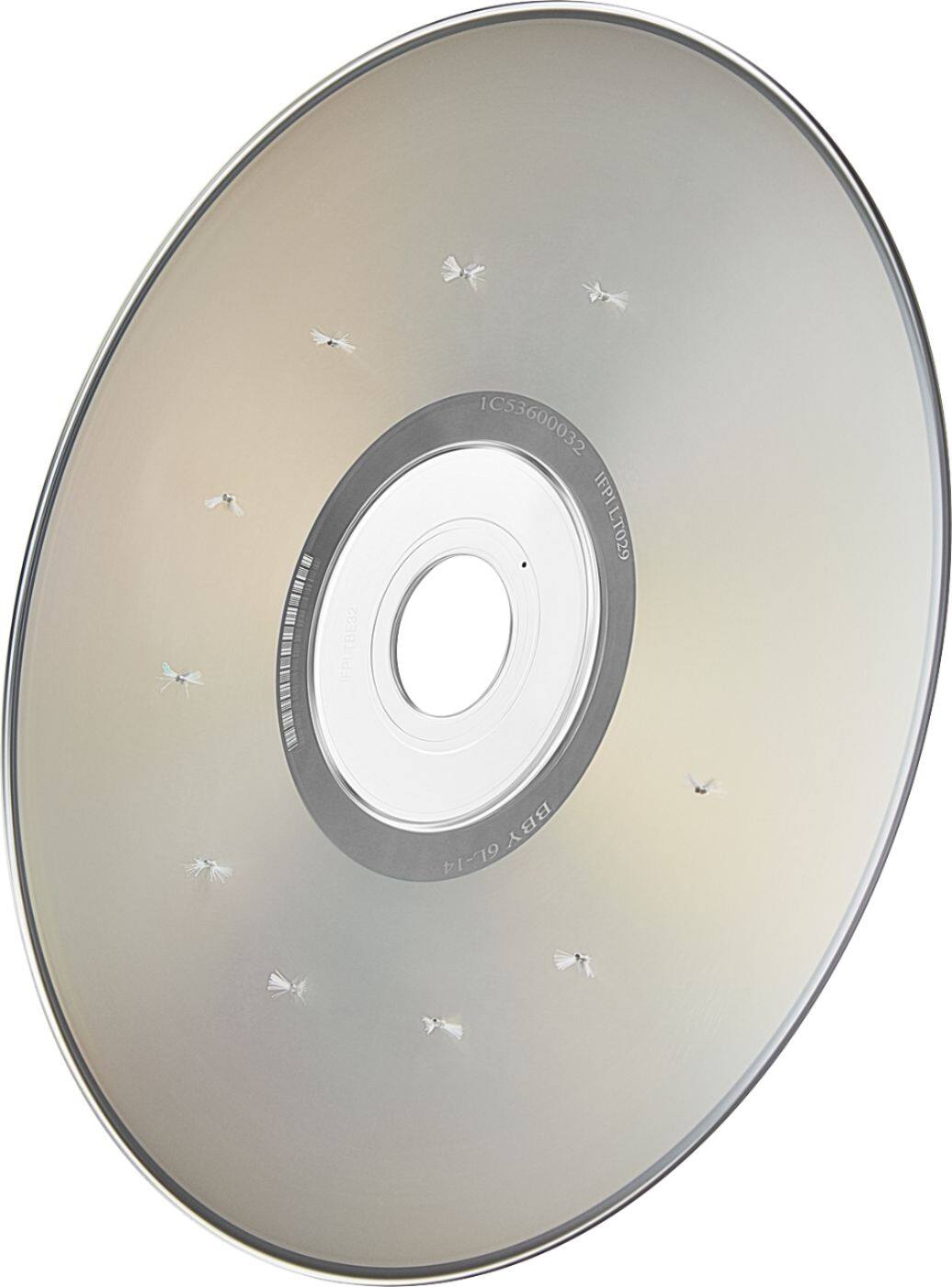
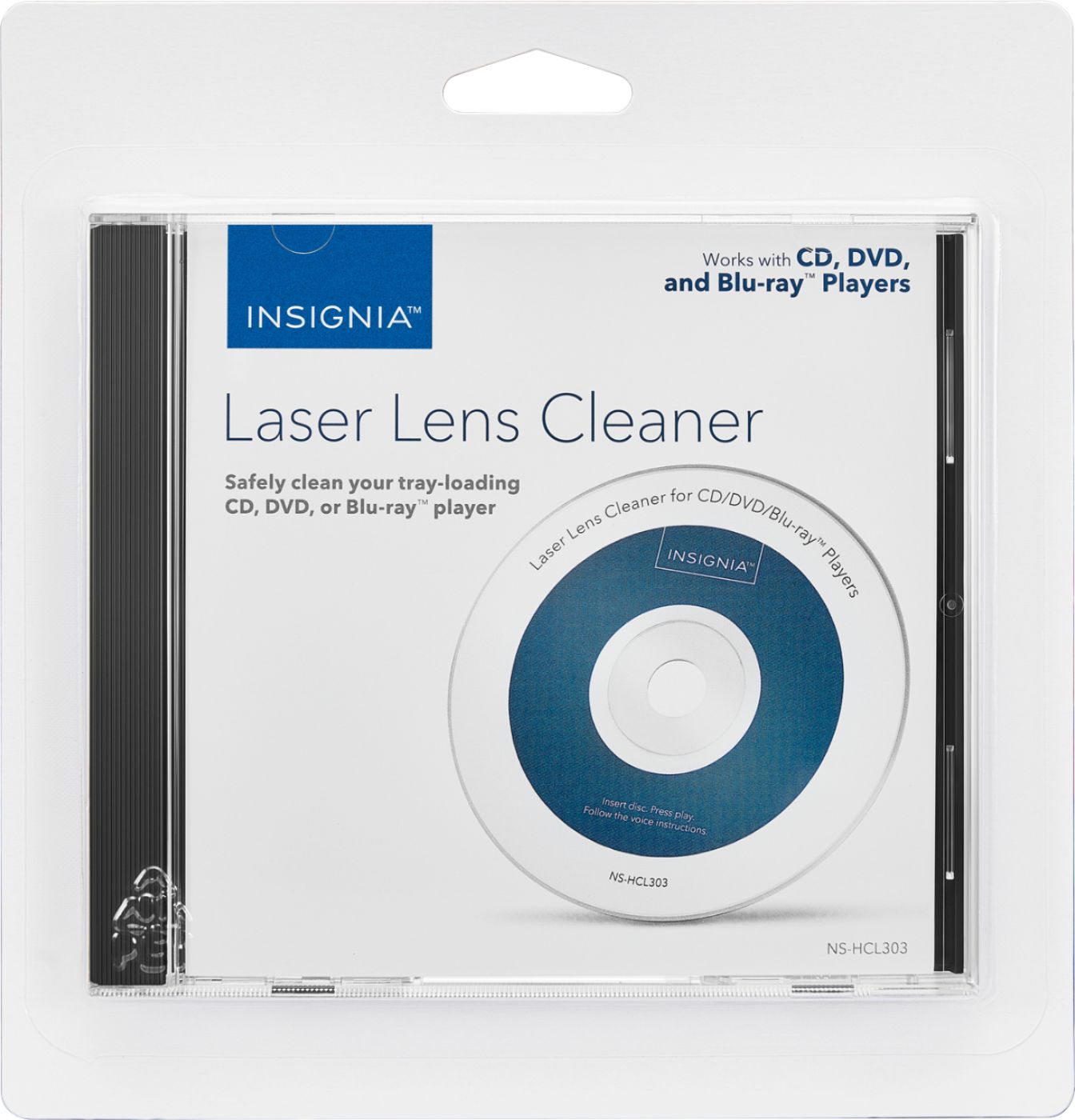
A:Answer since I don't have your media & player in front of me, I suggest that you do two things: (1) use the laser lens cleaner on your player, it's just a good maintenance procedure; (2) get a microfiber cloth and gently wipe from the center hole to the edge of the disk, do the entire disk. never, never, never wipe the disk in circles. handle the disk by its edges as finger oils and crud will affect media playback. Personally, I borrowed lots of media from the public library and simply cleaning the disks worked wonders. I never needed to go beyond a disk cleaning, but there are disk repair kits available that probably will work fine on minor scratches. Another option might be to upgrade to a Blu Ray version of the problematic DVD. Off topic suggestion - get a streaming player for your TV, I use a ROKU and there's a gold mine of a free content from network news & channels, concerts & music channels, b/w cartoons that are genuinely funny, great movies & lousy ones too. Covid 19 blues & ROKU to the rescue.