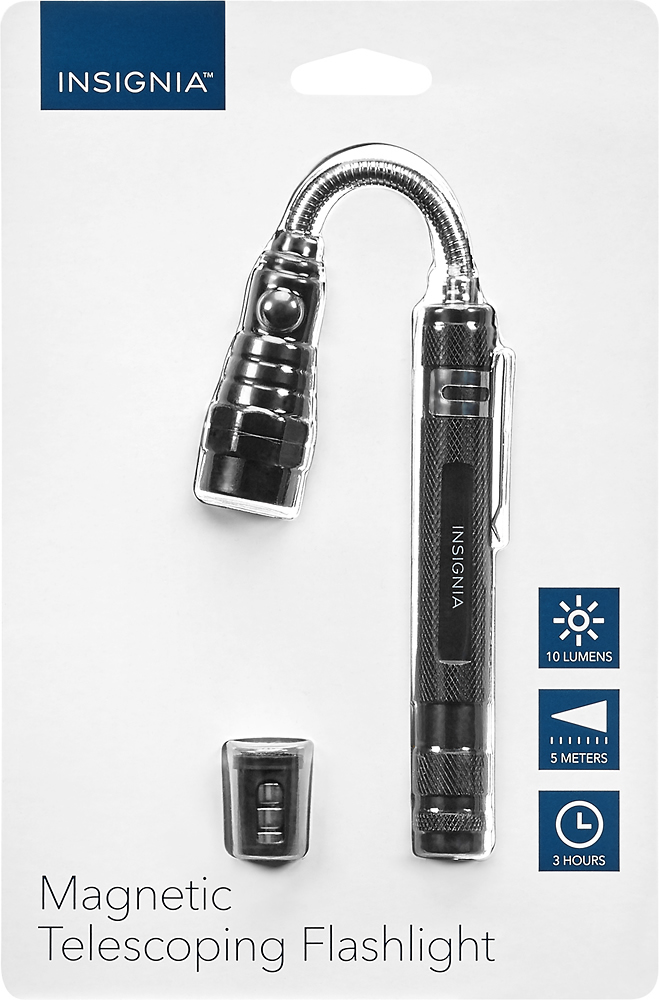
A:AnswerDo not remove the batteries from the cover. The black cover is inserted into the housing under the LED Light Head.
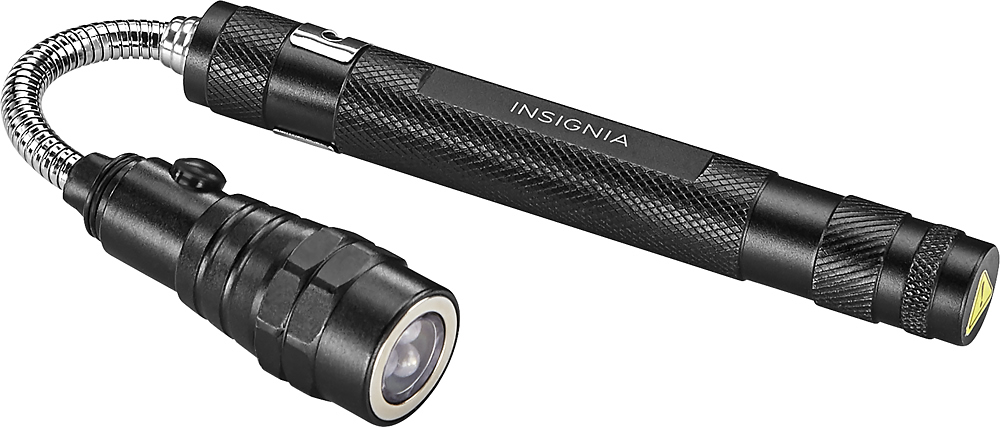
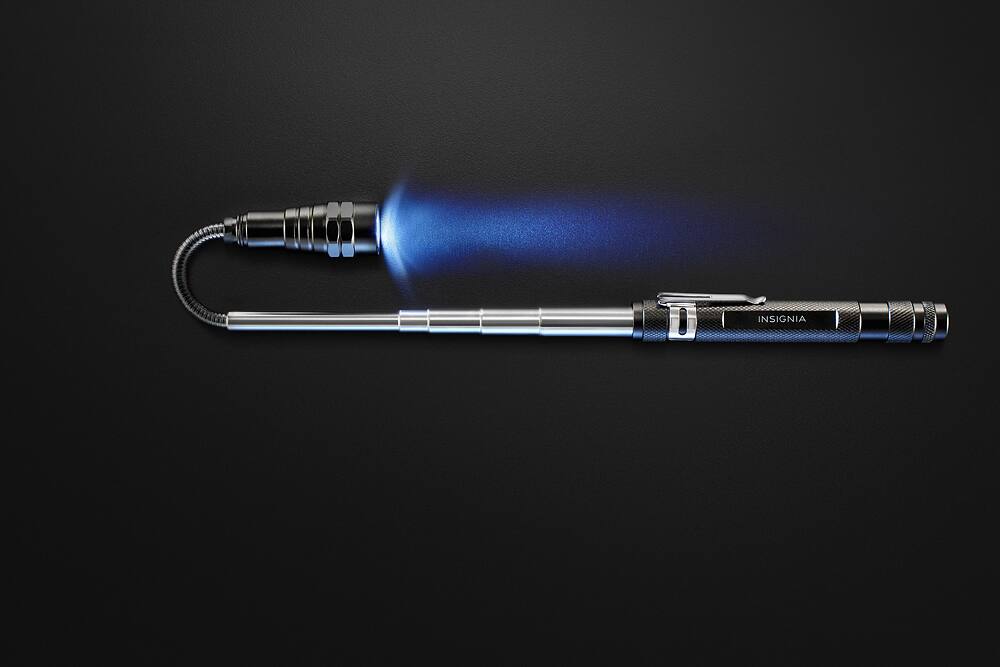
If you look at the head with the LED Light, there are two hexagon shapes like a normal threaded nut. The head will unscrew just below the hexagon area and once the head is separated, you can insert or remove the plastic battery holder, with the positive end facing the LED lights.
Take a thin finger nail file, or blade, and insert in between the side area between two of the button batteries and push against the end with the protruding plastic rim, which is the "positive" end of the batteries, and the end battery will pop out, then the others can be removed easily when they need to be replaced.
You can identify the positive end of the battery by the end with a "+" sign stamped on the metal battery housing.