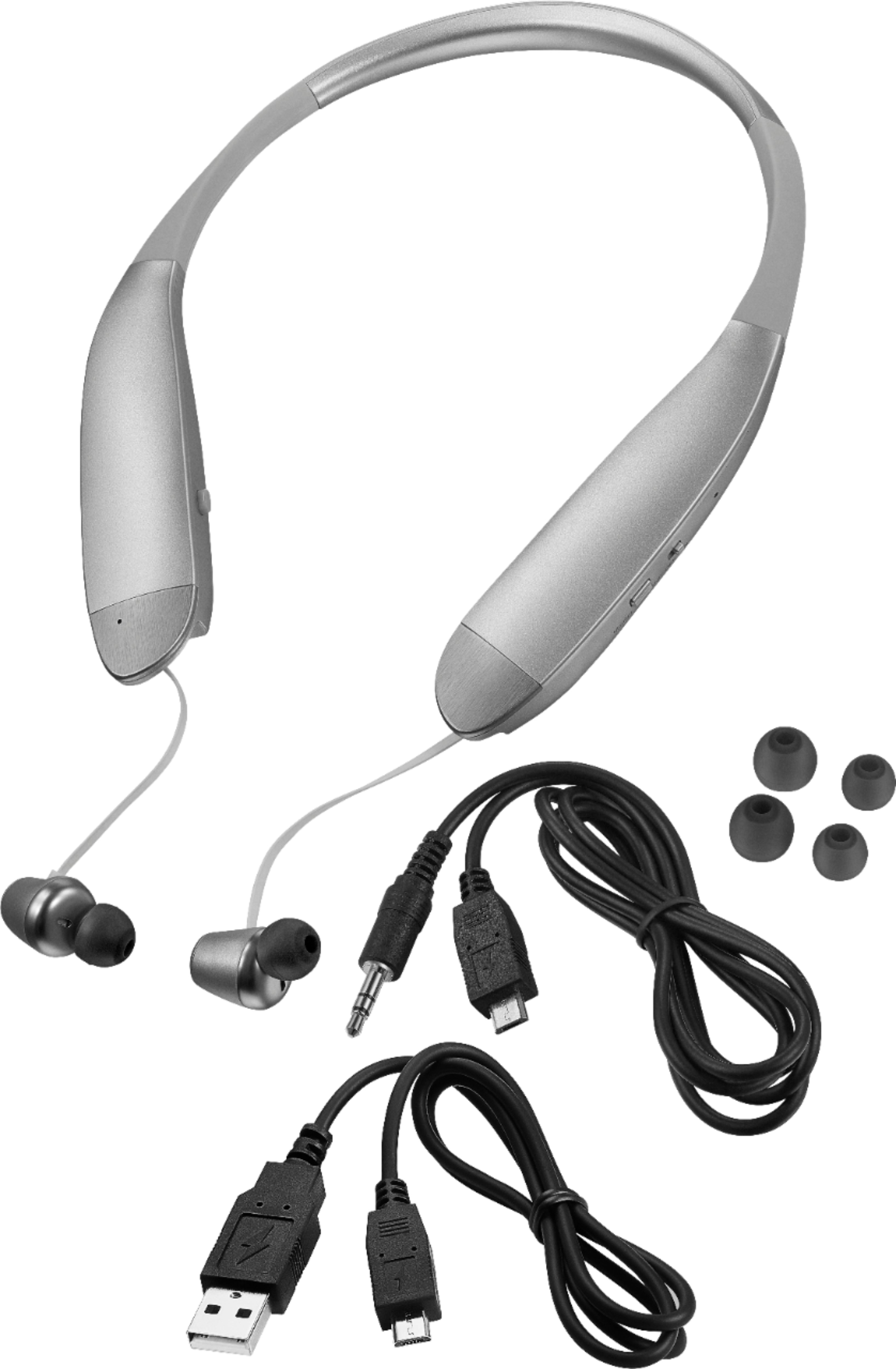
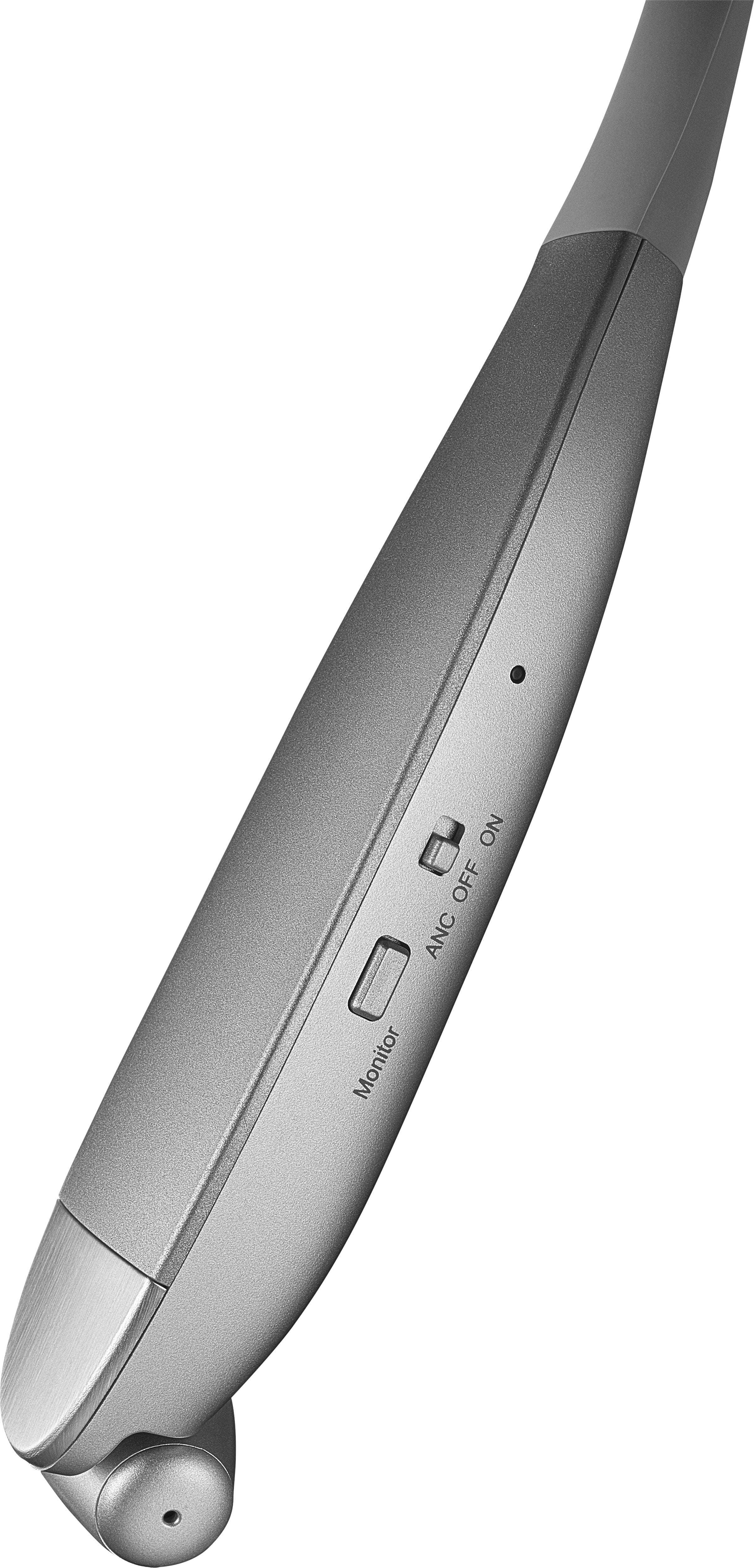
A:AnswerIt doesn't work plugged in except for using the special cable that goes from USB Micro to 3.5mm and it becomes a normal wired headset. I haven't tried it in that mode, so I can't tell you if the ANC can be turned on. My guess is that it can because when the headset is "off", but the ANC switch is in the ON position, the ANC is on and the battery drains. That's how I learned to shut that switch off in addition to holding the power button until it powers down. So I had a dead battery and tried to connect it to a USB cable, but it won't turn on when charging.
A:AnswerIf you're asking how do you turn it off, all you have to do is press the same button (for linking your devices) until it flashes red once (i think) and then it's off. You also have to turn it off on your device. I had it set for my phone and my computer, but since the two are right next to each other, it was too confusing for the headset. So i turned off the blue tooth on my phone so i could link with my computer and it was just fine. :) Hope that helps.
A:AnswerWhen the phone loses its pairing, it starts searching for another Bluetooth device to pair with. So the LED flashes red & blue. But you can ignore it (e.g., if you plug in the audio cable to a computer or music player, the LED goes out and the headphones part of the headset works fine).
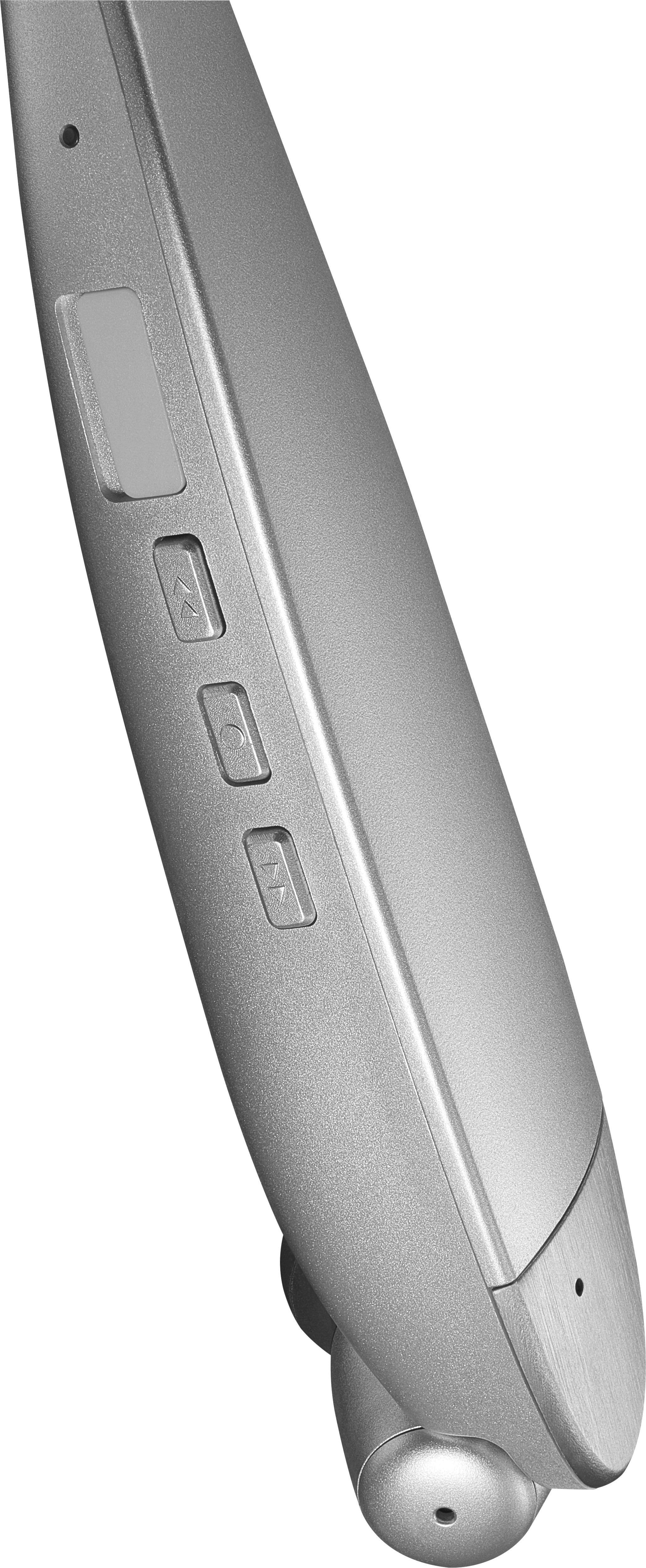
A:AnswerMake sure your tablet, phone or device Blue tooth is on. On the left hand side of the head set, put the switch in the "on" position. On the right hand side, push and hold the micro button between (between the 2 arrows), for 2 maybe 3 second until the light indicator starts to blink. Now push the device Blue tooth search and pair button. Each time you want to connect once paired, you will have to search and repeat the micro 'activation' button until winked again.