Questions & Answers
- Model:
- NS-PNK8001
- |
- SKU:
- 5709661
Highly rated by customers for: Keyboard Quality, Price, Ease of use
Page Showing 61-69 of 69 questions
Q: QuestionMy current board does not work so I can't sign in. When I plug this in will it automatically replace the main keyboard?
Asked by Jay.
- A:Answer No if you plug in you can use either key board.
Answered by Patsy
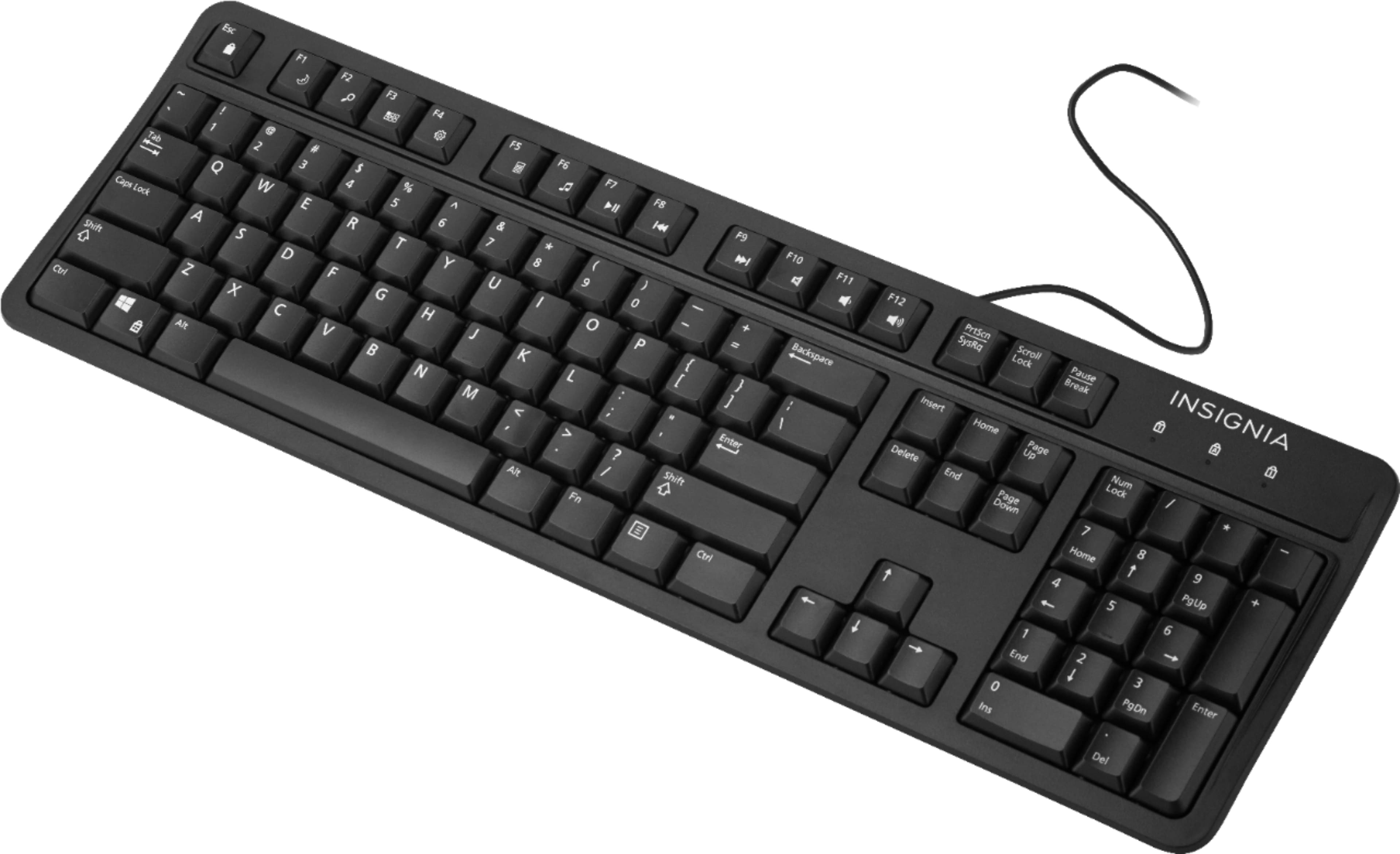
Q: QuestionAre the keys flat, or do they have a slight depression for your fingers?
Asked by Randy.
- A:Answer They have a slight depression.
Answered by Claudia
Q: QuestionCan this be used with an Android phone?
Asked by Anna.
- A:Answer No, not unless your android phone has a full-sized usb port.
Answered by Rastus
Q: Questiondoes keyboard have backlight for night time
Asked by joey.
- A:Answer Unfortunately no.
Answered by Lisad
Q: QuestionIs this keyboard good for a probook laptop
Asked by rena.
- A:Answer Yes
Answered by Ahmed9929
Q: QuestionDo you know what the trigger force is and what the response time is?
Asked by stach.
- A:Answer Keystroke requires almost no finger pressure, and response time is pretty much instant (response time is usually slowed by your device or hardware connection rather than keyboard)
Answered by Hosea
Q: QuestionIt states that the usb cable is only 1.5 feet long. Is this true? 18 inches is quite short.
Asked by Roll43.
- A:Answer The USB cable on the keyboard I purchased was plenty long enough and though I didn't measure it, it must be at least 36 inches long.
Answered by Clint82
Q: QuestionWhat's the difference between the two products this Insignia vs the same keyboard but Best Buy Essentials brand? They both the same price & seem to be the exact same thing?
Asked by CocolosoQueenEmpress.
- A:Answer They are both same thing. It is because Insignia is a best buy inhouse brand. I think Best Buy Essentials is rebranded to Insignia.
Answered by TechReviewer
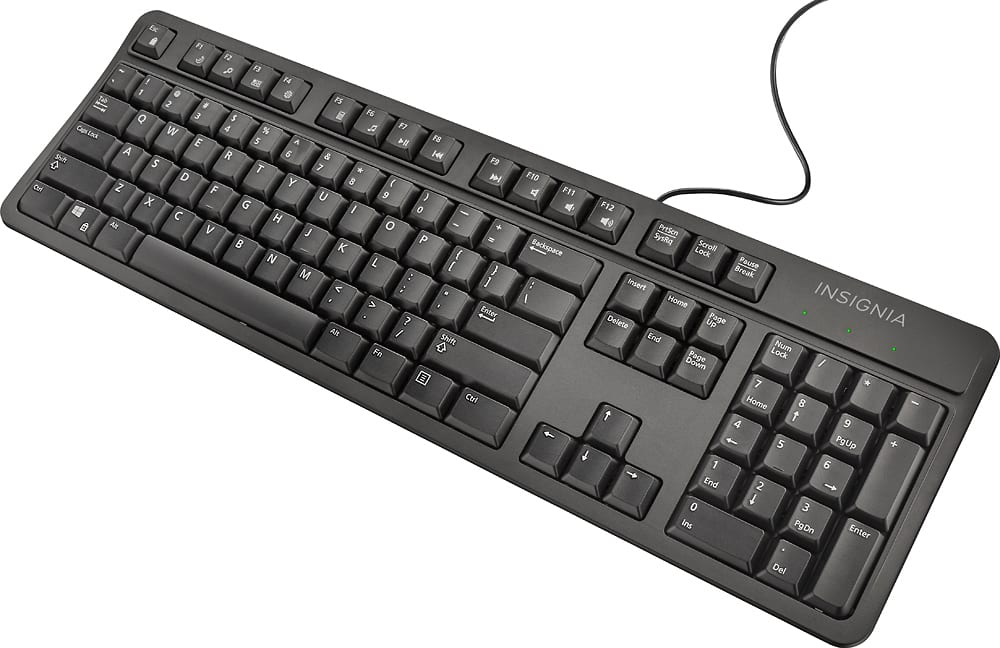
Q: QuestionDoes anyone know how to turn on the function lock with this keyboard? I want to use the media keys (volume control, play/pause buttons, etc.) without having to hold the Fn key down.
Asked by Lars.
- A:Answer Hold the Fn key and the Esc key pressed together until the first light on the top right corner starts blinking. Once it is blinking, let go of the two keys and then press the Esc key once. This worked for me. To revert it back to the way it was, hold the Fn and Esc key together and let it go and then again hold them together and let them go.
Answered by Anonymous