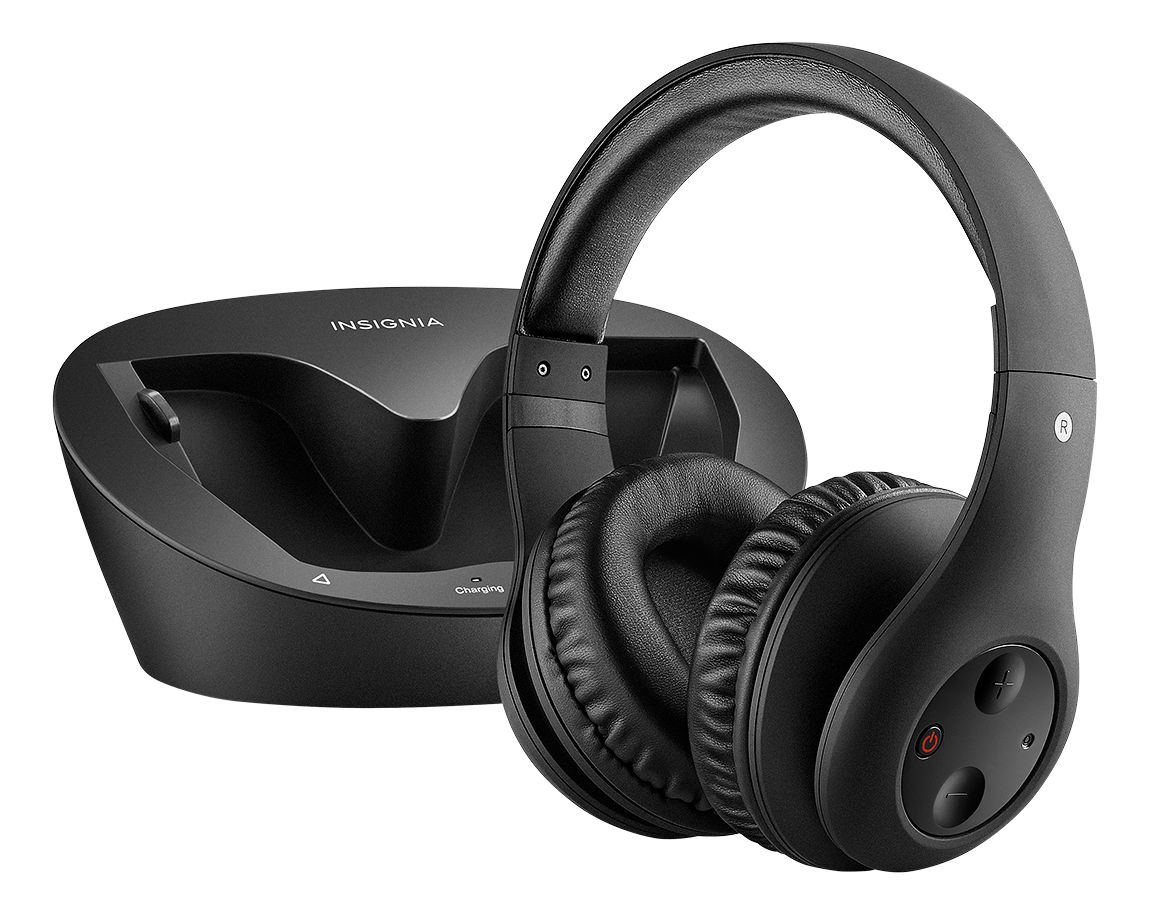
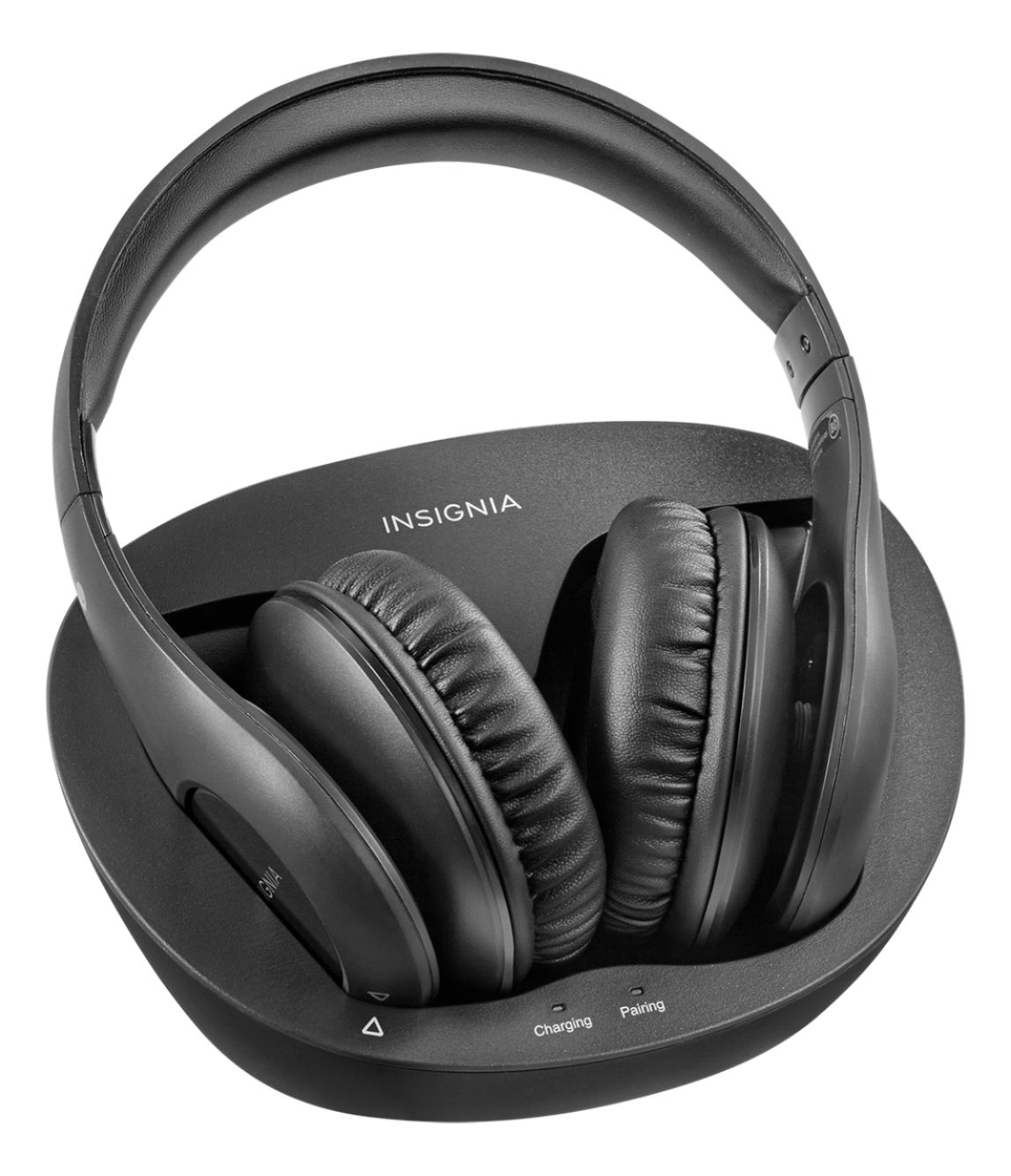
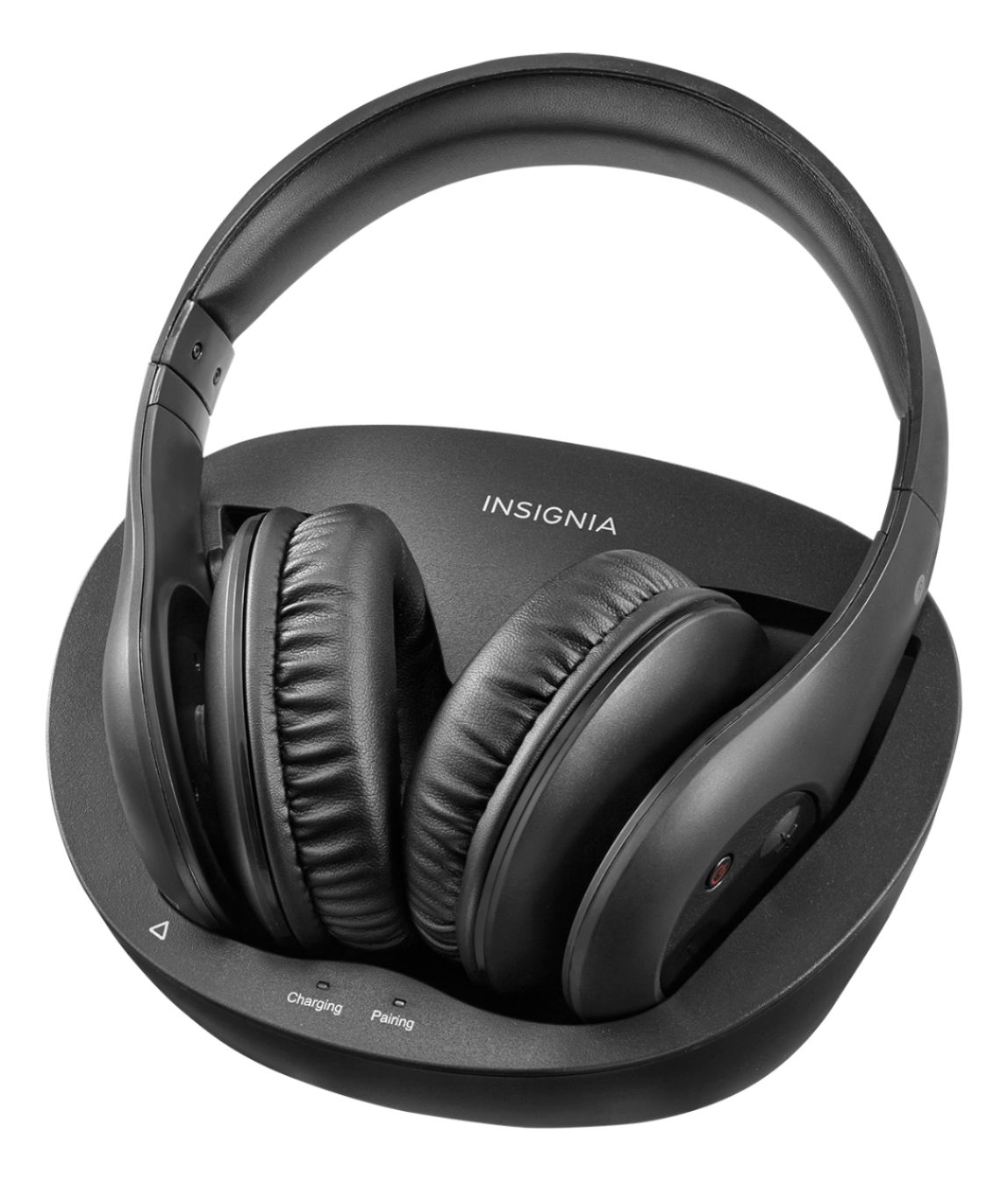
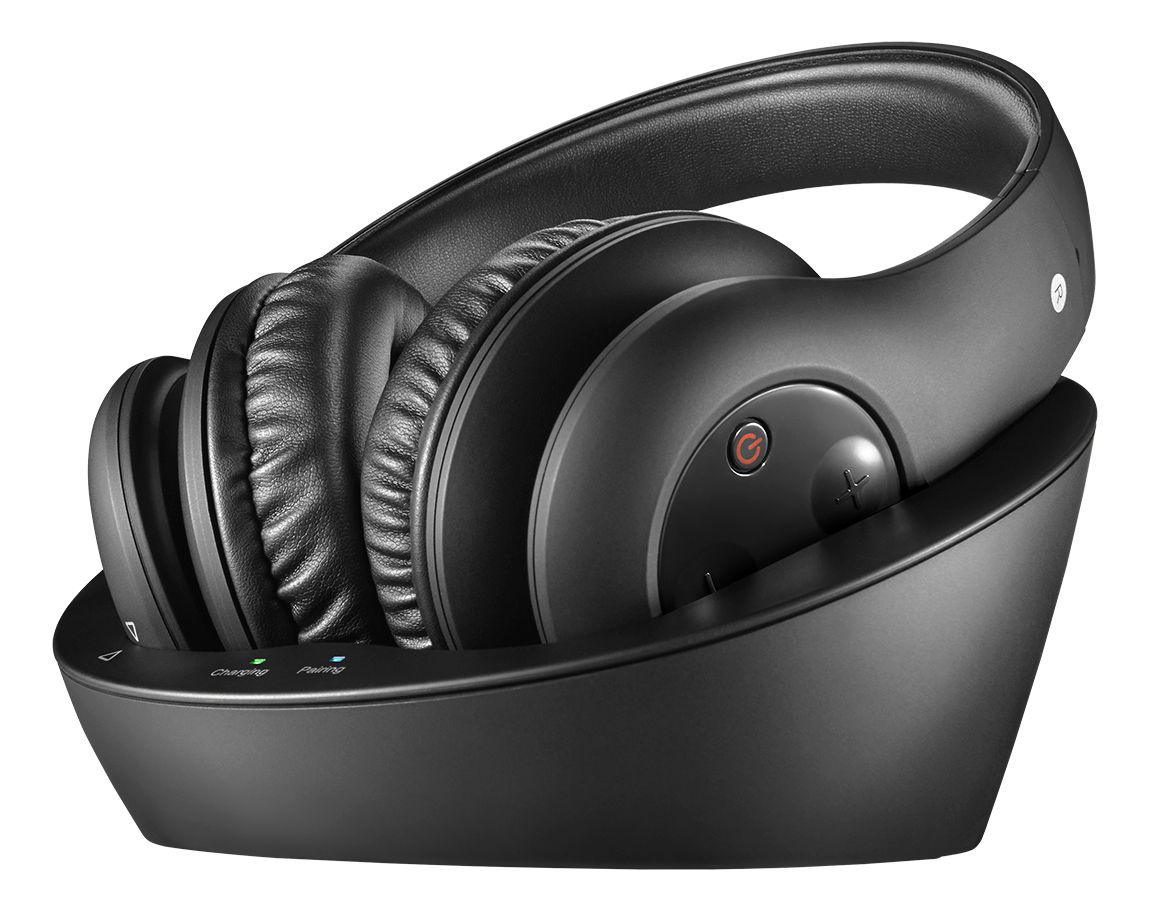
A:AnswerI don't really know. Possibly the charging light goes off. I just sit the phones on my charger now and then and it's always good for several hours.
A:AnswerYes. But, keep in mind it will mute the TV unless you have a surround system hooked up as well. That's what I have so I can choose to hear both the surround sound and/or the headphones to not disturb anyone.
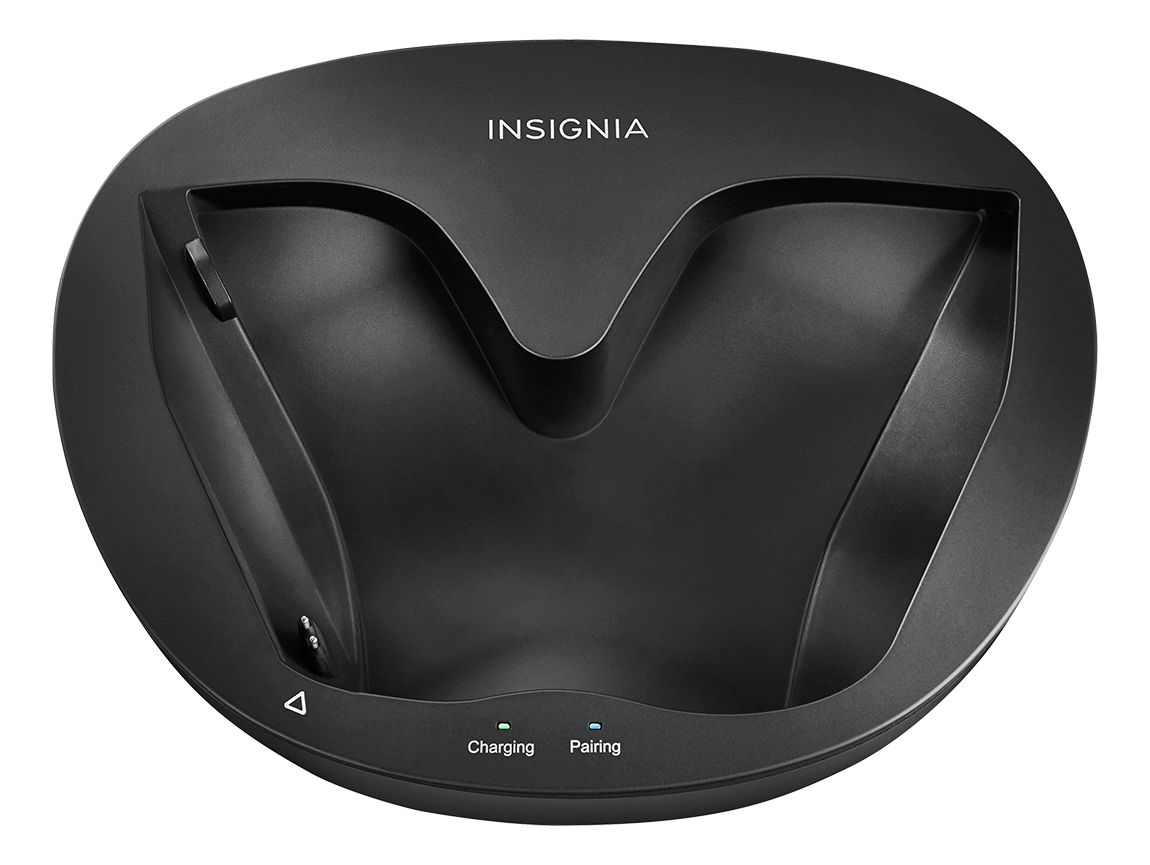
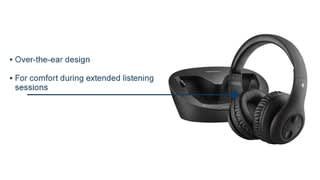
A:AnswerThey would be....but the base that these headphones charge on would have to stay connected while you’re using the headphones. You need Bluetooth for an iPad.
A:AnswerIf you are hooking headphones up to a smart TV directly chances are that you will not get audio to the speakers at the same time. Most TV's will simply only output audio to one thing. If you want to have multiple audio options then I suggest trying to hook these up to the cable box audio out (or headphone jack if there is a separate one) or get a receiver that has multiple audio outs and hook them up there. That should give you the effect your looking for.
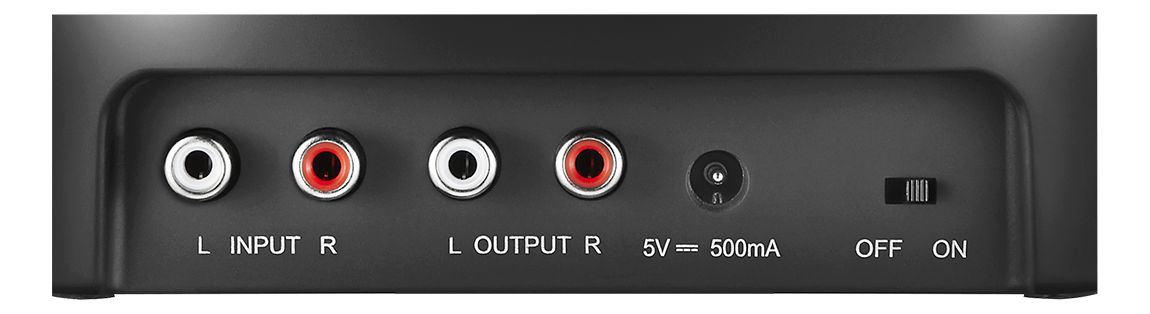
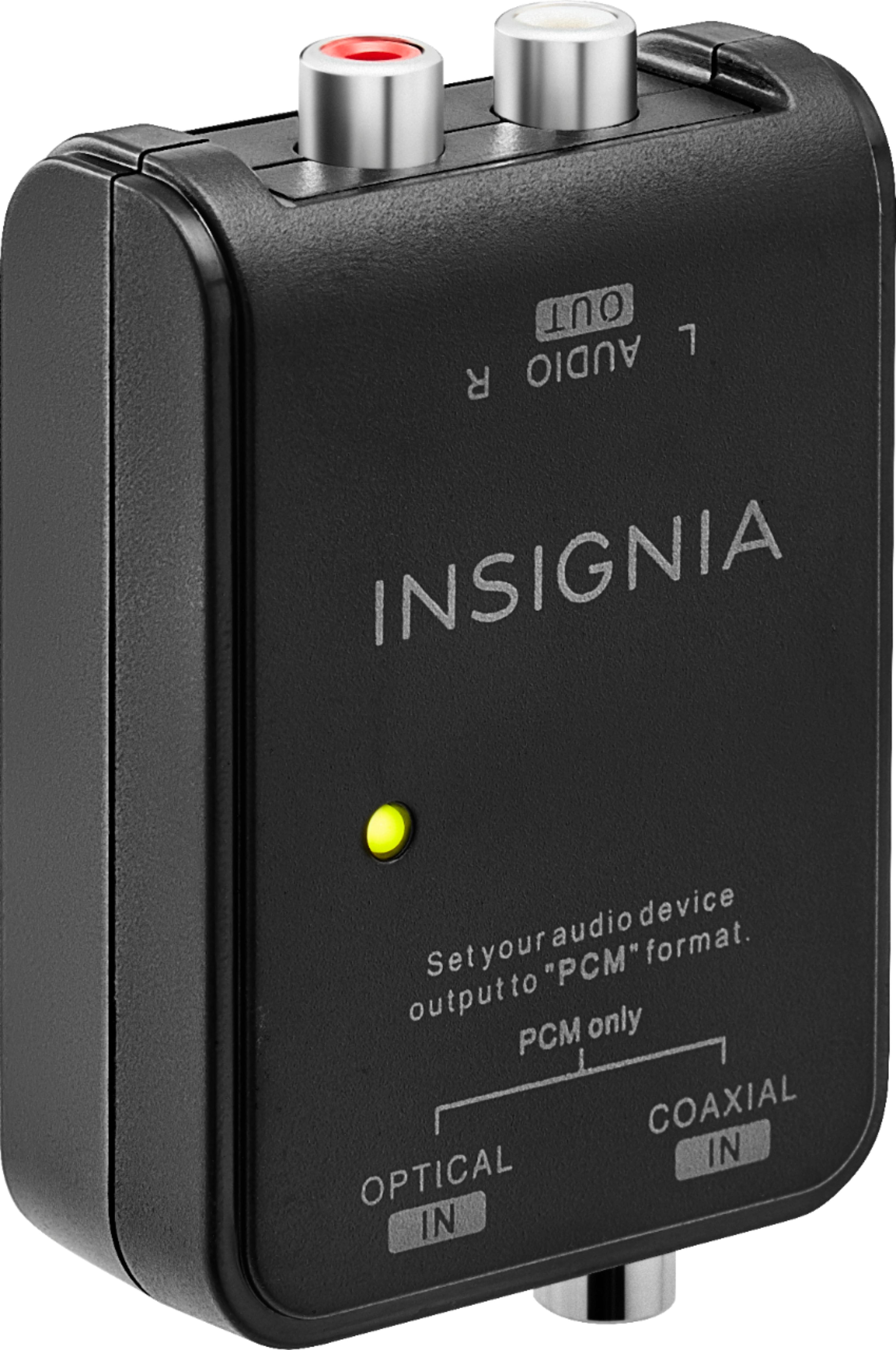
A:AnswerIf your model TV has a RCA type audio output jacks, it will hook up with the included cables. If the TV only has a toslink output, then you can get a converter for toslink to RCA output.
A:AnswerI returned the Insignia headphones and purchased a pair of Skullcandy Hesh 2 wireless headphones with Bluetooth and they connected easily so now while my husband is watching TV, I'm listening to music on my Yamaha, problem solved.
A:AnswerNo, it's not a "BLUETOOTH" even it's on 2.4Ghz. wireless.From your Audio Output RCA STEREO that hook up to "BLUETOOTH" devices for it to pairs with your Smart Devices with BLUETOOTH.
A:AnswerNo, this set of headphones does not allow you to replace the batteries. If you are having issues with battery life, or would like to get the unit looked at under the warranty, take the product and receipt into Best Buy to the Geek Squad counter for warranty evaluation.