A:AnswerTo manually store stations:
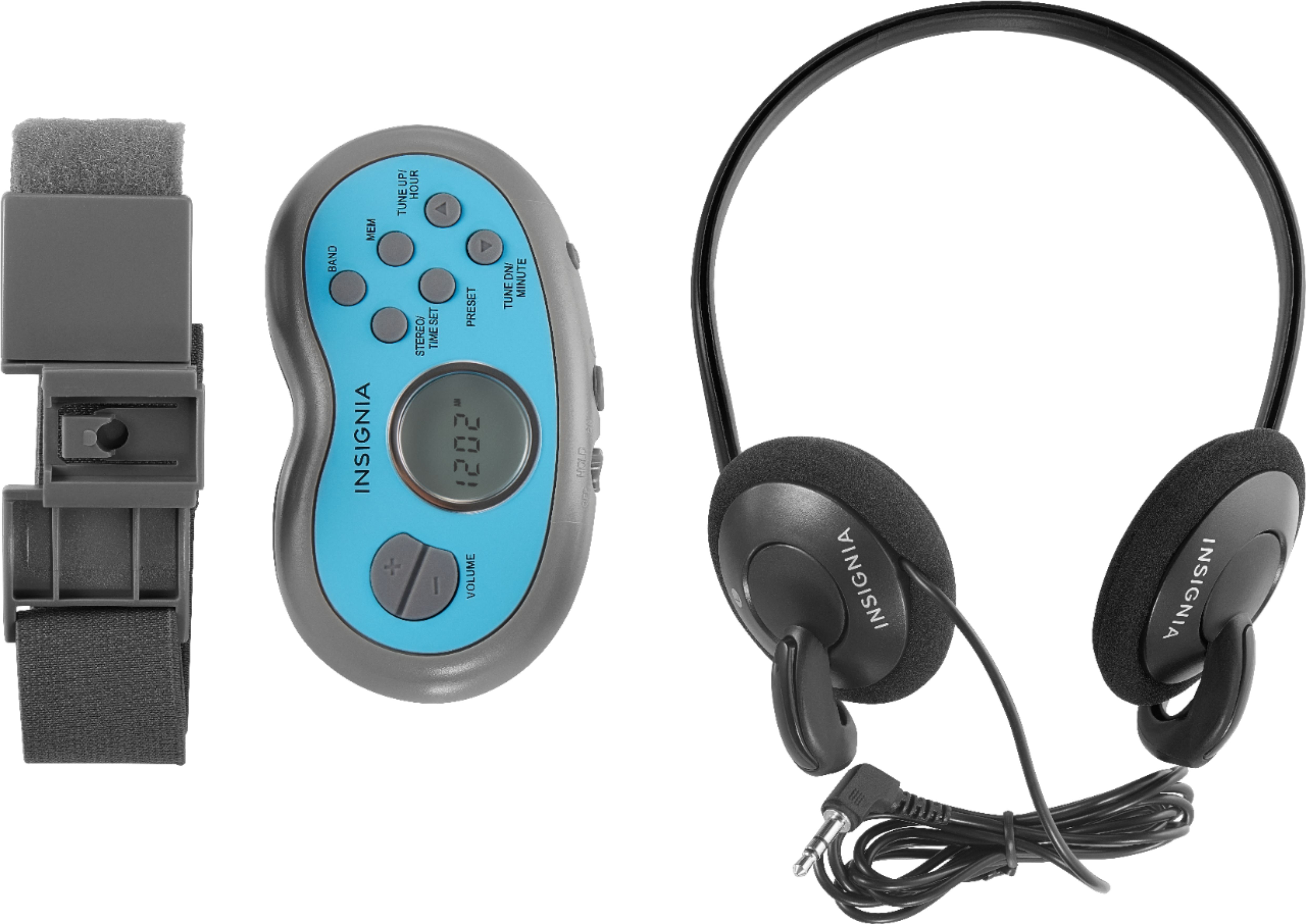
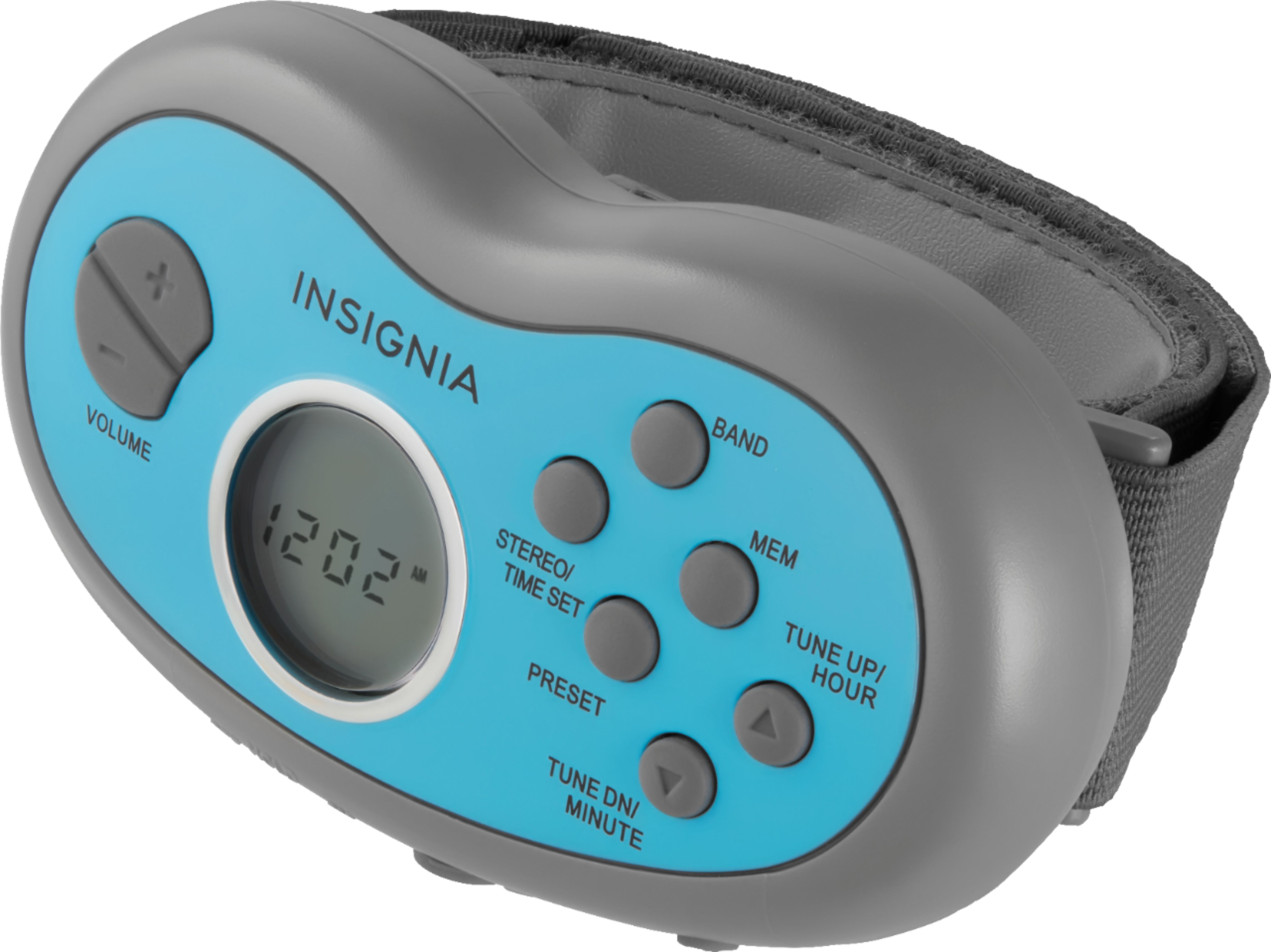
1 Press the BAND button to select AM or FM.
2 Press the TUNE UP or TUNE DN button to select the radio station
you want.
3 Press the MEMORY button. The PRESET Indicator on the LCD
flashes.
4 Press the PRESET button to select the preset channel you want.
5 Press the MEMORY button again to store the station as a preset.
6 Repeat Steps 1 to 5 to store additional stations.
A:Answerhey kelly it can take sweat because guys play hard- as for being waterproof you wouldn't want to shock or shorten the power of this device so far so good and no dout your husband is a strong runner its a great company keeper for runs great price. good day
A:AnswerYou may need to "unlock" the controls. There is a lever switch on the top that "locks" all of the front panel controls to keep you from adjusting any of them accidentally by brushing the unit up against anything.
A:AnswerThis tadio has a hold switch to prevent the radio accidentally cutting off as you run so if the hold button is engaged it will not allow any other functions to be completed