A:AnswerNo controller lag, the games will look better but will notice a tear/graphic lag ever now in then when a lot is happening on screen. I play on 4K tv and use the adapter on 1080p
A:AnswerRons, I appreciate you sharing this information. I recommend contacting Insignia Support directly at 1-877-467-4289 to confirm the best audio output option for your specific TV model, as they can guide you through the exact ports and suggest the appropriate adapter if necessary.
— Shiela | Insignia Support
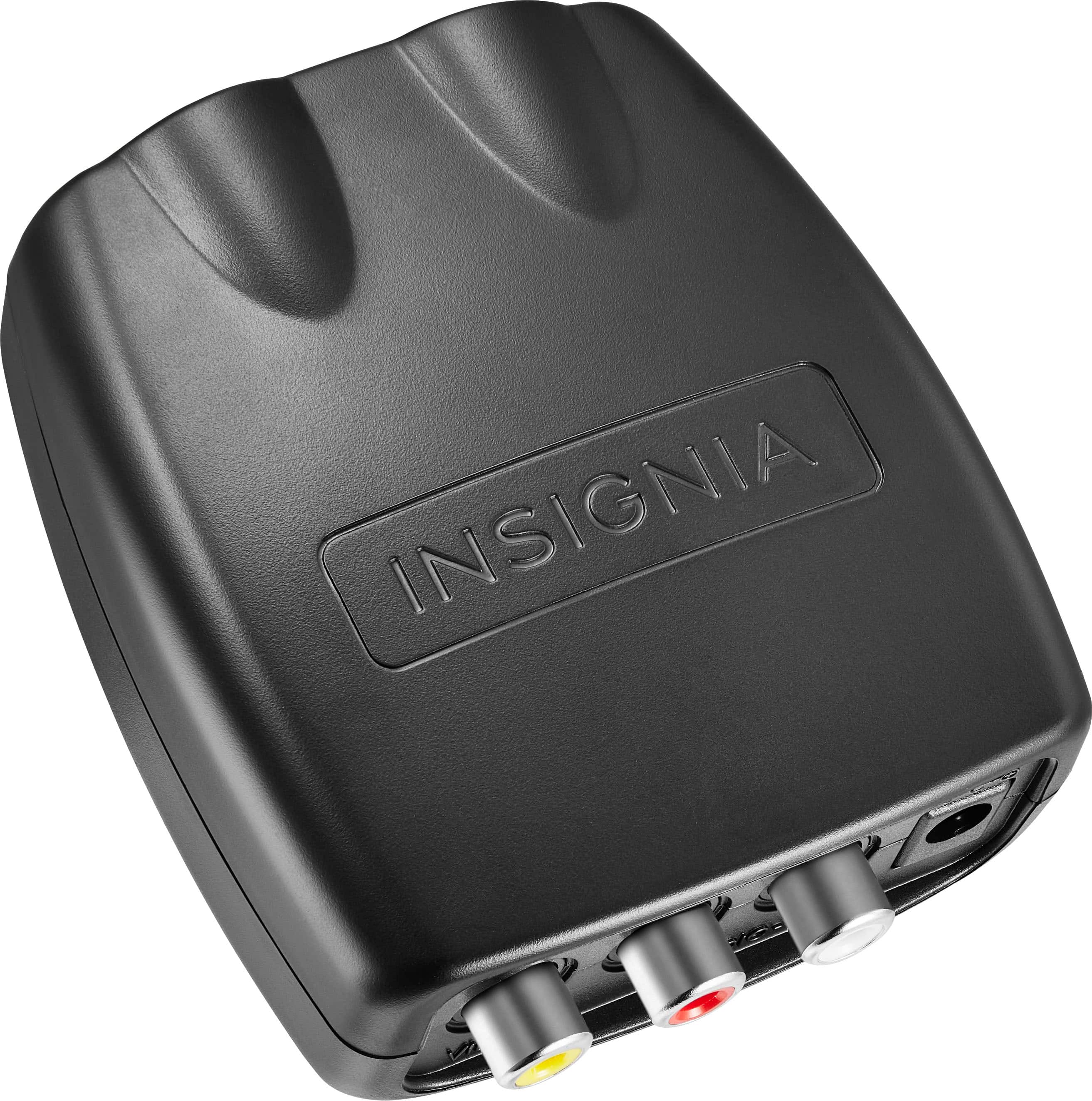
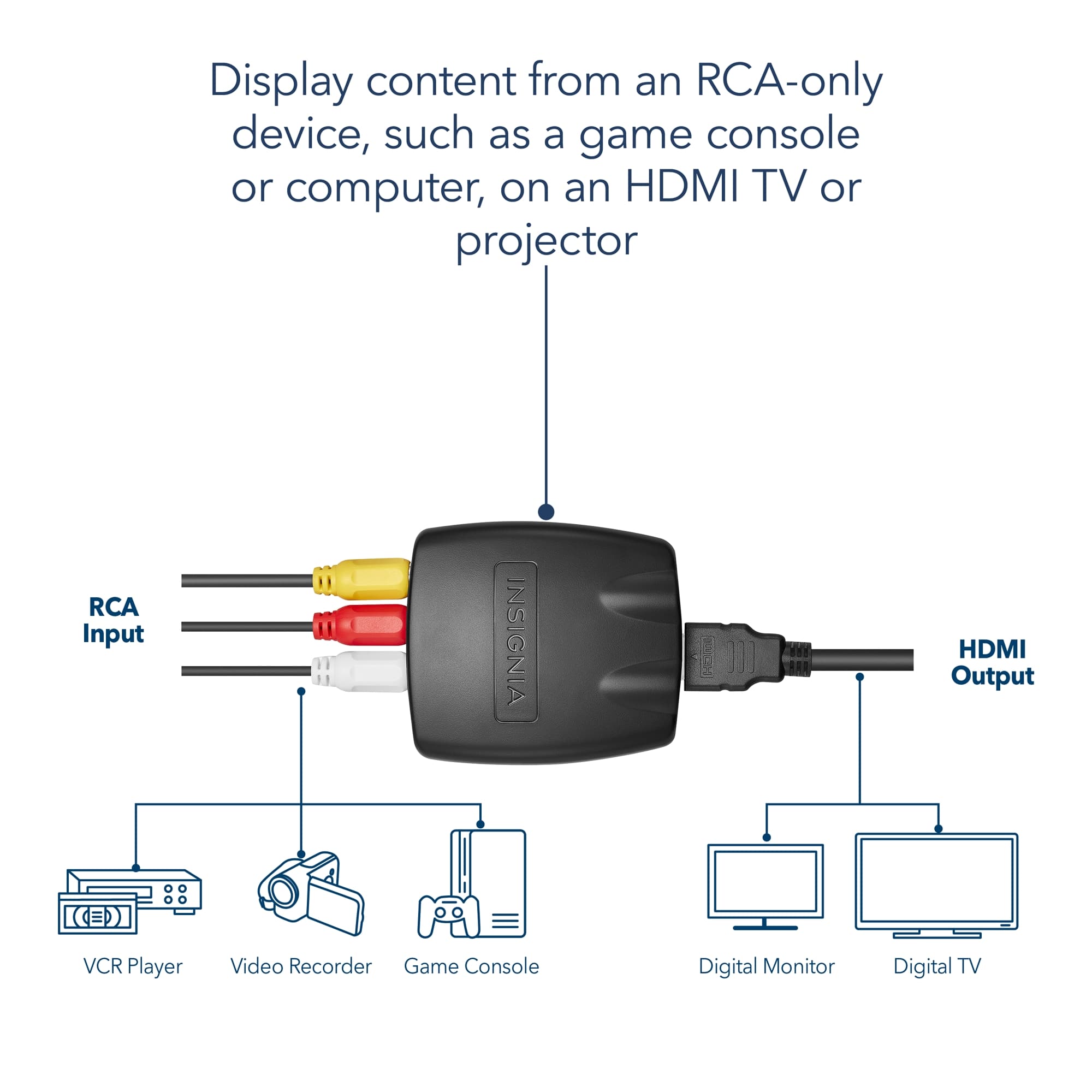
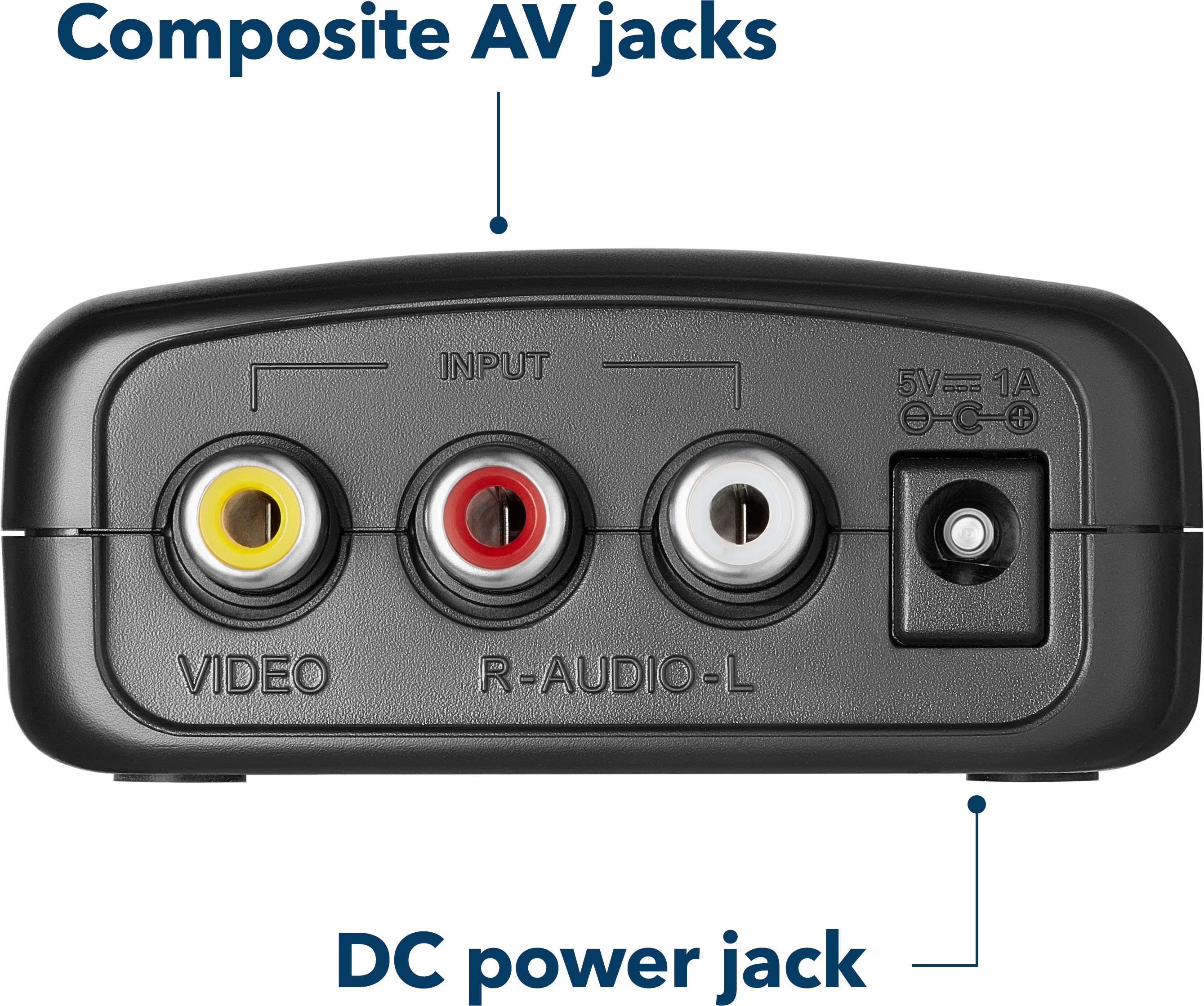
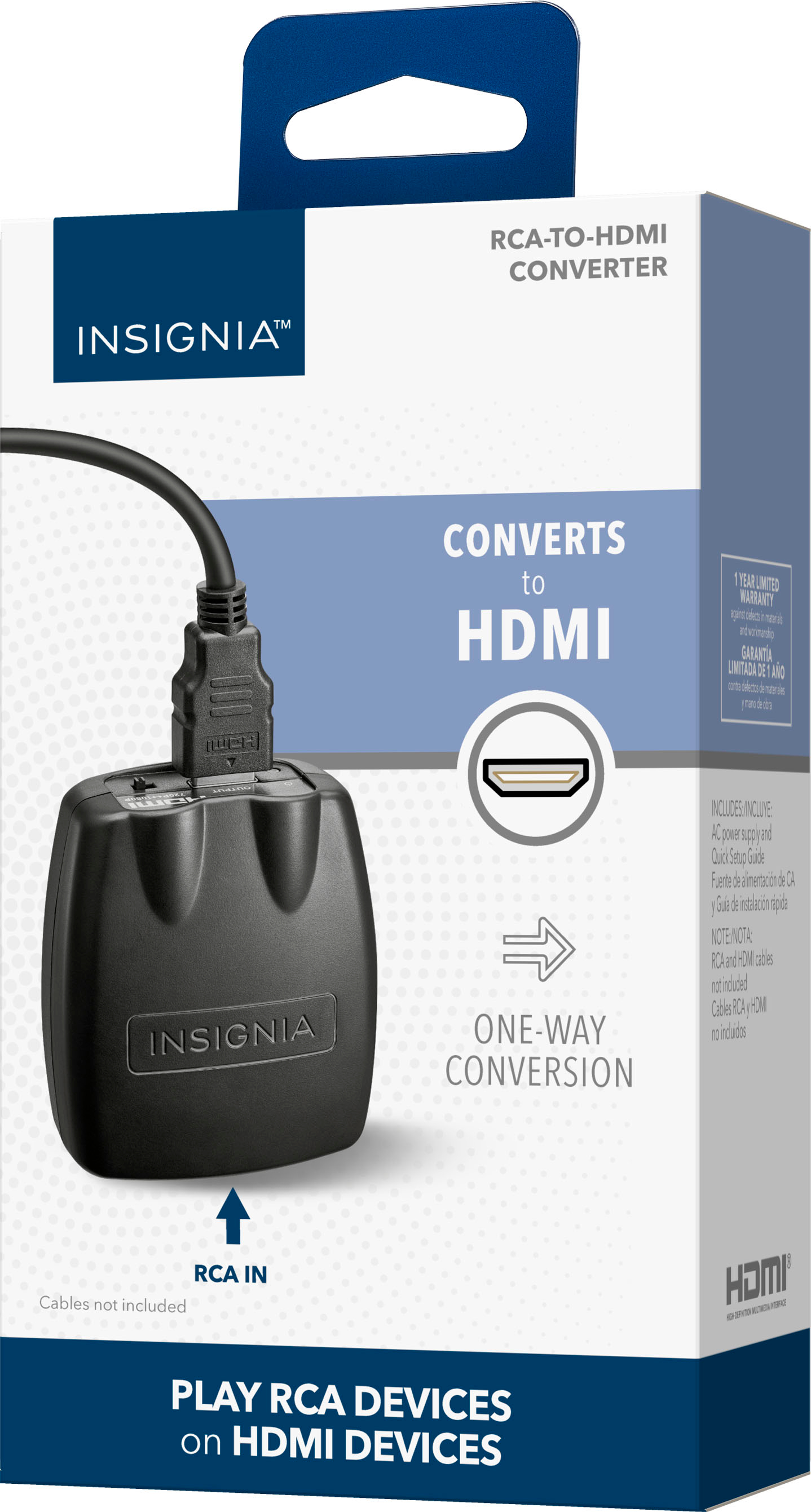
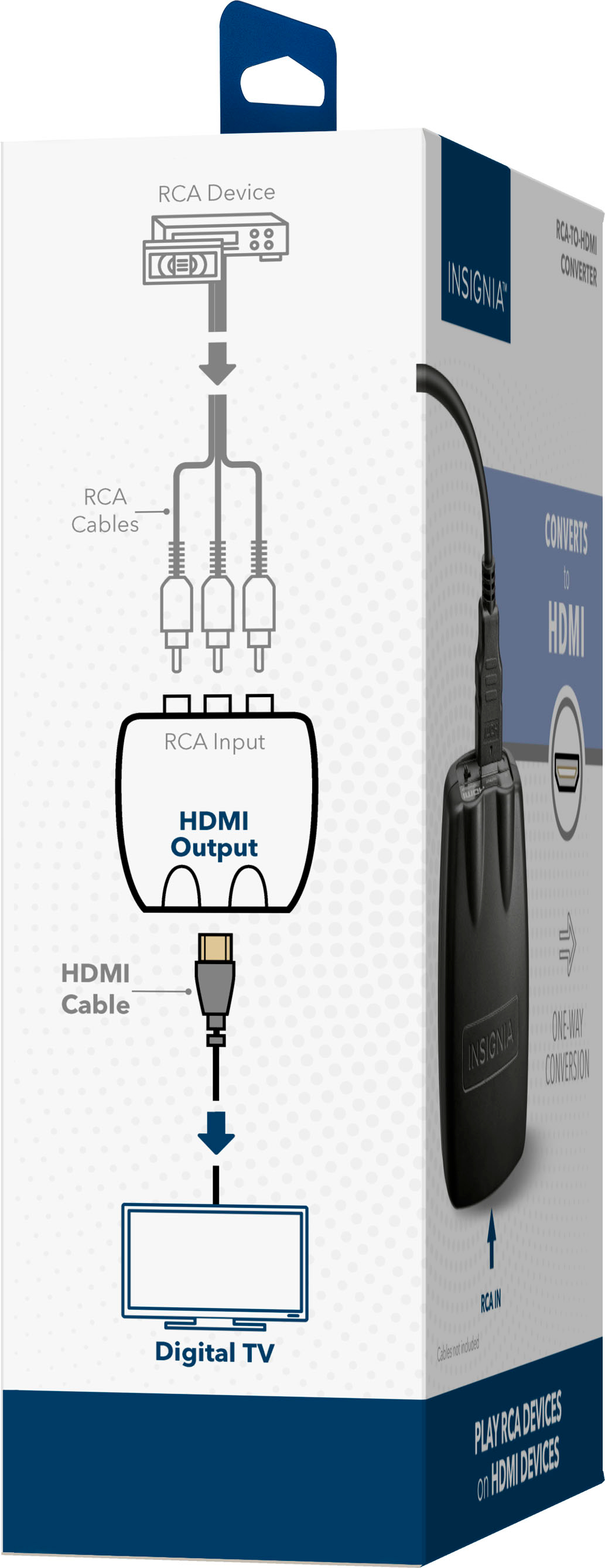
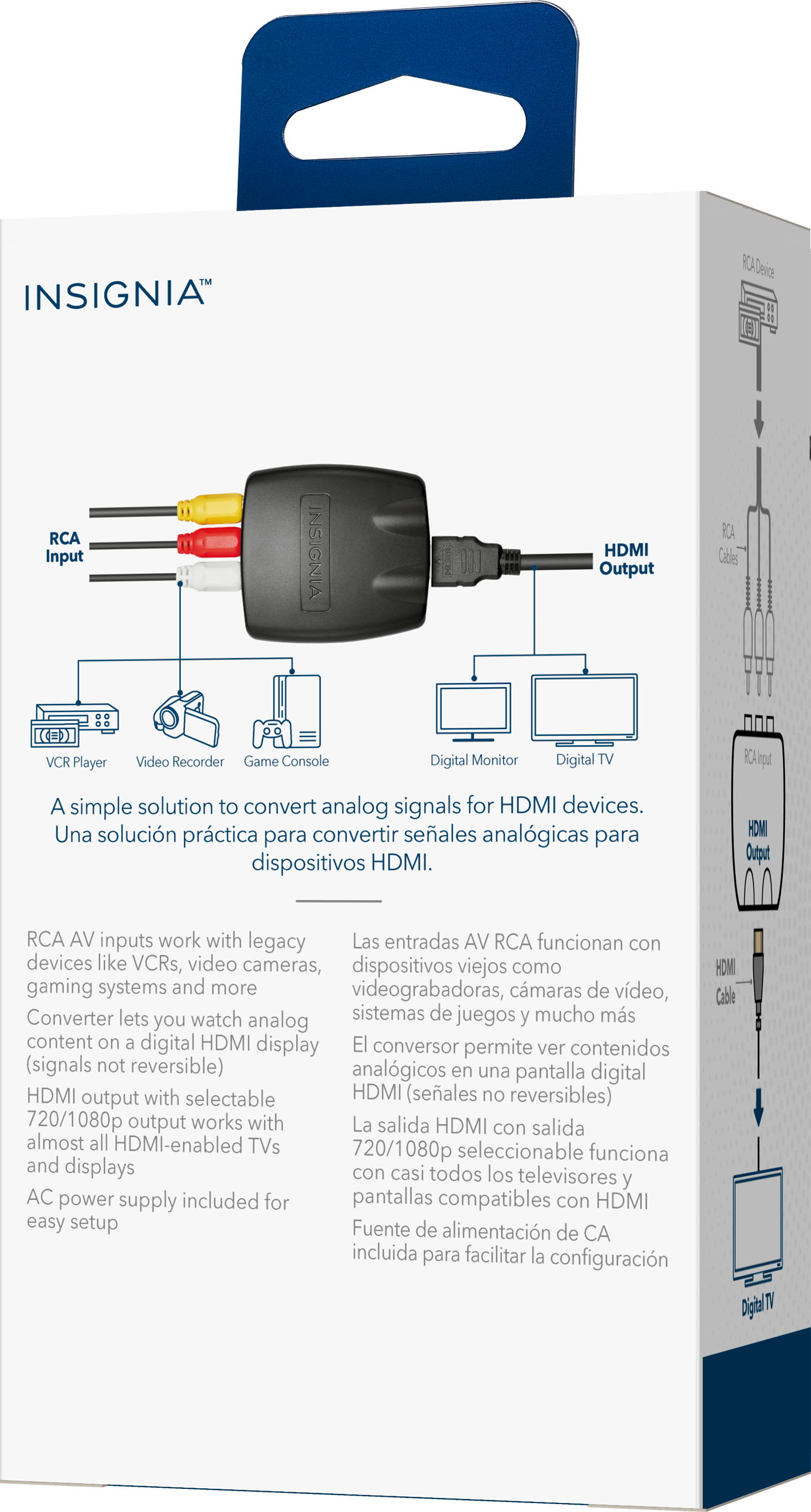
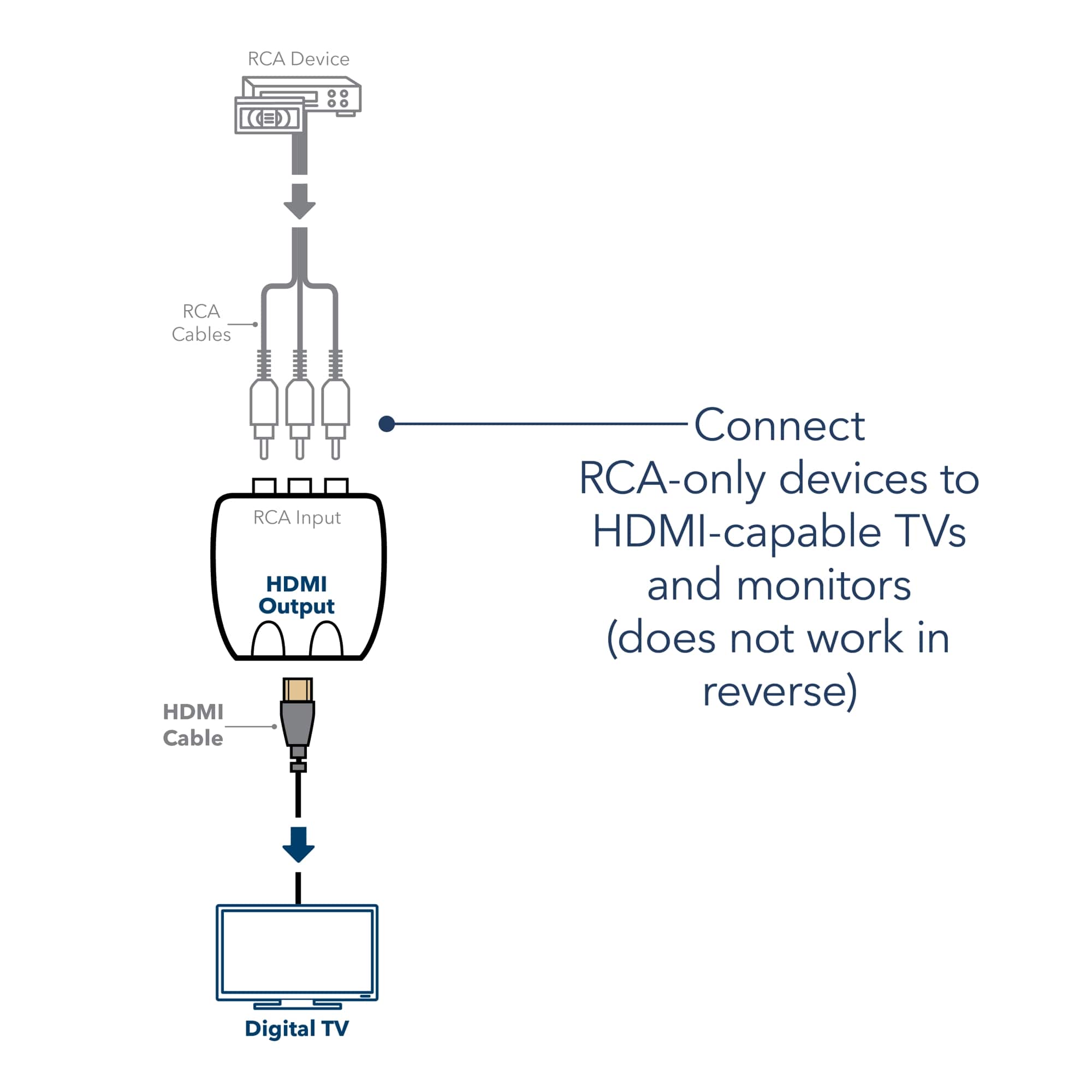
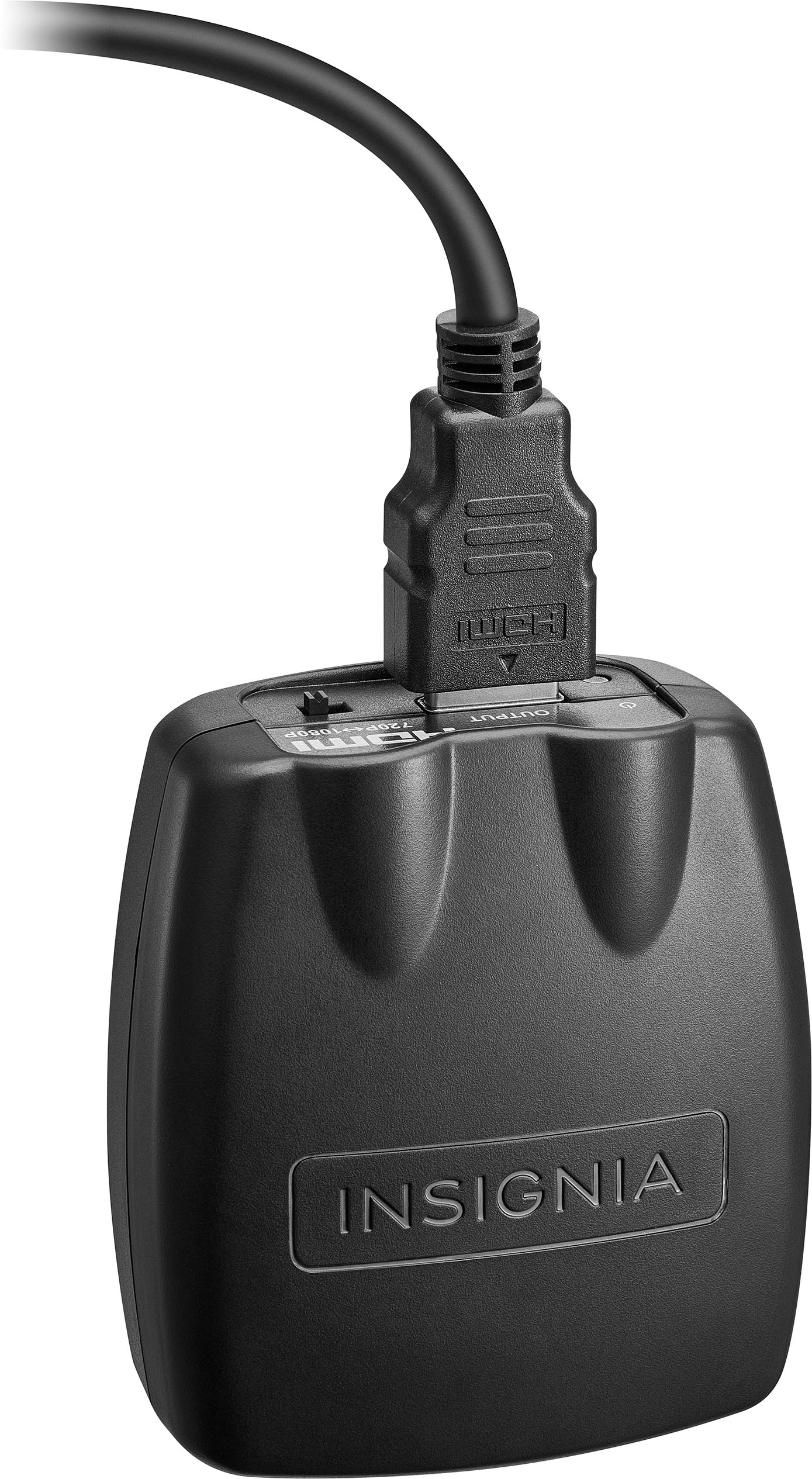
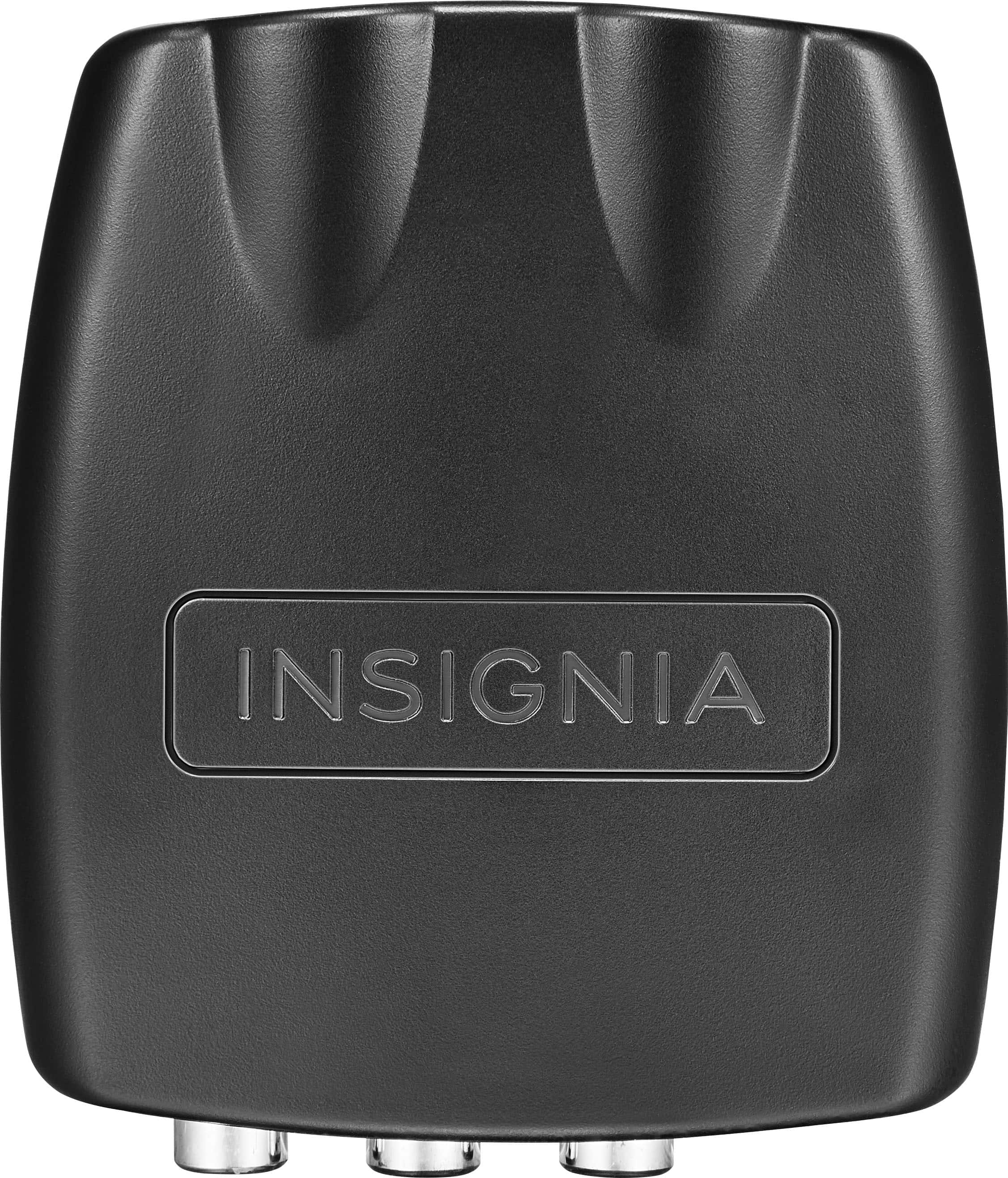
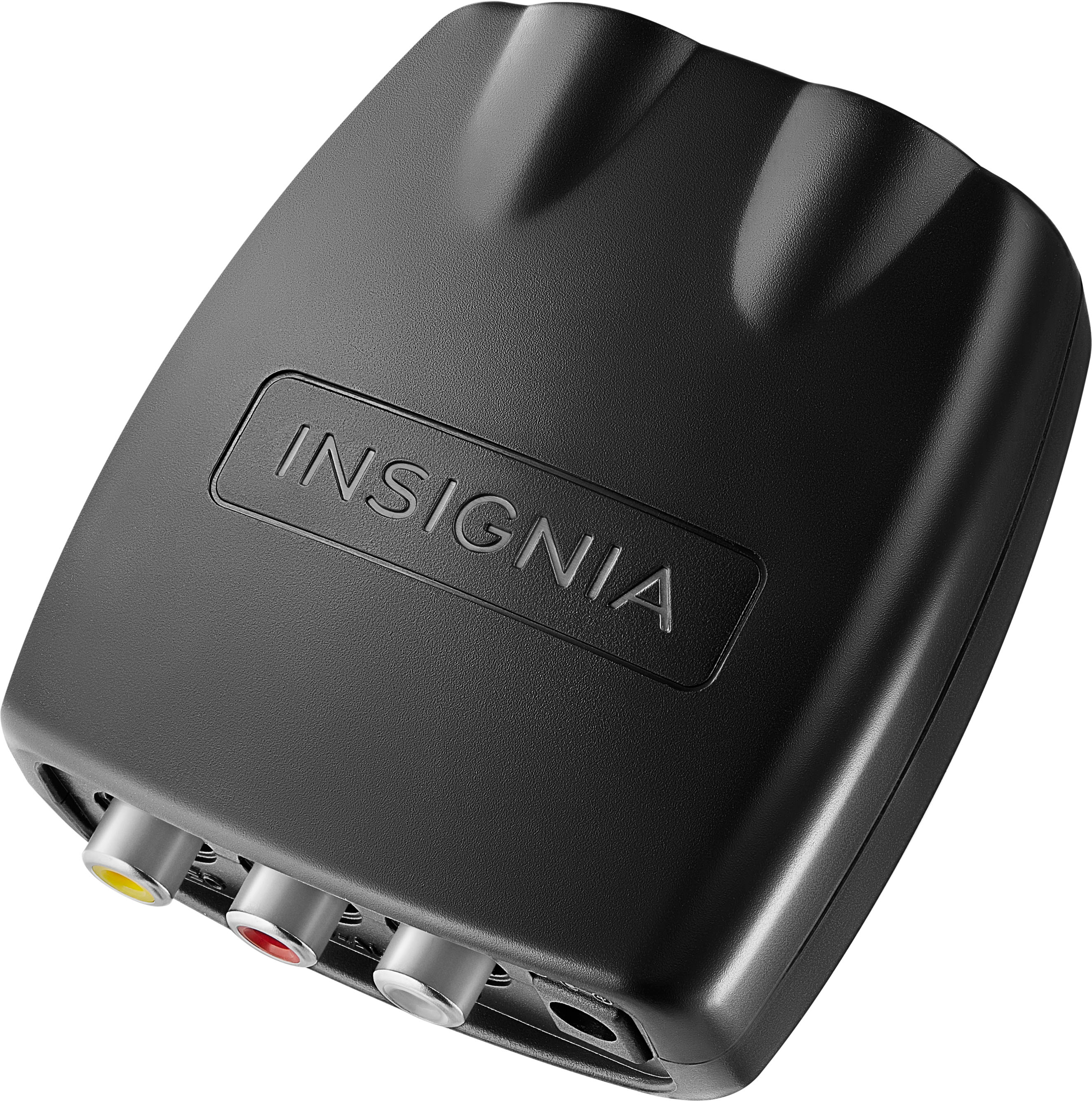
A:AnswerHi there! Yes, the Insignia™ RCA to HDMI Converter is designed to convert analog RCA signals from older devices such as DVD players, VCRs, or gaming consoles into a digital HDMI signal for display on modern televisions. It specifically converts composite RCA video and audio (red, white, yellow) into HDMI output, supporting both HD and Full HD resolutions, making it ideal for connecting legacy devices to newer TVs that only have HDMI inputs.
— Shiela | Insignia Support
A:AnswerHi Tony! Yes, you can use the Insignia™ RCA to HDMI Converter (Model: NS-HZ330) to connect your stereo to a TV that only has HDMI inputs—but only if your stereo outputs video and audio through RCA (composite). Jeth | Insignia Support.
A:AnswerThe Insignia™ RCA to HDMI Converter is not suitable for connecting a TV to a soundbar. It is designed to convert analog RCA video and audio signals into HDMI for display on modern TVs, not for audio output to sound systems. Soundbars typically require HDMI ARC, optical, Bluetooth, or RCA audio outputs from the TV. Using this converter will not transmit audio from your TV to a soundbar. Patricia | Insignia Support
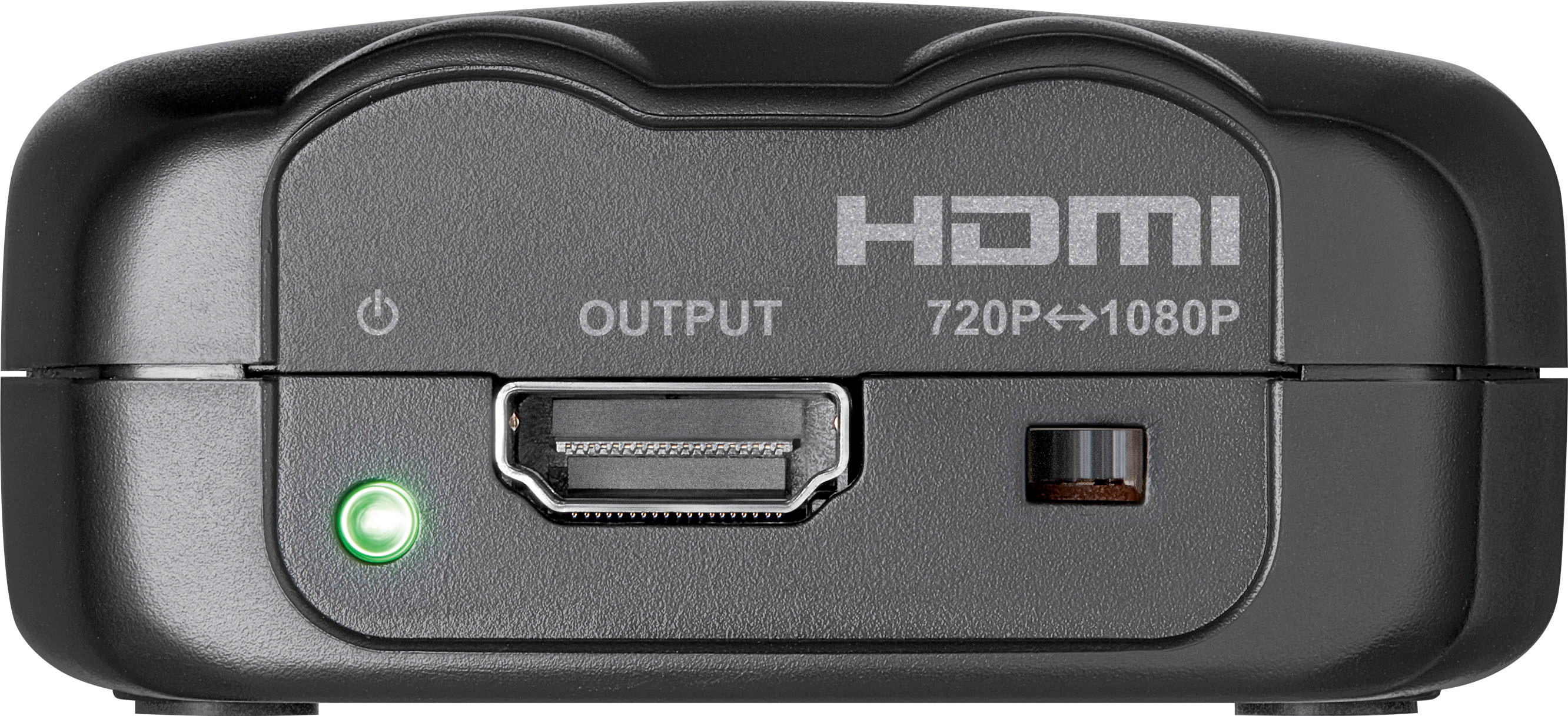
A:AnswerMake sure the cables from the vcr to this adapter are going to the right inputs. Also set the resolution to 1080P if your tv is full resolution or 720P if it isn't. If that's all OK, you may want to verify that the vcr tape you're looking at is not the problem. No other suggestions.
A:AnswerThank you for your question. Our Insignia™ RCA to HDMI Converter is designed to take RCA (red, yellow, white) inputs and convert them to an HDMI output. If your RCA home theater system has RCA outputs for audio, and your PC desktop has an HDMI input, then this converter could potentially work to connect the audio from your home theater to your PC's HDMI port.
However, HDMI on a PC is typically an output for video and audio to a display, not an input. For your PC to receive audio from your RCA home theater system, you would likely need an audio interface or sound card with RCA inputs.
Therefore, this converter is probably not the right solution for your specific setup. It's designed to send audio and video to an HDMI display, not to receive audio from an RCA device into a PC's HDMI port. You would likely need a different type of device to get the audio from your RCA home theater system into your PC.
If you have any other questions or need further assistance, feel free to ask! - Mae | Insignia Support