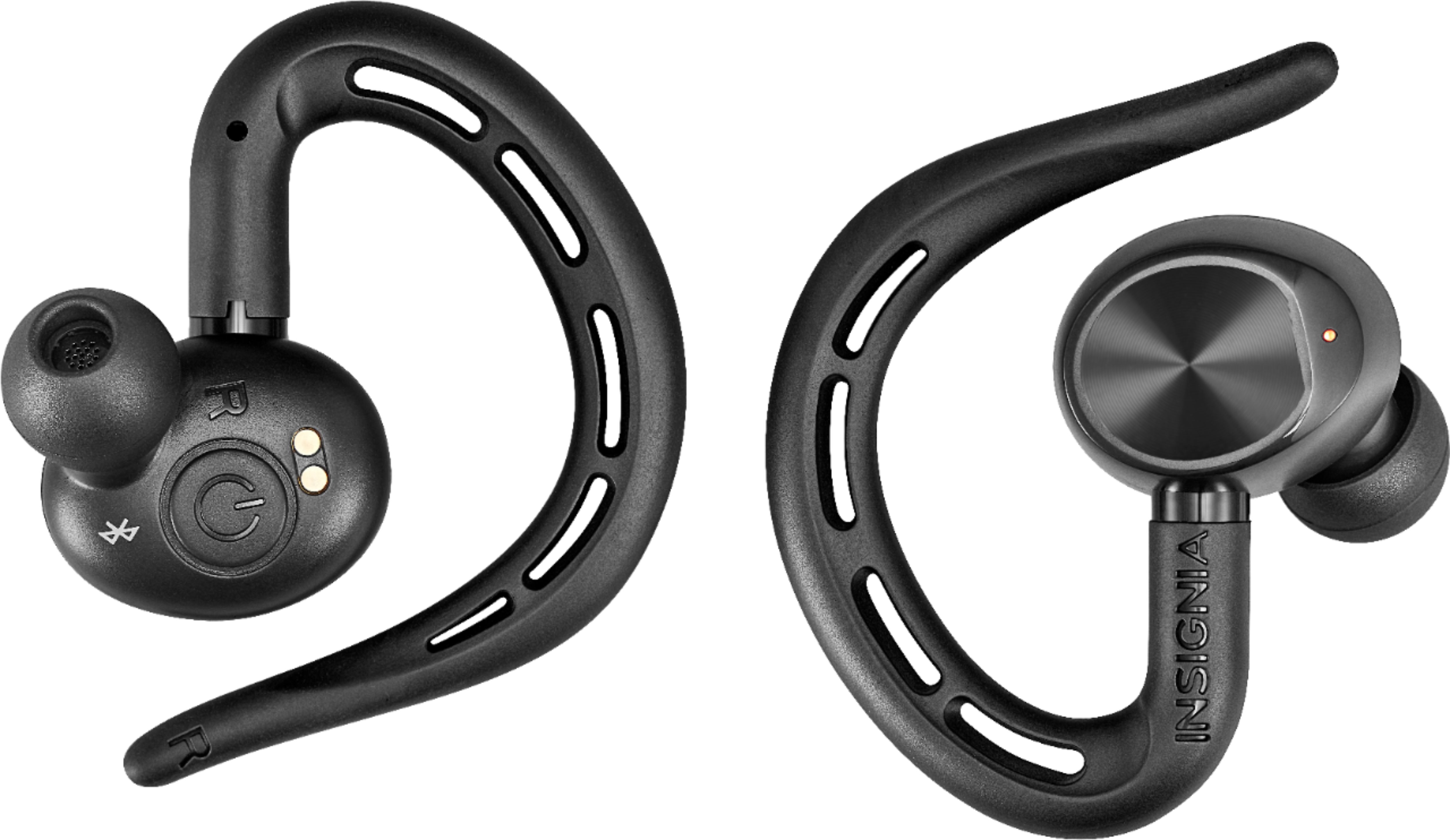
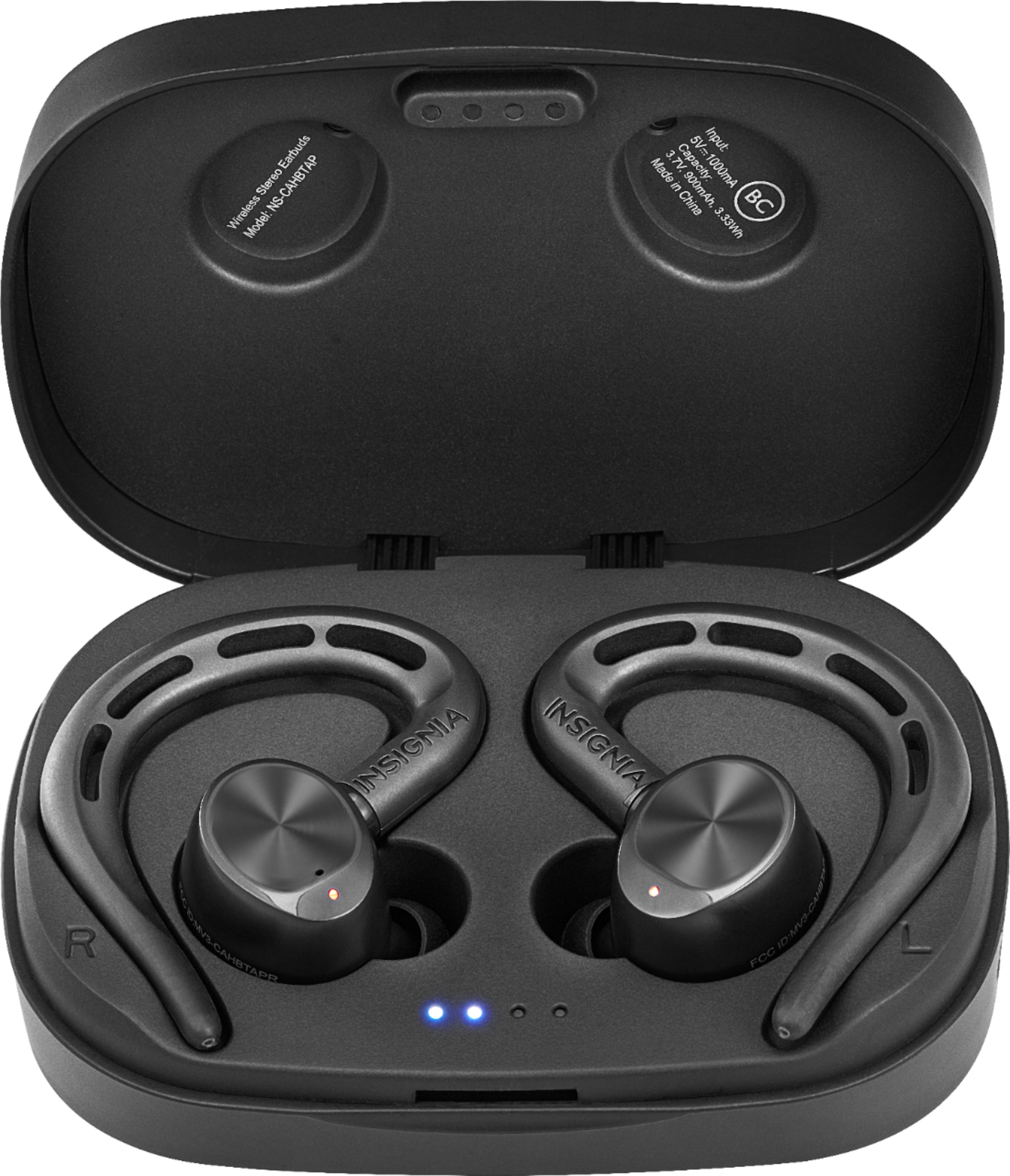
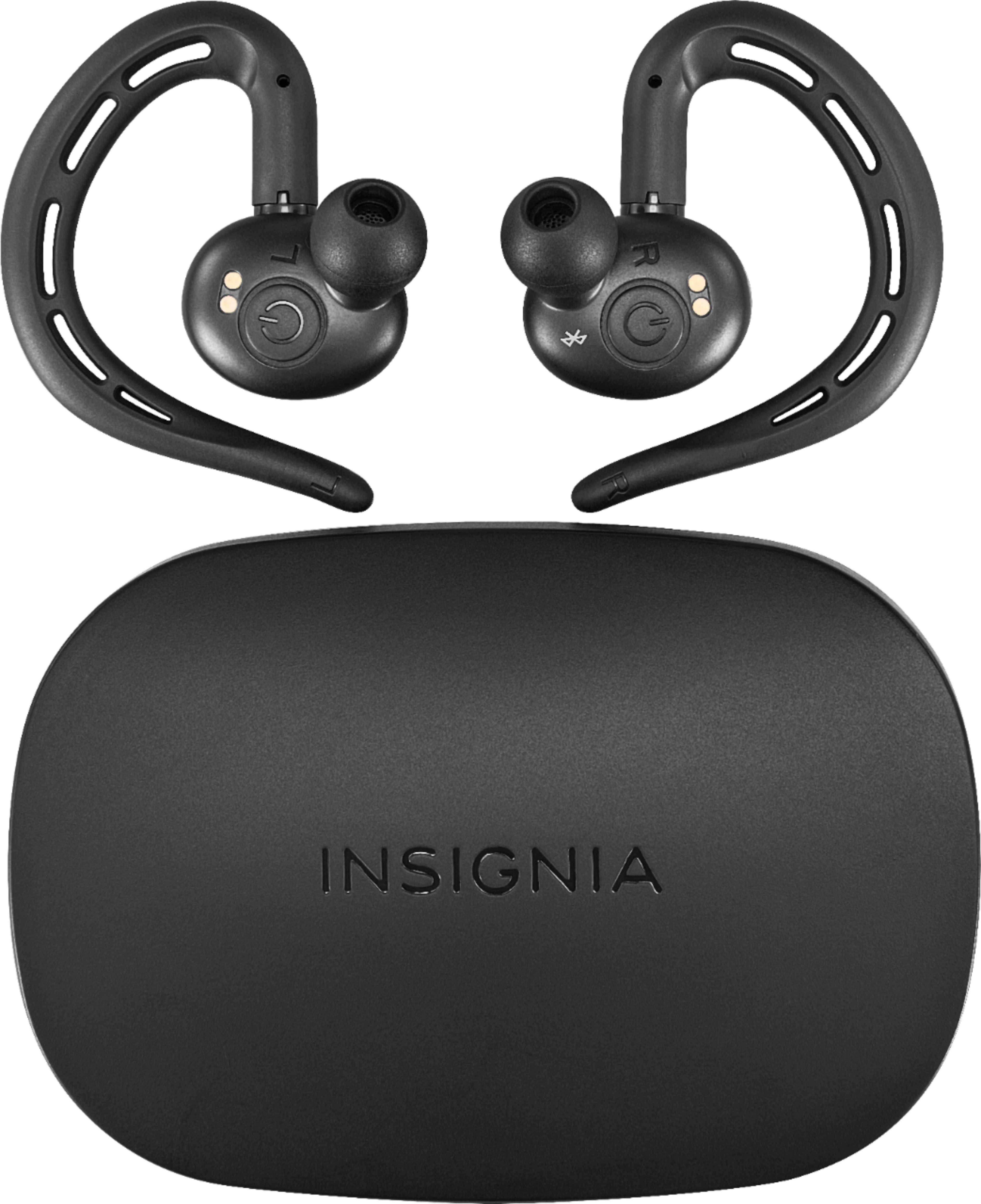
A:AnswerI can recommend a few ideas 1st put them in the charging case they normally disconnect from the device and turn off. Make sure the red light on case turns on the connect them back to whatever device you used which they do automatic or simply turn them off by holding down the power button on both of them at same time for about 5 sec
A:AnswerMake sure that your laptop Bluetooth is on and if the Bluetooth is on and still can't connect try turning off/on the laptop Bluetooth and try to connect again.