Black Friday is hereAlso, shop the 24-Hour Flash Sale.Shop now

Main Content

Questions & Answers

Your price for this item is $19.99
The comparable value price is $27.99
Page Showing 21-40 of 41 questions
  • QuestionCan i use it as a cac reader?

    Asked by Art.

  • QuestionWill this work to download pictures from my Canon camera?

    Asked by sam.

    • Answer Hi Sam! Yes, the Insignia™ USB-C-to-SD/microSD Dual-Slot Card Reader should work for downloading pictures from your Canon camera—as long as your camera uses standard SD or microSD cards (which most Canon models do). - Shiela | Insignia Support

      Answered by InsigniaCustomerSupport

  • QuestionDoes this work with xqd card?

    Asked by Ms0101.

    • Answer Thank you for your inquiry! The Insignia™ USB-C-to-SD/microSD Dual-Slot Card Reader is specifically designed to work with SD and microSD cards. Unfortunately, it does not support XQD cards. If you need a card reader that is compatible with XQD cards, you will need to look for a specialized XQD card reader. This card reader is ideal for users who frequently work with SD and microSD cards, offering a convenient and efficient way to transfer data between devices. Keith | Insignia Support

      Answered by InsigniaCustomerSupport

  • QuestionI just purchased one yesterday. When I connect it to my phone or tablet it becomes the HOST DEVICE and unable to switch so I can't access the files. How do resolve this?

    Asked by Akbar.

    • Answer Hi Akbar, thank you for reaching out. Our Card Reader is a plug-and-play device. If you are experiencing issues with your device, please contact the manufacturer for further assistance. If you have any further questions, please feel free to ask! - Carl | Insignia Support

      Answered by InsigniaCustomerSupport

  • QuestionCan I use this device to transfer from a SanDisk 32 gb to a Lenovo IdeaPad 5?

    Asked by rosietraveler.

    • Answer Only if the Lenovo has a USB type C outlet.

      Answered by BruceH

  • QuestionIs it 3.0?

    Asked by Neil.

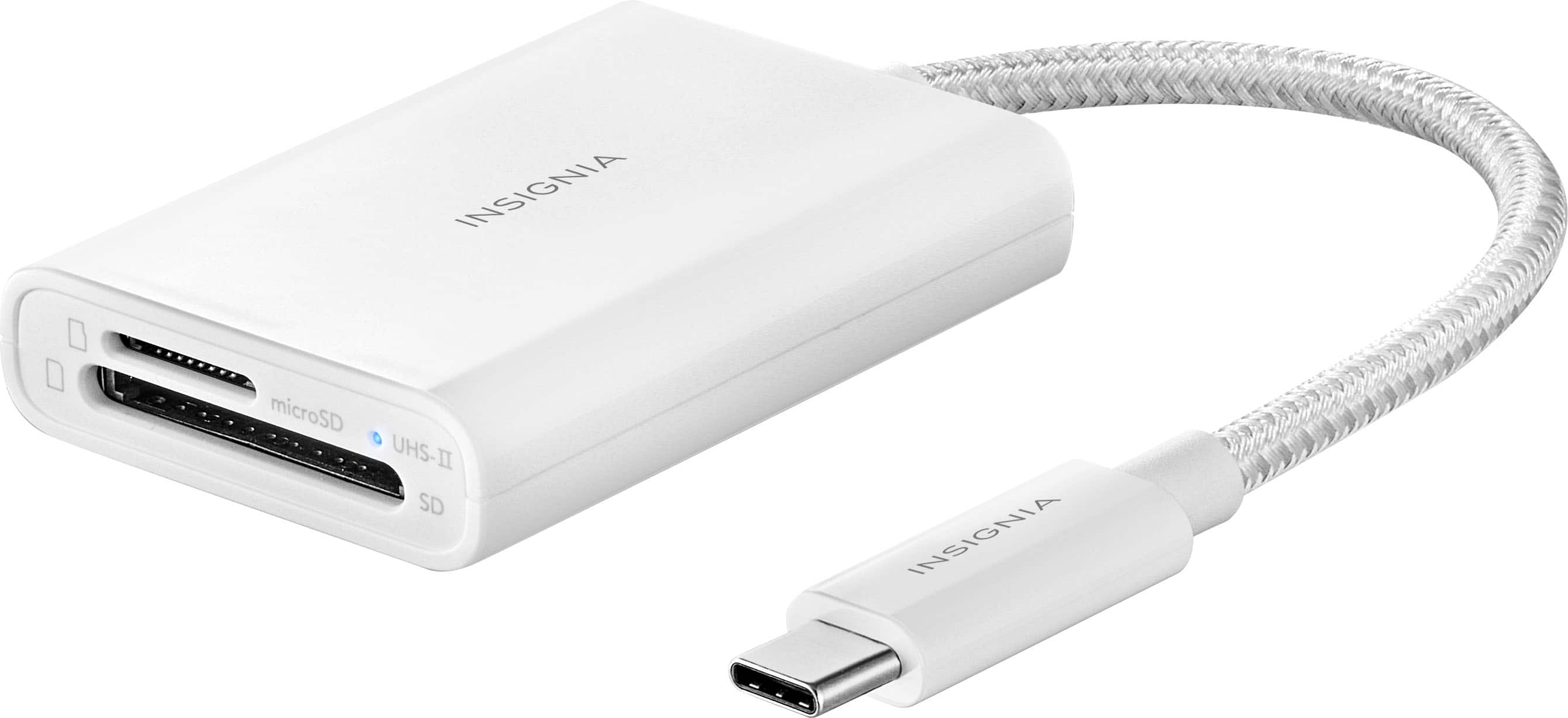
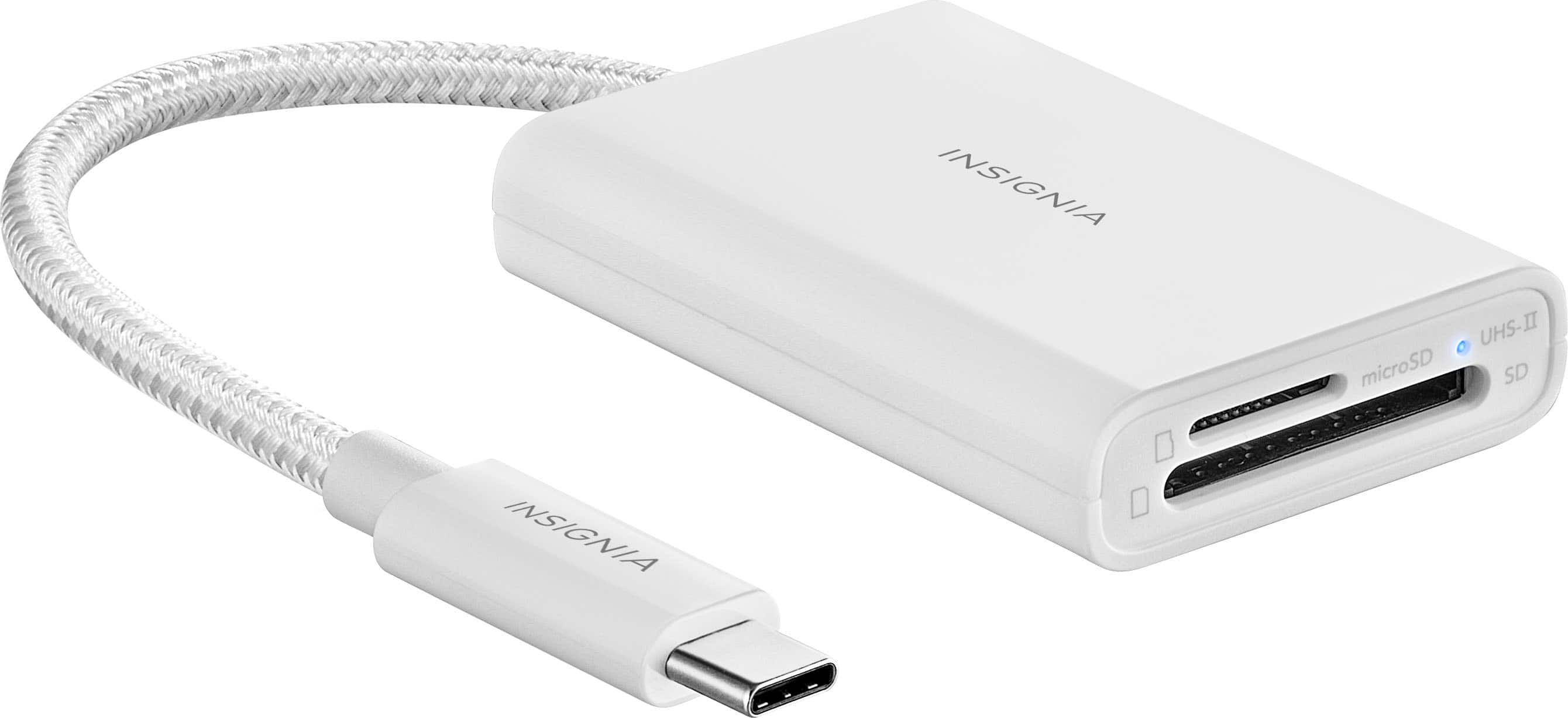
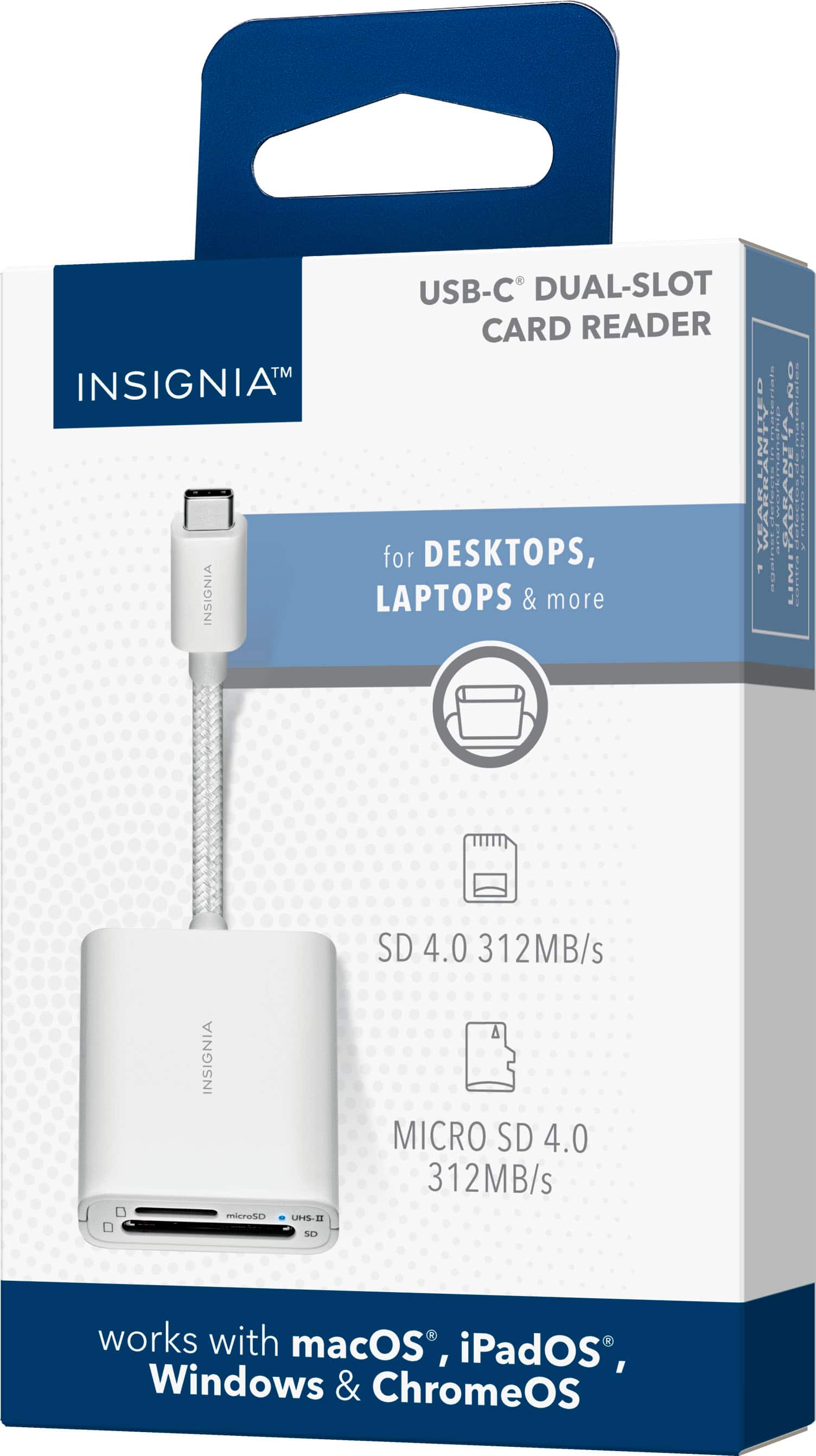
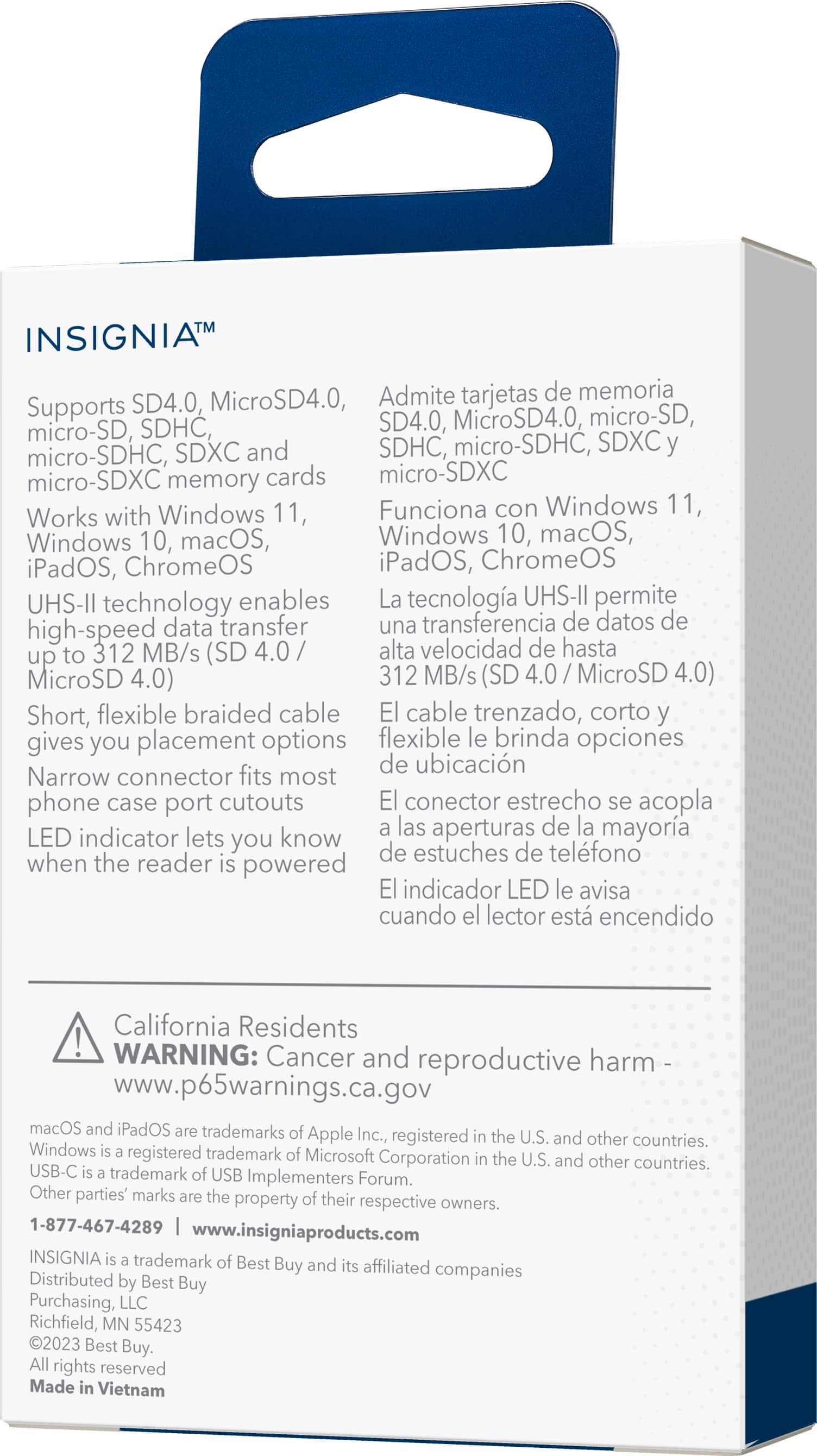
    • Answer Thank you for your inquiry! Yes, the Insignia™ USB-C-to-SD/microSD Dual-Slot Card Reader supports USB 3.0, enabling high-speed data transfer up to 312 MBps when using SD 4.0 or MicroSD 4.0 cards. Keith | Insignia Support https://www.bestbuy.com/site/insignia-usb-c-to-sd-microsd-dual-slot-card-reader-white/6539985.p?skuId=6539985

      Answered by InsigniaCustomerSupport

  • QuestionWill this work with: Windows 11 laptop and Will this work with: Samsung S22 phone?

    Asked by rjn2.

    • Answer Yes, the Insignia™ - USB-C-to-SD/microSD Dual-Slot Card Reader is compatible with both a Windows 11 laptop and a Samsung S22 phone. This card reader uses a USB-C connection, which is supported by both devices. Patricia | Insignia Support

      Answered by InsigniaCustomerSupport

  • QuestionWill this device accept an SD Card of the size of 512 GB?

    Asked by OldNavyAO.

    • Answer Hello OldNavyAO! Yes, the Insignia™ NS-PA3CSDW USB-C-to-SD/microSD Dual-Slot Card Reader supports SDXC and microSDXC cards, which include capacities up to 512 GB. You should be able to use a 512 GB SD card without any issues. If you have any other questions or need further assistance, feel free to ask! Jeth | Insignia Support. https://www.bestbuy.com/site/insignia-usb-c-to-sd-microsd-dual-slot-card-reader-white/6539985.p?skuId=6539985

      Answered by InsigniaCustomerSupport

  • QuestionI downloaded videos and photos from iPhone 13 onto mini sd card. I put it in a new Samsung tablet , but the videos would not play. Will this read the videos and make them play on the Samsung tablet? Thanks

    Asked by Gottaquestionortwo.

    • Answer Thank you for reaching out. The Insignia™ USB-C-to-SD/microSD Dual-Slot Card Reader should allow you to read the videos and photos on your Samsung tablet, provided the tablet supports the file formats of the videos and photos. Here are a few steps to help ensure compatibility: 1. Ensure that the videos and photos are in formats supported by your Samsung tablet (e.g., MP4 for videos, JPEG for photos). 2. Connect the Insignia card reader to your tablet using the USB-C port, and insert the microSD card into the reader. 3. Open the file manager app on your Samsung tablet to locate and play the videos and photos from the microSD card. If the videos still do not play, you might need to install a compatible media player app on your tablet. If you have any other questions or need further assistance, feel free to ask!

      Answered by InsigniaCustomerSupport

  • QuestionWill this device allow you to delete photos off the SD card once they are saved on my I pad?

    Asked by Bud.

    • Answer Yes but be sure to save them on your computer first. I just did it.

      Answered by BudU

  • QuestionHow come the first time I used it to transfer pictures off a card to my phone galaxy s24, it let me view them but that's all and now it won't even pop up on my phone or any other phone that it even has a SD card in it but light on bottom of reader is on?

    Asked by Dustin.

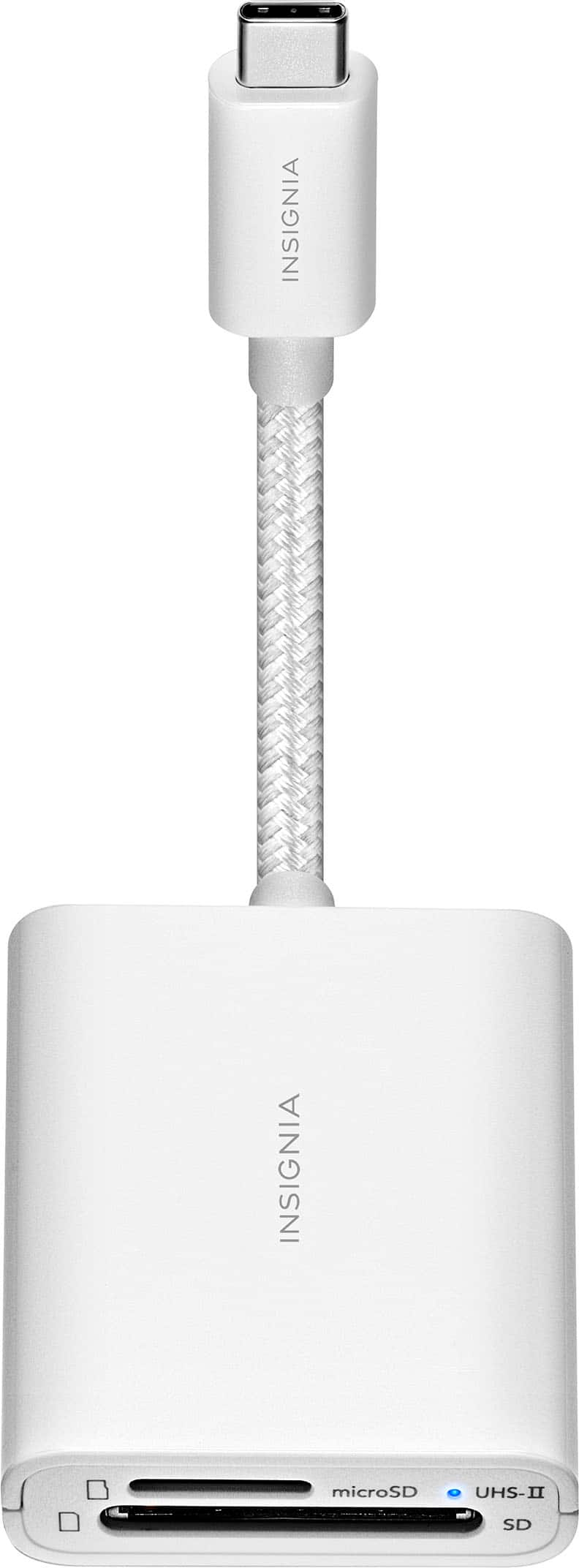
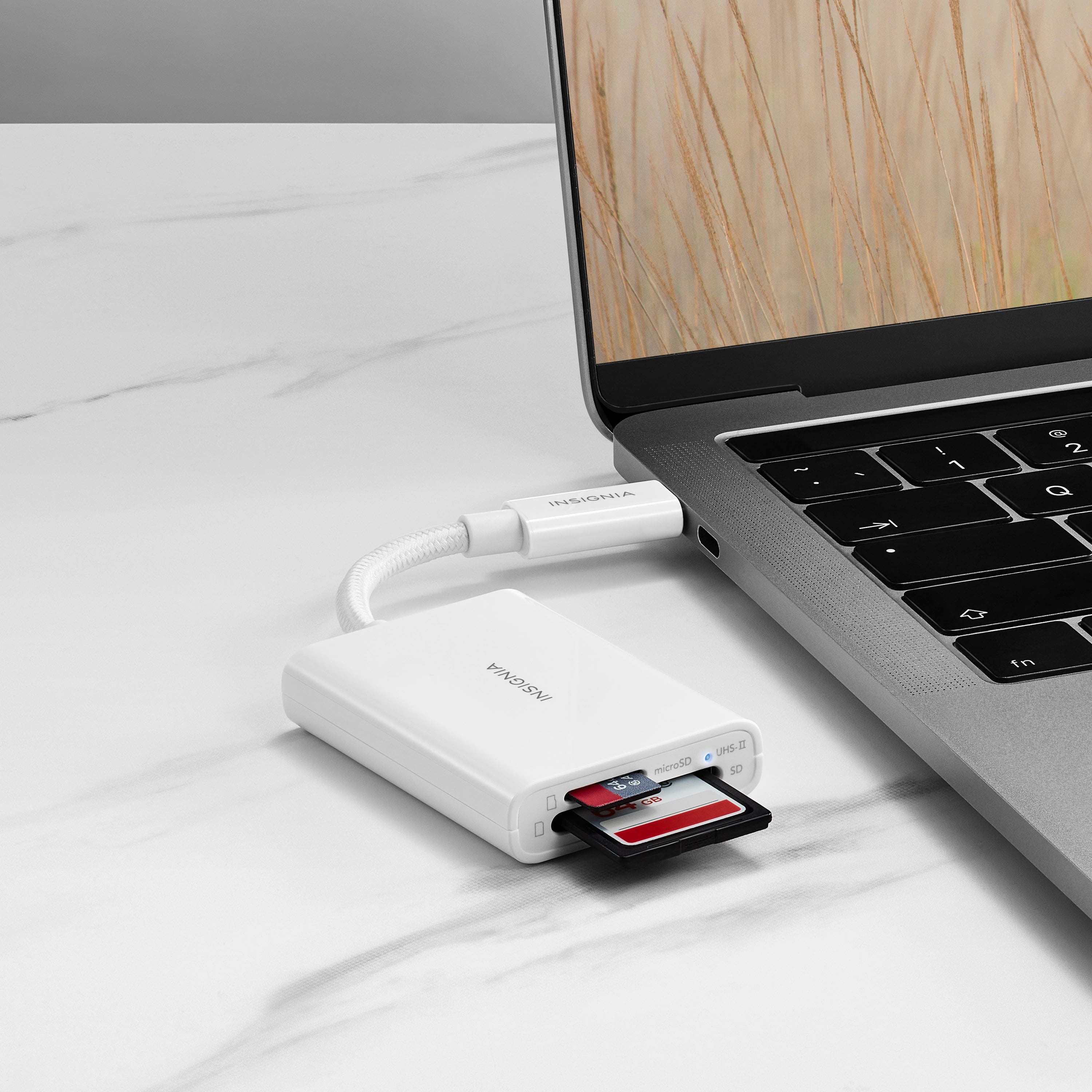
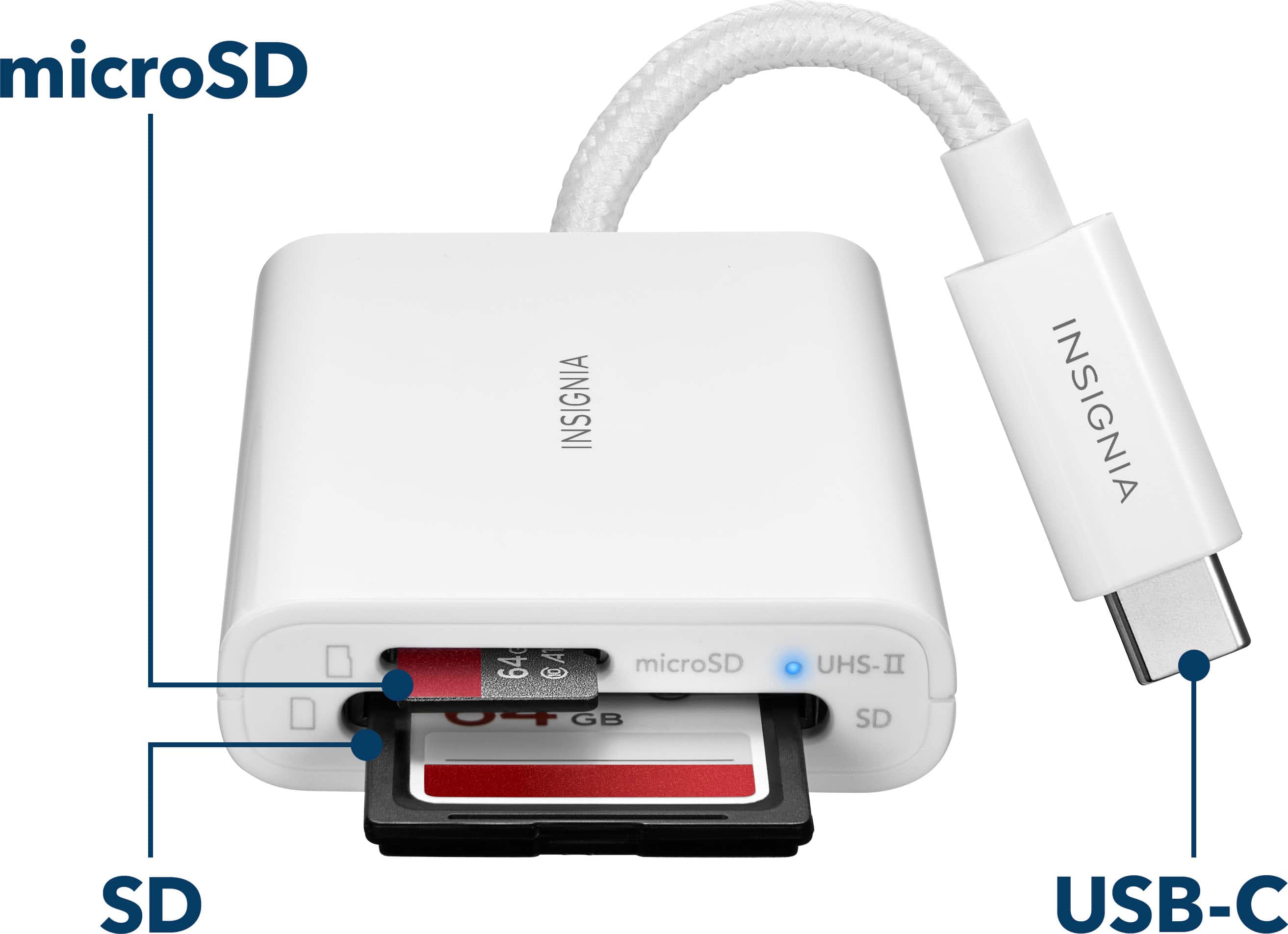
    • Answer It sounds like you're experiencing some connectivity issues with your Insignia™ USB-C-to-SD/microSD Dual-Slot Card Reader. Here are a few troubleshooting steps you can try: 1. Check Compatibility: Ensure that your card reader is compatible with your Galaxy S24. The reader should support Android OS, but double-checking the specifications can help. 2. Inspect the SD Card: Make sure the SD card is properly inserted and not damaged. Try using a different SD card to see if the issue persists. 3. Restart Your Phone: Sometimes, a simple restart can resolve connectivity issues. 4. Update Drivers: If you're using the card reader with a computer, ensure that the drivers are up to date. 5. Check USB-C Port: Ensure the USB-C port on your phone is clean and free of debris. Sometimes, dust can cause connectivity issues. 6. Test on Another Device: Try connecting the card reader to another device to see if it works there. This can help determine if the issue is with the card reader or your phone. 7. LED Indicator: The blue LED light indicates that the card reader is receiving power. If the light is on but the device isn't recognized, there might be a software issue. If you have any questions or need further assistance, please don't hesitate to reach out. Thank you for choosing Insignia! | Insignia Support | https://www.bestbuy.com/site/brands/best-buy-brands/pcmcat1596746025285.c?id=pcmcat1596746025285

      Answered by InsigniaCustomerSupport

  • QuestionCan I use this to transfer sound from my OM WS-883 digital voice recorder to my new Microsoft surface pro 11 tablet/laptop?

    Asked by AlliCat.

    • Answer Yes, you can use the Insignia™ USB-C-to-SD/microSD Dual-Slot Card Reader to transfer audio files from your OM WS-883 digital voice recorder to your Microsoft Surface Pro 11. Here's how it works: 1. Remove the SD card from your OM WS-883 digital voice recorder. 2. Insert the SD card into the appropriate slot on the Insignia card reader. 3. Connect the card reader to your Surface Pro 11 using the USB-C connector. 4. Transfer the files: Your Surface Pro 11 should recognize the card reader, allowing you to access and transfer the audio files from the SD card to your device. This card reader supports a variety of SD and microSD cards, making it a versatile tool for transferring data. If you have any questions or need further assistance, please don't hesitate to reach out. Thank you for choosing Insignia! | Insignia Support | https://www.bestbuy.com/site/brands/best-buy-brands/pcmcat1596746025285.c?id=pcmcat1596746025285

      Answered by InsigniaCustomerSupport

  • QuestionWill this device allow me to download my photos to my pc

    Asked by photocat.

    • Answer Yes

      Answered by budu

  • QuestionWill this work with an iPad 9?

    Asked by Pat.

    • Answer Thank you for your interest in our Insignia™ USB-C-to-SD/microSD Dual-Slot Card Reader. I'm happy to help you with any questions you may have about compatibility. I'm pleased to confirm that our product is indeed compatible with the iPad 9 and any iPad OS. You can use it seamlessly with your device to transfer files, photos, and more. Thank you again for your interest in our product. If you have any further questions or need any assistance, please don't hesitate to reach out. Jeth | Insignia Support. https://www.bestbuy.com/site/insignia-usb-c-to-sd-microsd-dual-slot-card-reader-white/6539985.p?skuId=6539985

      Answered by InsigniaCustomerSupport

  • QuestionCan I connect this to my s21 ultra and view video from a micro SD card?

    Asked by Warren.

    • Answer Yes, you can access all of the media on your micro SD card using the Insignia™ - USB-C-to-SD/microSD Dual-Slot Card Reader. Carl | Insignia Support https://www.bestbuy.com/site/insignia-usb-c-to-sd-microsd-dual-slot-card-reader-white/6539985.p?skuId=6539985

      Answered by InsigniaCustomerSupport

  • QuestionHaving trouble getting this reader to be recognized by my samsung s24 Ultra

    Asked by Don3ped.

    • Answer Samsung SD cards have problems transferring digital photo’s. There are several cameras that I have that warn against using them.

      Answered by PJKphoto

  • Questionwill this work directly to plug into an iPhone 11 or does it require an additional device to connect to the phone?

    Asked by Anonymous.

    • Answer iPhone 11 requires a lightning connection. Stacking adapters also does not works well.

      Answered by pjkphoto

  • QuestionIs it compatible with the iPhone 15 Pro Max?

    Asked by H.

    • Answer Yes

      Answered by pjkphoto

  • QuestionCan this be used to transfer data from an SD card to a 2018 MacBook Air?

    Asked by Anonymous.

    • Answer Yes

      Answered by RobC