Refund Refresh 4-Day SaleEnds Monday. Limited quantities. No rainchecks.Shop now

Main Content

Questions & Answers

$54.99
Page Showing 21-40 of 133 questions
  • QuestionWill this adapter work with a Chrome Operating System?

    Asked by Steve.

    • Answer No, this adapter only works with Windows operating system.

      Answered by InsigniaCustomerSupport

  • QuestionIs this device supported by the Dell inspiron 15 3000 laptop

    Asked by Champ.

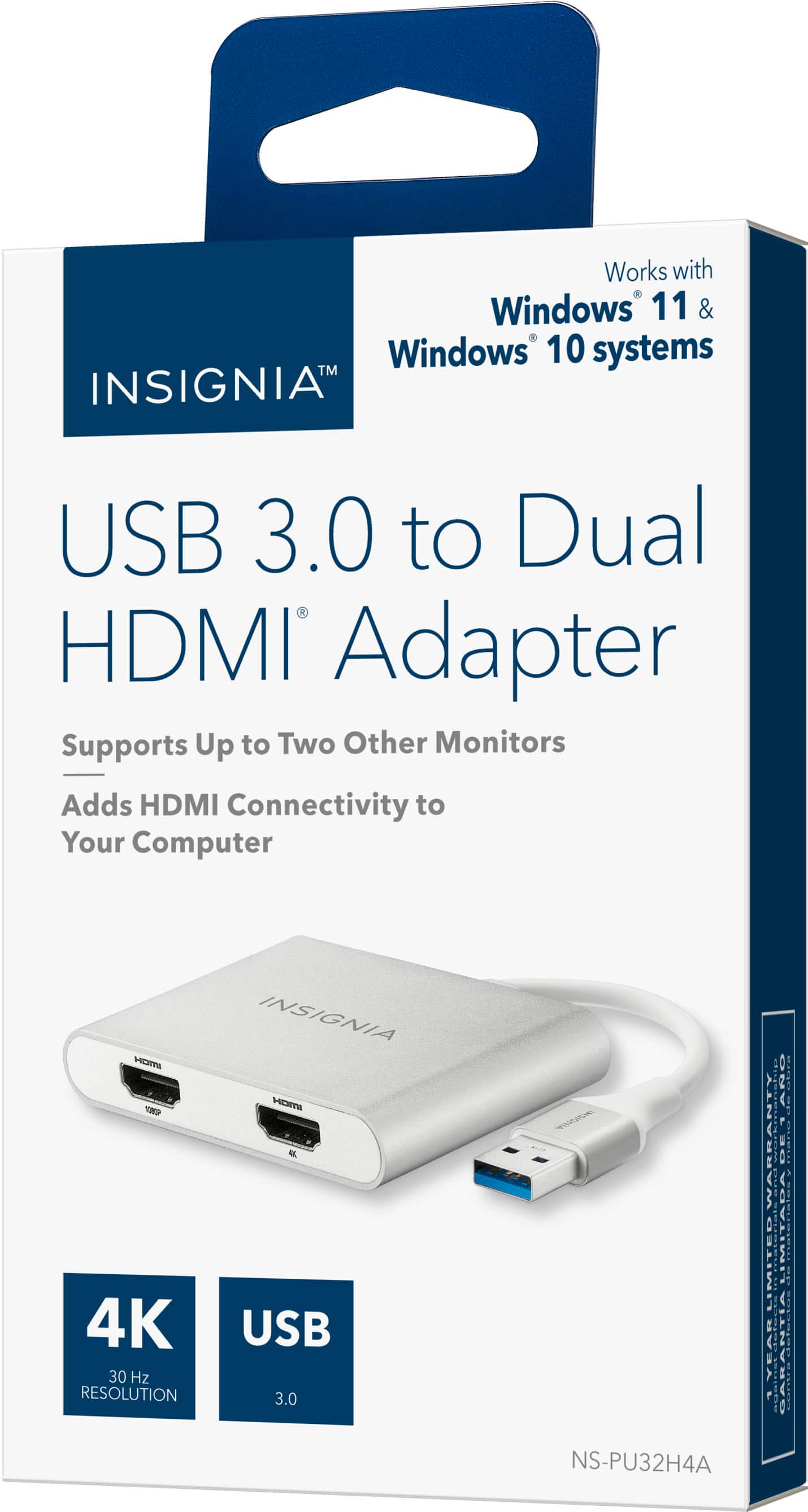
    • Answer Hello Champ, thank you for contacting us. We understand you’re looking to confirm compatibility between the Insignia USB to Dual HDMI Adapter and your Dell Inspiron 15 3000 laptop. Yes this model is compatible with Windows 10 and 11 and requires a USB 3.0 port for optimal performance. Since most Dell Inspiron 15 3000 models are equipped with these ports and run on compatible Windows operating systems, this device should be supported. Narendra | Insignia

      Answered by InsigniaCustomerSupport

  • QuestionI’ve heard some hdmi splitters have issues when connecting monitors of different sizes or resolutions, is it recommended to use two of the same monitors or am i able to use what I’d like?

    Asked by Tim.

    • Answer I haven’t had issues connecting different brand monitors

      Answered by WilliamB

  • QuestionDoes this adapater have DisplayLink techology

    Asked by Marsha.

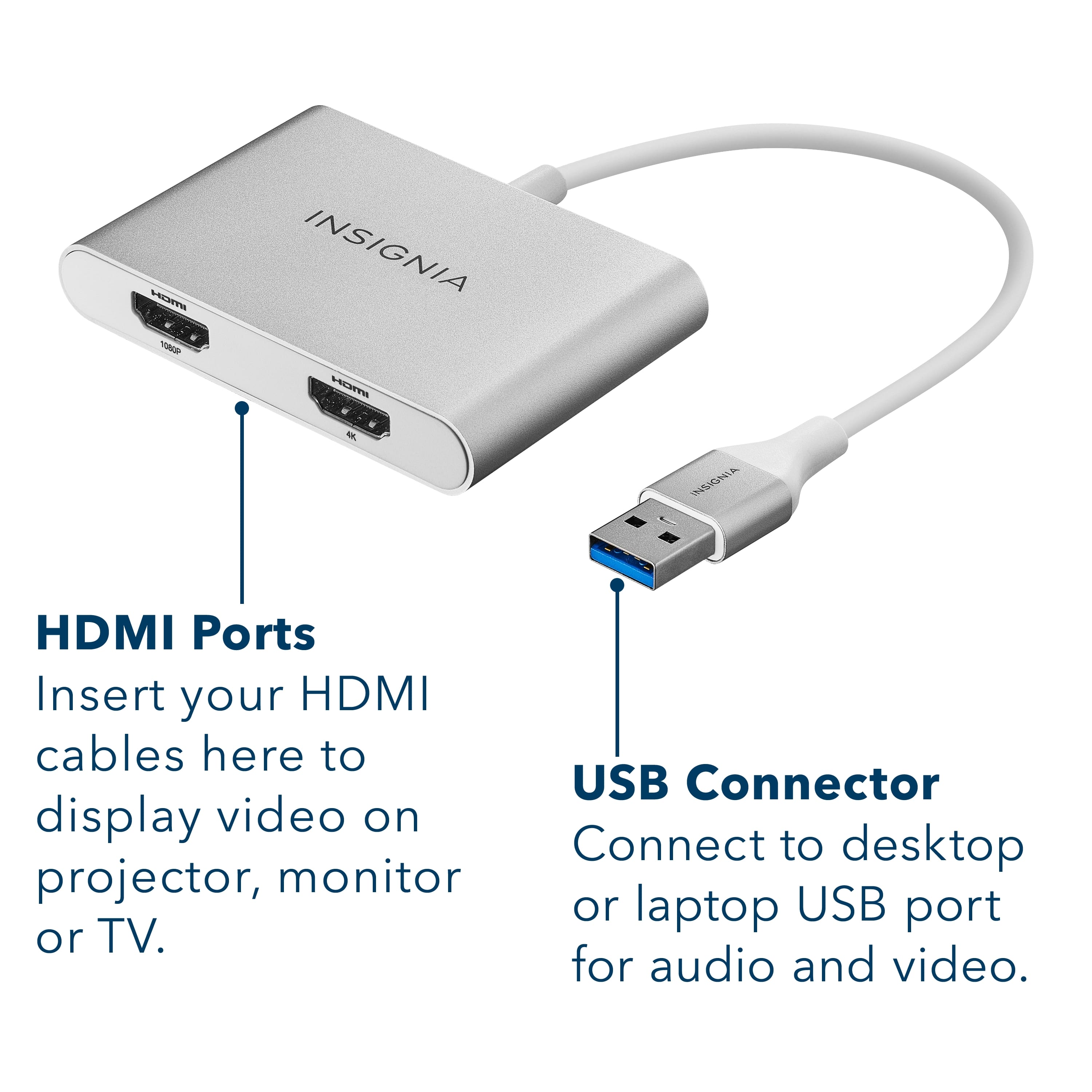
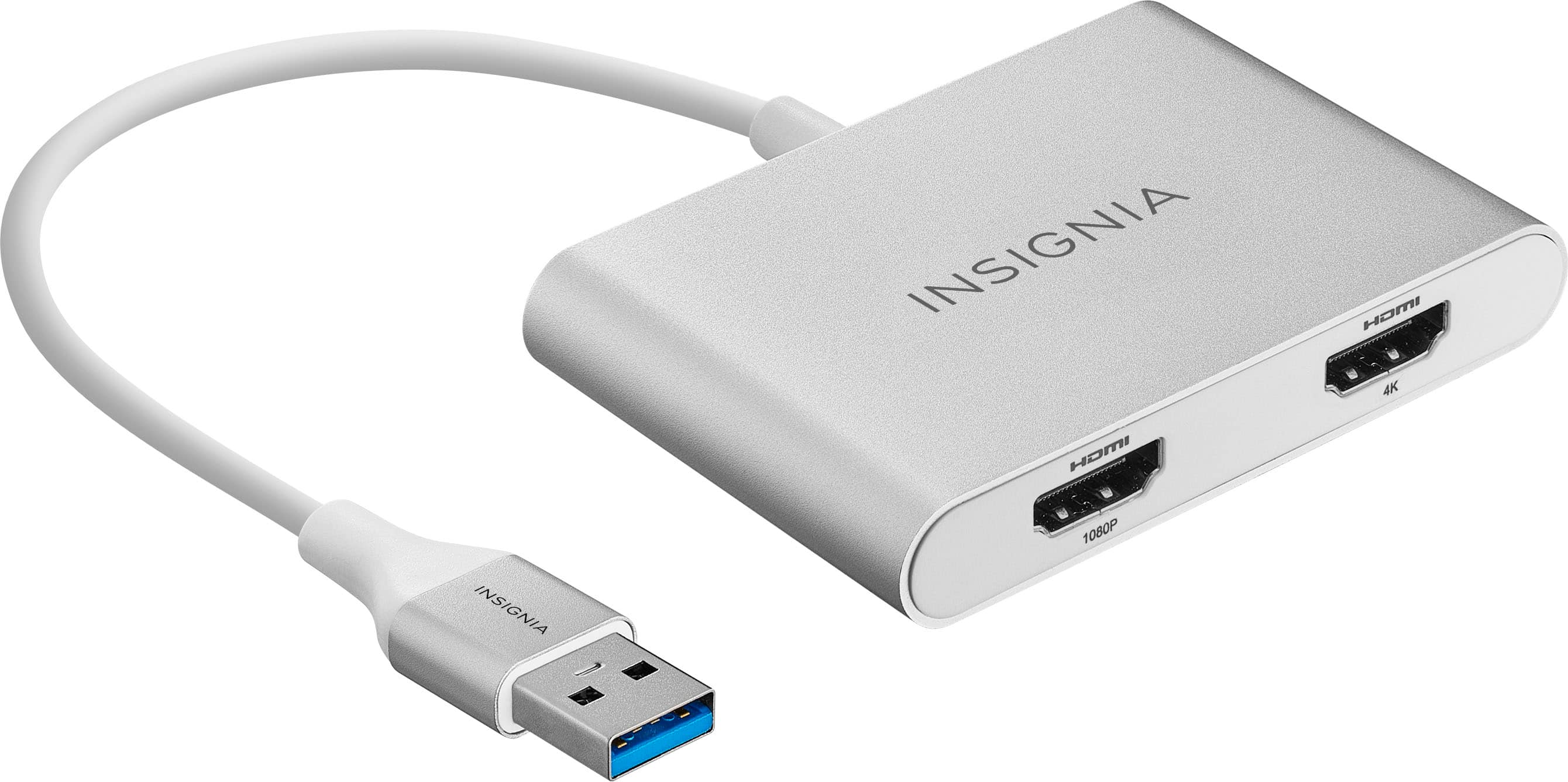
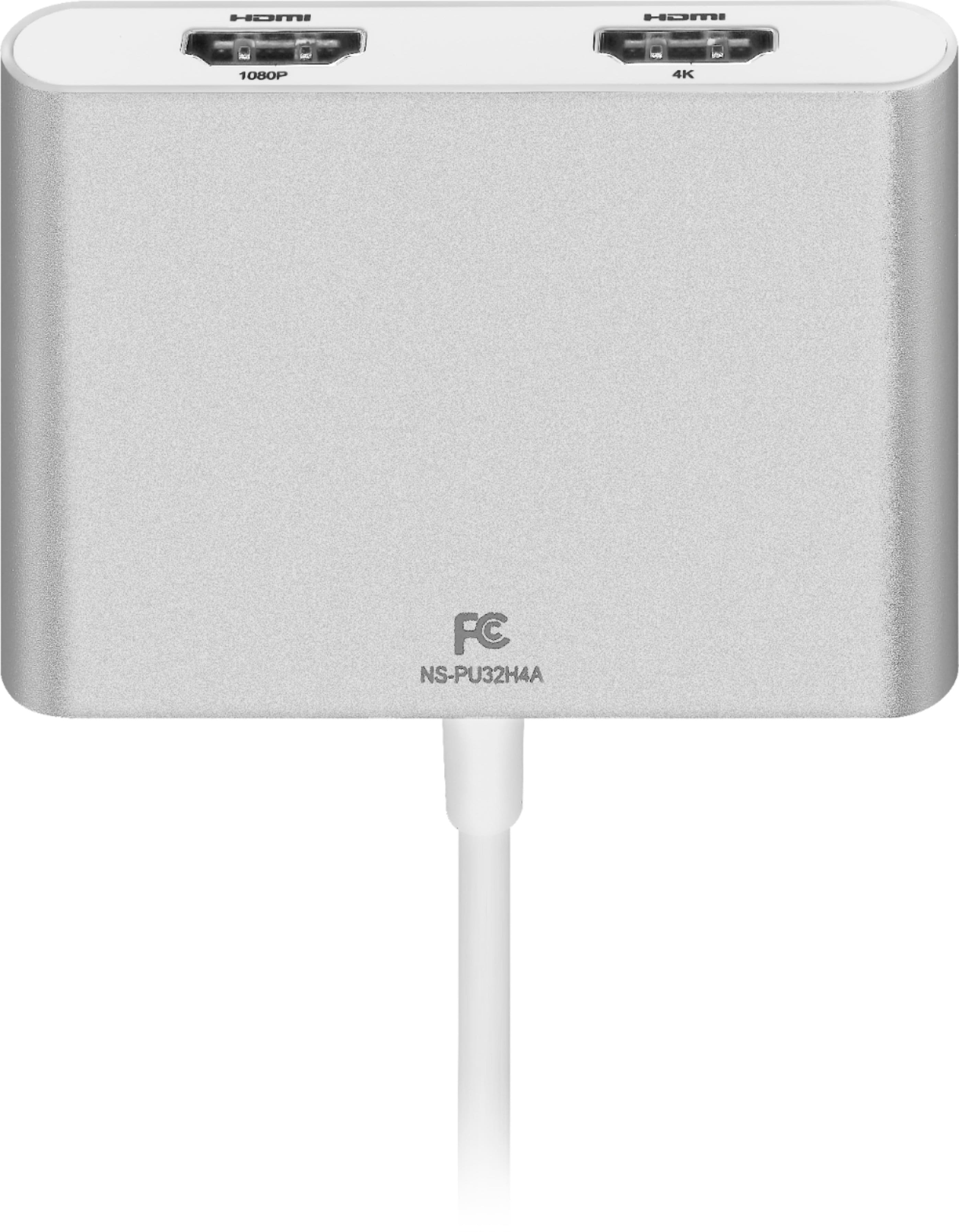
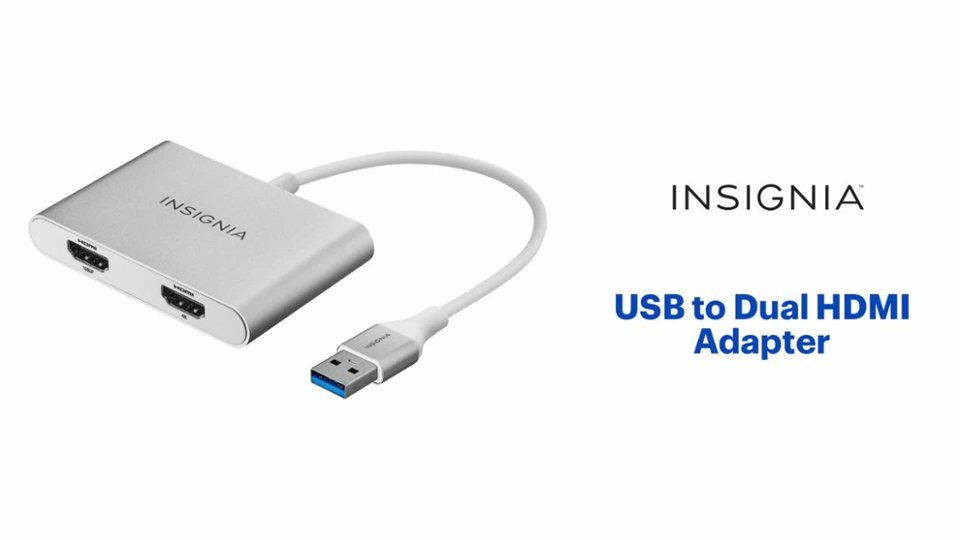
    • Answer Hi there! Yes, the Insignia™ USB to Dual HDMI Adapter (Model: NS-PU32H4A) does use DisplayLink technology to enable video output through USB. This chipset allows it to support dual-monitor setups and resolutions up to 4K at 30Hz on one port and 1080p at 60Hz on the other |Angelica| Insignia Products|

      Answered by InsigniaCustomerSupport

  • QuestionIs this compatible with a Thinkpad x1?

    Asked by J.

    • Answer Yes, the Insignia™ - USB to Dual HDMI Adapter (model NS-PU32H4A) should be compatible with your Thinkpad X1. This adapter works with most devices that have a USB 3.0 port, including the Thinkpad X1. It allows you to mirror or extend your display to two HDMI-enabled monitors, providing up to 4K resolution at 30 Hz on one port and 1080p at 60 Hz on the other. If you have any other questions or need further assistance, feel free to ask! -Ed | Insignia Support | https://www.bestbuy.com/site/brands/best-buy-brands/pcmcat1596746025285.c?id=pcmcat1596746025285

      Answered by InsigniaCustomerSupport

  • QuestionI'm not getting any audio, when the adapter plugged in, is that expected?

    Asked by Anonymous.

    • Answer Thank you for your question about the Insignia USB to Dual HDMI Adapter. There are a few reasons why you might not be getting any audio when using the adapter: 1. Incorrect Audio Output Device: Make sure your computer's audio output device is set to the correct output port. Right-click on the speaker icon in your taskbar and select "Playback devices." Ensure that the adapter's output device is selected as the default. 2. Outdated Drivers: Ensure that your computer has the latest drivers installed for the adapter. Visit the manufacturer's website and download the latest drivers for your specific adapter model. 3. Incompatible Audio Format: Some audio formats may not be supported by the adapter. Try changing the audio output format in your computer's settings or media player. 4. Faulty Adapter: In rare cases, the adapter itself may be faulty. Try using the adapter with another computer or monitor to test if it works. If you're still having trouble, please contact Insignia customer support team (877-467-4289) for further assistance. They can provide you with specific troubleshooting steps and help you resolve the issue. - Mae | Insignia Support | https://www.bestbuy.com/site/brands/best-buy-brands/pcmcat1596746025285.c?id=pcmcat1596746025285

      Answered by InsigniaCustomerSupport

  • QuestionI want to add a 3rd monitor, will this work?

    Asked by Pete.

    • Answer Hello! Thank you for reaching out. Yes, this would work if you are planning to add more monitors to your setup. I hope this information is helpful. If you have any further questions, please feel free to reach out again. - Carl | Insignia Support

      Answered by InsigniaCustomerSupport

  • QuestionI just bought this but both displays are not working?

    Asked by Dean.

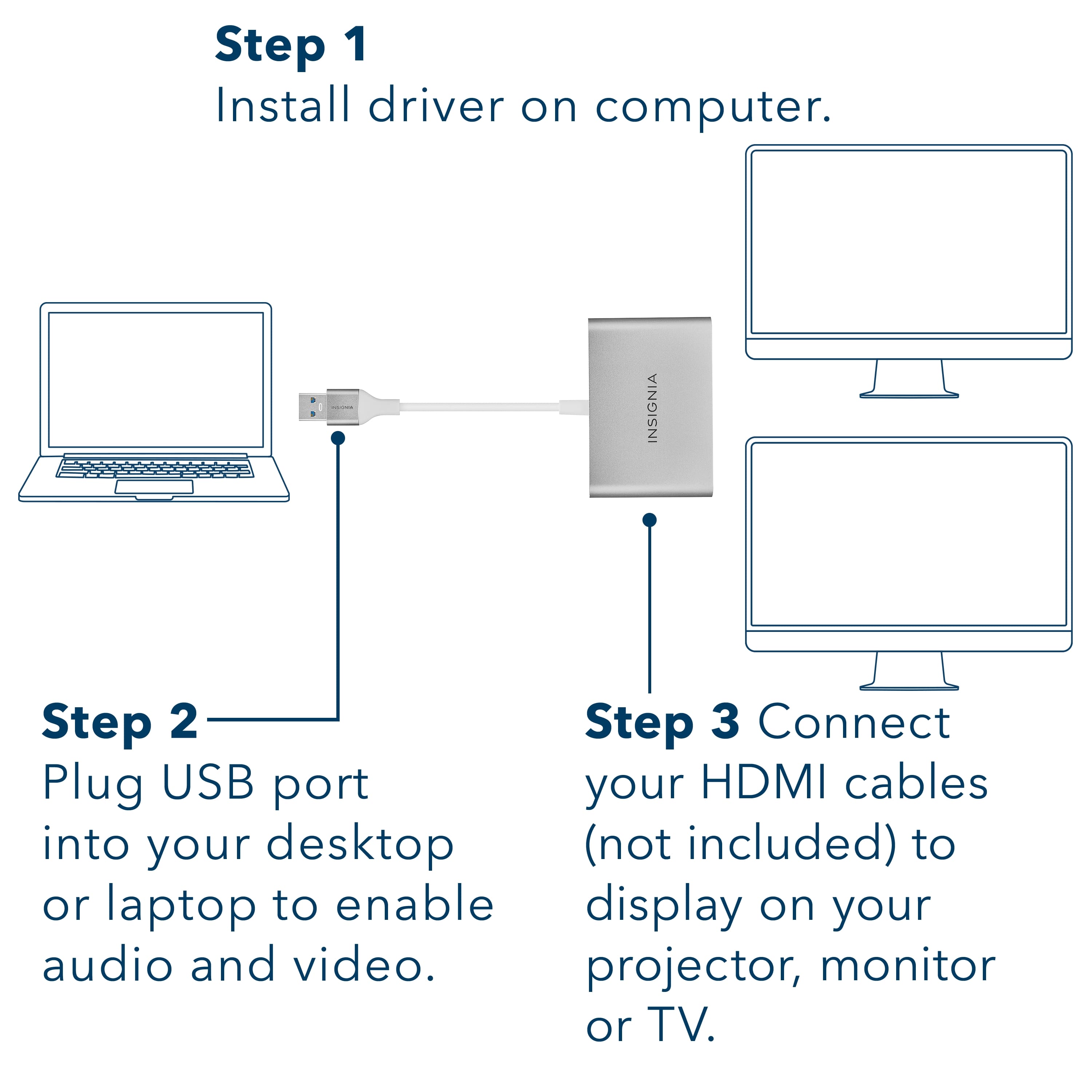
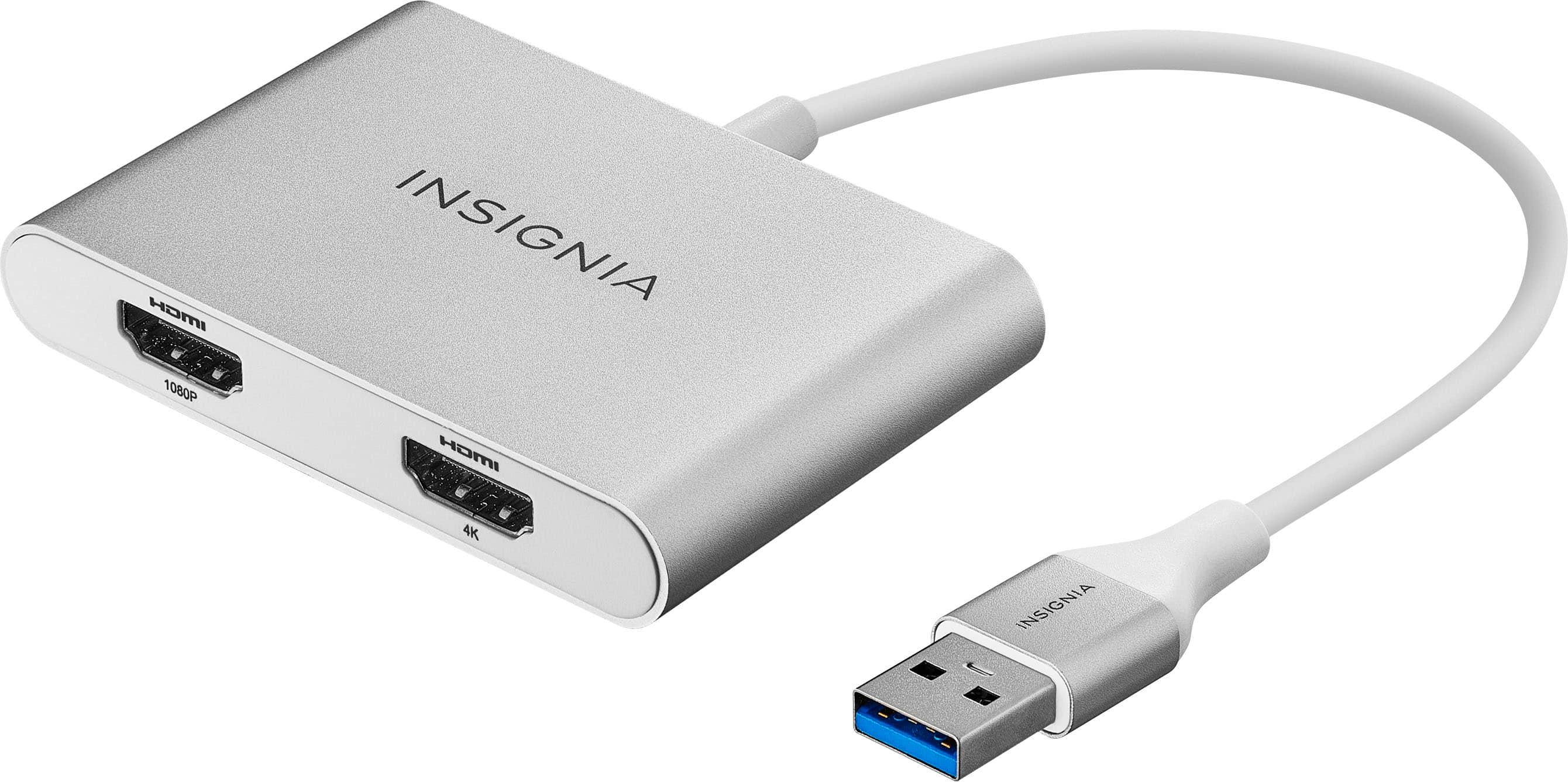
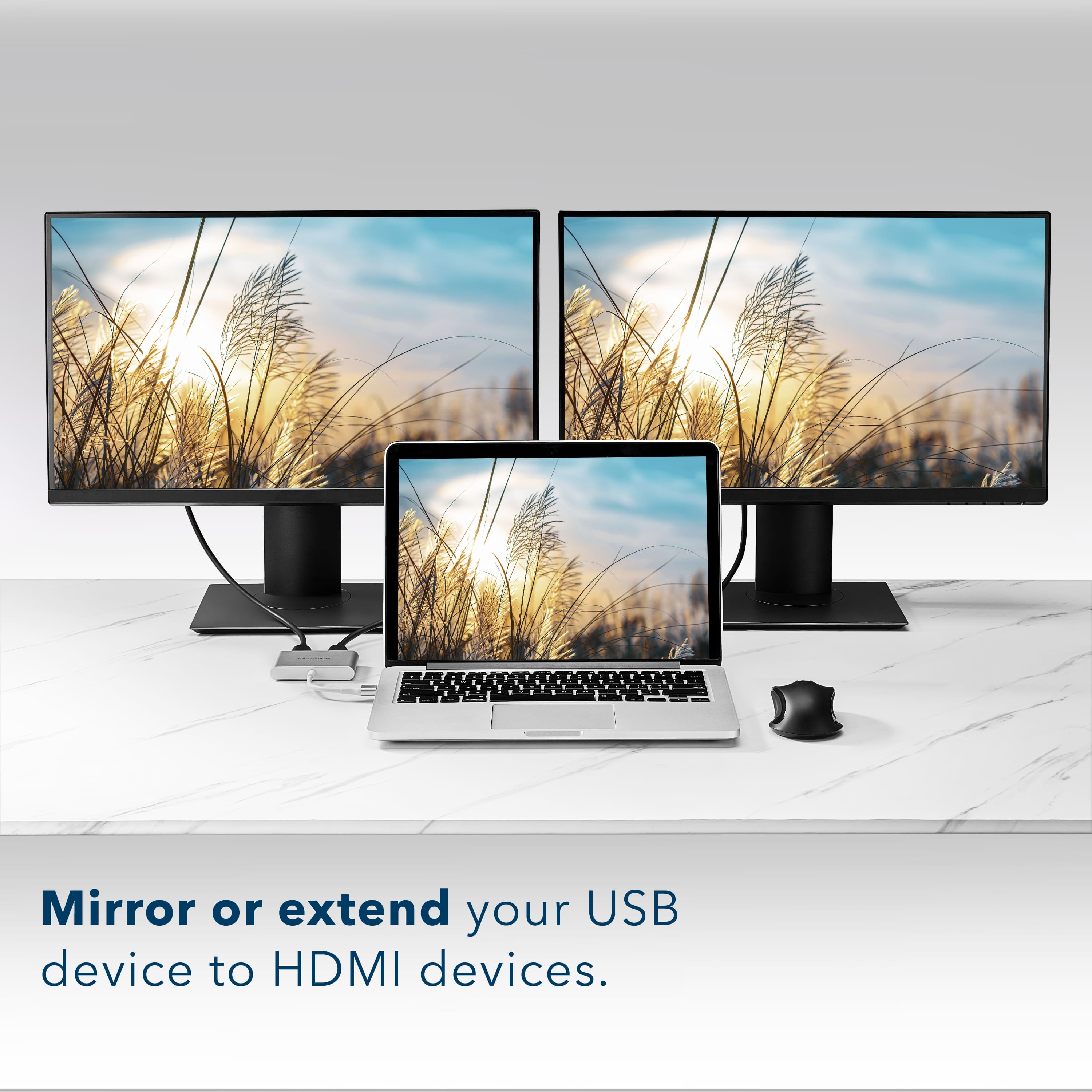
    • Answer If both displays are not working, start by ensuring that all HDMI cables are securely connected to the adapter and the monitors, and that the adapter is properly connected to your computer’s USB port. Next, try power cycling the adapter by unplugging it from the USB port, waiting a few seconds, and then plugging it back in. Lastly, ensure that your computer’s operating system is compatible with the adapter. This adapter is compatible with Windows 11 and 10. Patricia | Insignia Support
      Answered by InsigniaCustomerSupport

  • QuestionIs there a product that is the exact same as this but works with Chrome OS?

    Asked by Anonymous.

    • Answer Unfortunately, the Insignia™ USB to Dual HDMI Adapter (NS-PU32H4A) is specifically designed for Windows and macOS, and it doesn’t officially support Chrome OS. If you need an adapter for Chrome OS, you might need to look for one that explicitly states compatibility with Chrome OS. If you have any other questions or need further assistance, feel free to ask! Jeth | Insignia Support. https://www.bestbuy.com/site/insignia-usb-to-dual-hdmi-adapter-white/6418351.p?skuId=6418351

      Answered by InsigniaCustomerSupport

  • QuestionCan I buy two of these and use both on the same laptop to create a 4 monitor display?

    Asked by AR.

    • Answer Yes, you can use two Insignia™ USB to Dual HDMI Adapters on the same laptop to create a 4-monitor display, provided your laptop has enough available USB ports and can handle the additional display outputs. Here are a few things to keep in mind: 1. USB Ports: Ensure your laptop has at least two available USB ports (preferably USB 3.0 for better performance). 2. System Requirements: Check that your laptop’s operating system and hardware can support multiple external displays. Most modern laptops should be able to handle this, but it’s always good to verify. 3. Driver Installation: You may need to install drivers for the adapters. These should install automatically when you connect the adapters, but you can also download them from the Insignia website if needed. If you have any questions or need further assistance, please don't hesitate to reach out. Thank you for choosing Insignia! - Emman | Insignia Support | https://www.bestbuy.com/site/brands/best-buy-brands/pcmcat1596746025285.c?id=pcmcat1596746025285

      Answered by InsigniaCustomerSupport

  • QuestionIs there any work around to make this work with chrome os?

    Asked by Anonymous.

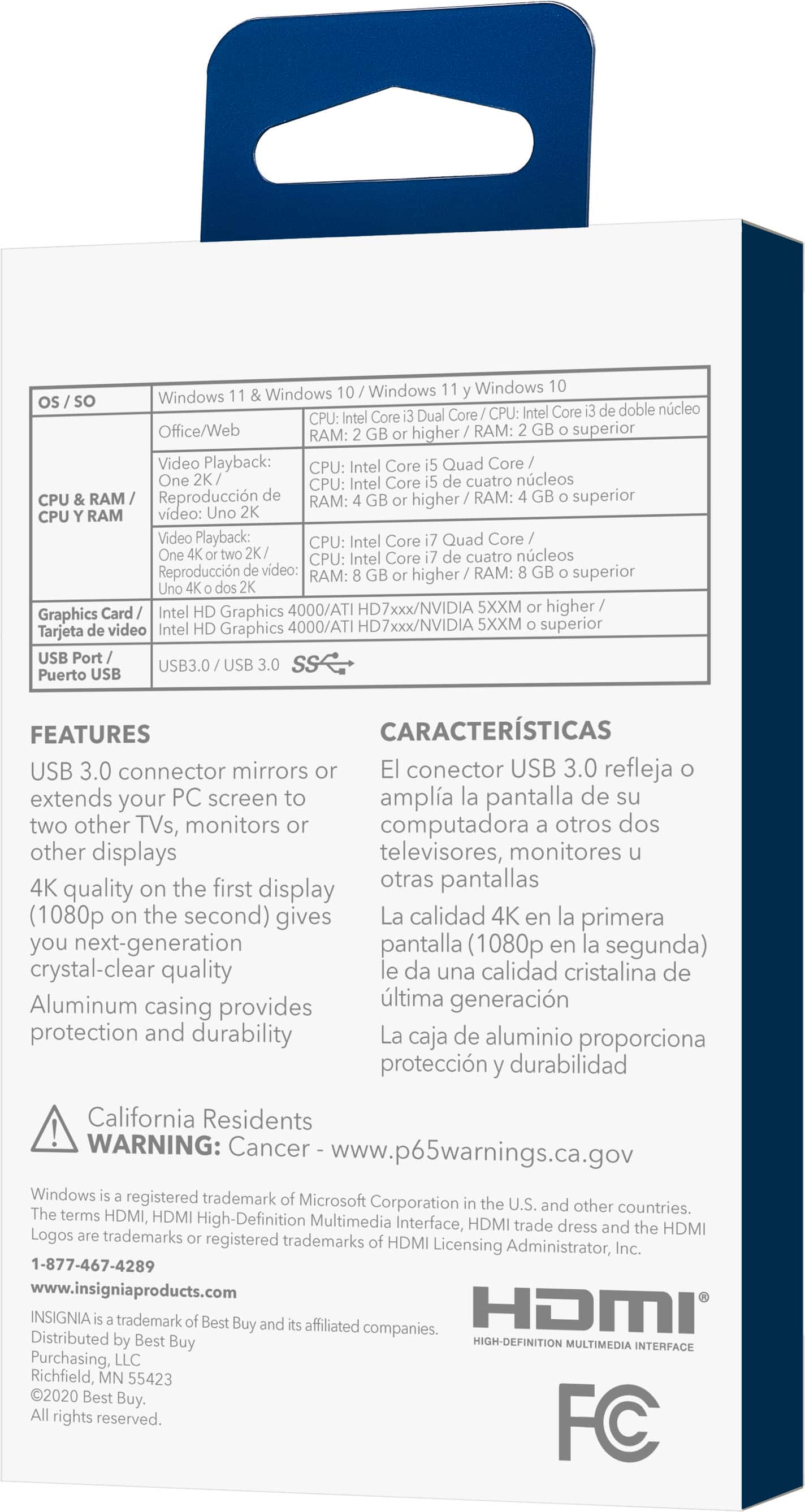
    • Answer Hi, unfortunately, there is no workaround to make this work with Chrome OS. It is only compatible with Windows 10 and 11. Patricia | Insignia Support https://www.bestbuy.com/site/insignia-usb-to-dual-hdmi-adapter-white/6418351.p?skuId=6418351
      Answered by InsigniaCustomerSupport

  • QuestionI have a USB-c to USB converter plugged into MacBook, and then plugged in this Insignia USB to HDMI adapter. It doesn’t seem to work. Does this Insignia not support MAC at all even with the USB-c to USB plugged in

    Asked by MacBook.

    • Answer Hi Insignia Customer! Thank you for inquiring about our Insignia™ - USB to Dual HDMI Adapter. Unfortunately, this adapter is only compatible with windows 10 or 11 and can't support MacOS. Let us know if you need further assistance. Have a nice day! - James | Insignia Support | https://www.bestbuy.com/site/brands/best-buy-brands/pcmcat1596746025285.c?id=pcmcat1596746025285

      Answered by InsigniaCustomerSupport

  • QuestionCan I mirror a separate monitor to the monitor connected to my computer?

    Asked by Anonymous.

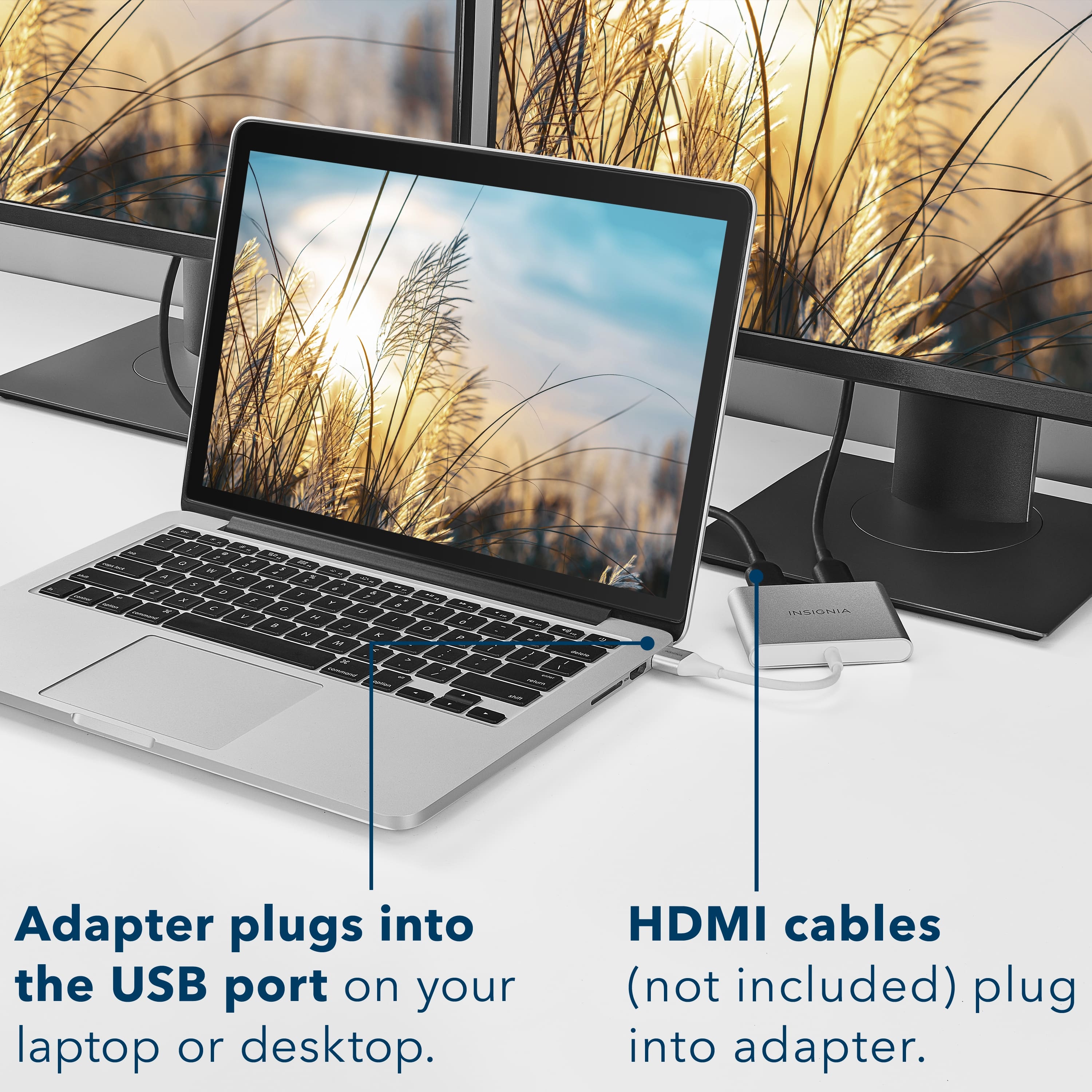
    • Answer Mirror -or- extend video to 2 screens using a Windows PC.

      Answered by mcclmar

  • QuestionWill this adapter work with the HP ProBook?

    Asked by Steve.

    • Answer Hi Steve! Thanks for inquiring about our Insignia™ - USB to Dual HDMI Adapter. In order to identify the compatibility, we will need to identify the specific HP ProBook model that you have. Generally, this adapter work for any computer with USB-A 3.0 port or USB-C with alt mode; and has Windows 10 or 11 operating system. Please check your computer specifications if it fits the requirements of this adapter to identify compatibility. Let us know if you need further assistance. Have a nice day! - James | Insignia Support | https://www.bestbuy.com/site/insignia-usb-to-dual-hdmi-adapter-white/6418351.p?skuId=6418351
      Answered by InsigniaCustomerSupport

  • QuestionI have a laptop that only has 1 hdmi port would I be able to connect a capture card and monter to the laptop with this spiller?? FYI I have windows 11

    Asked by Mrparker.

    • Answer Hi Mrparker, Capture Cards were not tested. This product only allows you to connect to HDMI monitors or TVs. Dina || Insignia Support || https://www.bestbuy.com/insignia

      Answered by InsigniaCustomerSupport

  • Questionwill this product work with HP Laptop 15-dy4xxx I have 2 monitors that I want to use and only one hdmi on my laptop and 2 usb 2.0 trying to extend my screens

    Asked by tony.

    • Answer Hi Tony, Base on the product details this product works with windows 10 or 11, but can’t support the Mac OS, Chrome OS, Android OS, Linux OS, Game OS. The SYSTEM REQUIREMENTS Below: • Windows 11 and Windows 10 • Computer with an available USB 3.0 or 2.0 port • Office applications/Web: CPU: Intel Core i3 Dual Core 2.8 GHz; RAM: 2 GB or higher • One 2K (2048 × 1152 @ 60Hz) full-screen video playback CPU: Intel Core i5 Quad Core; RAM: 4 GB or higher • One 4K Ultra HD or two 2K (2048 × 1152 @ 60Hz) video playback CPU: Intel Core i7 Quad Core; RAM: 8 GB or higher; Graphics card: Intel HD Graphics 4000/ATI HD 7xxx/NVIDIA 5XXM or higher Insignia Products Marites www.bestbuy.com/site/brands/best-buy-brands/pcmcat1596746025285.c?id=pcmcat1596746025285
      Answered by InsigniaCustomerSupport
  • QuestionCan you use any USB on my hp laptop and it will work for dual monitors

    Asked by Tim.

    • Answer Hi there, It will work with computer with an available USB 3.0 or 2.0 port. Rudson S.| Insignia Support. https://www.bestbuy.com/site/brands/best-buy-brands/pcmcat1596746025285.c?id=pcmcat1596746025285

      Answered by InsigniaCustomerSupport

  • QuestionI want to go from firestick to tv box will this splitter do this

    Asked by Ed.

    • Answer Hi Ed, No, it can’t support it. this product only works on Windows platforms. Insignia Products Renee https://insigniaproducts.com

      Answered by InsigniaCustomerSupport