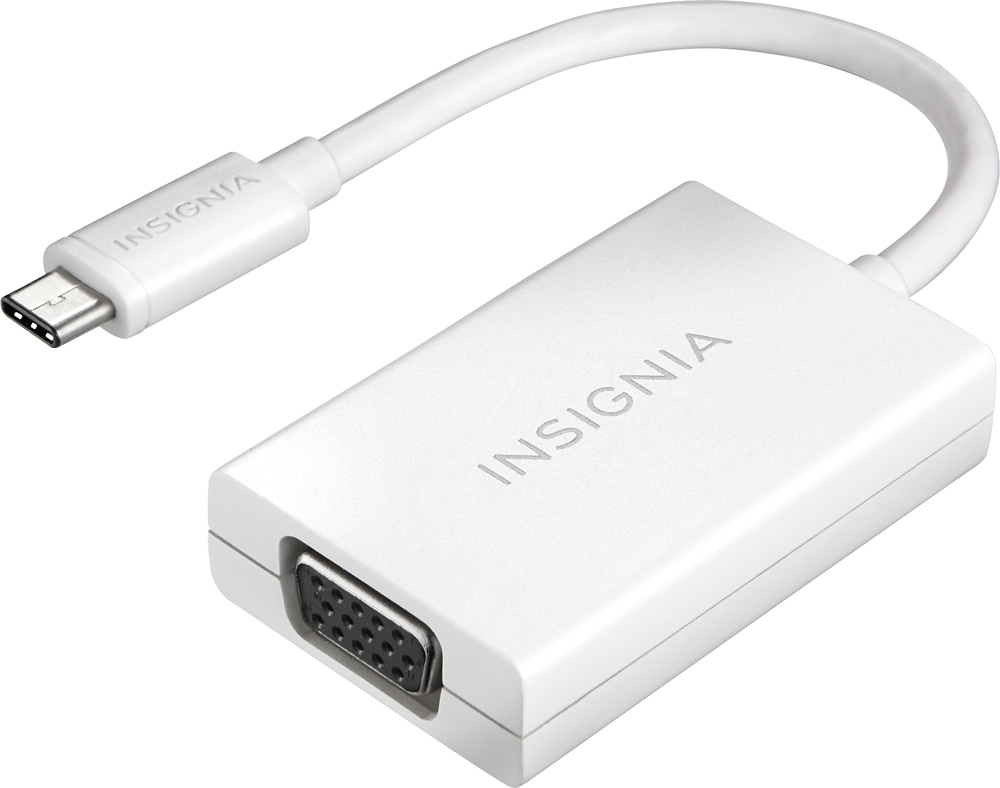
A:Answer Hello Dan,
Note: If your computer does not have a disc drive, you can download the driver from www.insigniaproducts.com. Search for your model number (NS-PU98505) to find the driver on the product page. Or, attach an external disc drive to your computer.
1.Insert the driver CD into the optical drive on your computer. The software should run automatically. The initial installation screen opens.
Note: If the software does not run automatically, locate and double-click Run.exe on the driver CD.
2.Click on your operating system, then follow on-screen instructions.
Note: Windows 10 and Windows 8.1 have a built-in driver. It allows you to use the adapter's basic functions without installing the drivers. For other
situations, you must install the drivers from the CD.
3.When the installation is complete, click Finish to restart your computer and finish the installation.
4.Connect the USB connector on the adapter to an open USB port on your desktop or laptop computer.
5.Connect a network cable to the Ethernet port on the adapter.
Insignia Support,
Merjorie
www.insigniaproducts.com/support