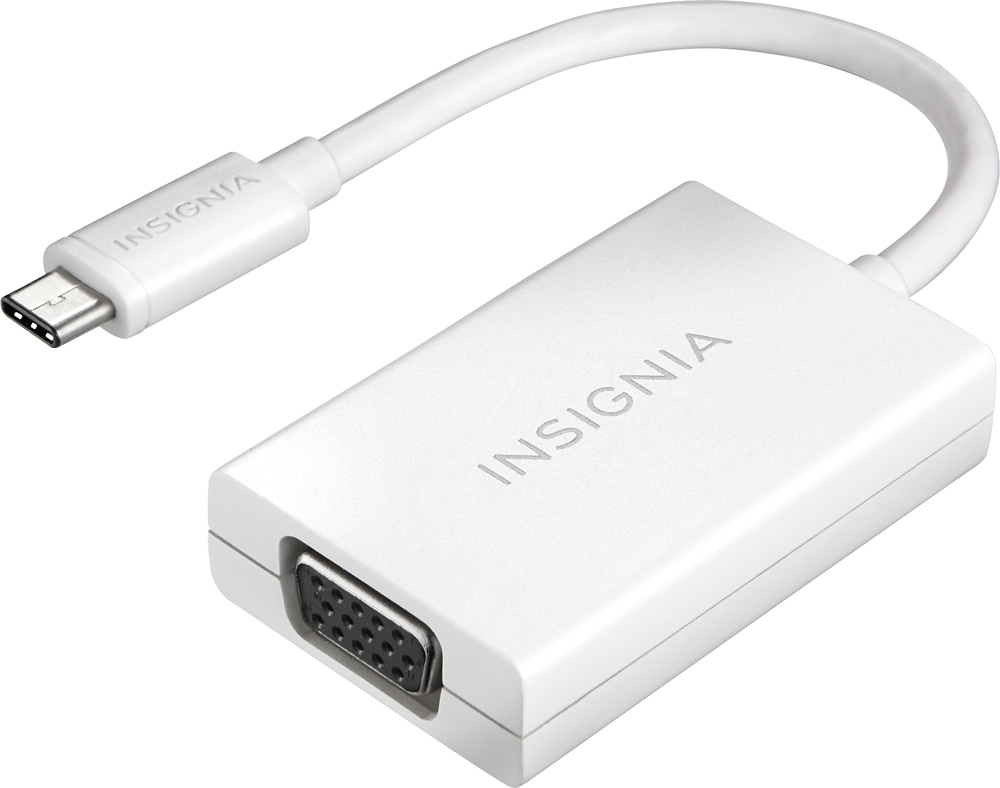
A:Answer This absolutely works via the Thunderbolt port. In addition to the adapter, a Male to Male vga cable was used. I also have an XPS 13 and projector connectivity is a challenge for this laptop model. To illustrate, a google search will show more frustration with this issue than answers. After multiple attempts at various connection methods and almost returning the projector, this adapter worked perfectly. My setup with an XPS 13 and Epson Home Cinema 1060 projector worked in this order: 1) ensure both devices are off. 2) plug the insignia adapter to the xps via thunderbolt port. 3) connect male vga ends to the adapter and the projector. 4) turn on the laptop and the projector 5) depending in your projector, choose the vga/computer setting. It worked immediately without me having to choose a Duplicate projector setting in the laptop. Putting this answer out there to hopefully save someone a lot of time and stress that I just went through. Image of successful result attached for tax.