A:AnswerWIndows
go to Control Panel\All Control Panel Items\Devices and Printers
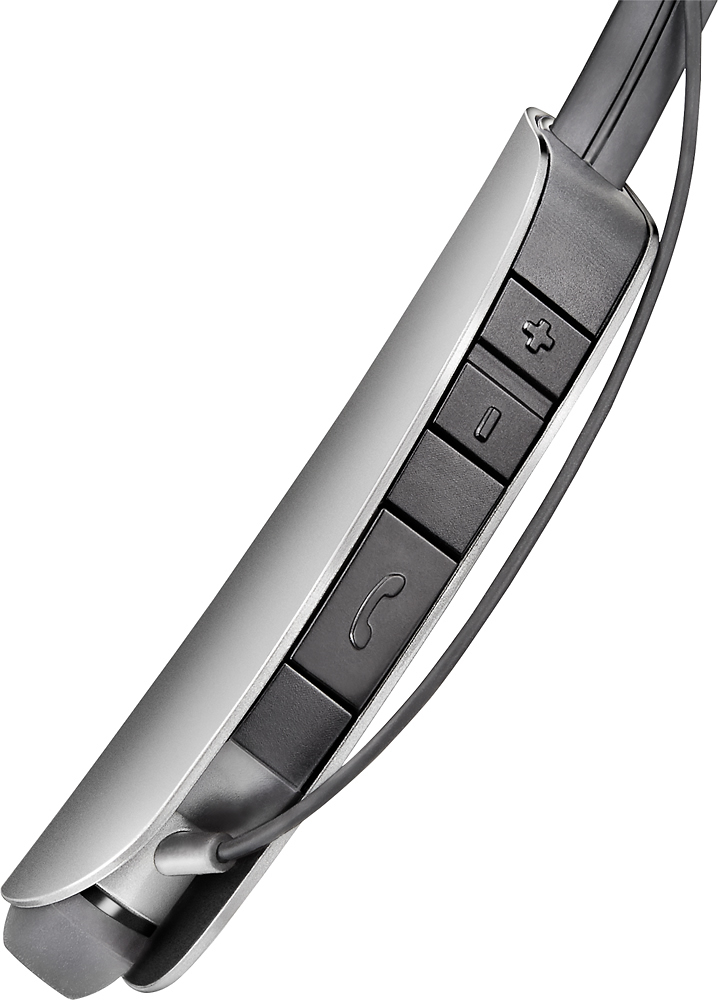
On Headset Enter pairing mode. (Press Call Button until pairing is heard)
back in Control panel click the Add button and wait to see it found and pair per instructions.
IOS
My knowledge of IOS some might find disturbing but the same as windows should pretty much apply.
A:AnswerThis was just answered (by me) - not sure why the question was asked twice instead of waiting for an answer.
The answer is to pair the headset with the computer's Bluetooth interface ( this may not exist so you would have to buy a Bluetooth dongle)
Steps to resolve:
Turn on device paring on the Headset
Wndows.
Control Panel\All Control Panel Items\Devices and Printers click Add and look for the headset.
IOS/Andriod
Pair in the same manner as for Windows - find the add function for bluetooth devices.
The instructions for each OS will explain how to do this.
A:AnswerIt should work just fine, it's just connecting via Bluetooth to the device u plug into the headphone jack, mine works amazing with the splitter I got for my TV just fine.