Main Content

Questions & Answers

Page Showing 1-15 of 15 questions
  • QuestionWhat is the maximum power input this device supports?

    • Answer This device supports a maximum power input of 100 watts.
    This question and answer was generated by AI based on customer and product data.
  • QuestionWhat operating systems are compatible with this hub?

    • Answer This hub is compatible with Windows, macOS, and Chrome OS.
    This question and answer was generated by AI based on customer and product data.

  • QuestionWhat is the maximum refresh rate supported by the HDMI port?

    • Answer The HDMI port supports a maximum refresh rate of 144Hz.
    This question and answer was generated by AI based on customer and product data.
  • QuestionDoes this hub require any driver installation?

    • Answer No, this hub features plug-and-play, so no driver installation is required.
    This question and answer was generated by AI based on customer and product data.

  • QuestionHow many total USB ports does this hub have?

    • Answer This hub has a total of seven USB ports.
    This question and answer was generated by AI based on customer and product data.

  • QuestionWhat is the maximum resolution supported by this hub?

    • Answer This hub supports a maximum resolution of 4K (2160p).
    This question and answer was generated by AI based on customer and product data.
  • QuestionDoes this hub support power delivery?

    • Answer Yes, this hub supports up to PD 100W power in.
    This question and answer was generated by AI based on customer and product data.

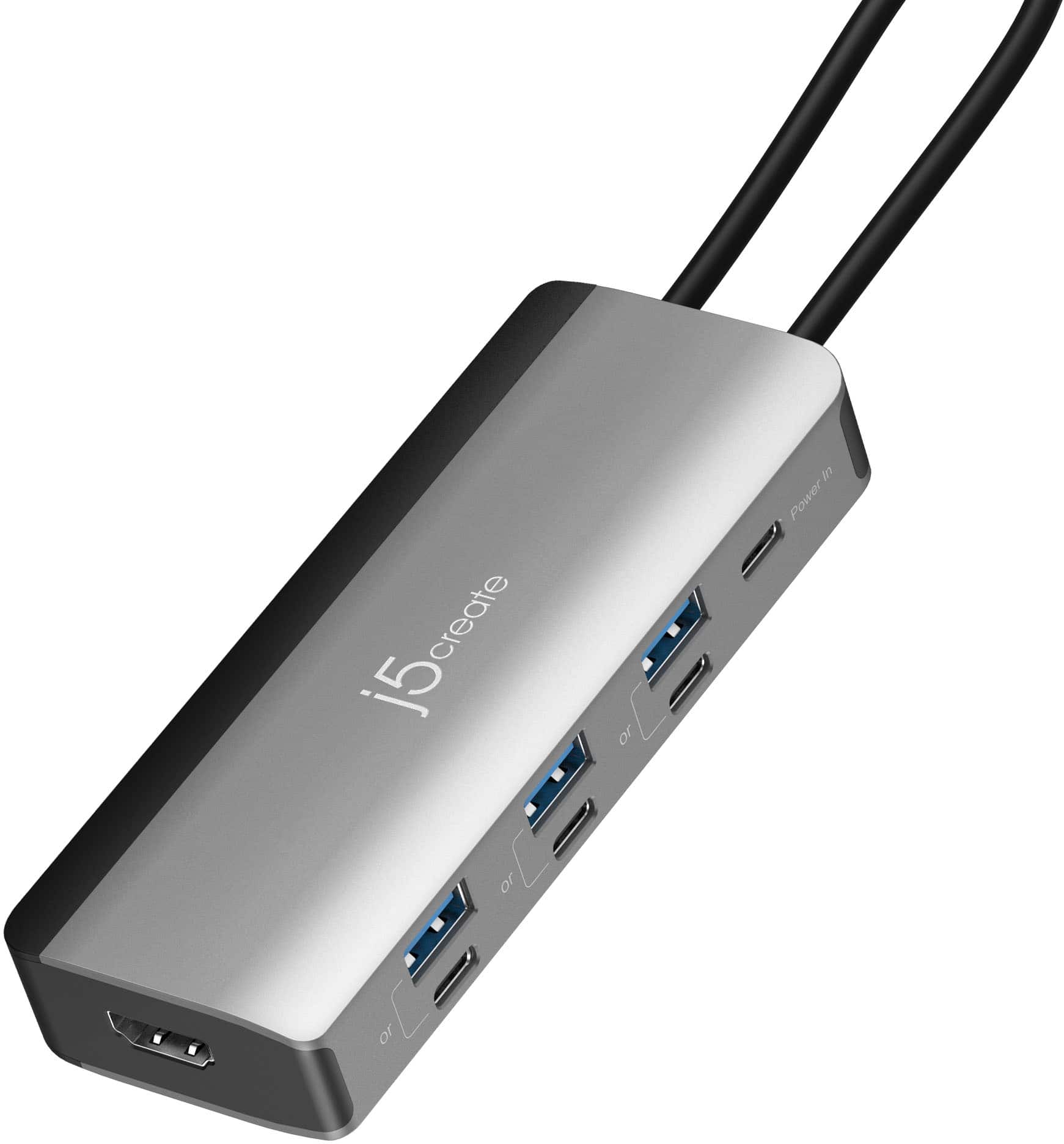
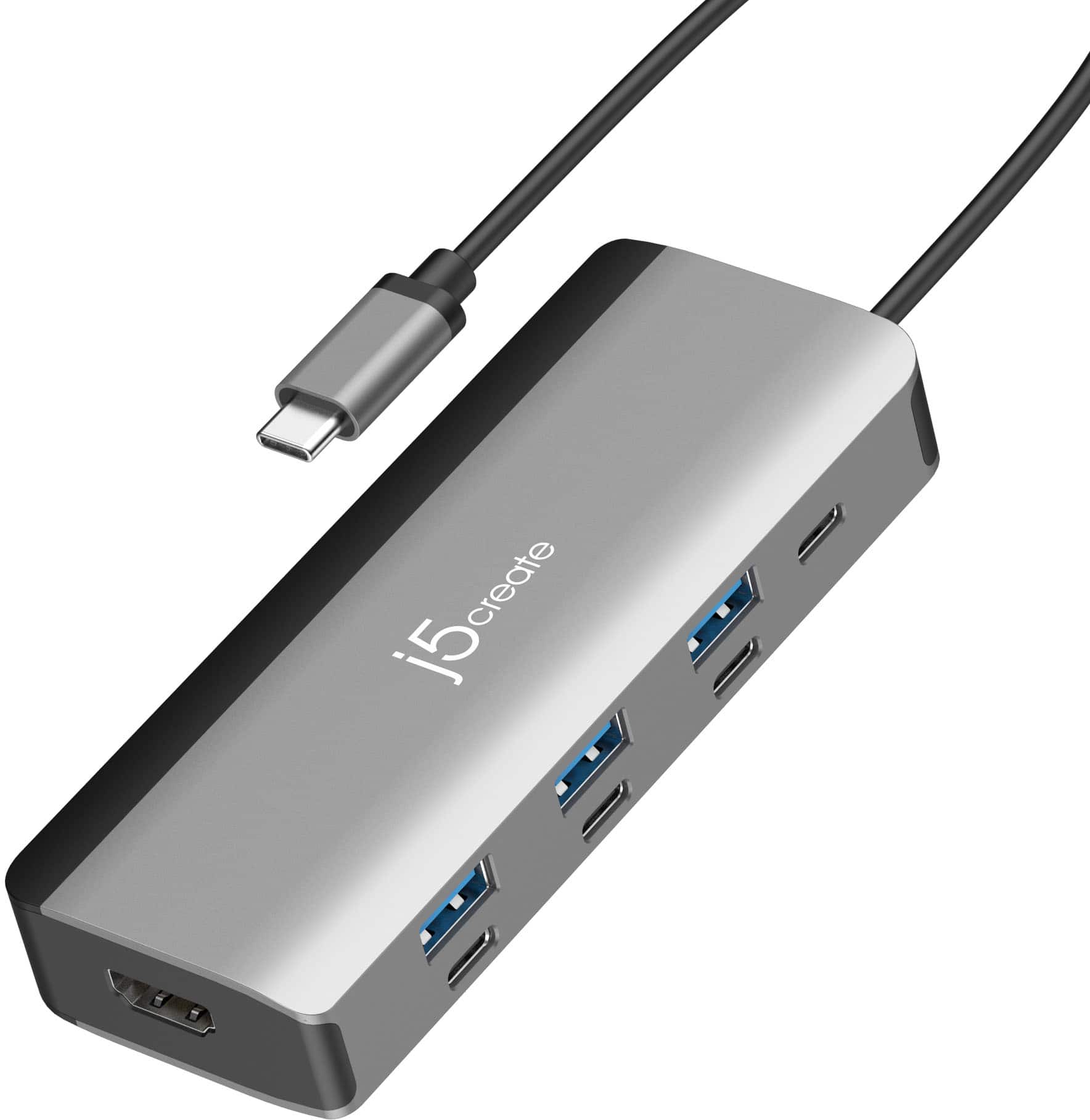
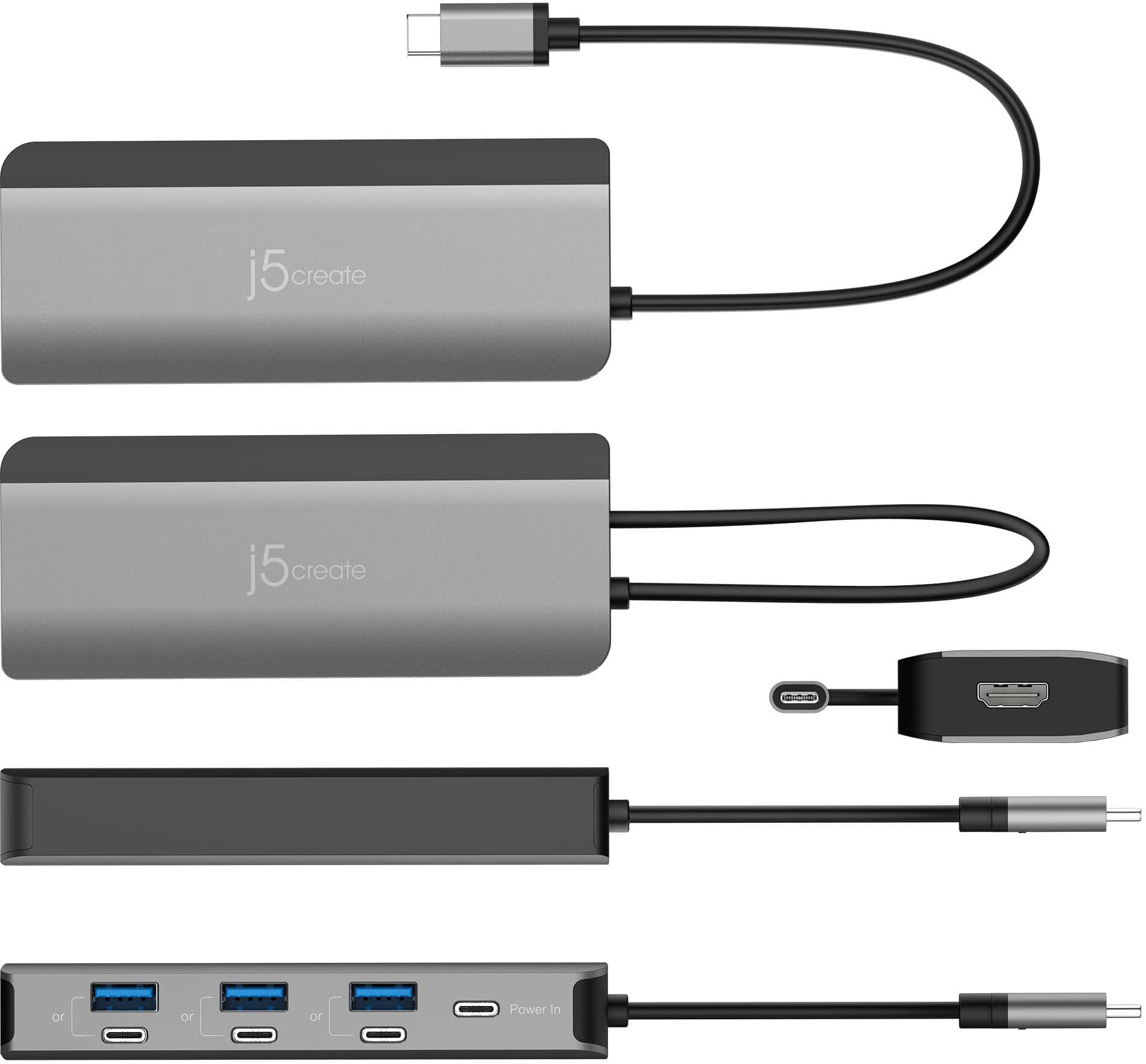
  • QuestionCan I use all ov the USB A and USB C ports simultaneously or is it either or for a total of 3 USB connections?

    Asked by Eric.

    • Answer Each USB-A port shares bandwidth with its paired USB-C port. You must choose either the USB-A or the USB-C within that pair, not both simultaneously.

      Answered by J5create Team

  • QuestionWhen used with a power adapter does this provide the extra power to the usb ports needed to run two portable hard drives

    Asked by Me.

    • Answer A power adapter connected to the JCD362 helps provide extra power to the hub and all connected devices. Whether it will successfully power two portable hard drives depends on the drives’ power draw, it might, but if they’re high-power models, the hub may not provide enough for both at once.

      Answered by J5create Team

  • QuestionCan this split audio if I wanted to use 2 different usb c microphones.

    Asked by NeedToKnow.

    • Answer The JCD362 hub does not split audio or act as an audio mixer, so it cannot support two separate USB-C microphones at the same time as independent audio inputs. The USB-C hub provides USB-A and USB-C ports for connecting accessories like keyboards, mice, and storage, and it passes through power and video to your display. But the way most computers handle audio over USB means the hub isn’t able to present two separate microphone inputs to your system as independent sound sources.

      Answered by J5create Team

  • QuestionDo I need a charger with this port?

    Asked by Anonymous.

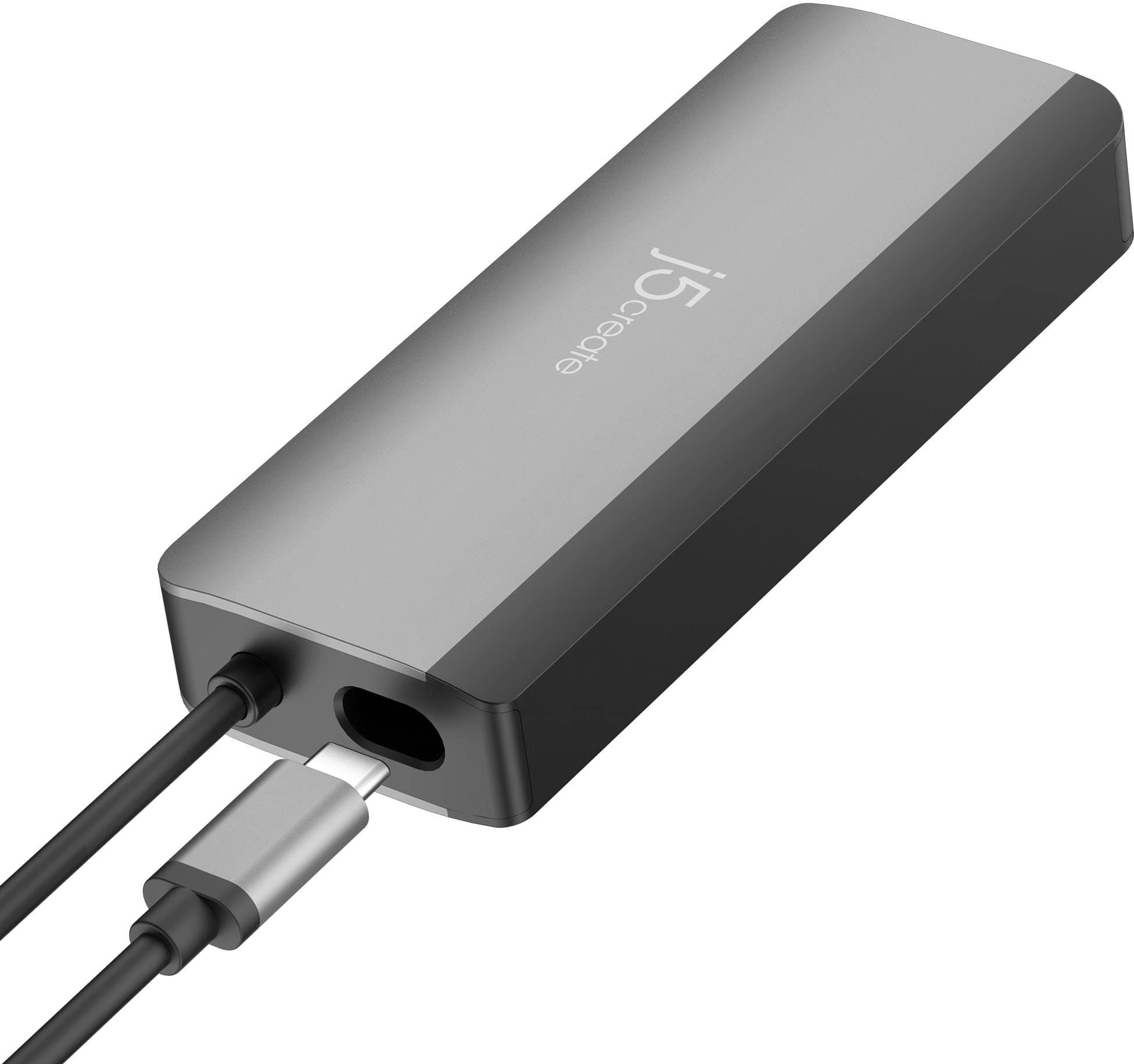
    • Answer You don’t have to use a charger for the hub to work. The JCD362 can run using power from your computer’s USB-C port. However, if you want to charge your laptop or phone while using the hub, you’ll need to plug a USB-C charger into the hub’s power port.

      Answered by J5create Team

  • QuestionCan this device be plugged into a small portable solar power charger to charge a phone and several flashlights.

    Asked by Diver.

    • Answer The JCD362 is designed as a USB-C hub for data, video, and power delivery when connected to a laptop or host device, it is not a standalone power distribution device. That means it won’t work as a power hub to charge a phone and multiple flashlights directly from a portable solar charger. The hub doesn’t generate or step up/down power on its own, it relies on a host device’s USB-C port and, in some cases, a USB-C power adapter for power delivery pass-through to a laptop.

      Answered by J5create Team

  • QuestionDo thunderbolt cables work with this?

    Asked by Jayden.

    • Answer Yes, Thunderbolt cables will work with the Flexible Ports USB-C 4K144 HDMI Hub 8-in-1 as long as they are USB-C/Thunderbolt-compatible cables.

      Answered by J5create Team

  • QuestionIs this hot dock or cold dock?

    Asked by PCUzir.

    • Answer The JCD362 Hub is a bus-powered hub, meaning it can operate using power from your laptop’s USB-C port. It also supports up to 100W USB-C Power Delivery pass-through, allowing you to connect a USB-C power adapter to charge your laptop while using the hub. When a power adapter is connected, the hub effectively operates in a self-powered configuration, providing more stable power for connected devices.

      Answered by J5create Team

  • QuestionDoes this support 2 external monitors? (1 via hdmi, another via usb-c)

    Asked by Anonymous.

    • Answer The JCD362 hub supports one external display through its HDMI port. The additional USB‑C ports are for data and charging, not video output, so it does not provide dual‑monitor support (HDMI + USB‑C display).

      Answered by J5create Team