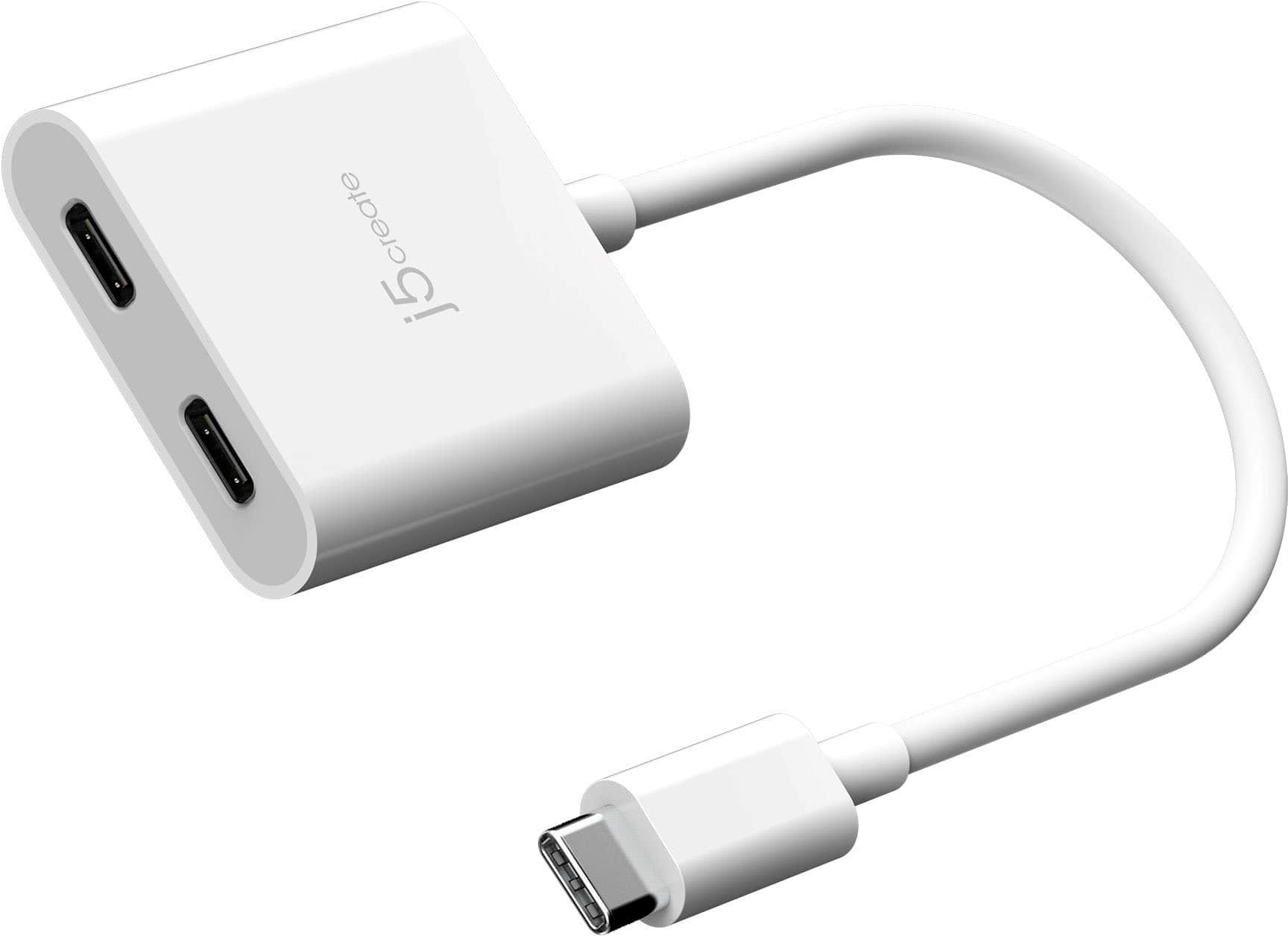
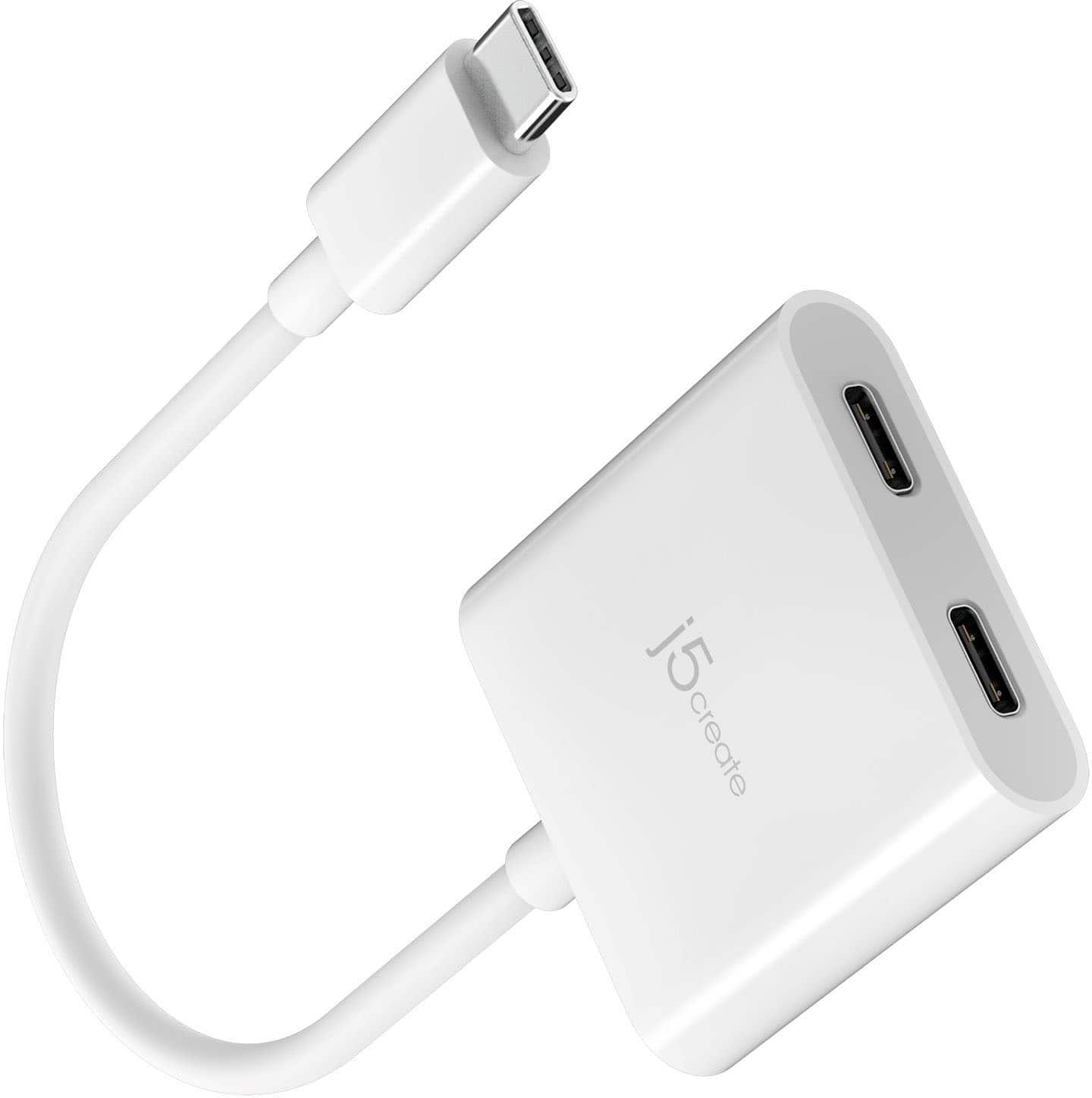
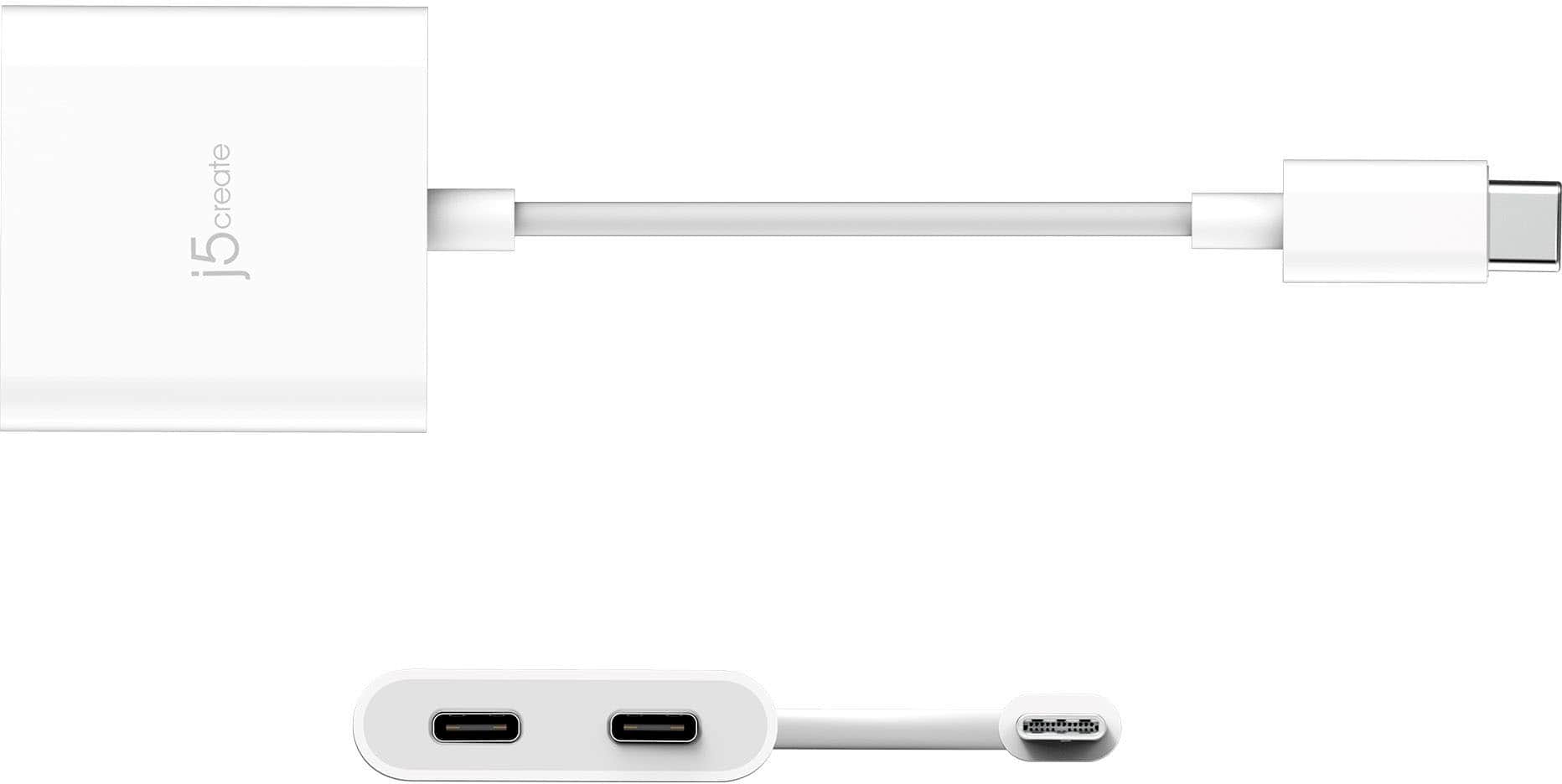
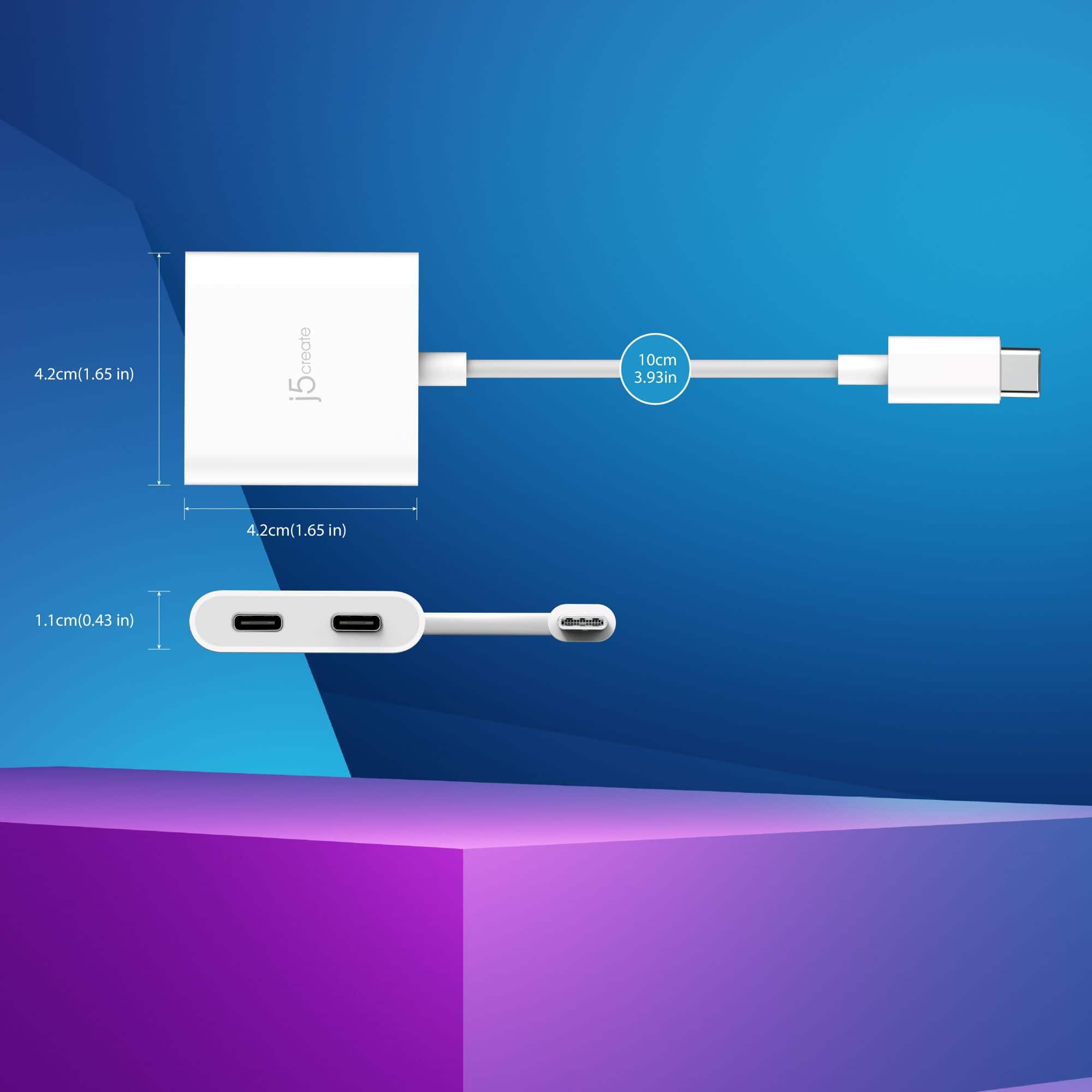
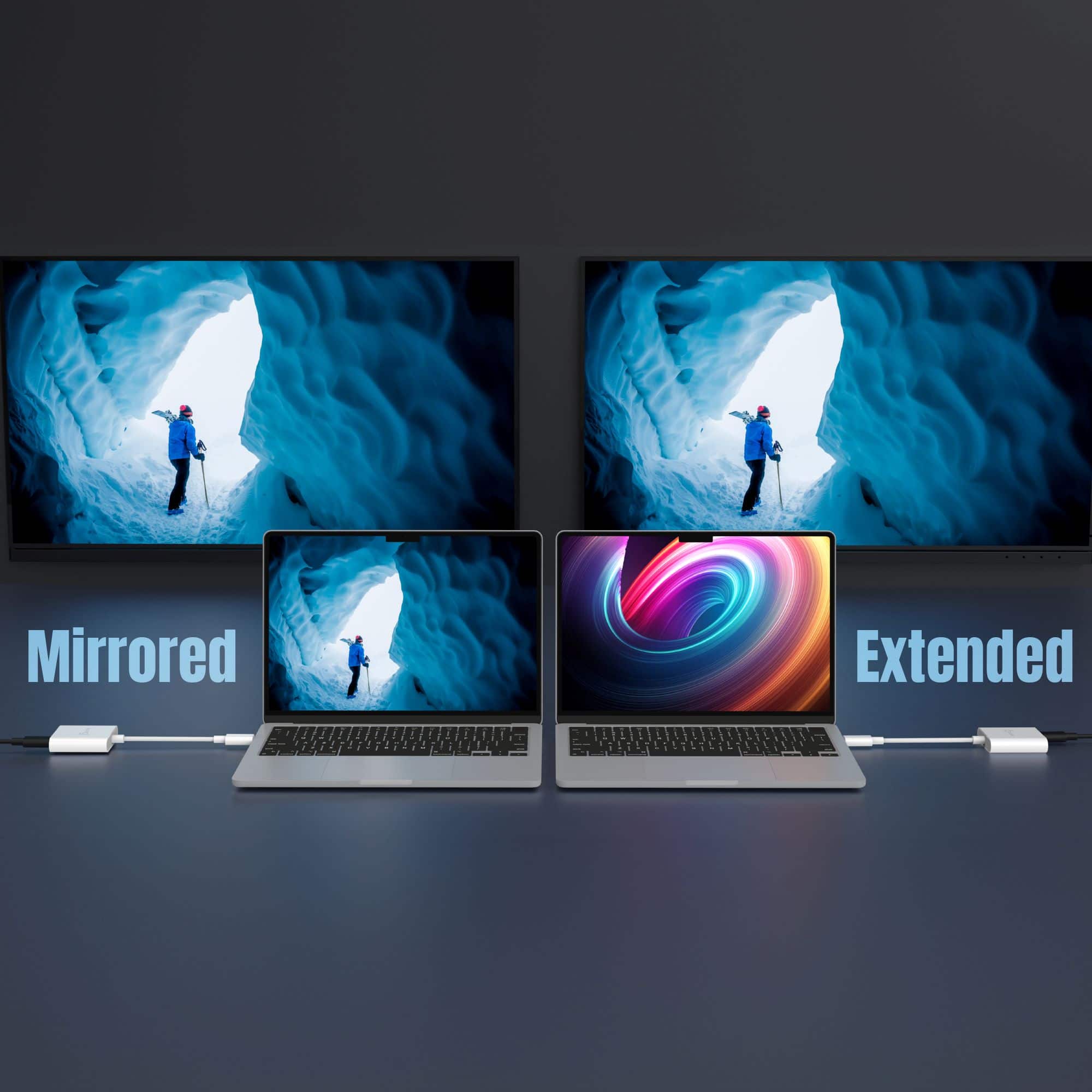
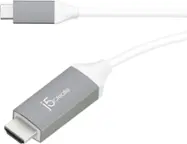
A:Answer You could try connecting your PCVR Link cable to the video/data side of the adapter, and plug the BoboVR S3 Pro head strap cord (for fan and charging) into the power-only port.
However, the data/video port may not support enough throughput or consistent connectivity, as this adapter is not optimized for high-bandwidth VR use.
Similarly, charging and powering accessories at the same time while maintaining a stable PCVR connection is not guaranteed, especially with demanding use like Meta Quest Link streaming.
The adapter is intended for USB-C monitors or AR/VR glasses that receive a video signal (like AR glasses with USB-C video input), not for high-bandwidth, two-way PCVR communication like Meta Quest Link..