Questions & Answers
- Model:
- JCA164
- |
- SKU:
- 6584030
Highly rated by customers for: Overall Performance, Functionality, USB-C
Page Showing 21-27 of 27 questions
Q: Questionspeaking in VR terms, can i use it to plug in a pcvr link cable to the adapter and to have a bobovr s3 pro head strap cord plugged to adapter to power the fan from the head strap and to charge it while playing on my meta quest 3?
Asked by john.
- A:Answer You could try connecting your PCVR Link cable to the video/data side of the adapter, and plug the BoboVR S3 Pro head strap cord (for fan and charging) into the power-only port. However, the data/video port may not support enough throughput or consistent connectivity, as this adapter is not optimized for high-bandwidth VR use. Similarly, charging and powering accessories at the same time while maintaining a stable PCVR connection is not guaranteed, especially with demanding use like Meta Quest Link streaming. The adapter is intended for USB-C monitors or AR/VR glasses that receive a video signal (like AR glasses with USB-C video input), not for high-bandwidth, two-way PCVR communication like Meta Quest Link..
Answered by J5create Team
Q: QuestionWould the follow provide video (w/ daisy chain) via DP and USB data transfer for peripherals on the monitor? - Monitor DP output to Type-C adapter input. - Monitor USB-B output to Type-C adapter input. - Adapter Type-C output to laptop Type-C input.
Asked by Madeline.
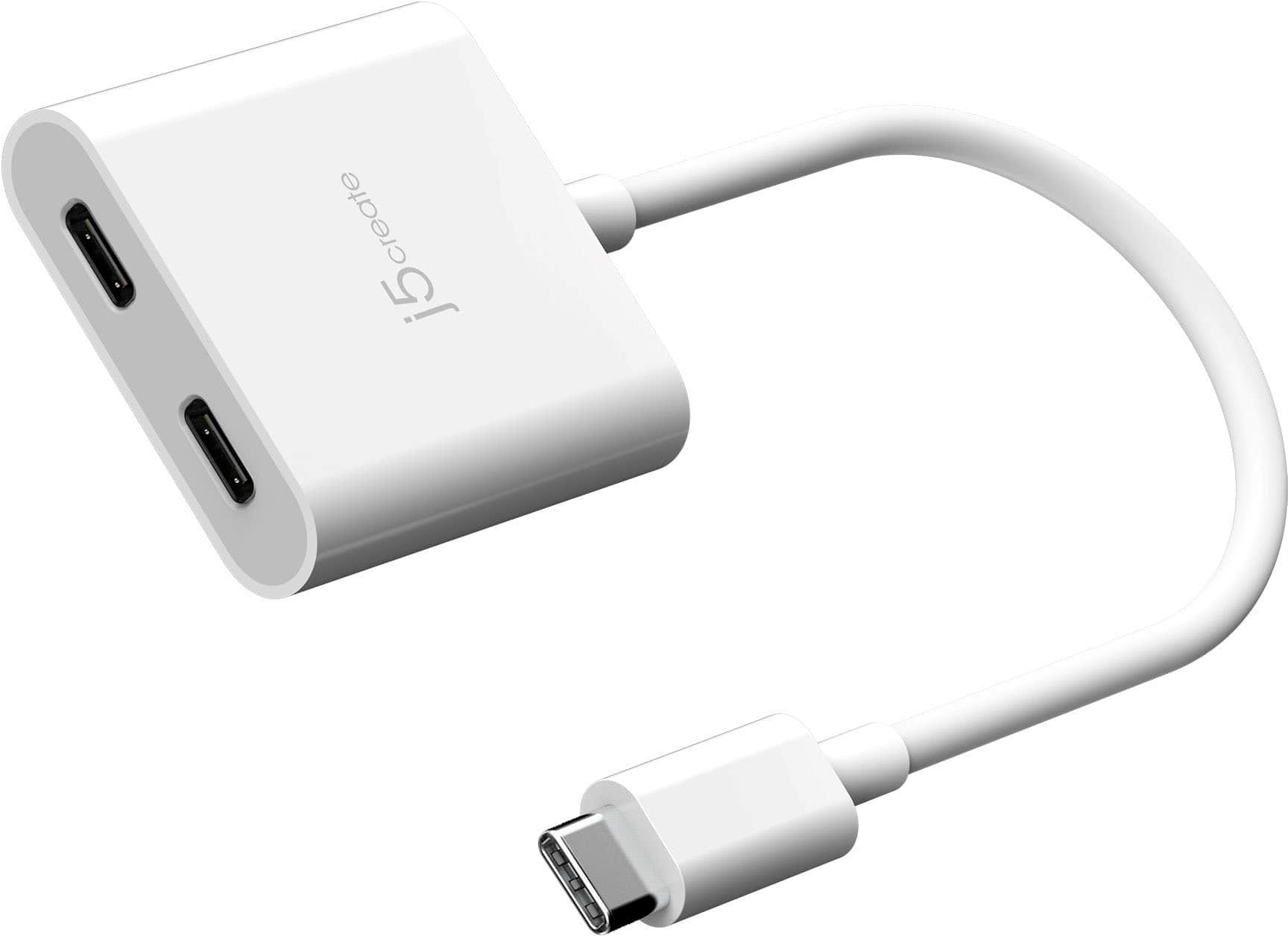
- A:Answer The USB-C to Dual USB-C with Video or Power Delivery is not designed to support DisplayPort video input via USB-C for daisy chaining.
Answered by J5create Team
Q: QuestionCan I use this to connect both a Laptop and a CPU via my docking station which has one USB-C port?
Asked by Anonymous.
- A:Answer The USB-C to Dual USB-C with Video or Power Delivery is not designed to simultaneously connect two source devices, such as a laptop and a CPU, to a single docking station. This adapter works to split functionality for video output or power delivery from one source device to dual USB-C outputs, but it cannot combine or switch signals from two separate devices.
Answered by J5create Team
Q: QuestionCan I plug in a usb mouse while using the other port to send video to an external display?
Asked by Anonymous.
- A:Answer No, the DP/USB port is intended for either providing a external display or USB peripherals such as a flash drive, keyboard, or mouse. The Power in port provides pass-through charging, will not work with a mouse.
Answered by J5create Team
Q: QuestionCan i connect one usb to my laptop and other 2 usb c ports to 2 extended screen monitor ,and will that work without power to extended screen monitor as of now, i am using a usb c to usb c cable from laptop to another extended screen monitor without power
Asked by raj.
- A:Answer The USB-C to Dual USB-C with Video or Power Delivery is not designed to extend your display to two monitors simultaneously. One USB-C port can be used for video output to a monitor. The other USB-C port can be used for power delivery (charging).
Answered by J5create Team
Q: QuestionSo I can hook my monitor to one port while the other one can be used to charge my macbook air simultaneously?
Asked by Bob.
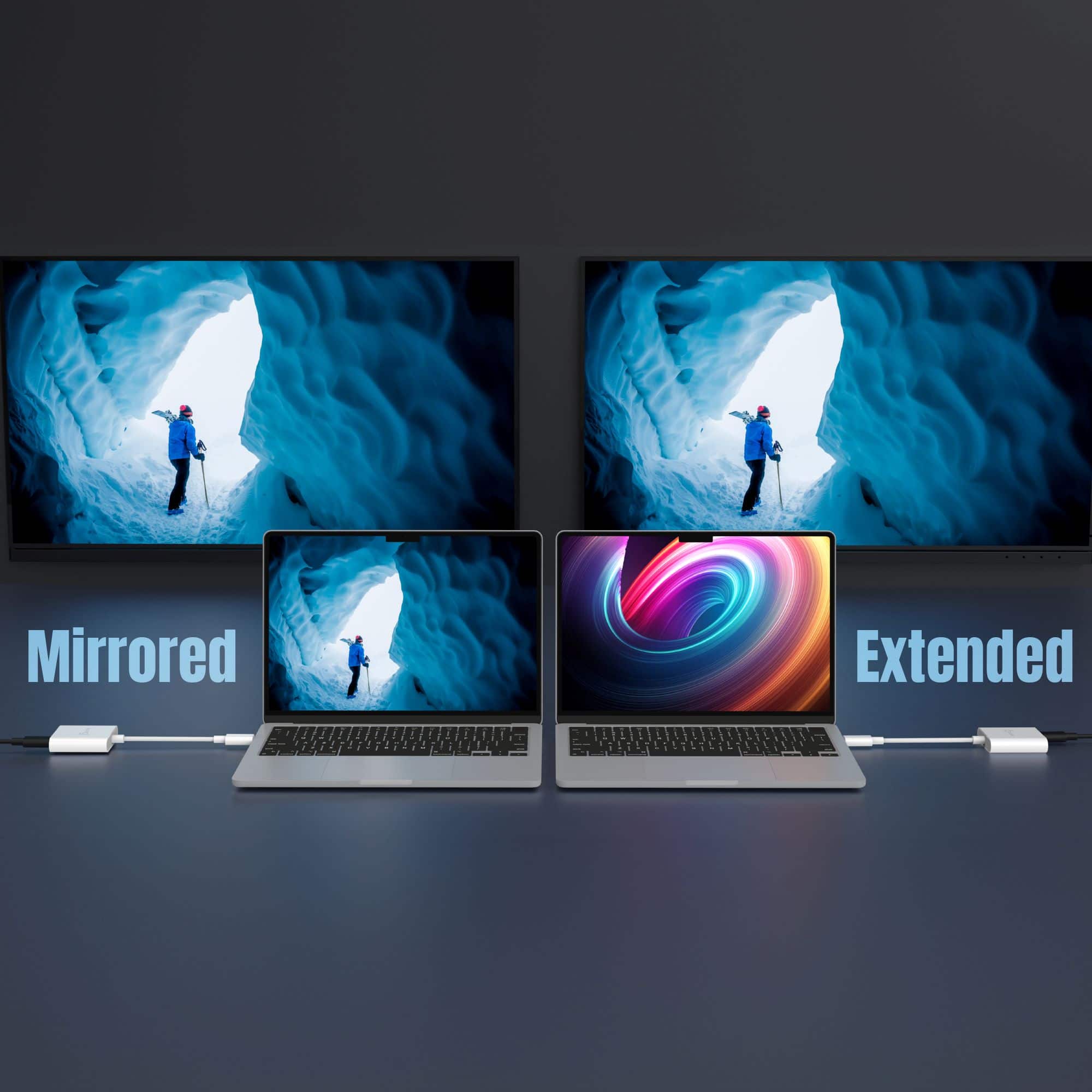
- A:Answer Yes, the USB-C to Dual USB-C with Video or Power Delivery can allow you to connect a monitor and charge your MacBook Air simultaneously.
Answered by J5create Team
Q: QuestionCan two head phones use this together or two ear pieces use together on this adapter for sound on a apple air pad
Asked by mikee.
- A:Answer Please contact our Technical Support Team, so that they can get more information from you. Their information can be found on j5create website under the Support tab. Thank you.
Answered by J5create Team
Page 2, Showing 21-27 of 27 questions