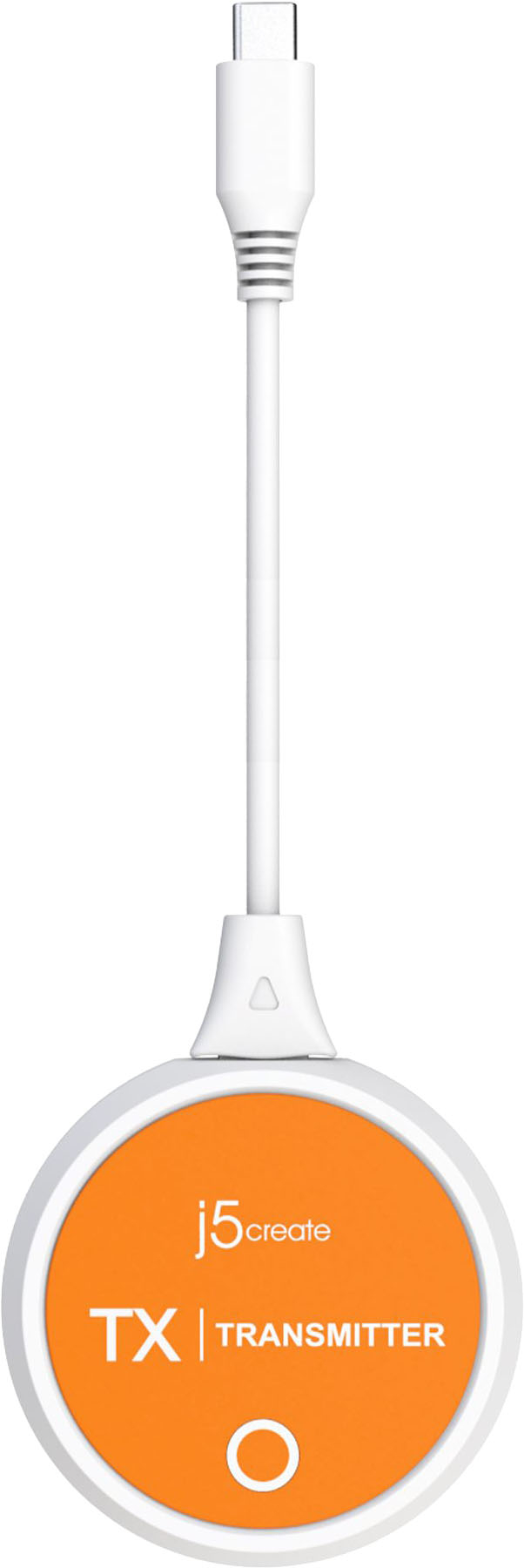
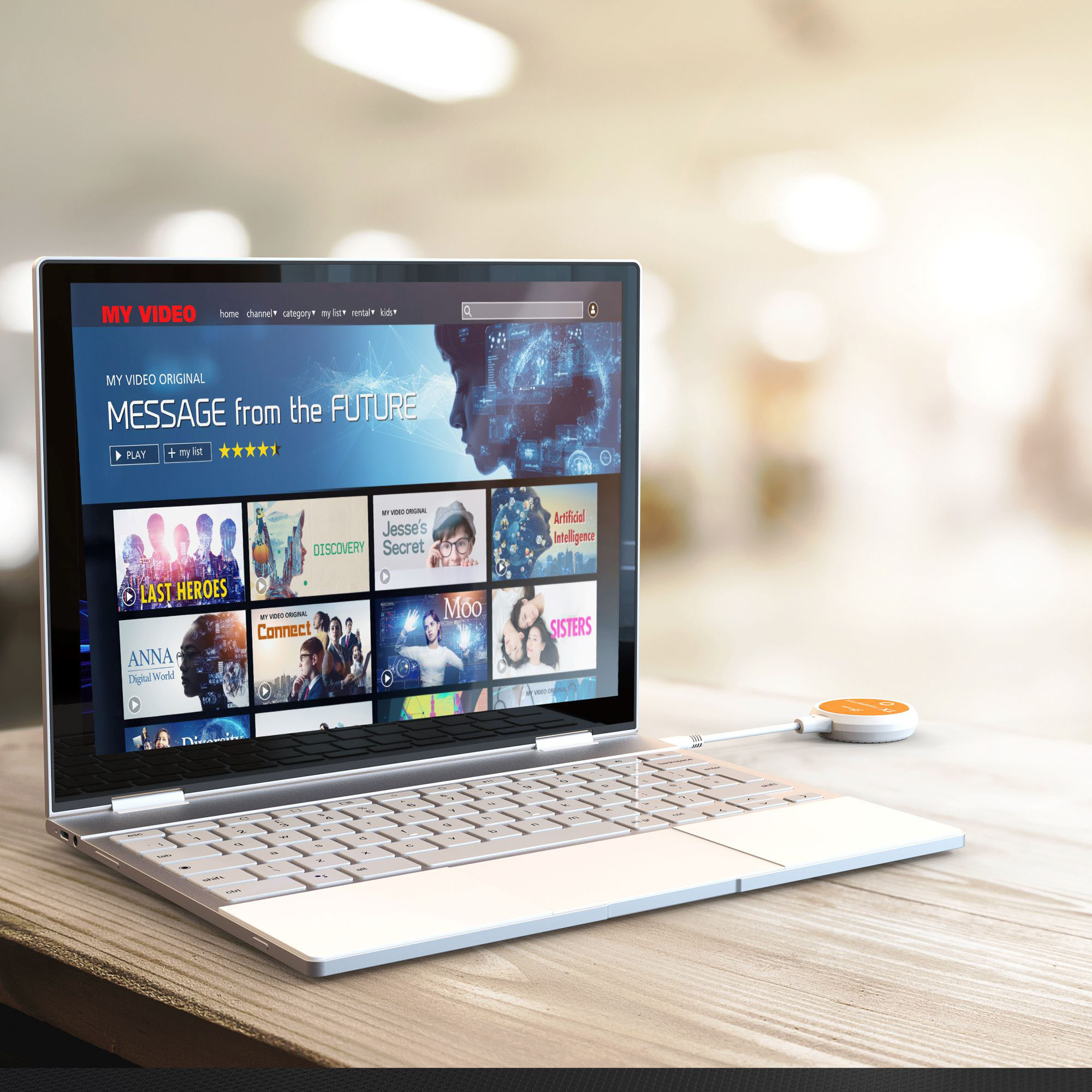
A:AnswerThe USB-C transmitter must be connected to a USB-C port that supports DisplayPort alternate mode for video out (via your phone). Please contact our Customer Service Department, so that they can get more information from you. Their information can be found on our website under the "Support" tab. Thank you.
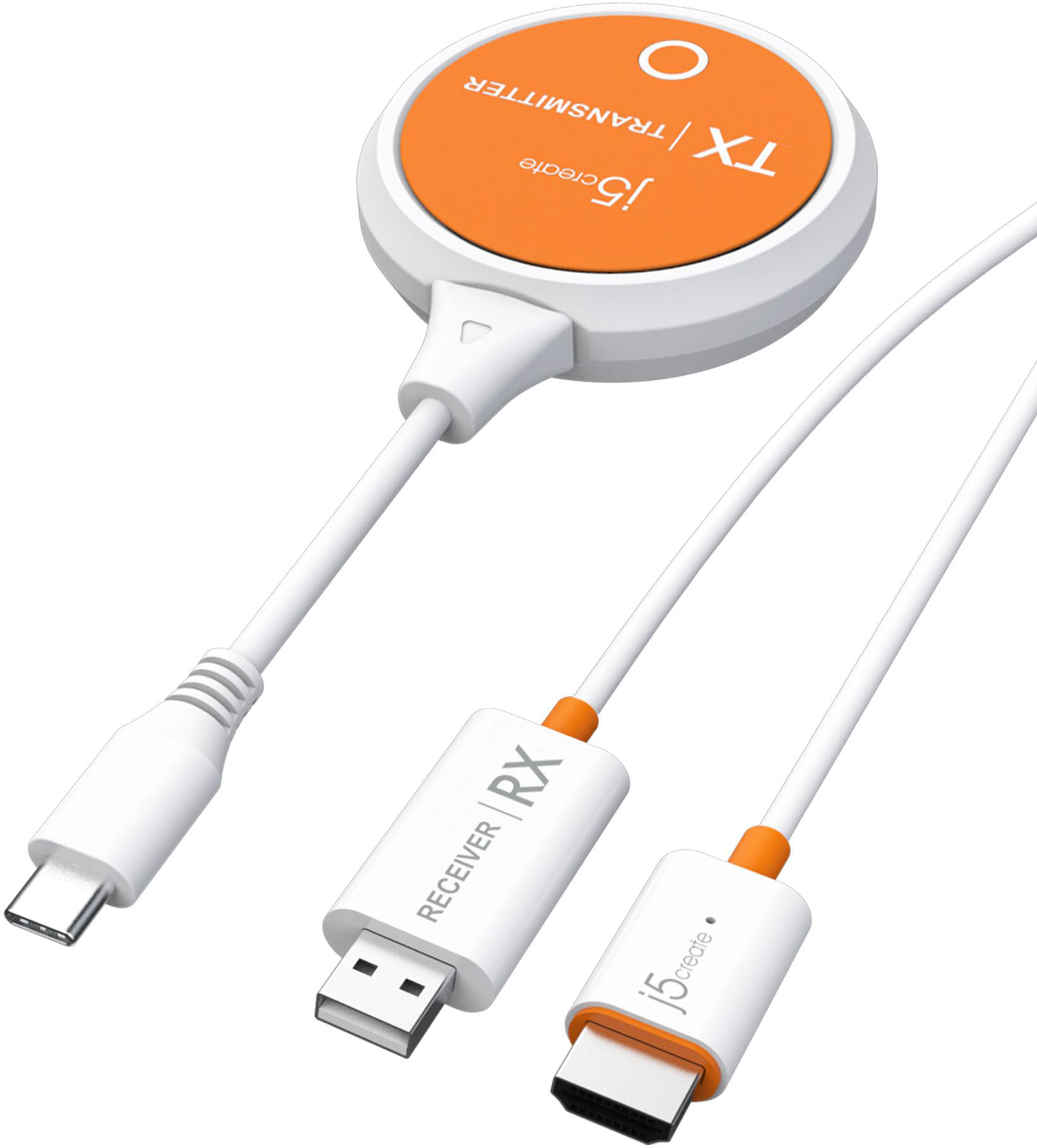
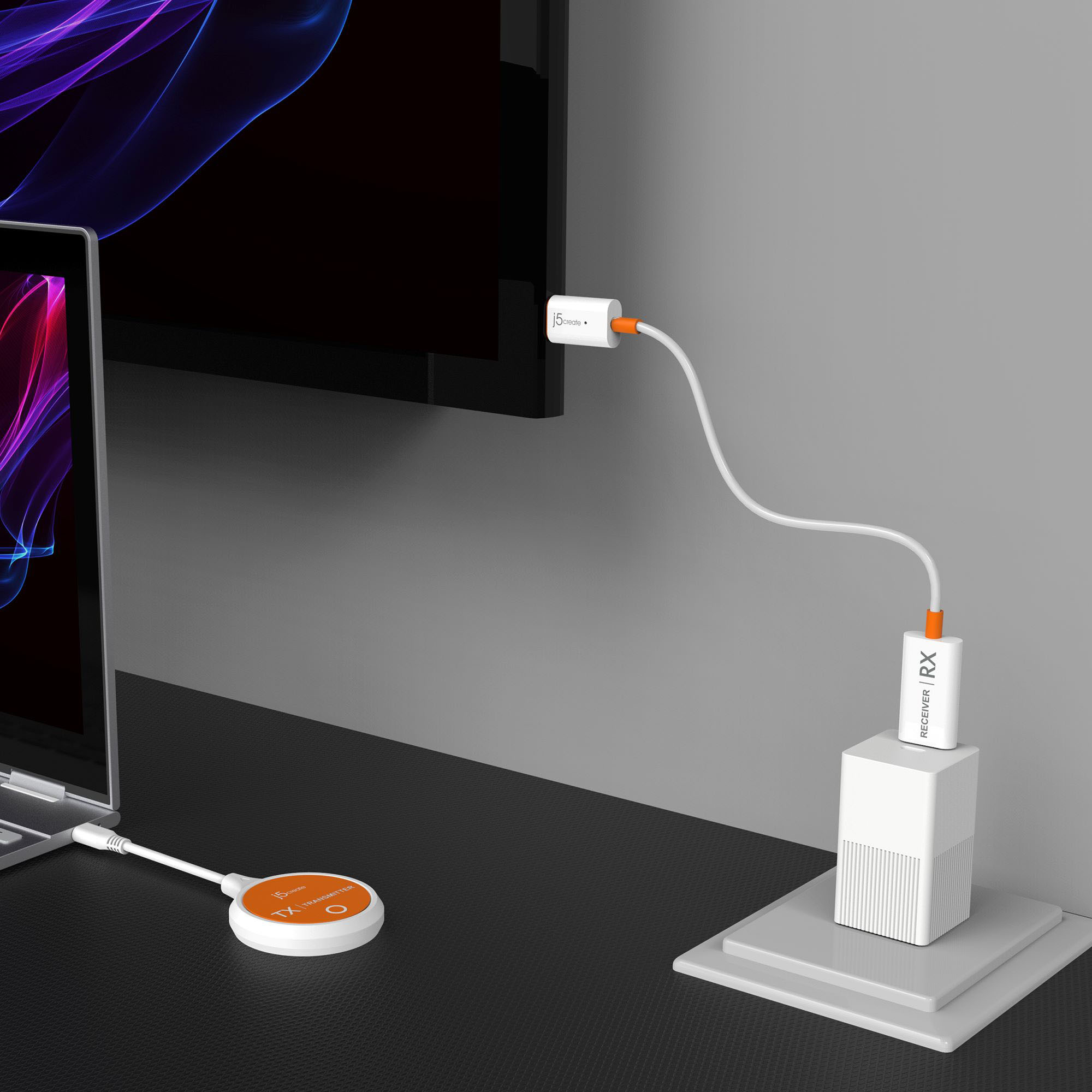
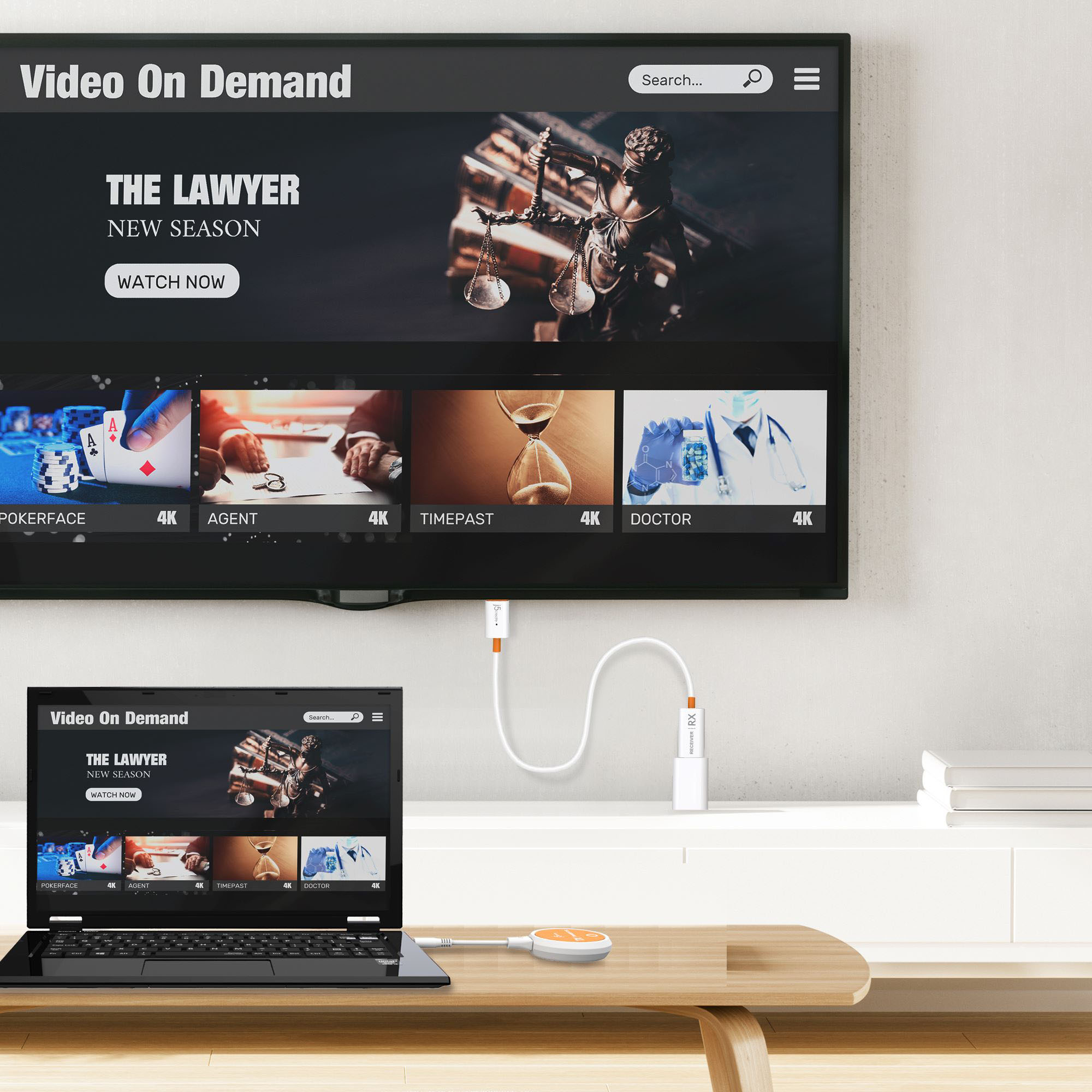
A:AnswerWith its built-in wireless access point, the ScreenCast USB-C Wireless Display HDMI Extender can be used in any environment regardless of whether there is internet access. Please make sure that the device that will be connected to supports DisplayPort Alt Mode for video out. Please refer to the manufacturer of your computer for more information about your device. Thank you.
A:AnswerThe ScreenCast USB-C Wireless Display HDMI Extender has a wireless range of up to 50 ft and requires an available USB-C port that supports DisplayPort Alt Mode.