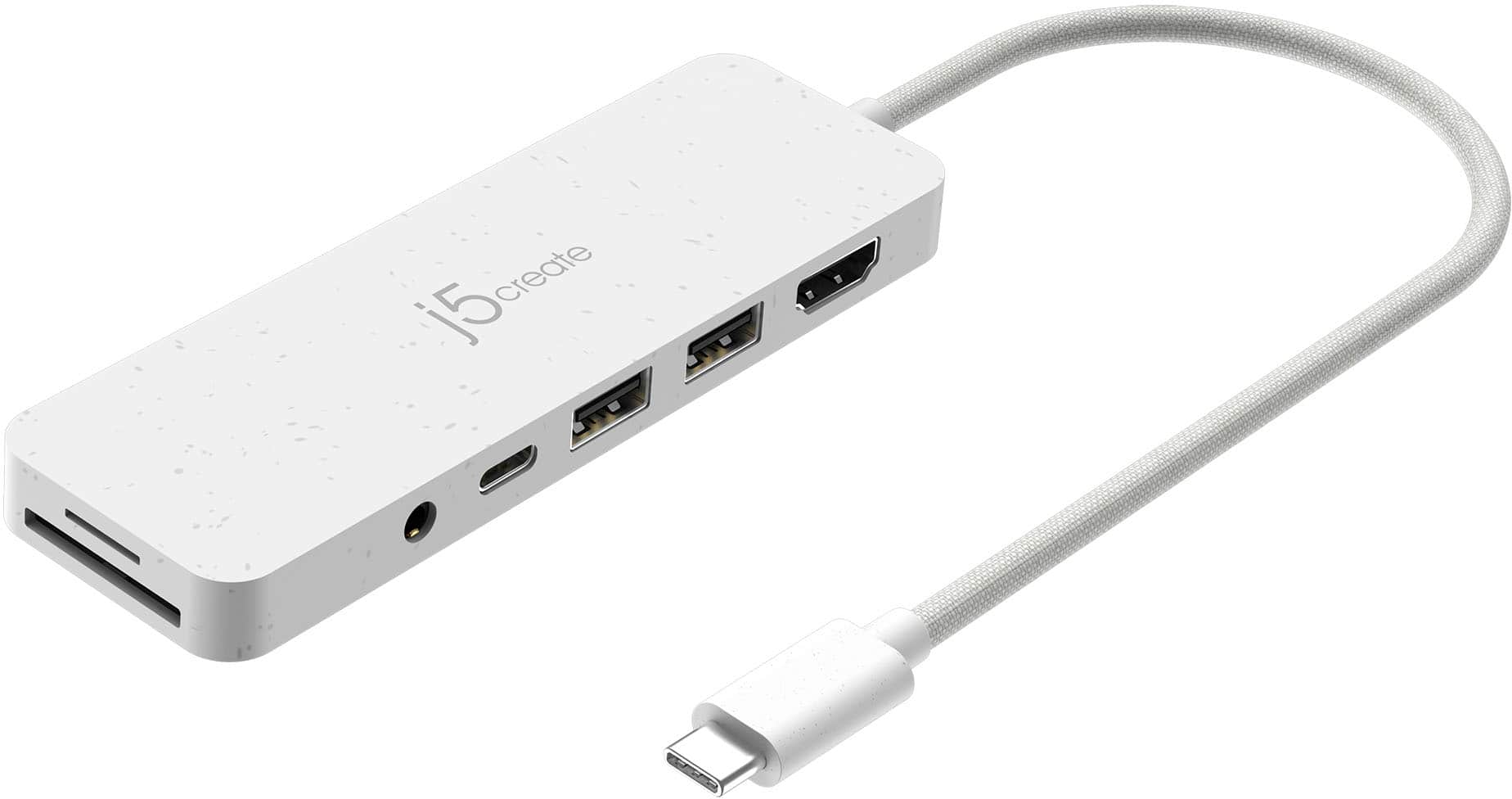
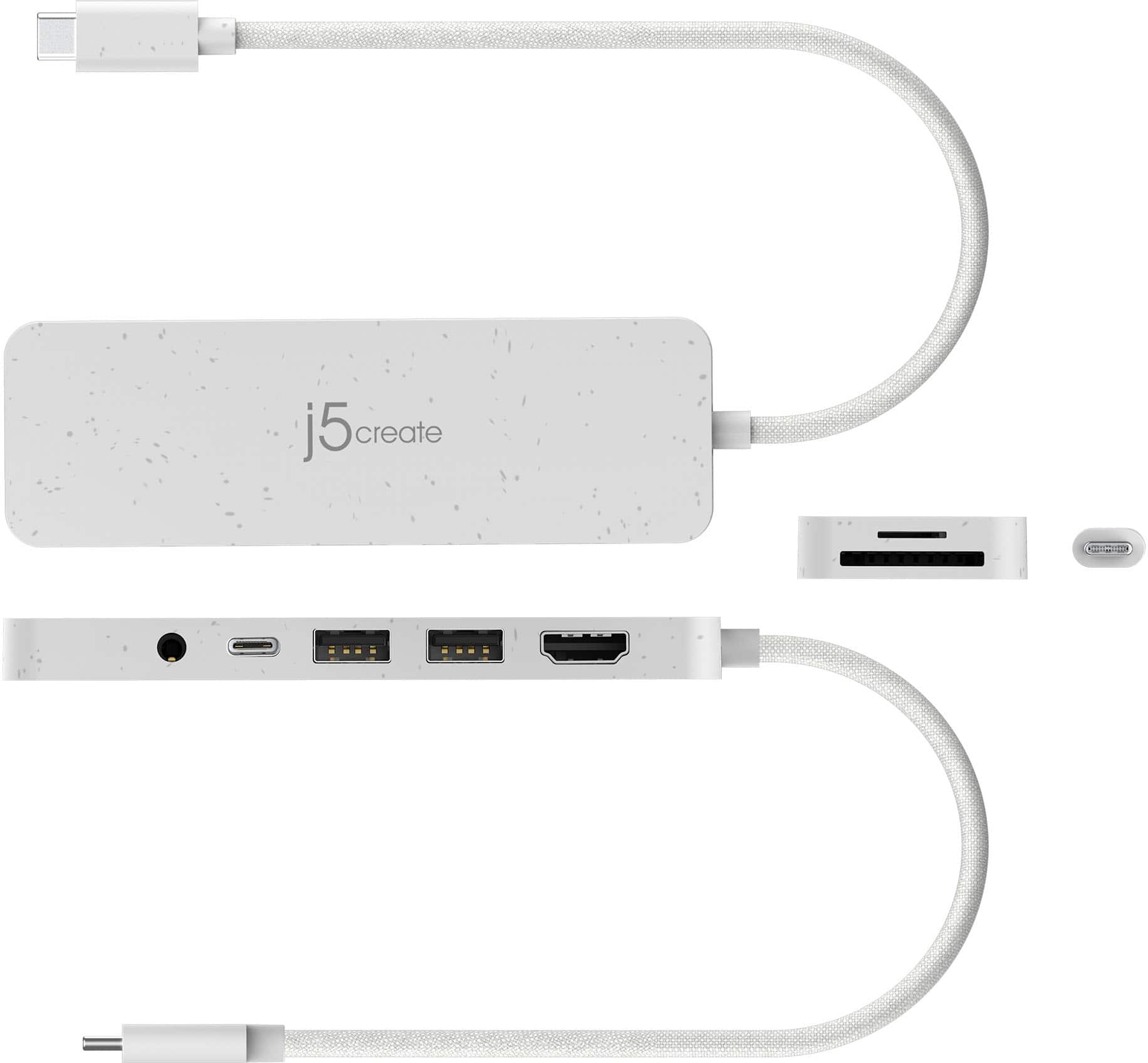
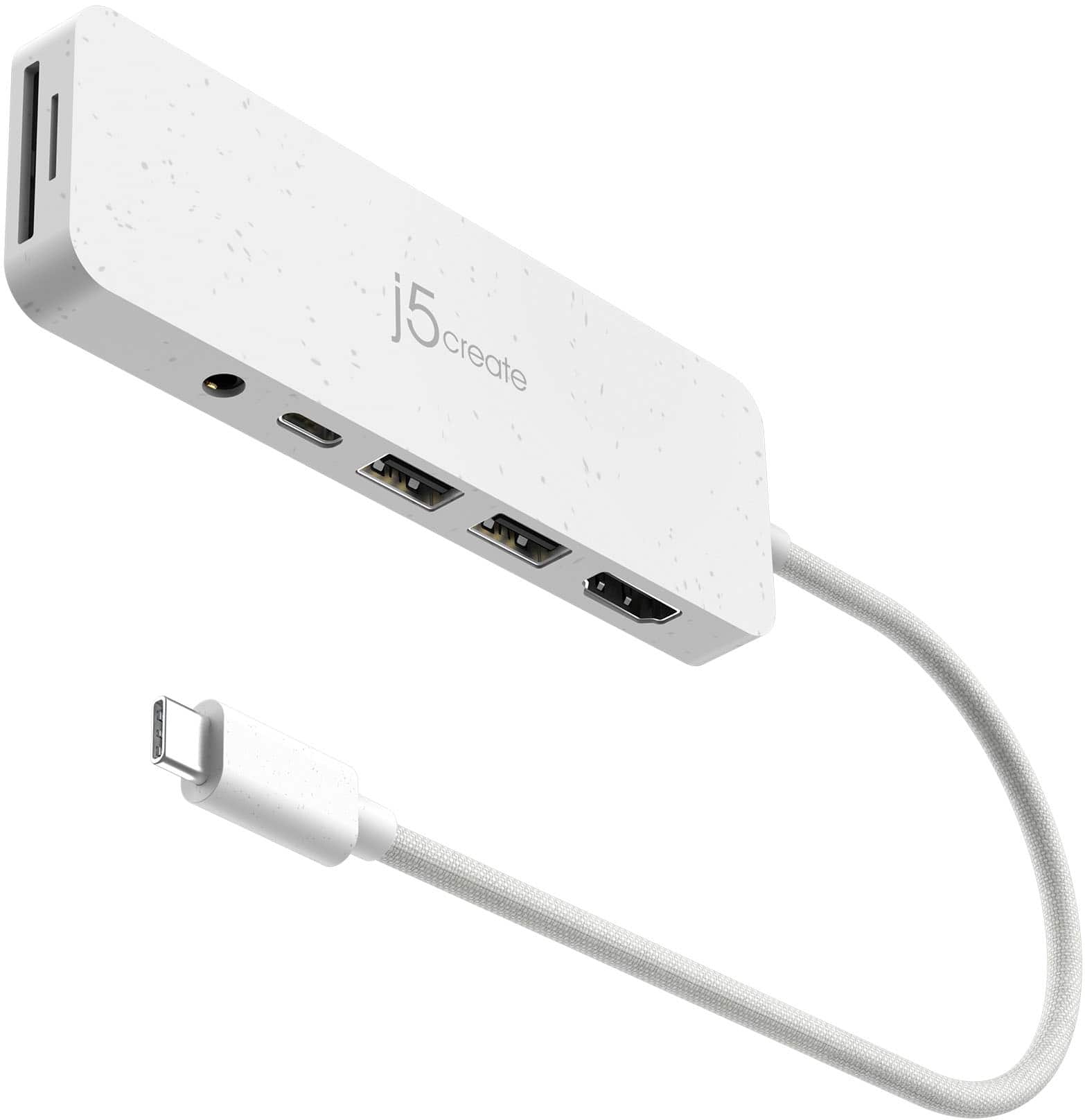
A:AnswerThe JCD373 may not work for adding storage to chromecast + google tv. The device is set up for Windows, Mac and Chromebooks with DP Alt Mode and PD. You may test our device, if it's possible but we cannot guarantee compatibility.
A:AnswerThis hub is designed primarily for USB-C data, USB ports, and single display output, it does not support dual independent display outputs like a full docking station would.
A:AnswerThe functionality of the ports on the USB-C Multi-Port Hub with Power Delivery under Linux can vary depending on the Linux distribution and kernel version.
USB ports use standard protocols widely supported by the Linux kernel.
May or may not work depending on whether your device supports DisplayPort Alt Mode and if the Linux system properly recognizes and configures the display output.
Ensure your Linux device also supports USB-C Power Delivery for power passthrough.
A:AnswerThis device does not come with a power supply. It uses your computer to power the Hub. If your power-brick for your computer has a USB-C connection, you can connect it to the USB-C port on the Multi-Port Hub to add additional power to the USB ports. It will also support pass-through charge up to 60W however, your computer must support Power Delivery over USB-C. The only device we have for now that comes with a power adapter is the JCD543P.
A:AnswerIf your laptop has a USB Type-C port and supports "DisplayPort Mode" over USB-C for video out, then the JCD373 will work. However, please be aware that you may run into HDCP. Subscription based services, such as: Netflix, Hulu, Disney+, HBO Now, and many others, will generally be protected by HDCP.
A:AnswerFor equipment like the Native Instruments Traktor S4 MK3, which benefits from stable power, we recommend using a self-powered USB-C or Thunderbolt dock that includes its own AC power adapter. This type of dock will properly distribute power to the USB ports and provide a more reliable connection.
The JCD373 does support Power Delivery pass-through to charge your MacBook Air M3 when you connect your own USB-C charger, but that power is not distributed to the USB-C data ports.
A:AnswerYes, the USB-C Multi-Port Hub with Power Delivery can be compatible as long as the M1 Mac Mini supports DisplayPort Alt Mode and USB Power Delivery 2.0 or 3.0.
A:AnswerSome external DVD drives require more power than what a USB port can provide. If the DVD drive tries to draw more current than the port can supply, it may not spin up or be recognized.
A:AnswerTo better understand the issue and provide the most accurate support, we kindly ask that you reach out to our customer service team. Please include your macOS version, the name of the j5create product. Their information is located on j5create website under the "Support" tab. Thank you.
A:AnswerThe JCD373 can power multiple peripherals, but if you're using it without a laptop charger plugged into the hub (USB-C Power Delivery pass-through), the available power might be lower. If you can, connect a USB-C charger to the JCD373 when gaming to guarantee stable power for both sticks.
A:AnswerThe USB microphone and headphone may draw too much power from the USB-C Multi-Port Hub, so there is no guarantee that those devices will work with the hub. I recommend reaching out to the microphone and headphone manufacturer to see if they recommend connecting their devices to a USB hub. If you have any other questions please reach out to the j5create customer support team by visiting the j5create website then click on the "SUPPORT" tab at the top right of the webpage. Thank you.
A:AnswerFor assistance with answering this question I recommend reaching out to our customer support team by visiting the j5create website then click on the "SUPPORT" tab at the top right of the webpage. Thank you.