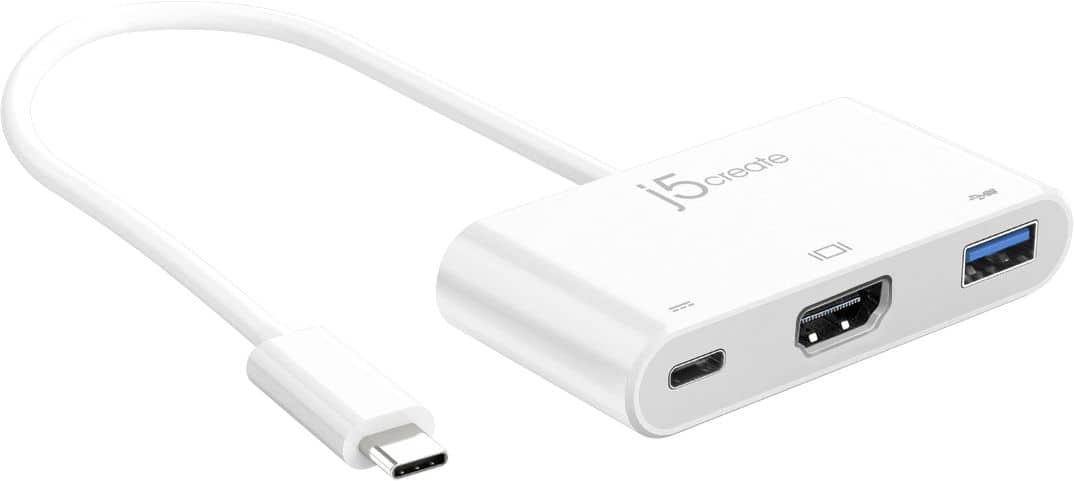
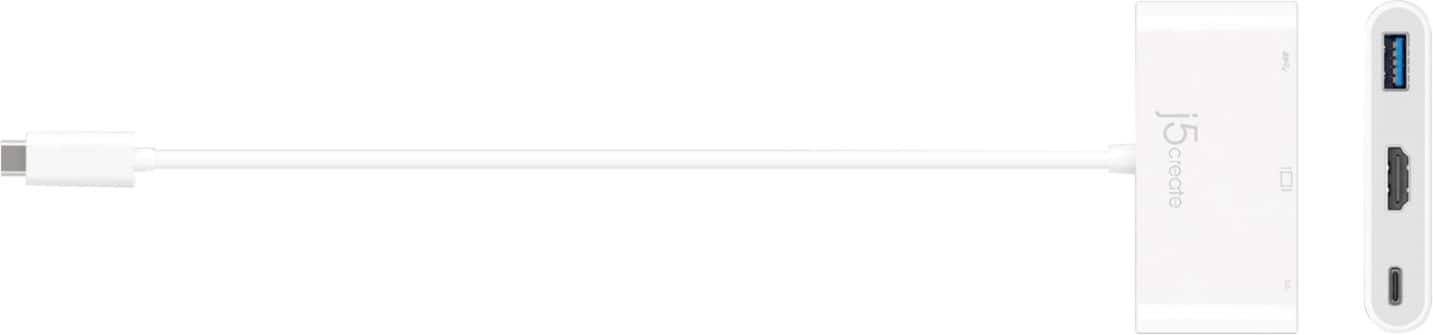
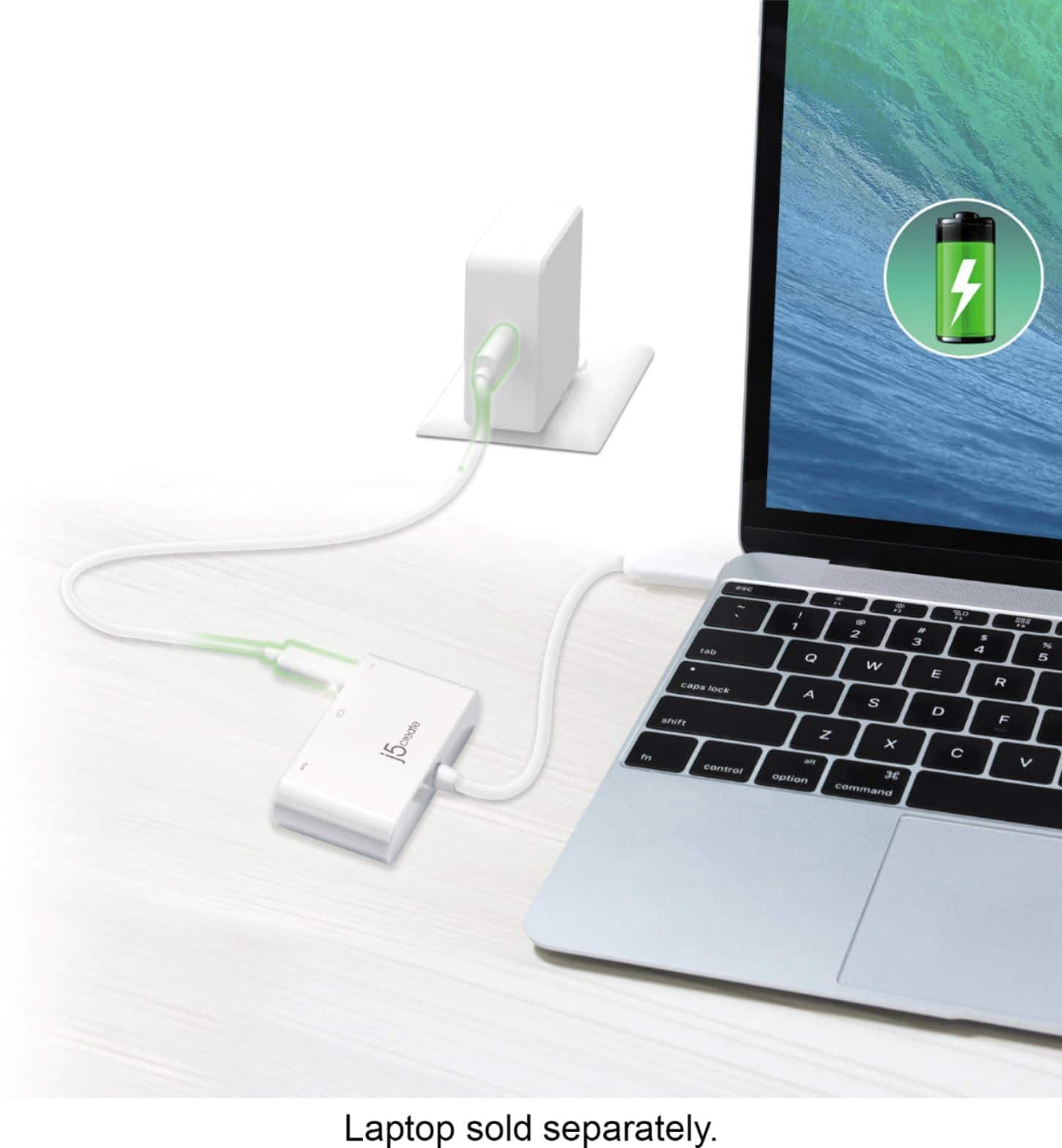
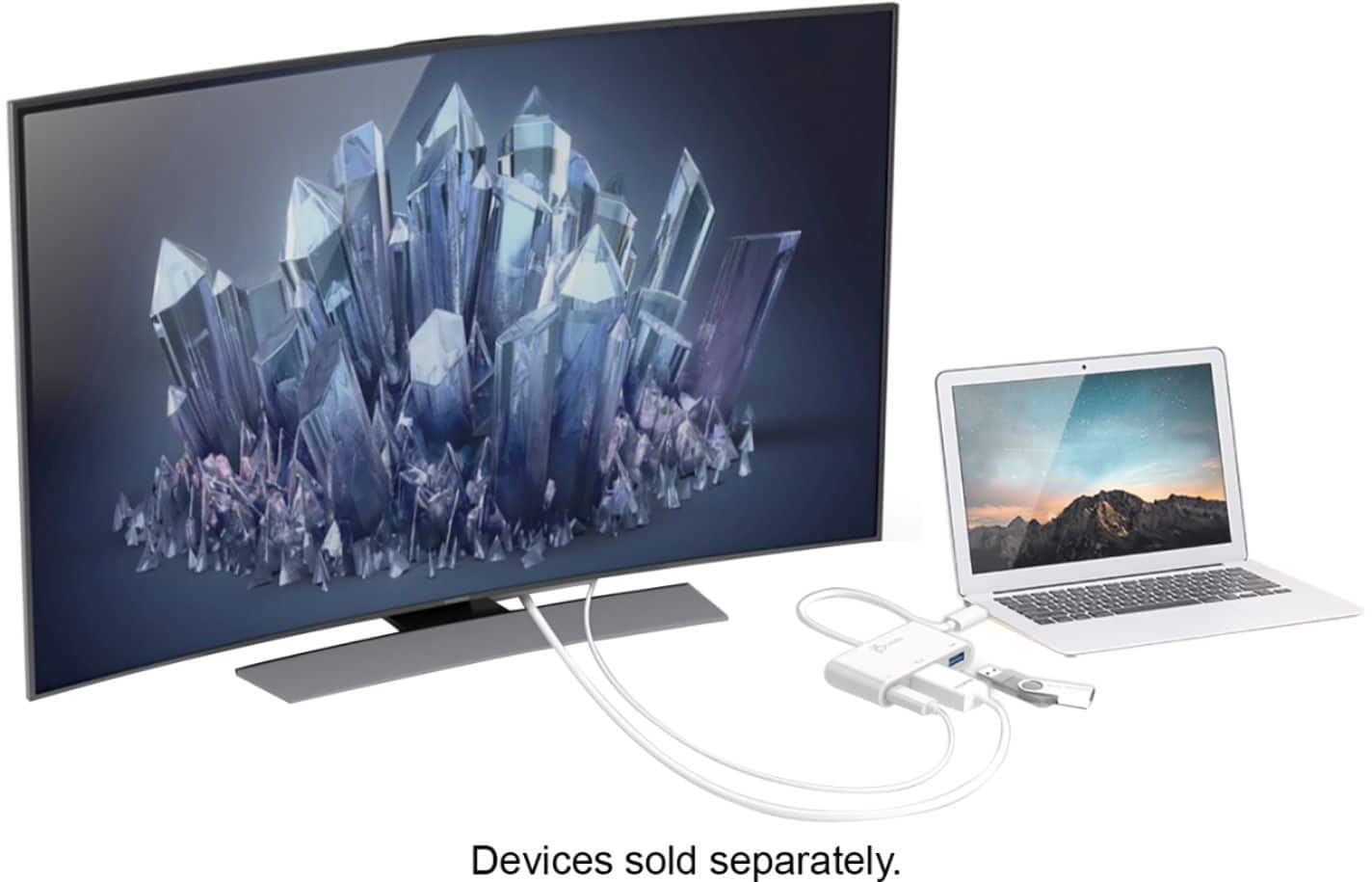
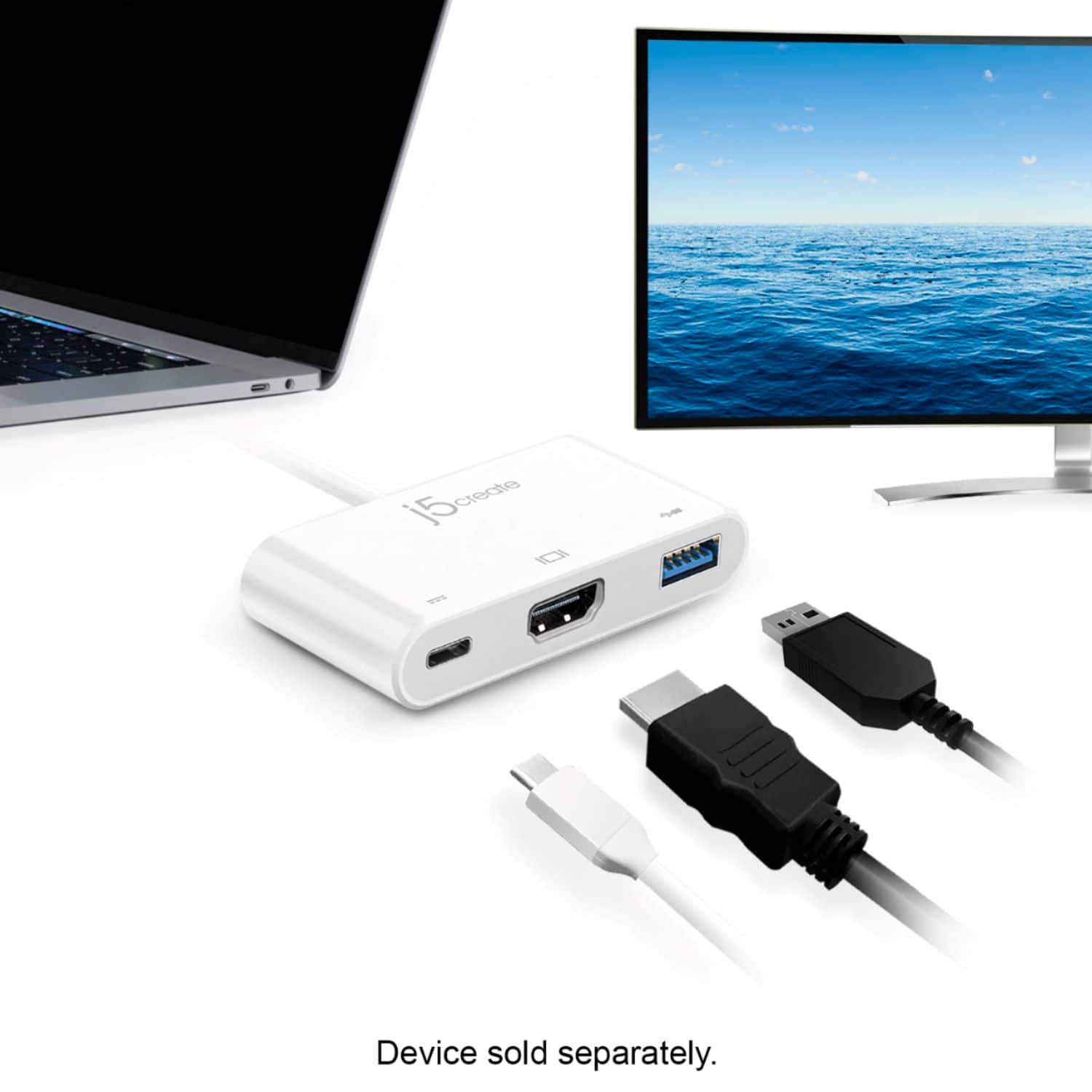
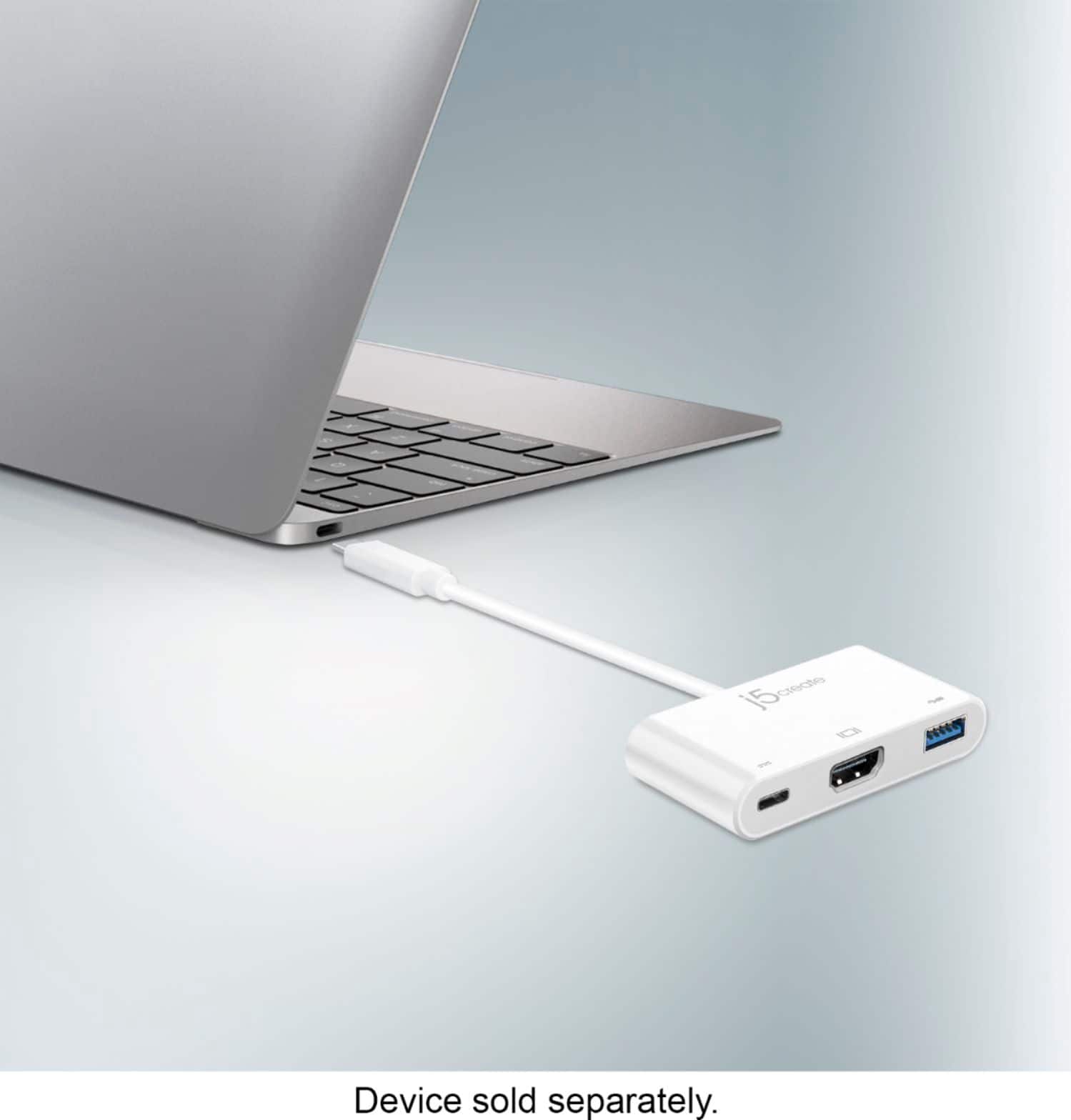
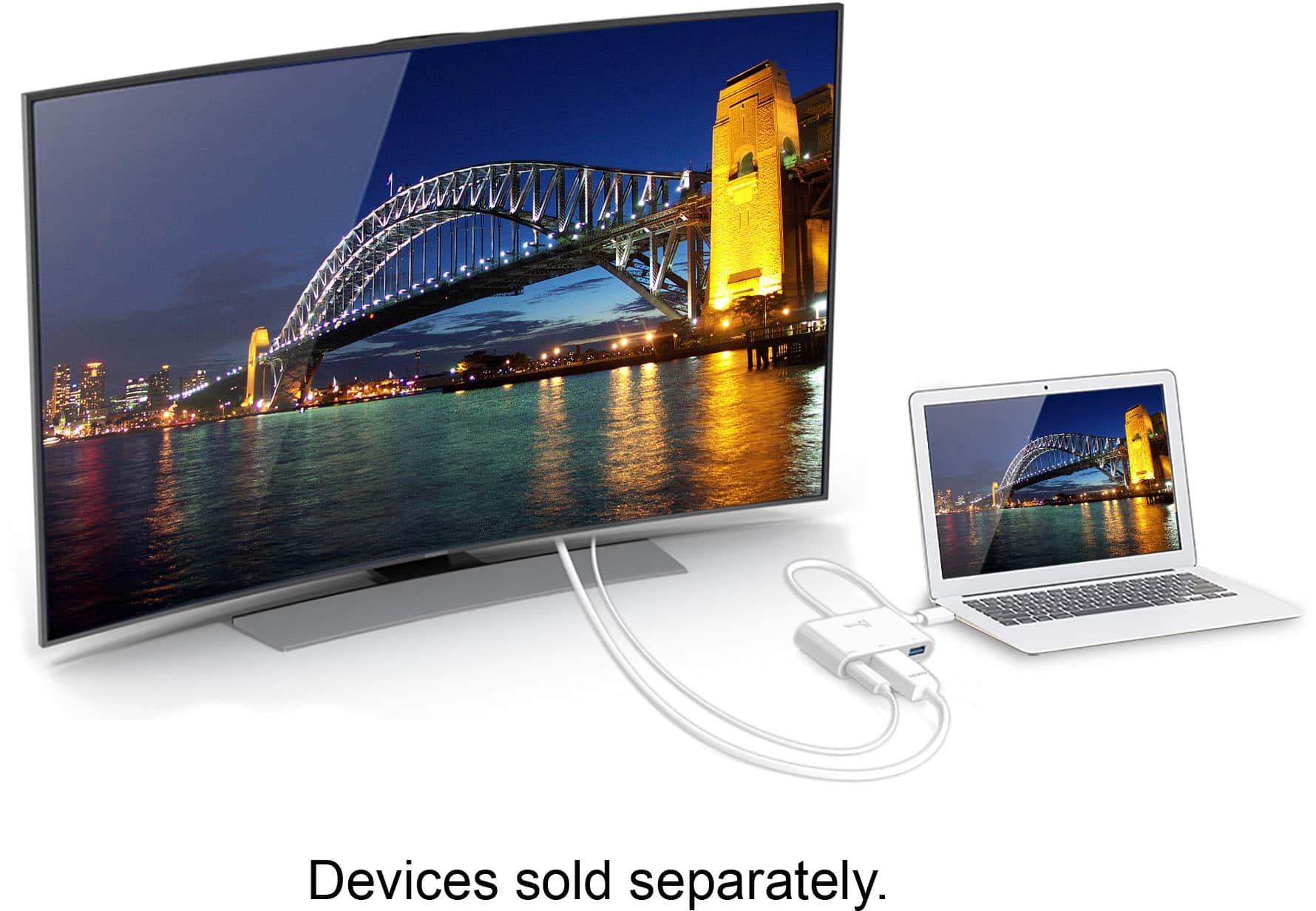
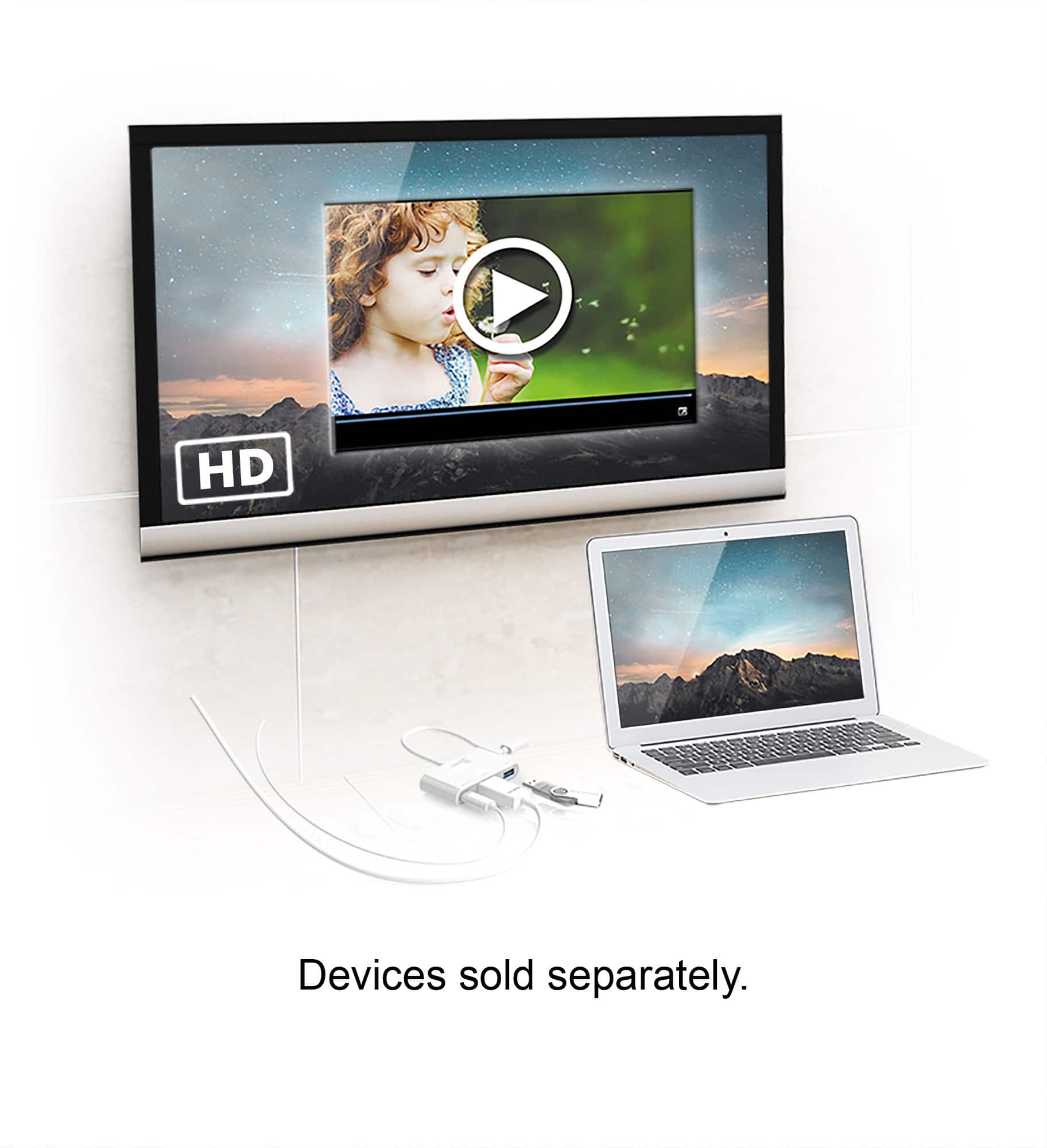
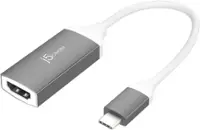
A:AnswerNo, Samsung Galaxy A54 does not support DisplayPort, nor Samsung DeX. The USB-C to HDMI & USB 3.0 with Power Delivery device requires DisplayPort Alt Mode and USB Power Delivery 2.0 or 3.0 for functionality.
A:AnswerUnfortunately, the USB-C on the AO3s doesn't seem to support DisplayPort Mode. Supports video out when connecting via HDMI Adapter. Mobile devices need to comply with DisplayPort Alternate Mode which is built into the phone for video output to a TV. The other option is the JUA165C but you will only be able to view in 1080p instead of 4K.
A:AnswerIt worked with the iPad Air 4 (which has the USB-C output) and supports both screen mirroring and dedicated video output for the apps that supports it (Apple TV App, Netflix, Disney+, etc.).
YouTube only works with screen mirroring though.
A:AnswerIt appears the Nokia C5 Endi does not specify whether or not it supports video output via USB-C and therefore we cannot determine compatibility. Further assistance is only a call away; please feel free to reach out to the support team mentioned on the casing to speak with a rep and find you a working solution.
A:AnswerIn order for this device to work it requires that your phone supports a feature called DisplayPort Alternate Mode over USB Type-C. This feature will allow your phone to output display over the USB Type-C port on your phone. In your case unfortunately your phone does not support this feature. So this device will not work with your phone.
A:AnswerUnfortunately, this device will not work with a Nintendo Switch. You would need to get the official Nintendo Dock in order to output your Nintendo Switch display.
A:AnswerIn order for this device to work it requires that your phone supports a feature called DisplayPort Alternate Mode over USB Type-C, and this feature allows your phone to output a display through its USB Type-C port. In your case your phone does not support this feature, so unfortunately this device will not work on your phone.
A:AnswerIn order for this device to work it requires that your phone supports a feature called DisplayPort Alternate Mode over USB Type-C. This feature allows your tablet to output a display signal over your USB Type-C port, and unfortunately, your phone does not support this feature.
A:AnswerPlease contact our Customer Service Department for further help with this issue. Their information can be found on the back of the packaging or our website.
A:AnswerNo, In order for our type C adapters to output a display signal it requires your device to support a feature known as DisplayPort Alternate Mode. I have been able to verify that the LG Stylo 4 does not support this feature.
A:AnswerPlease try the following in order to go from "Extend" to "Duplicate" mode: Click on the "Status" at the bottom right side of the screen and select the appropriate screen and adjust accordingly.
** Feel free to contact the Technical Support team on the packaging if you require further assistance or if you have any other questions and someone will be glad to assist you.
A:AnswerUnfortunately this device will not work with the Samsung Galaxy Tab S3. As this device requires your device to support DispalyPort Alternative Mode over USB Type-C in order to work, and unfortunately your tablet does not support this feature.
A:AnswerIt will depend on what type phone you are using as some do not allow DisplayPort Alt Mode through a Type-C connection, which is required to send data to an external display.
A:AnswerUnfortunately, this device will not be able to output a display signal to your device with your Samsung Galaxy Tab A. This is indeed because your tablet does not support MHL and/or DisplayPort Alternate Mode over USB Type-C.
A:AnswerUnfortunately, this device will not work on your phone because it requires that your phone supports Display Port Alternate Mode over USB Type-C in order to output display. In your case your phone does not support this feature.