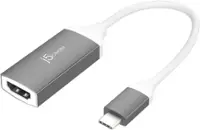
A:AnswerUnfortunately, Motorola's website does not specify if the USB-C port on your phone support's Display Alt Mode and PD for Plug n Play features. If the phone does not support those features, the j5 Video Adapter will not be compatible with your device. Please refer to the manufacturer of your hardware for more information on your device. Thank you.
A:AnswerThe USB-C on the Moto G7 Optimo Maxx must support Display Alt Mode and Power Delivery for Plug n Play devices to work. Without those features it will not function. Please refer to the manufacturer of your hardware for more information on your device. Thank you.
A:AnswerIt looks like the HP computer has "1 SuperSpeed USB Type-C 5Gbps signaling rate" and does not support "DisplayPort Alt Mode" and "Power Delivery", only Data. The only port that will work is the USB-A.
A:AnswerYes it should work. There are articles that even talk about it. https://www.mobilefun.co.uk/blog/2021/04/how-to-connect-your-oneplus-9-pro-oneplus-9-to-your-tv-monitor-or-projector/
A:AnswerAll I had to do on my Galaxy S21 5G was plug it into the phone, attach the HDMi cable to the device and TV and put TV input on the HDMI port the cable went into . The screen instantly appeared on the TV.
Of you have done that and it is not working, I would go to geek squad.
A:AnswerUnfortunately, the Galaxy A series does not support Plug n Play devices. It will need to support "DisplayPort Mode" and "Power Delivery". The JUA165C is another option you can use with your A32.
A:AnswerCable box to usb c to hdmi adapter then to wireless hdmi transmitter. Well it might work big issue you might have is hdcp compliance. That is a protocol that is like drm to encrypt the video signal so you can’t rip the movie or tv show. Your cable box might require a hdcp setting. Check that first. If this was a laptop it should work. But cable boxes are more restricted.
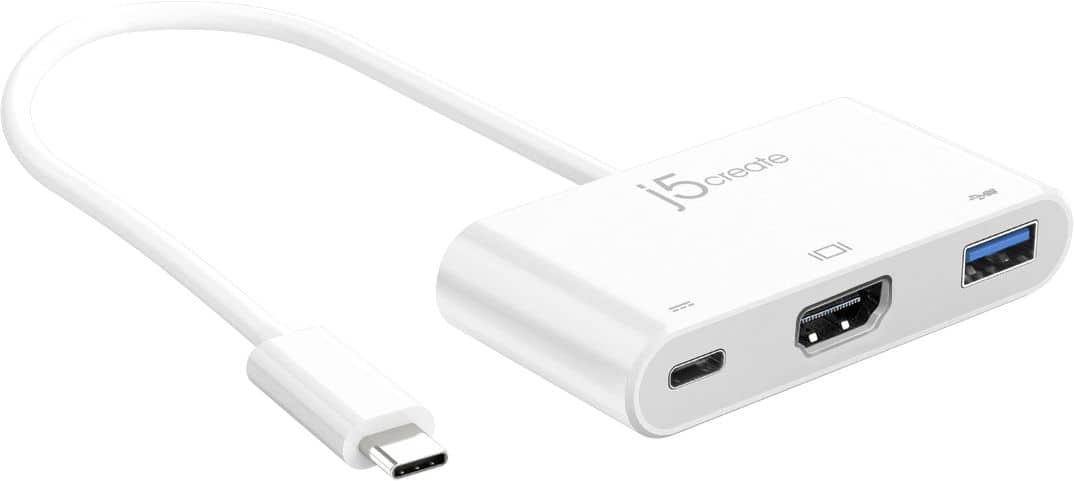
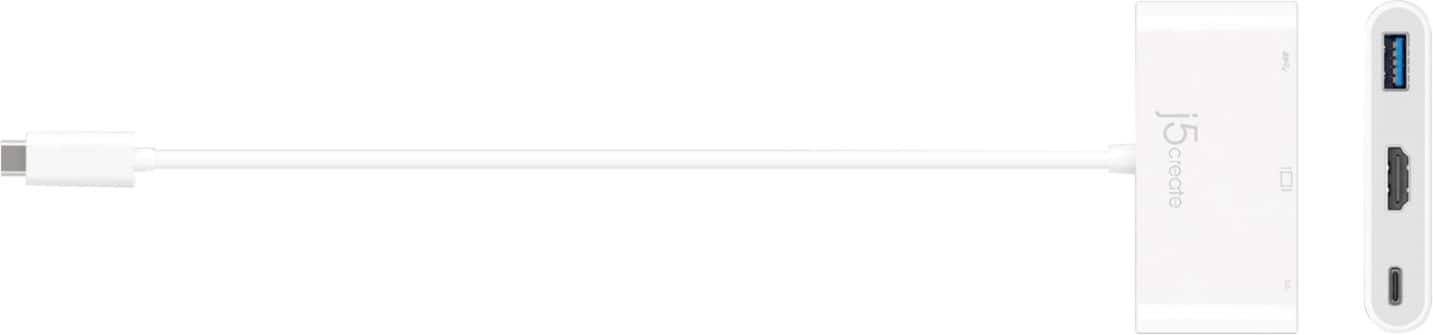
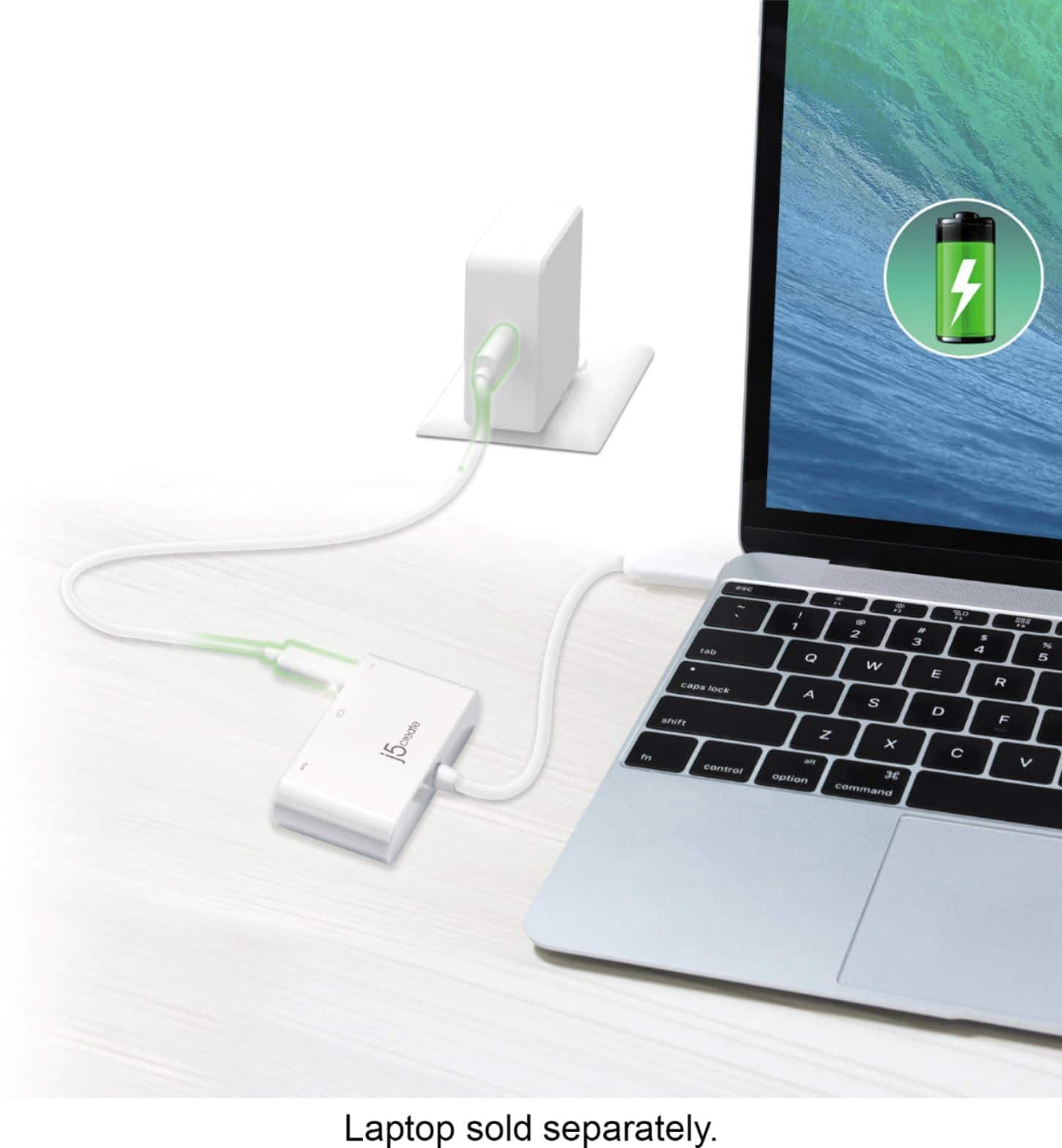
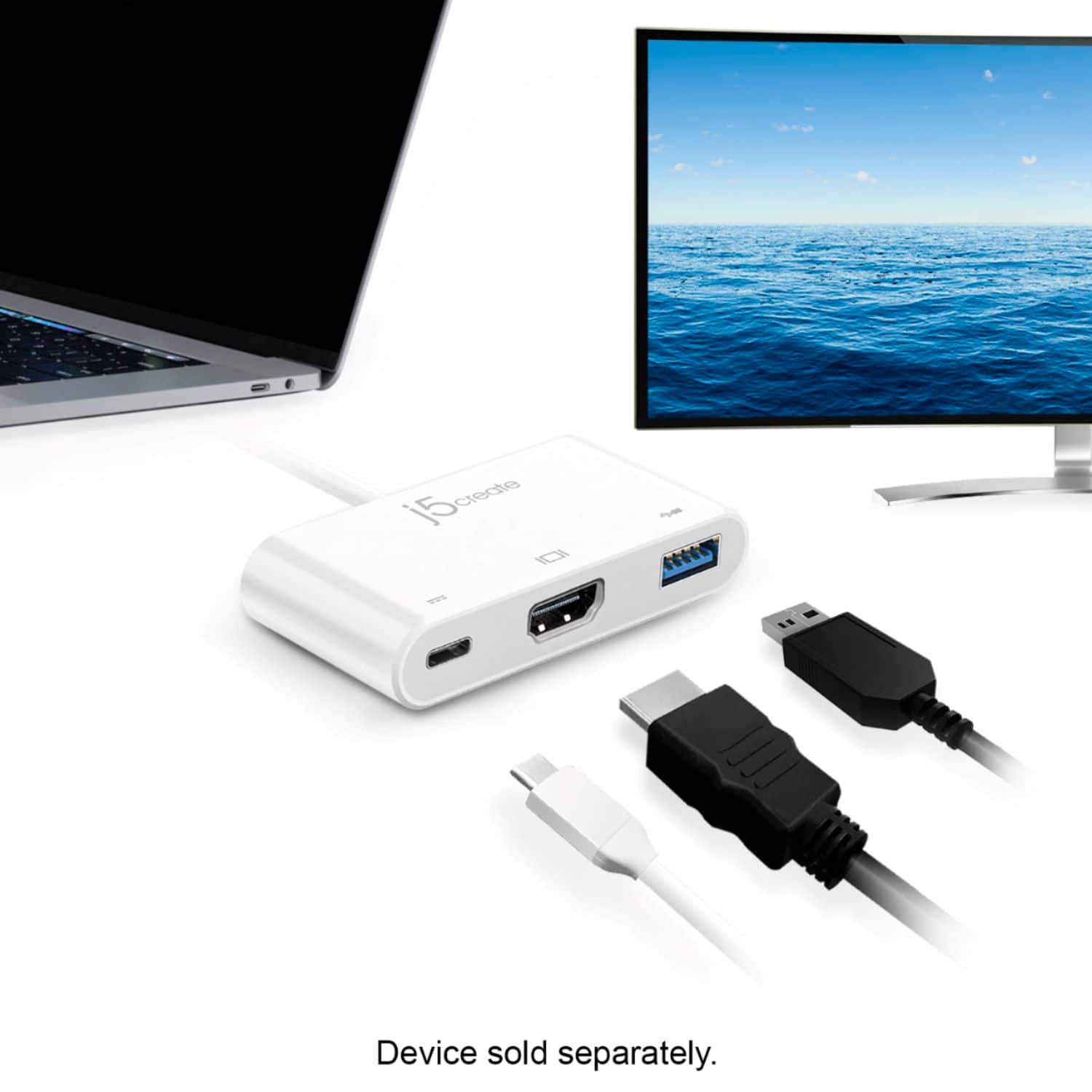
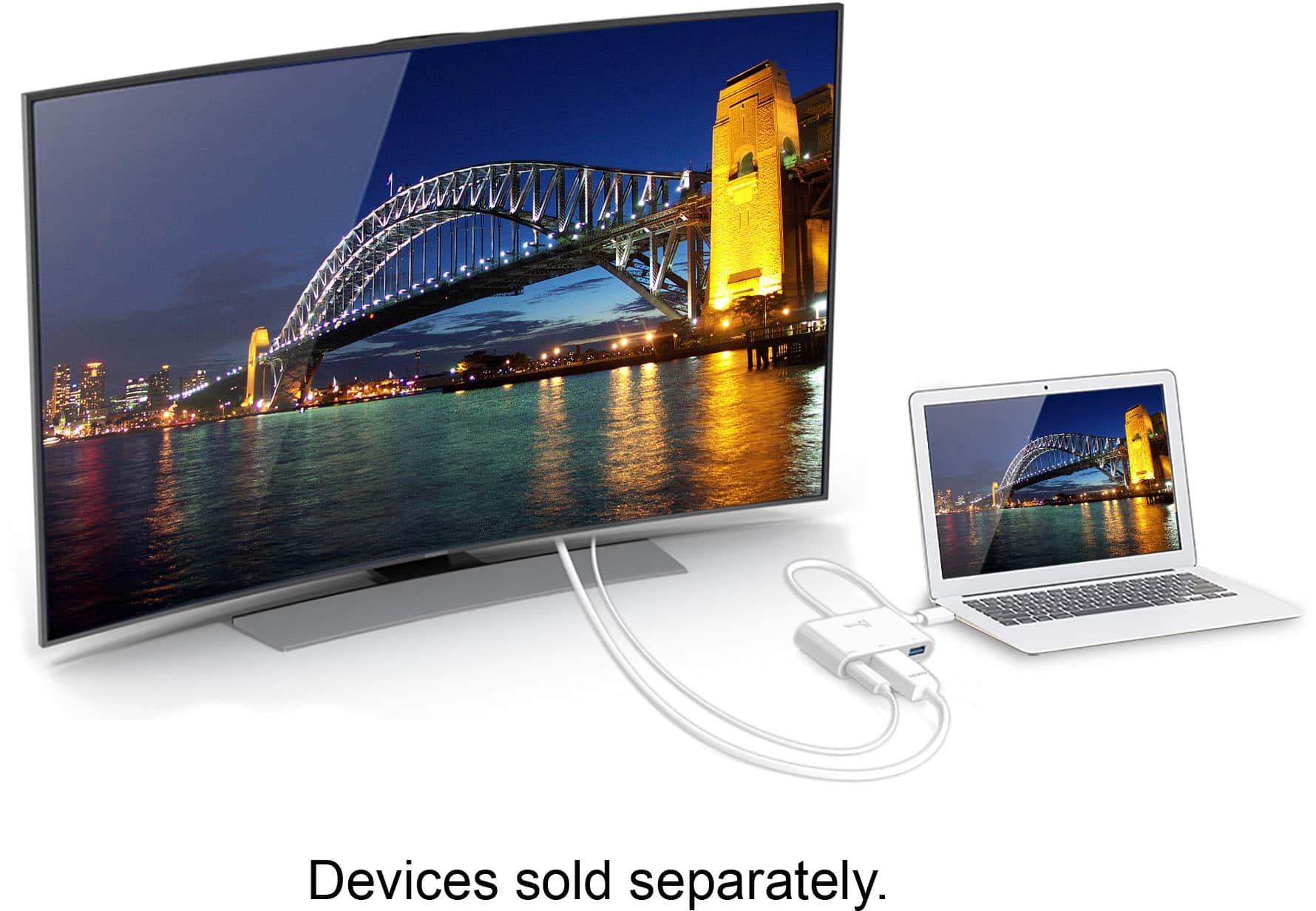
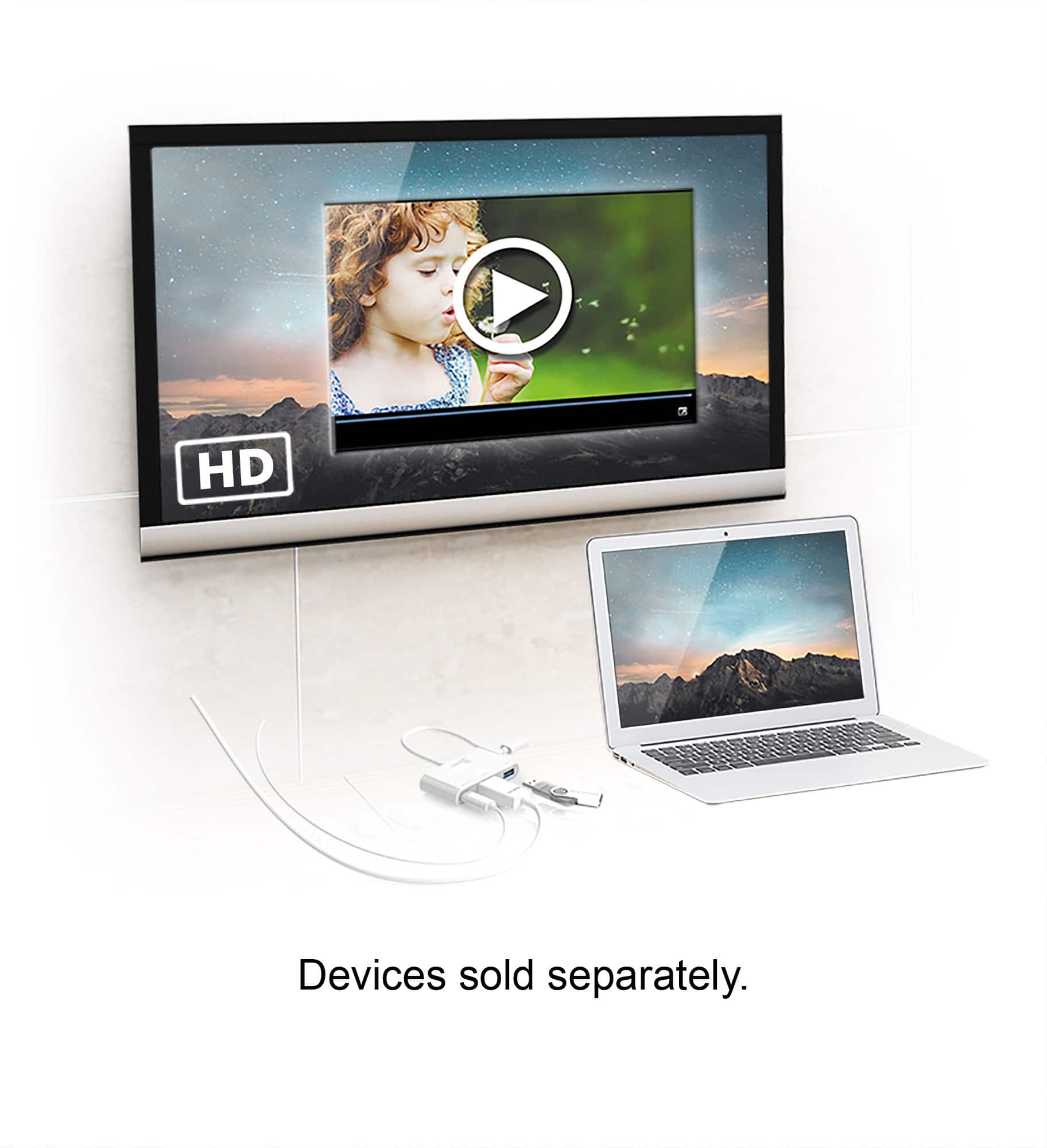
A:AnswerNo, the Adapter is intended to add an additional display via HDMI and the USB port is for data transfer up to 5Gbps. The Power-In port supports upstream charging to keep your connected laptop powered up while in use.
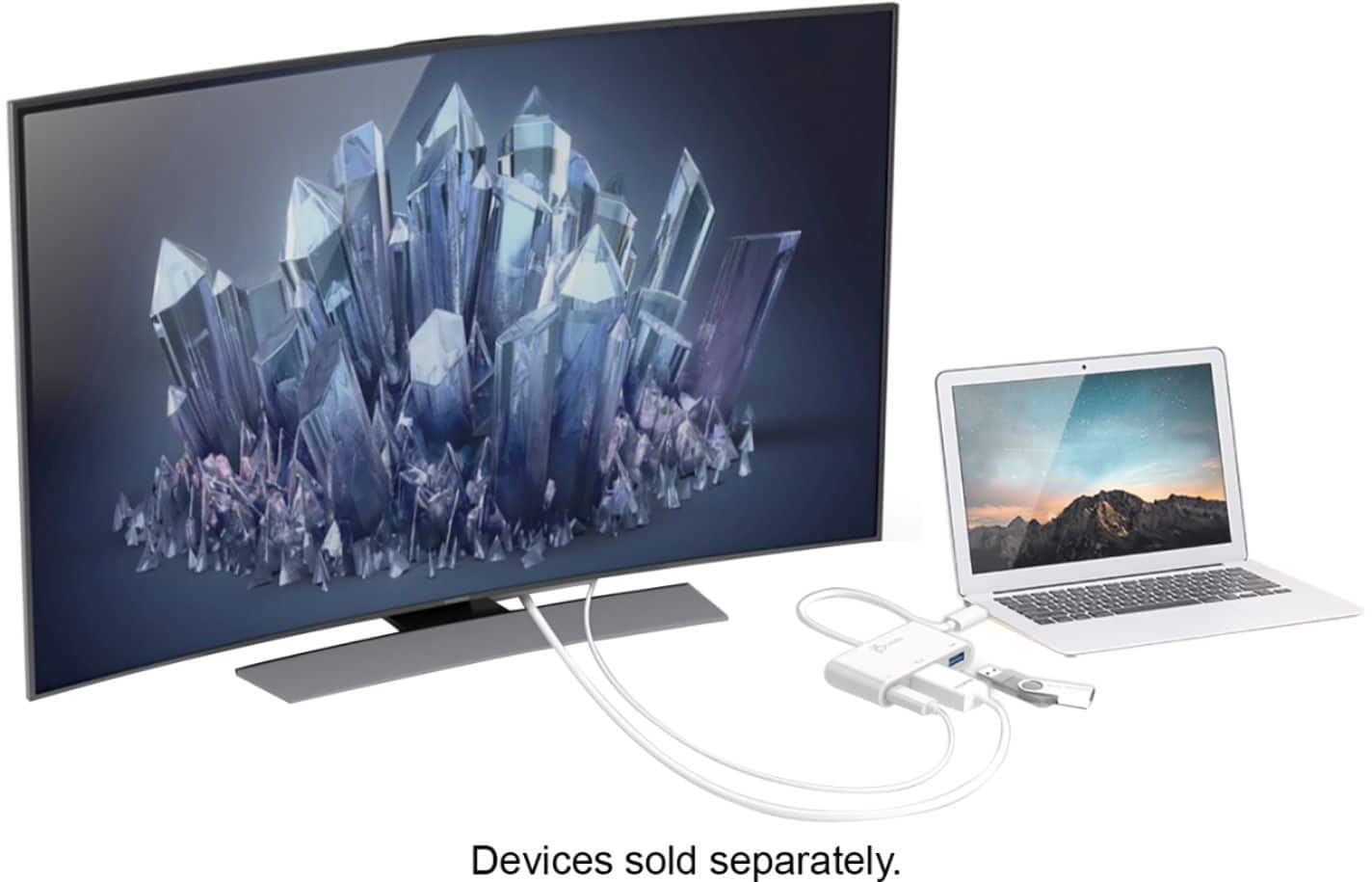
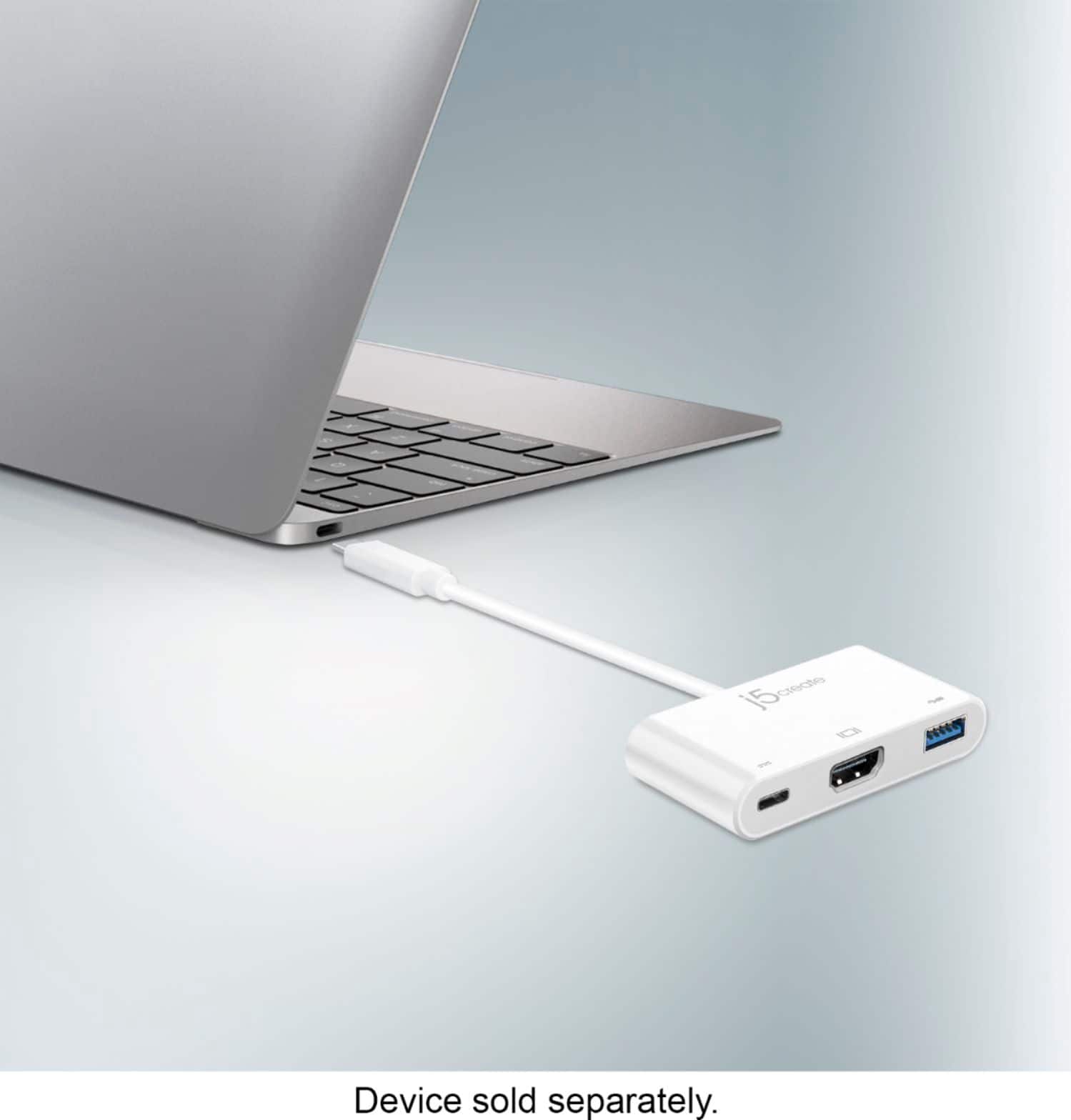
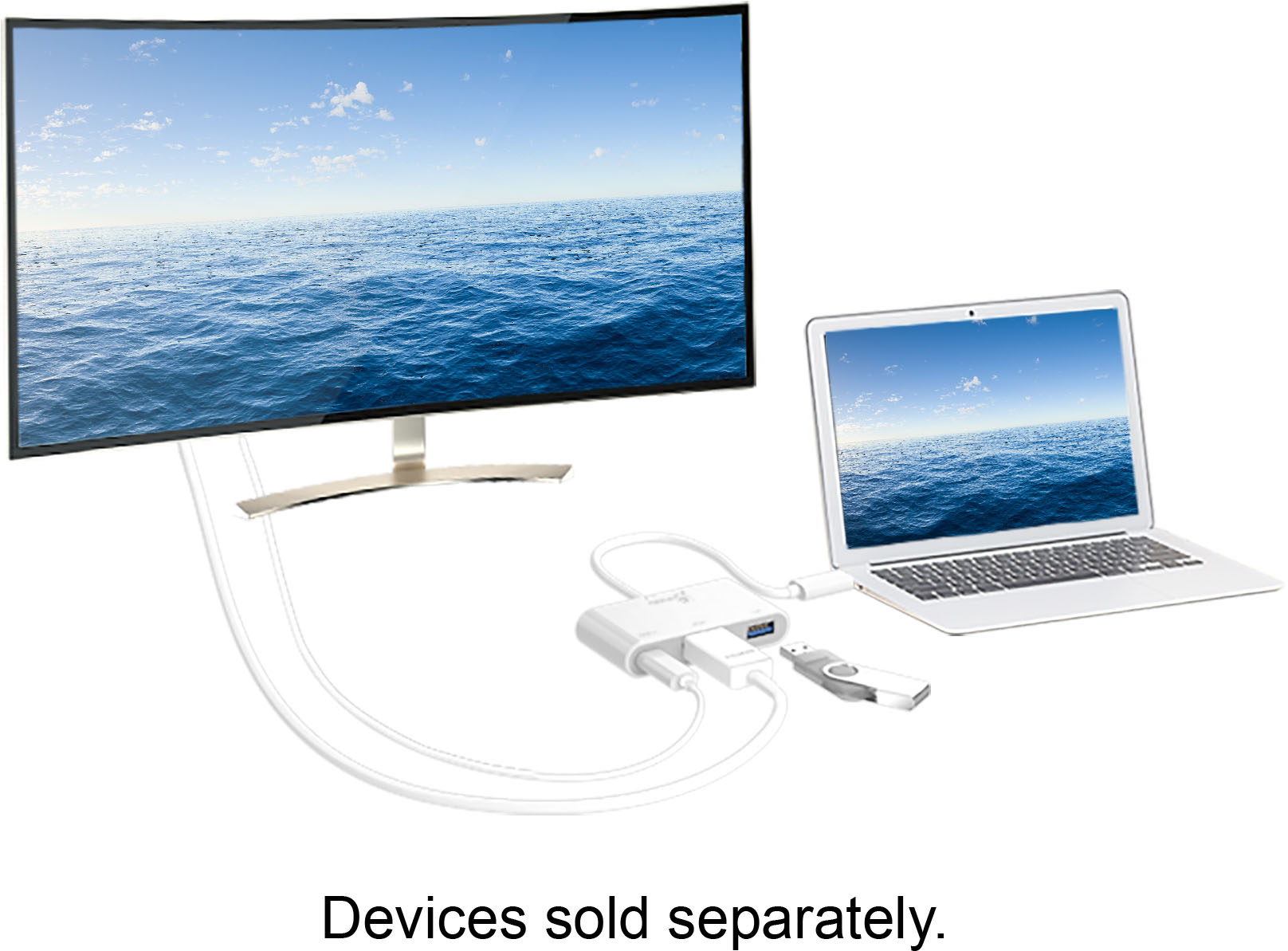
A:AnswerThe JCA379 is a Plug n Play device. Connect the USB-C host connection to a computer, tablet or phone that supports DisplayPort Mode over USB-C for video out. Connect HDMI cable to device to a monitor or TV.