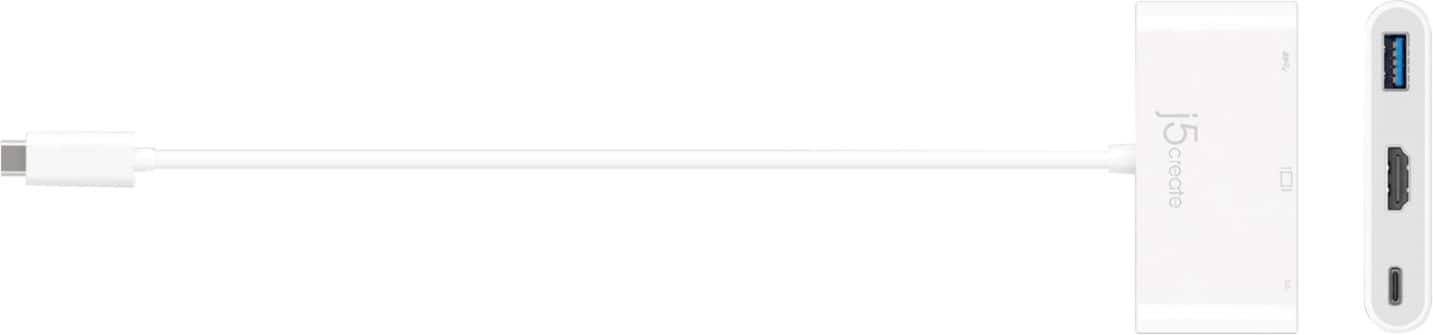
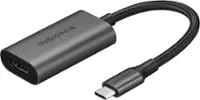
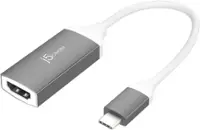
A:AnswerYes, Samsung website states "supports DisplayPort over USB type-C. Supports video out when connecting via HDMI Adapter". The JCA379 will work for your Samsung phone.
A:AnswerSamsung website does not state if A11 phone supports DisplayPort Mode and Power Delivery for Plug n Play devices such as JCA379. The JUA165C will be another options you can use. Please refer to the manufacturer of your hardware for more information on your device.
A:AnswerPlease contact Motorola Support Team to verify if 4X supports DisplayPort Alternative Mode over USB-C for video output and Power Delivery for pass-through charge. Thank you.
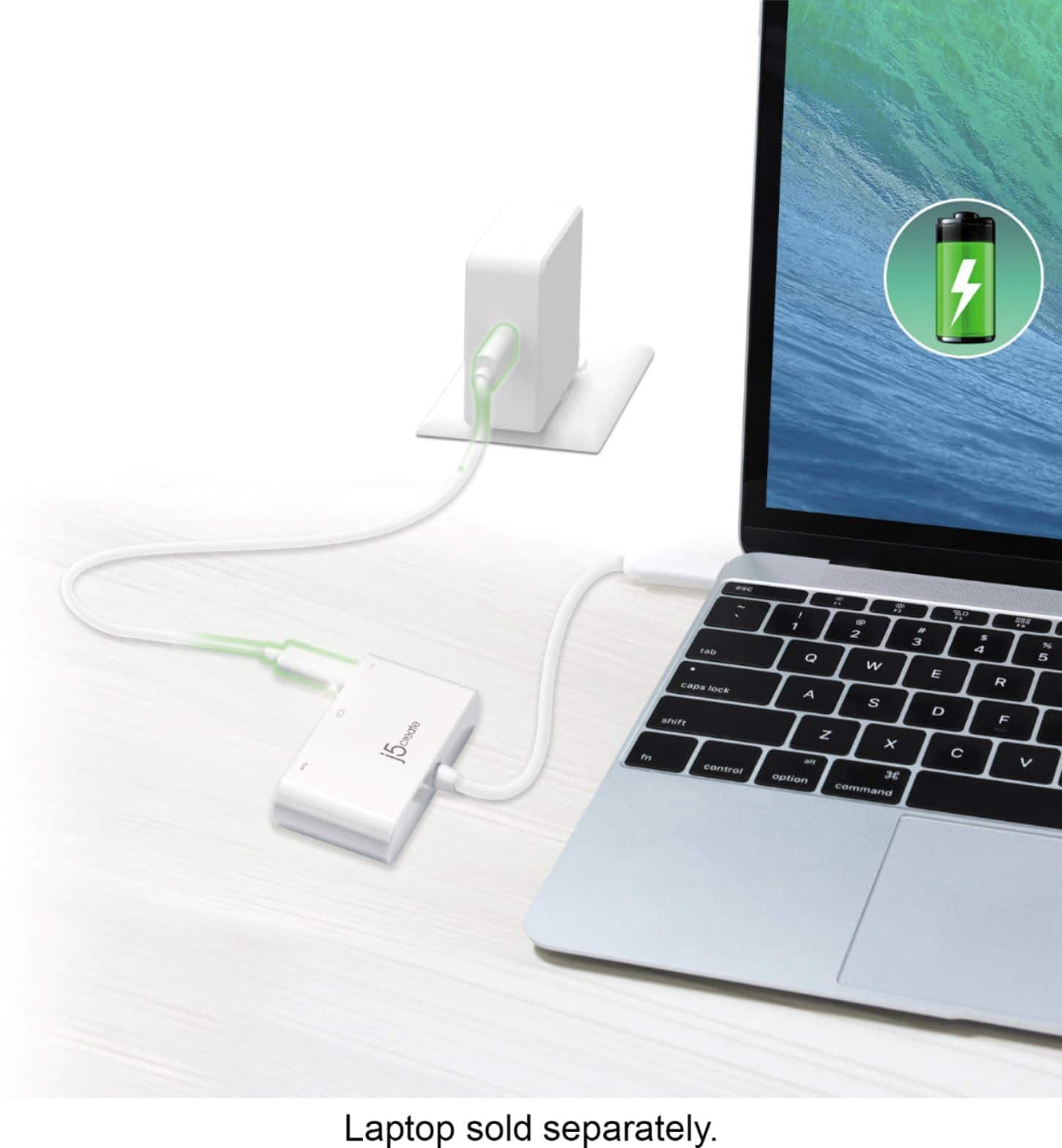
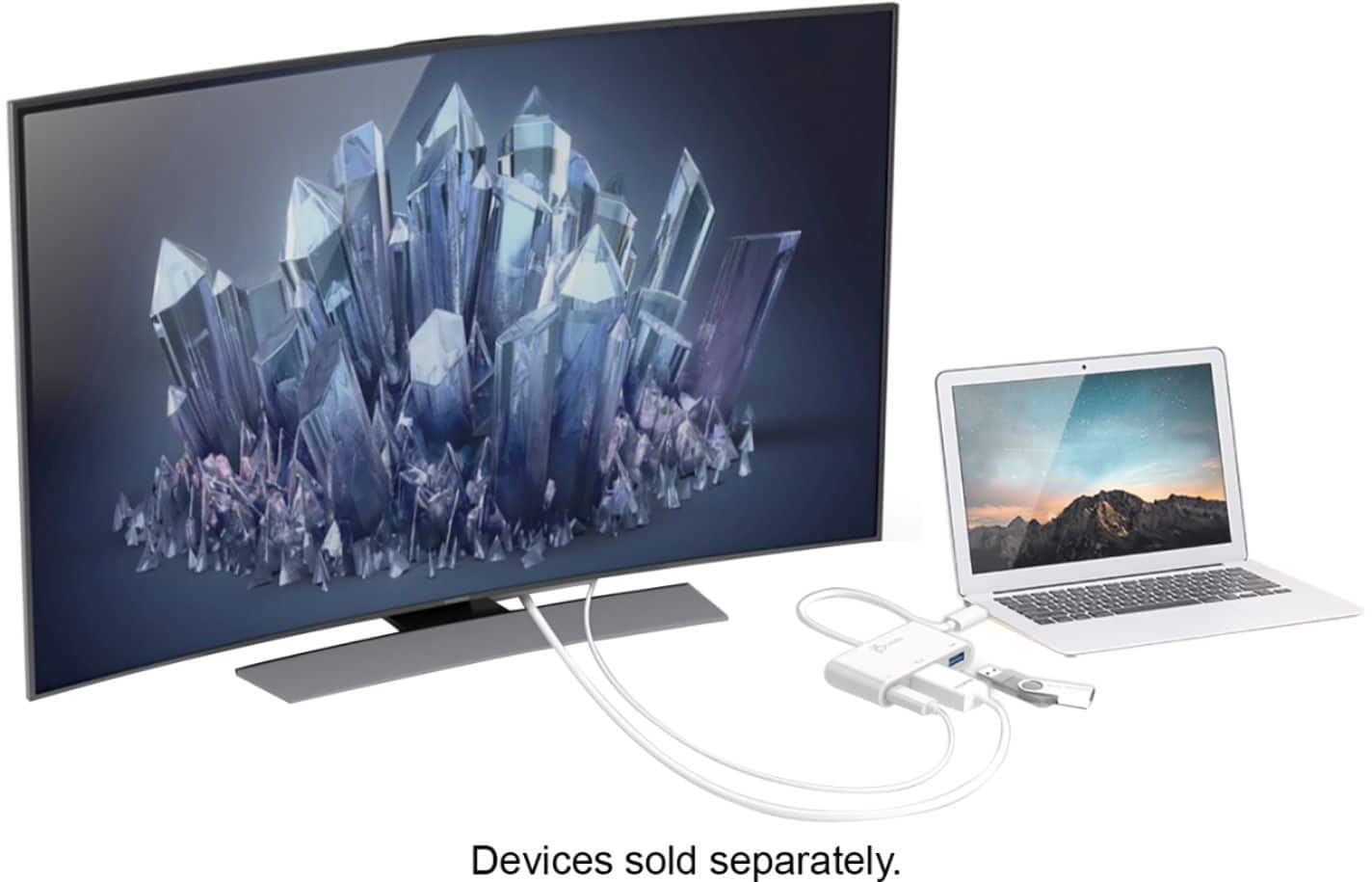
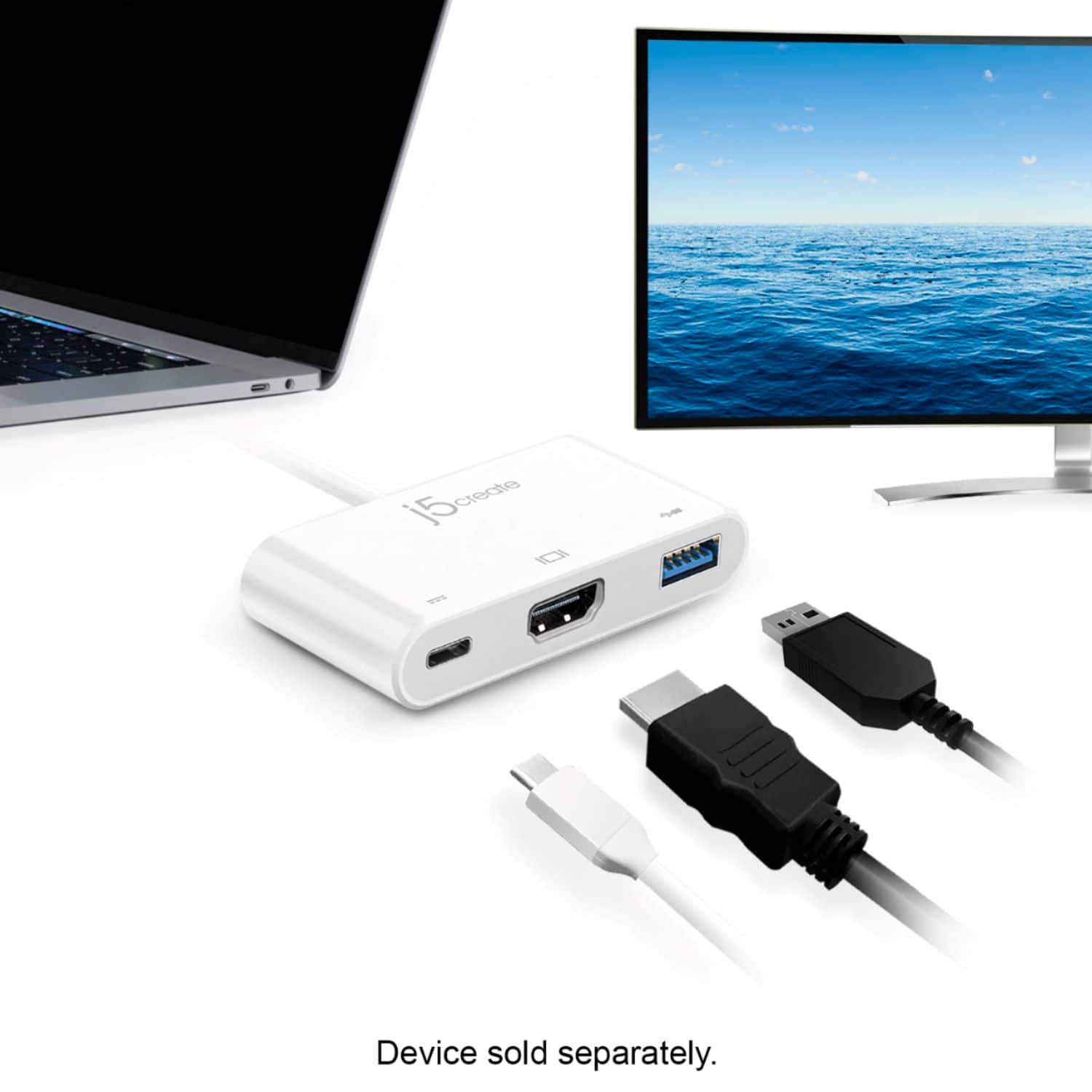
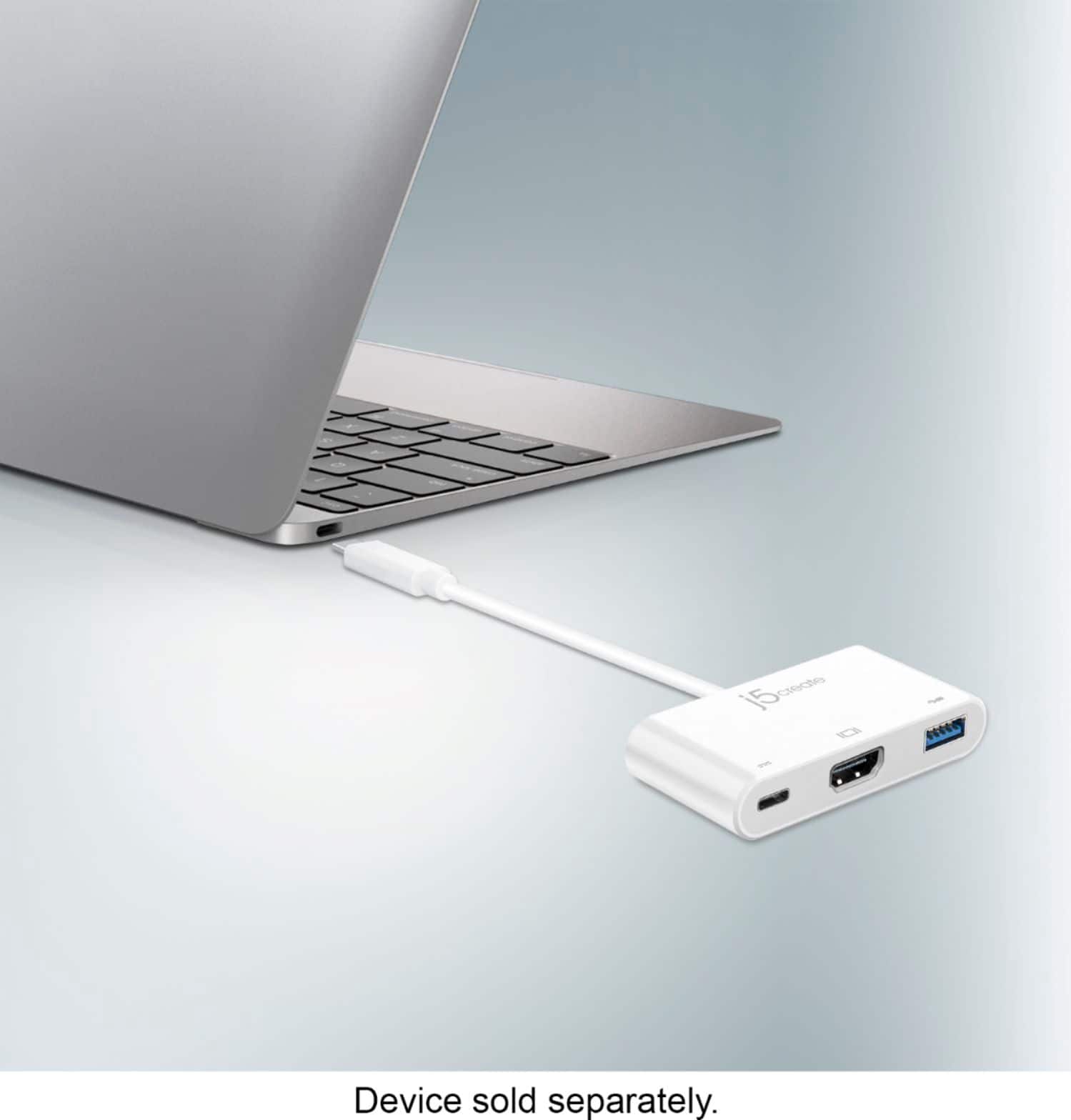
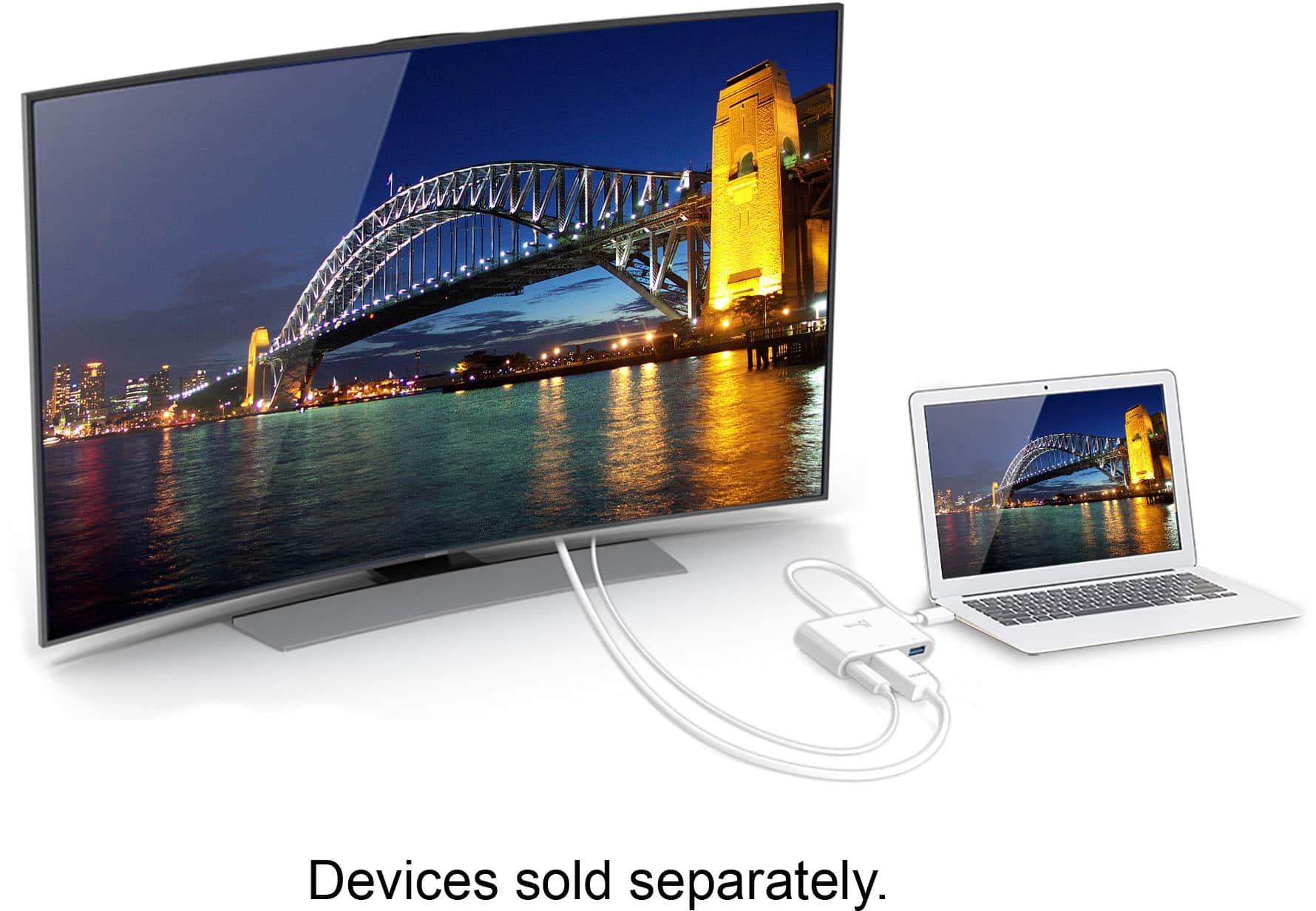
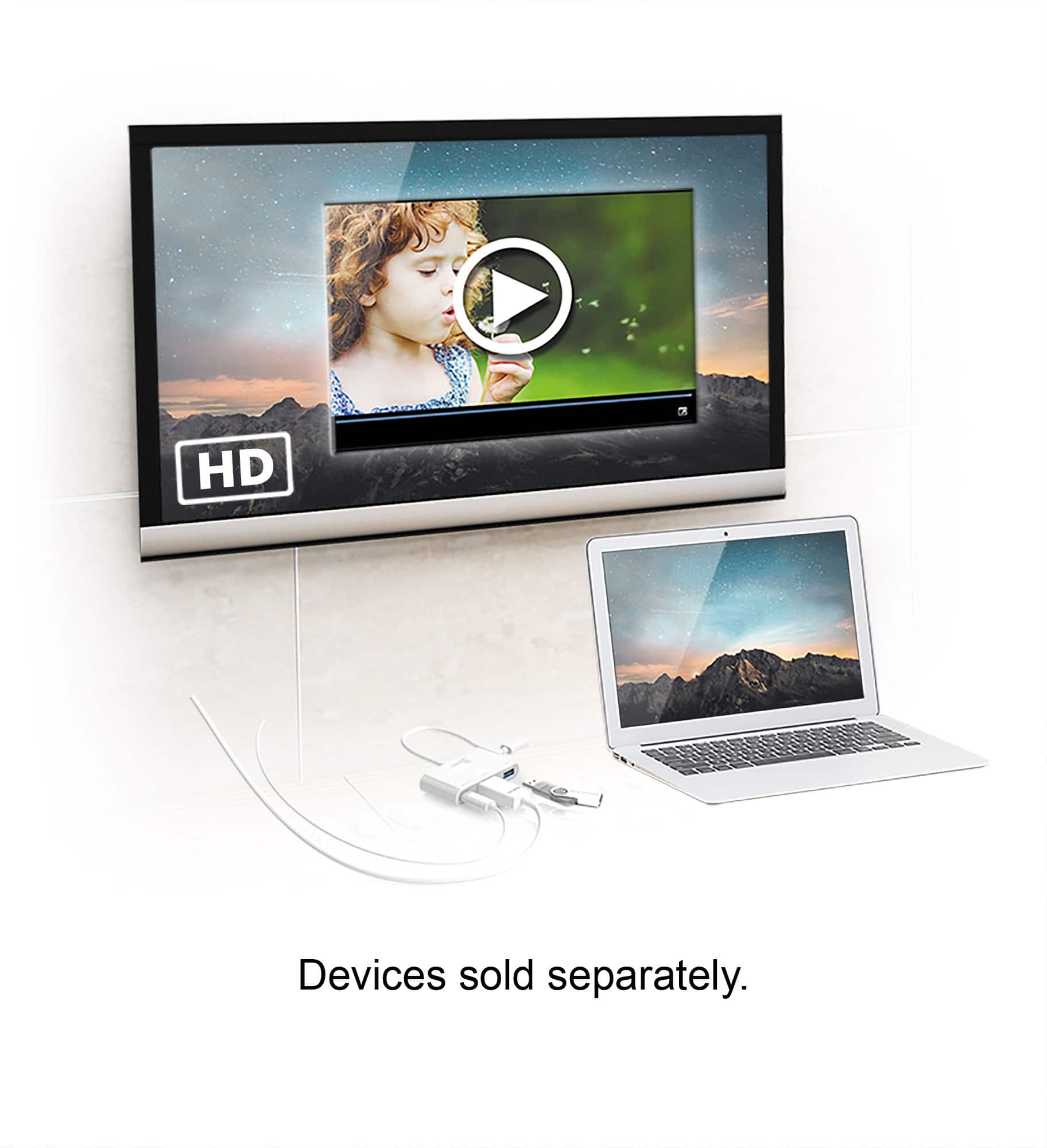
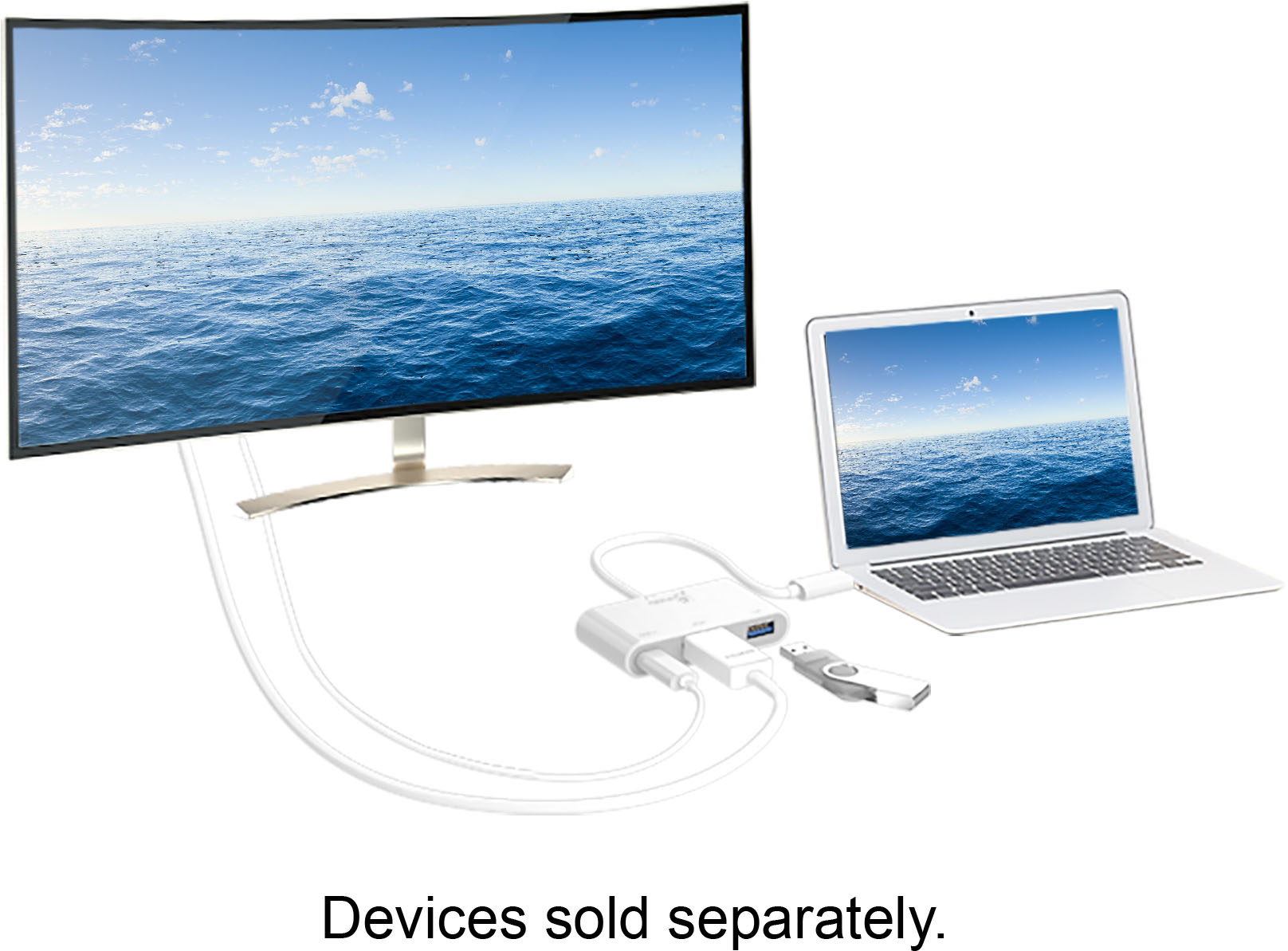
A:AnswerYes, the JCA379 will work with your MacBook. Just connect the USB-C host cable to your USB-C port on your computer and HDMI cable to TV with the correct input selected.
A:AnswerNo, the Adapter is meant for connecting a monitor or TV and mouse to a supported DP Alt mode through a mobile phone. It will not work with printers if the device is connected to your phone with printer attached.
A:AnswerThe JCA379 is a PnP model and therefore, requires that your phone support video output via USB-C. If the phone does not support such capability, this will not work. Instead, we recommend exchanging it for the JUA165C and that will output video signal. If you would like to speak with a specialist on this suggestion, please contact support and a rep will gladly assist.
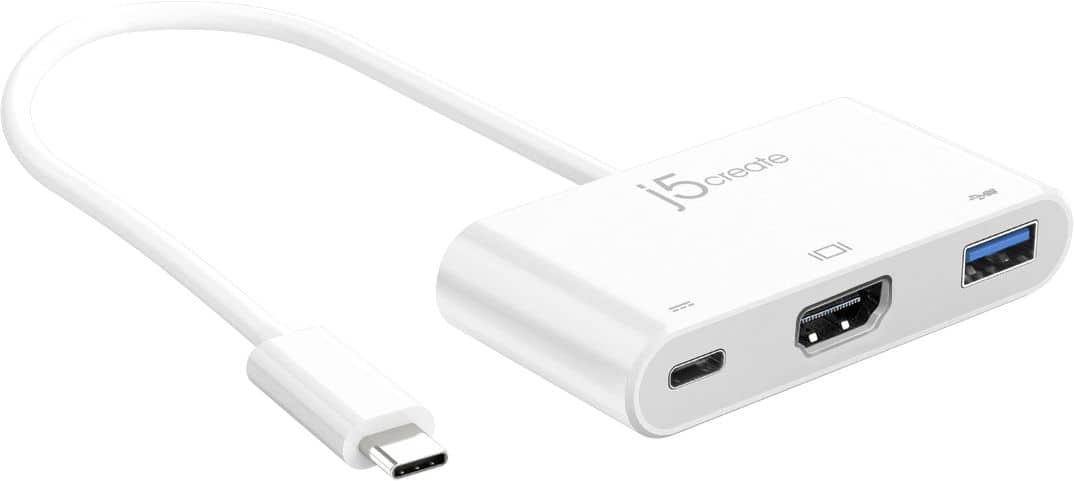
A:AnswerThe Adapter is a Plug and Plug device. It requires that your phone supports "DisplayPort Alt. Mode" for video output. The OnePlus Nord N100 has a USB Type-C 2.0. Please contact your phones manufacture customer support to verify if your device supports DP Alternative Mode. We also have the JUA165C, which works with standard USB Type-C ports. ** If you require further assistance; please contact the j5create Technical Support team and we will be glad to further assist if necessary.
A:AnswerUnfortunately not, the JCA379 requires a feature called DP Alt. Mode. The JUA165C will be compatible with your Motorola G Fast. Just download the j5 Display Adapter App, connect the device and your ready to go.
A:AnswerThe JCA379 is considered a PnP device that requires no drivers to be loaded to the computer but the Microsoft tablet would have to support Plug and Play functions. Please verify with Microsoft Support Team to see if it has a feature called, "DisplayPort Alt. Mode and Power Delivery". The video cable you need is HDMI to HDMI, not USB Type-C tp HDMI. The Type-C port is PD to charge your computer while connect to the Adapter. Cordially, j5create.
A:AnswerNo, the JCA379 will not output video signal to a TV due to limitation of the phone itself. If you wish to mirror your phone screen on a TV, the JUA165C is the device for you. If you are attempting to watch movies with the JUA165C such as HBO, Netflix... you may run into HDCP which is federal copyright protection. You should be fine with YouTube videos.
A:AnswerUnfortunately, because the JCA379 requires that your phone support DP alt-mode which is when the USB-C outputs video signal, this will not work for your particular phone. Instead, the JUA165C will work for your phone. Simply download the required app and you're done.