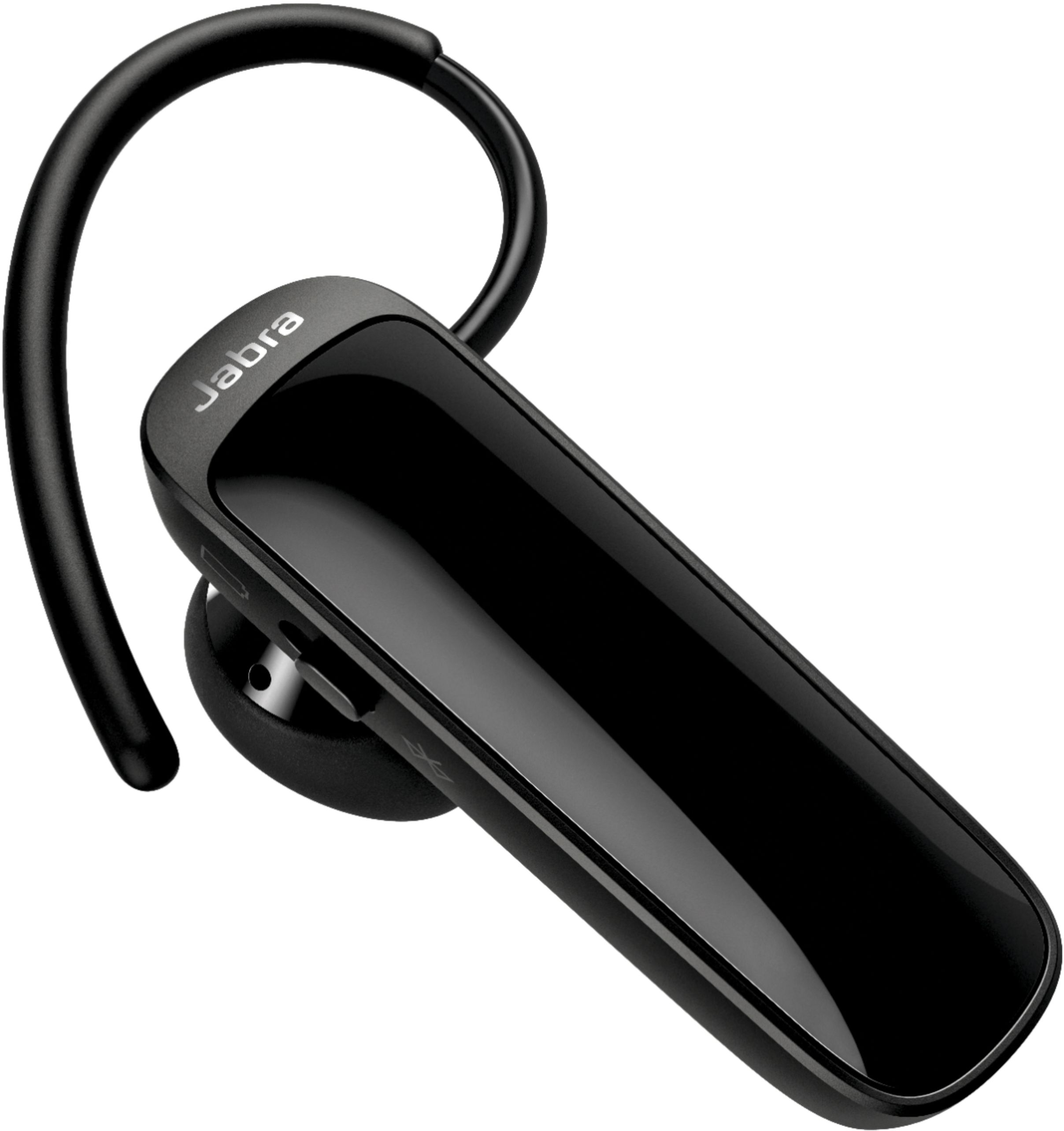
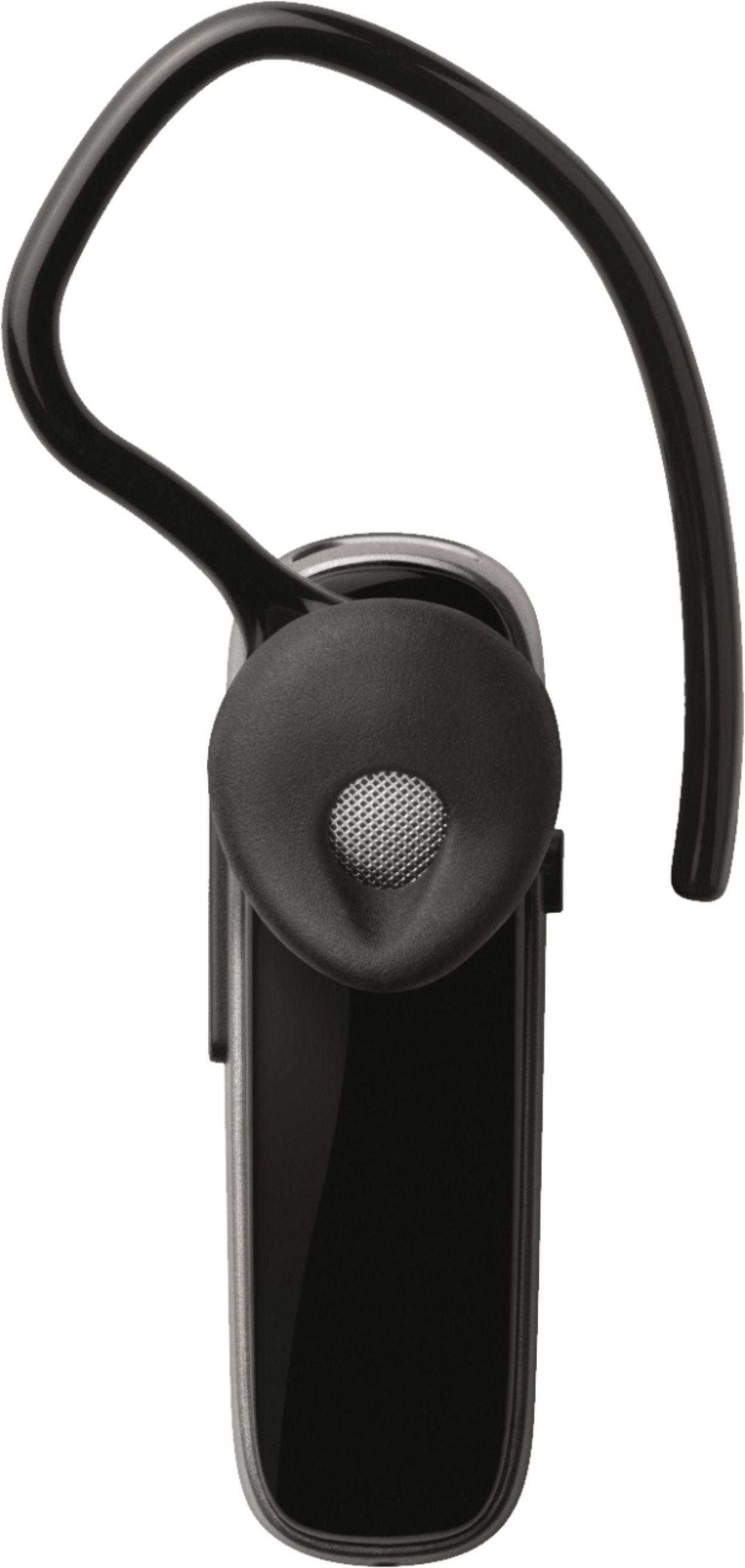
A:AnswerCheck audio setting in your phone and/or your music app. My Talk25 allows me to listen to music, with surprising fidelity for one ear, with my BLU phone.
A:AnswerHello Shieldmaker- thanks for your question about the Jabra Talk 25. The Talk 25 does not support PBAP (Phone book Access Profile), which is the required codec which would allow it to announce who your incoming callers are. We apologize for any inconvenience this may cause.
A:AnswerHi there- We recommend charging the Jabra Talk 5 for 2 hours and 20 minutes to ensure that your Jabra Talk 5 is fully charged. If the light on your Talk 5 shows a quadruple flash, this means your battery is low. Thank you for reaching out.
A:AnswerHi Joe - We are sorry to hear that you are experiencing some trouble connecting the Jabra Talk 25 to your iPhone. You can reset the device by following these steps: https://bit.ly/2QanS3N. If that does not solve the problem please reach out to our support team, who is happy to assist you: https://bit.ly/2wIr6ln. Thank you.
A:AnswerHello lwittern, the Jabra Talk 25 has not been officially tested with the Dragon Naturally Speaking. Though some users have success, we cannot guarantee full functionality. Thank you for your question.
A:AnswerHi there- The Jabra Talk 25 offers a wonderful fit. If you order from the Official Jabra website: Jabra.com, we offer a 30-day return period. If you are unsatisfied with your purchase, you can certainly request a return. Thank you for reaching out!
A:AnswerThank you for your question. The Jabra Talk 25 is engineering to connect to mobile devices like smartphones and tablets. We do not support connecting the Talk 25 to a computer, and cannot guarantee functionality.
A:AnswerHello Chan- Thanks for your question! The Jabra Talk 25 does not currently support voice guidance so it will not work with your Google Assistant.