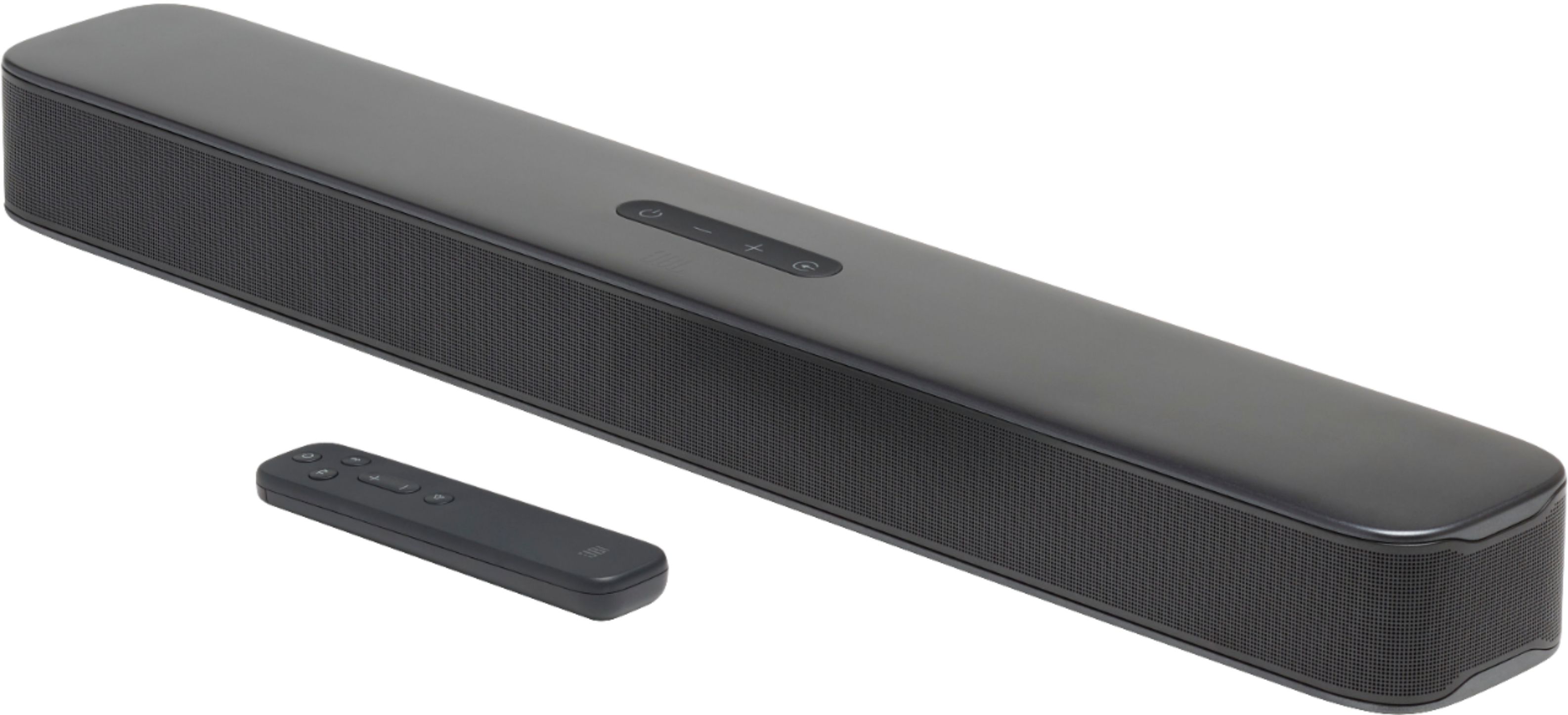
A:AnswerThere is no bass setting. Compared to most sound bars this bar will be found lacking in bass. The sound quality is great but if you’re expecting a boom when watching a movie or playing a game you will not get what you are listening for.
A:AnswerA sound bar will replace the sound of your tv however most TVs will not allow you to control the sound bar through your TV remote so plan on having to adjust volume with the separate sound bar remote.
A:AnswerThe Smart Mode feature enhances the sound of what you're watching or listening to without the use of an equalizer. With the smart mode enabled by default, you can enjoy TV programs with rich sound effects. While the bass button can be switched between bass levels such as low, mid, and high. If you need more help, please contact our customer support for assistance.

A:AnswerIf you have a smart tv yes it should work!! I have the same set up with my PS4 with a Samsung smart tv and it works great. This sound bar is great for games in a bedroom or small room
A:AnswerOur JBL Bar 2.0 is compatible with any device that has an optical, USB, or HDMI output, or via Bluetooth. It should work for your vinyl record player if it has the following available output connections.
A:AnswerIt is possible if your projector has HDMI ARC to connect with the JBL Bar 2.0 All-in-One and another HDMI port to connect with your Xbox One S.
A:AnswerYou can use the HDMI, the optical port, or the Bluetooth to connect to your TV. This sounds like a settings issue where you have to choose your sound output within your TV settings