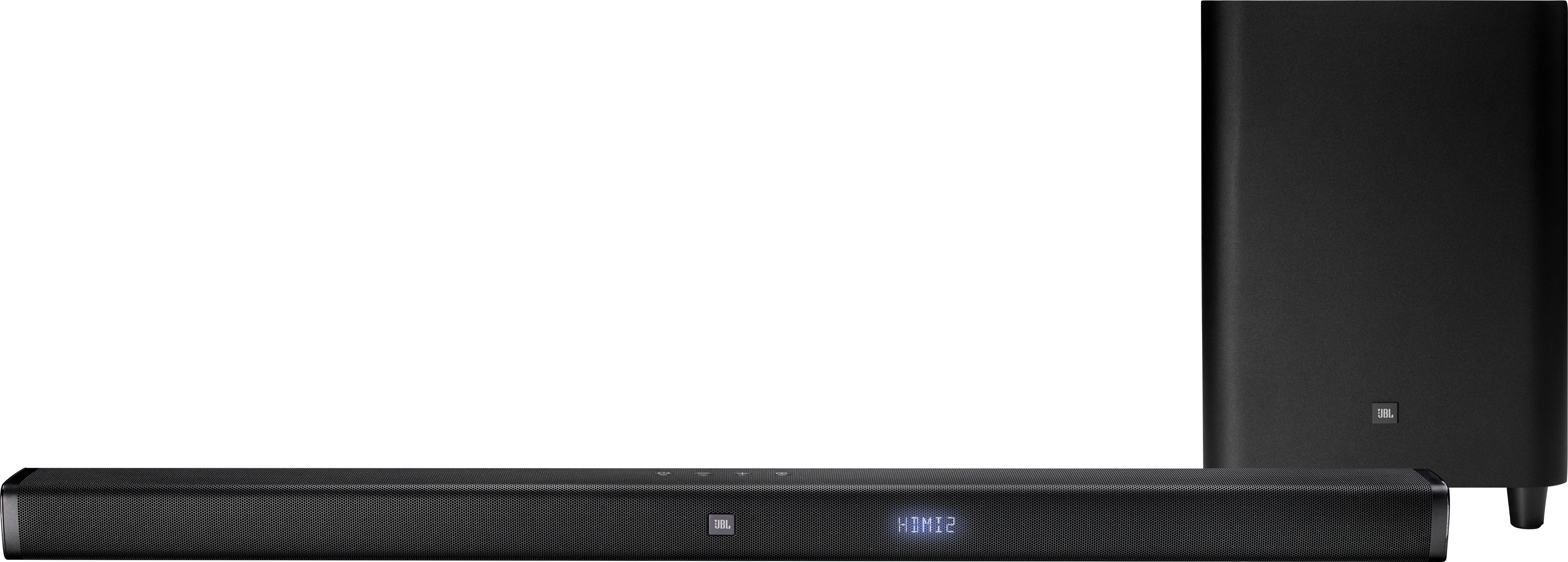
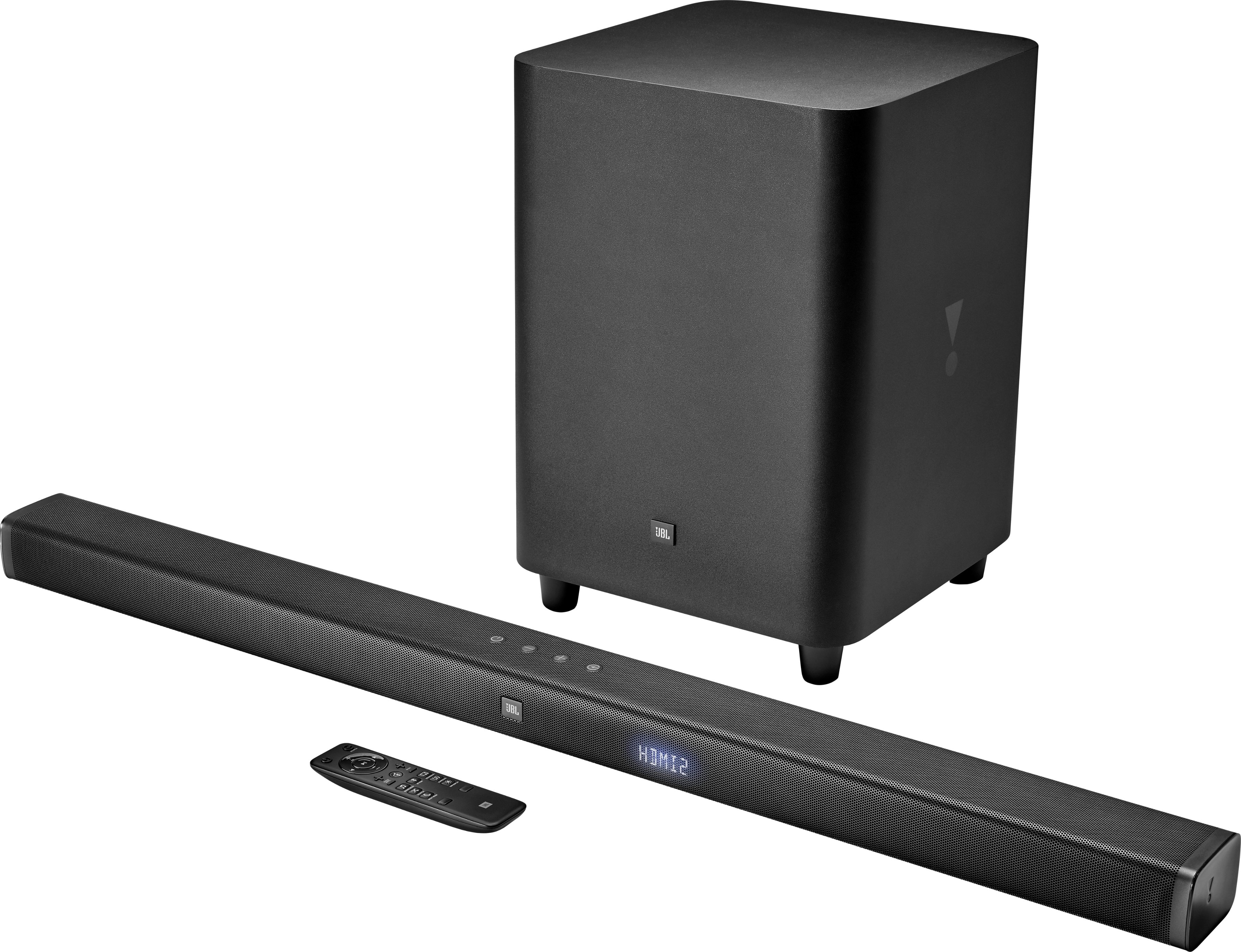
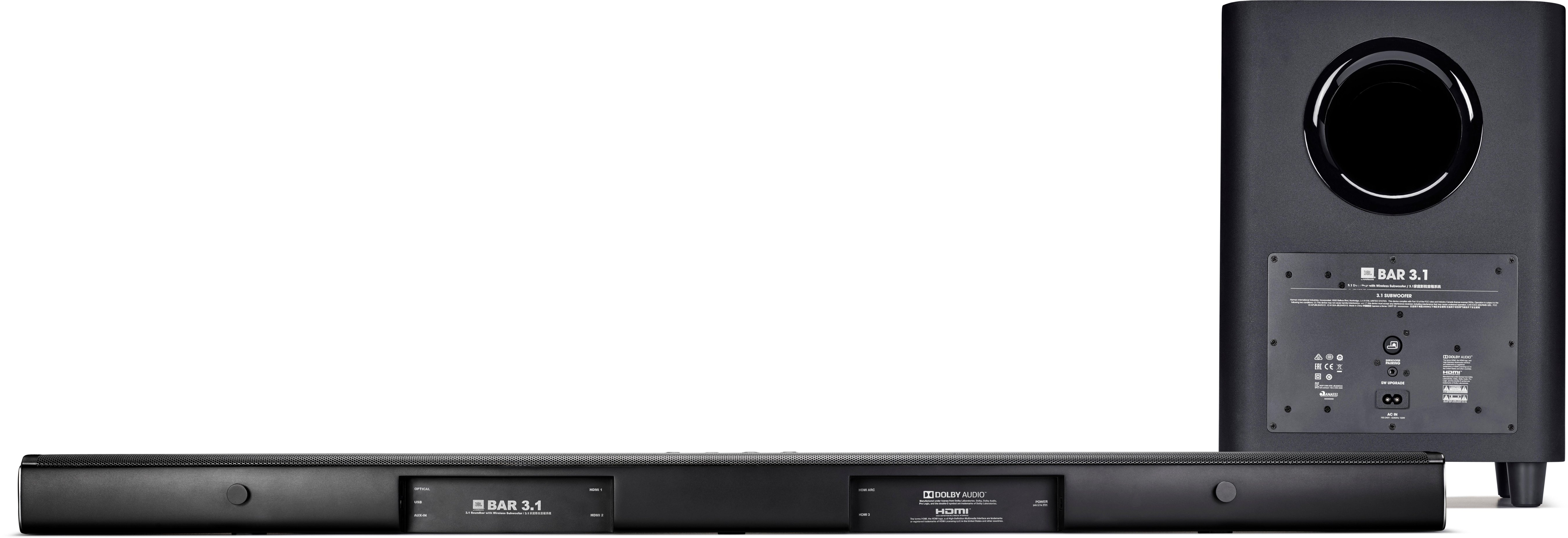
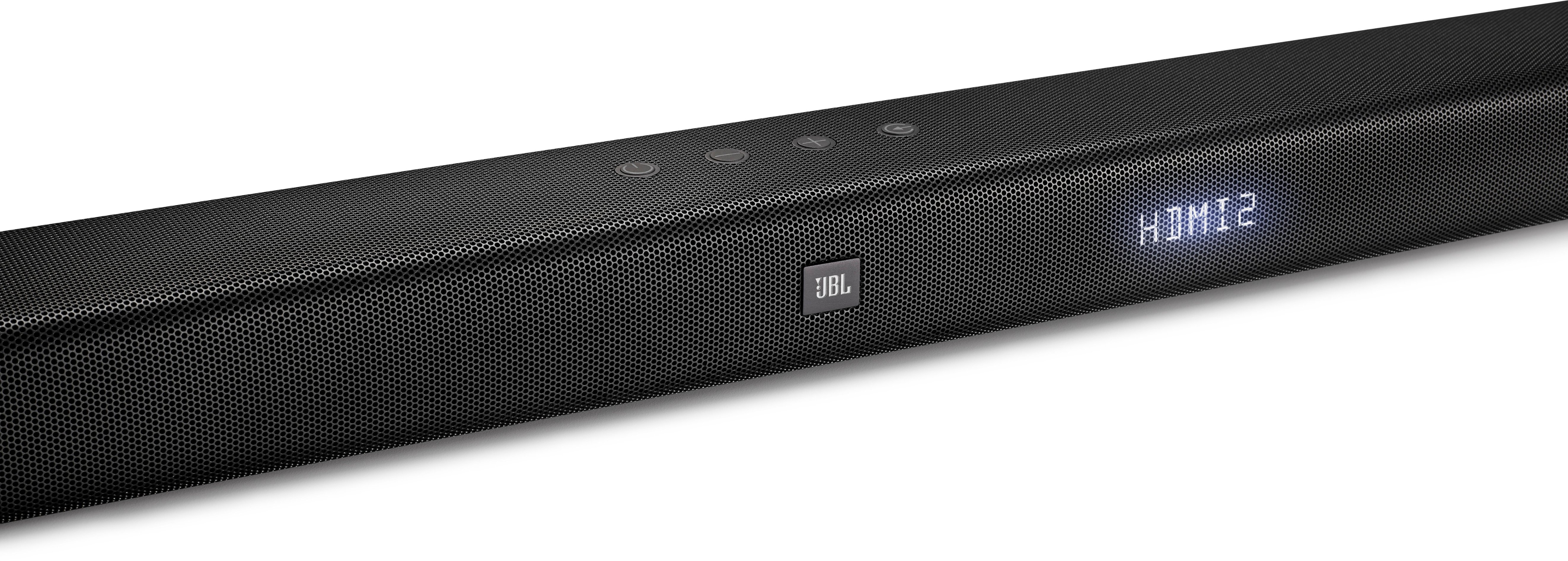
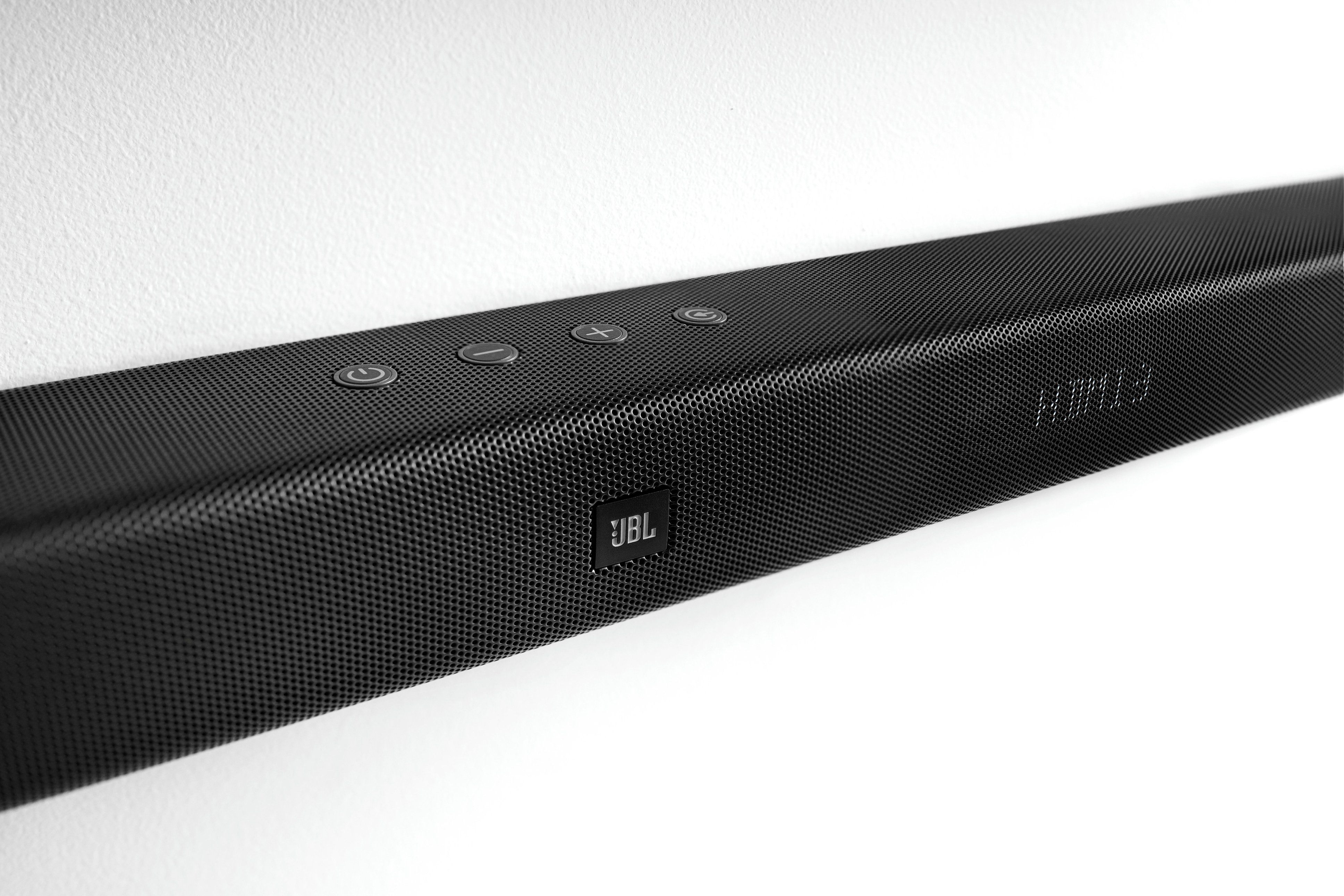
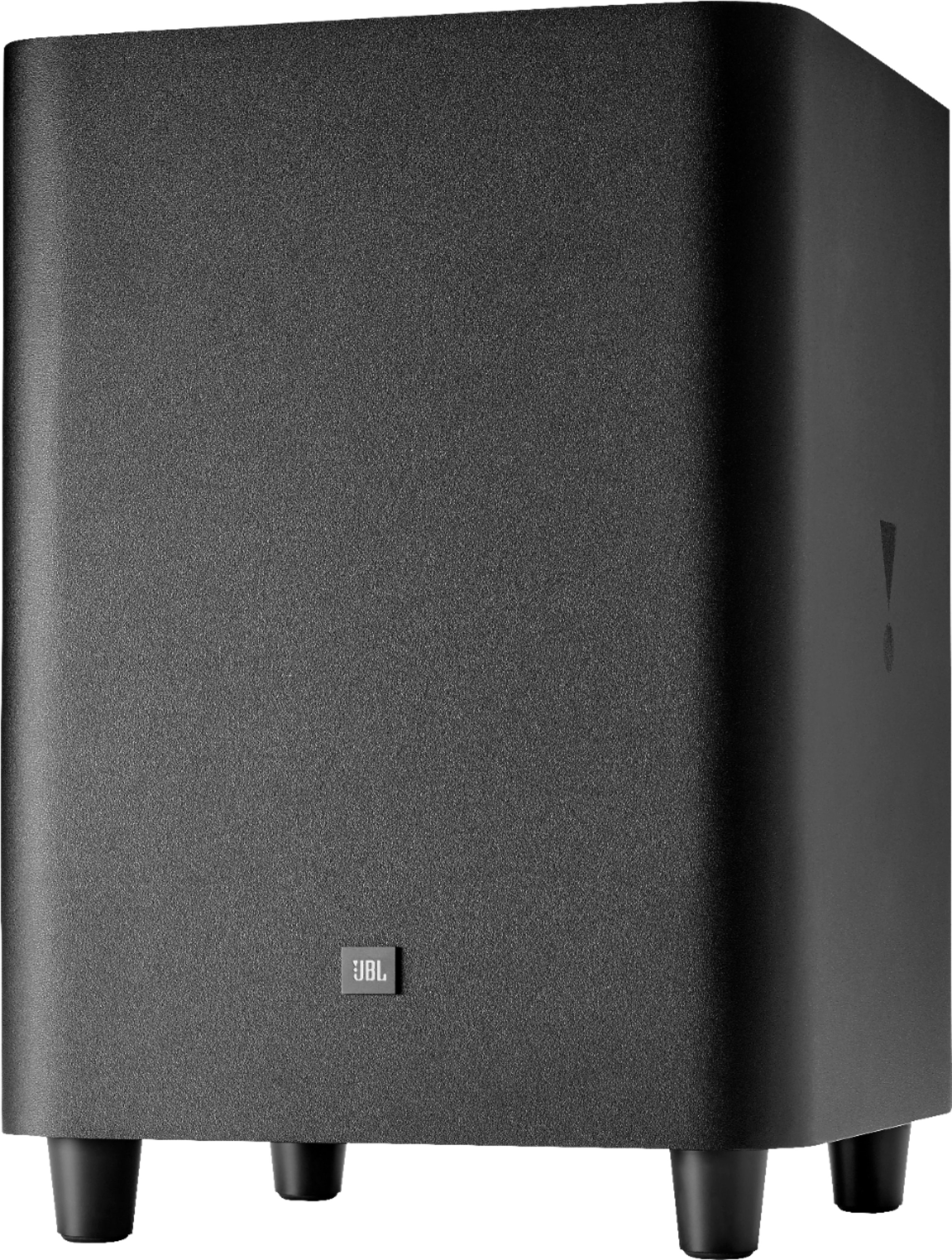
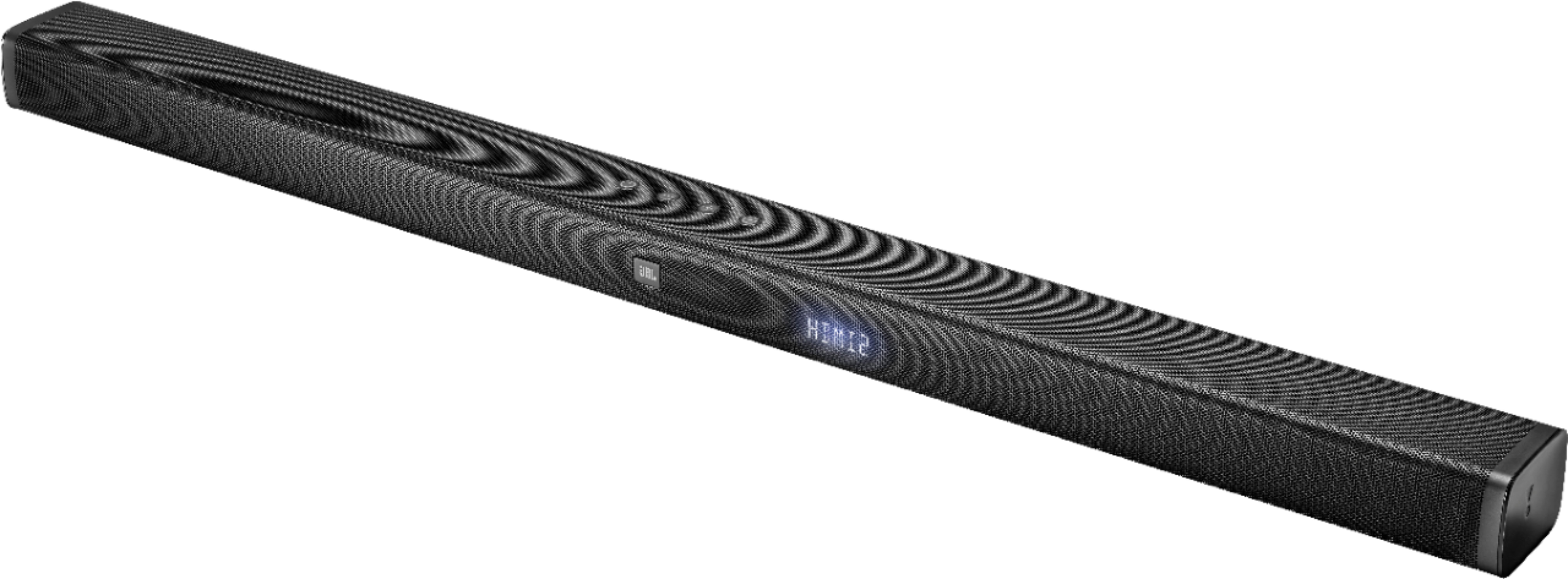
A:AnswerWe're here to help with your JBL Bar 3.1. Please try these troubleshooting steps for us to isolate the issue. First, on the remote control, select the correct audio input source. Connect the audio cable from your soundbar to your TV or other devices. However, a separate connection is no longer needed when the soundbar and TV are connected using the HDMI ARC connection. You can also try resetting the soundbar to factory settings by pressing and holding Volume-, Volume +, and Source button on the soundbars' top panel. If audio is still not heard from the center channel, please reach out to our support through this link: http://bit.ly/2lIab0A.
A:AnswerHi, we'd like to check some settings on your end so we can find out our options. Please contact us so we can assist you: https://bit.ly/2zwFkYM
A:AnswerWe would like to get more information to help you out, please submit a case request and so we can assist you at www.jbl.com/support-contact.html .
A:AnswerWe would like to get more information to help you out, please submit a case request and so we can assist you at www.jbl.com/support-contact.html .
A:AnswerWe would like to work with you directly to help you with your issue. Please submit a case request at https://www.jbl.com/support-contact.html and the Customer Service Team will be more than happy to assist you.
A:AnswerWe would like to work with you directly to help you with your issue. Please submit a case request at https://www.jbl.com/support-contact.html and the Customer Service Team will be more than happy to assist you.
A:AnswerWe would like to work with you directly to help you with your issue. Please submit a case request at https://www.jbl.com/support-contact.html and the Customer Service Team will be more than happy to assist you.
A:AnswerWe would like to work with you directly to help you with your issue. Please submit a case request at https://www.jbl.com/support-contact.html and the Customer Service Team will be more than happy to assist you.
A:AnswerWe would like to work with you directly to help you with your issue. Please submit a case request at https://www.jbl.com/support-contact.html and the Customer Service Team will be more than happy to assist you.
A:AnswerWe would like to work with you directly to help you with your issue. Please submit a case request at https://www.jbl.com/support-contact.html and the Customer Service Team will be more than happy to assist you.
A:AnswerWe would like to work with you directly to help you with your issue. Please submit a case request at https://www.jbl.com/support-contact.html and the Customer Service Team will be more than happy to assist you.