A:AnswerWe'd like to work with you directly and try some troubleshooting with your JBL Bar 3.1. Please reach out to our Customer Support. We're here to help. http://bit.ly/30JI2G4a
A:AnswerWe'd like to work with you directly and know more information about your JBL Bar 3.1 so we could try some troubleshooting. Please reach out to our Customer Support.
A:AnswerWe'd like to work with you directly about your JBL Bar 3.1. Please reach out to our Customer Support so we could try some troubleshooting. Thanks. https://support.jbl.com/us/en/
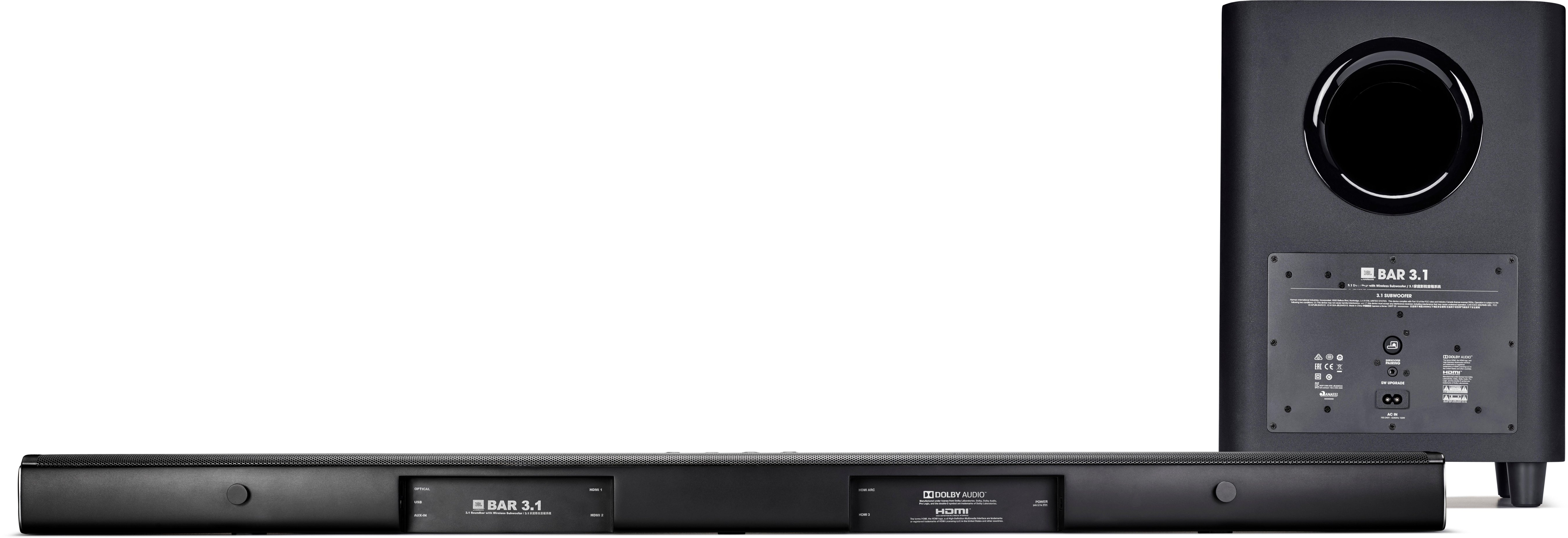
A:AnswerYes, you can connect the Roku to the HDMI MHL port of our JBL Bar 3.1 and then connect the HDMI ARC of the soundbar to the HDMI ARC port of your TV. If you need more help, please contact us here:https://bit.ly/2zwFkYM
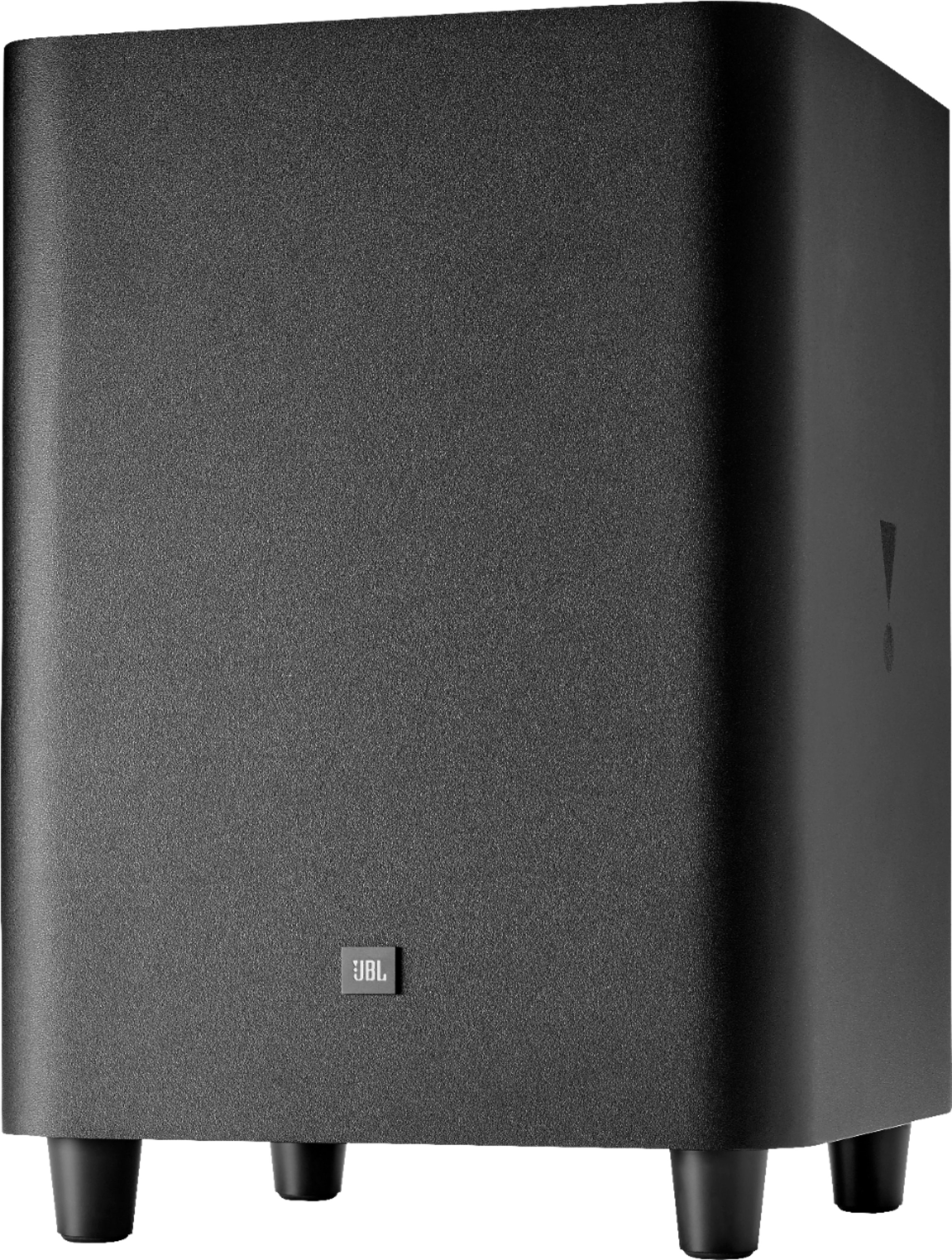
A:AnswerRacso- that’s exactly what it sounds like. I have my setup so that a lot of the power cords are near each other behind the entertainment center. I ended up moving the sub farther from all the cords, and it hasn’t happened since.
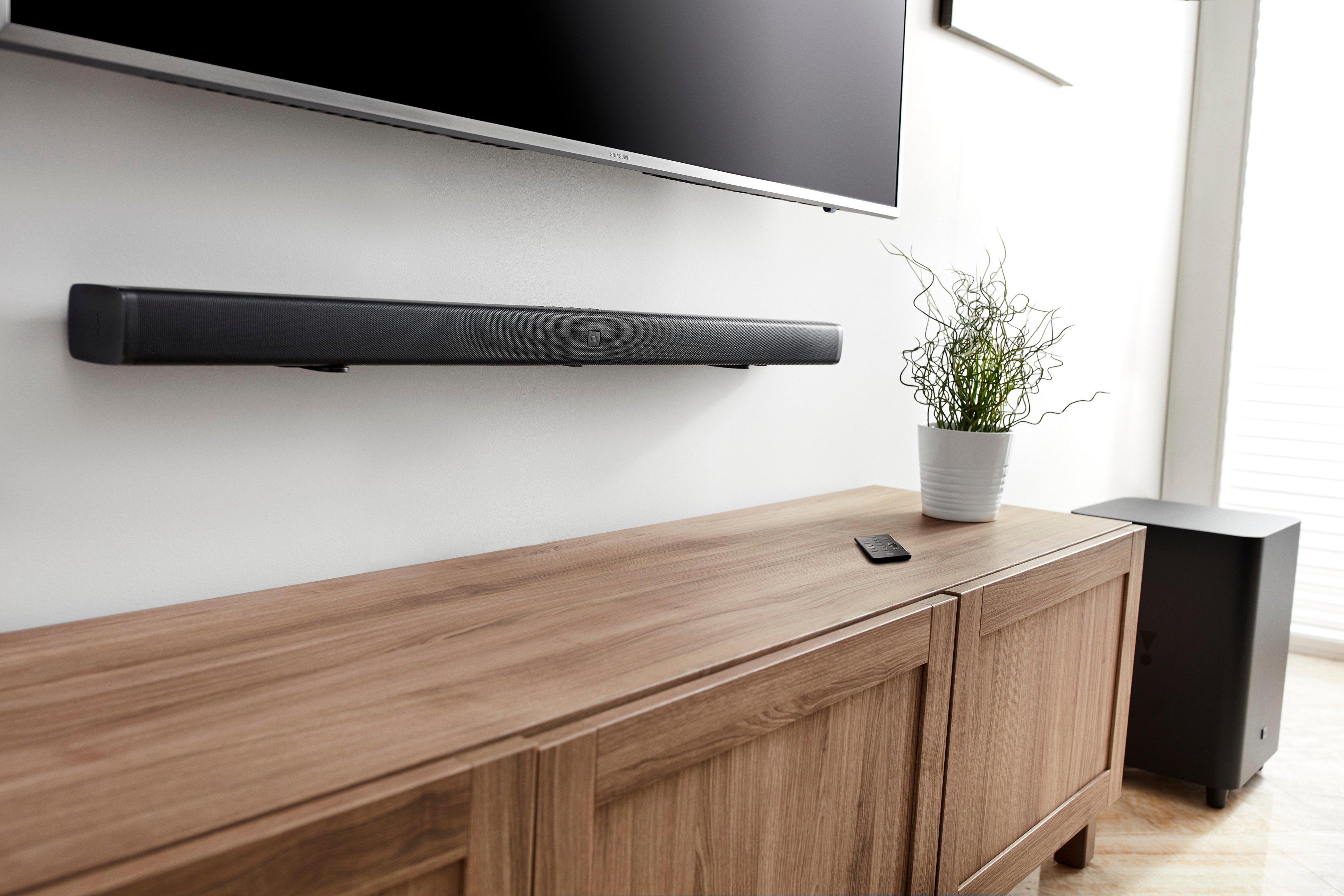
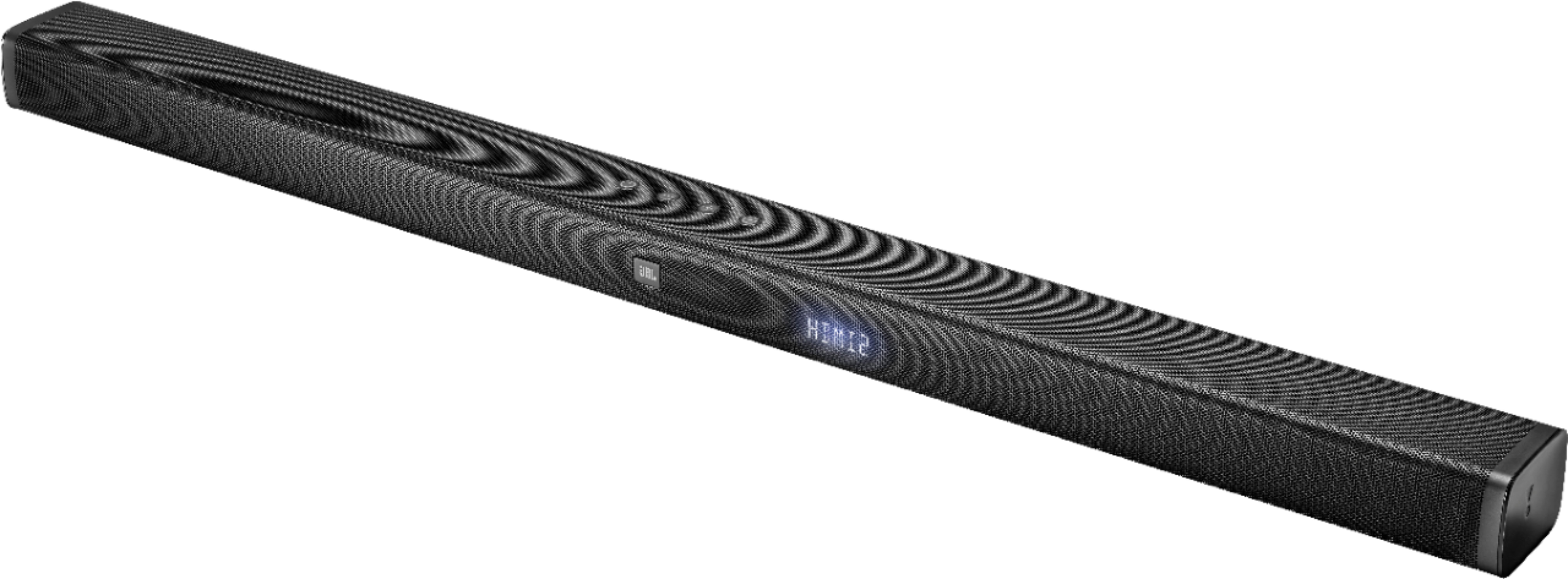
A:AnswerThe box includes a template of where to place the screws. Not sure of the exact measurements. There are 2 brackets that you mount to the wall, and 2 screws that screw into the back to the speaker. The 2 screws fit into the brackets that are mounted to the wall. All behind the speaker so you don’t see it.
A:AnswerMake sure that you have the surround sound mode button on to have higher volume cone out of the sound bar.Sometime’s it turns off whenever you switch the sound modes.You can use the voice mode better if the bass is too loud and lower the bass on your controller.