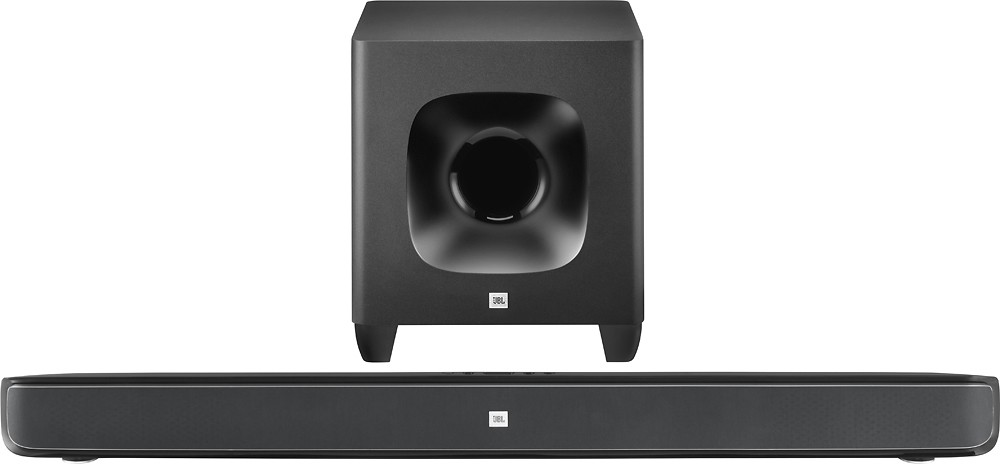
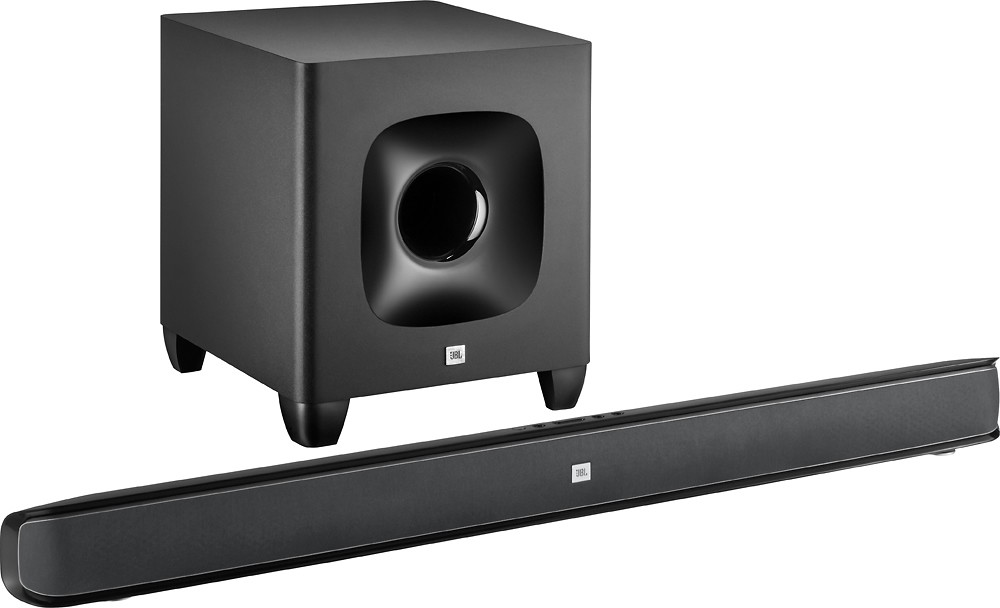
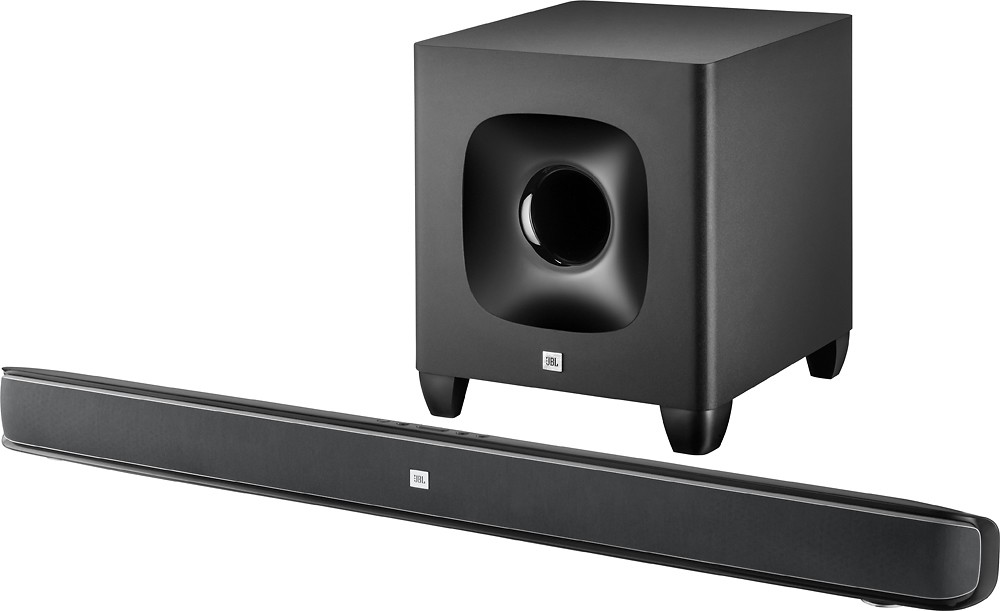
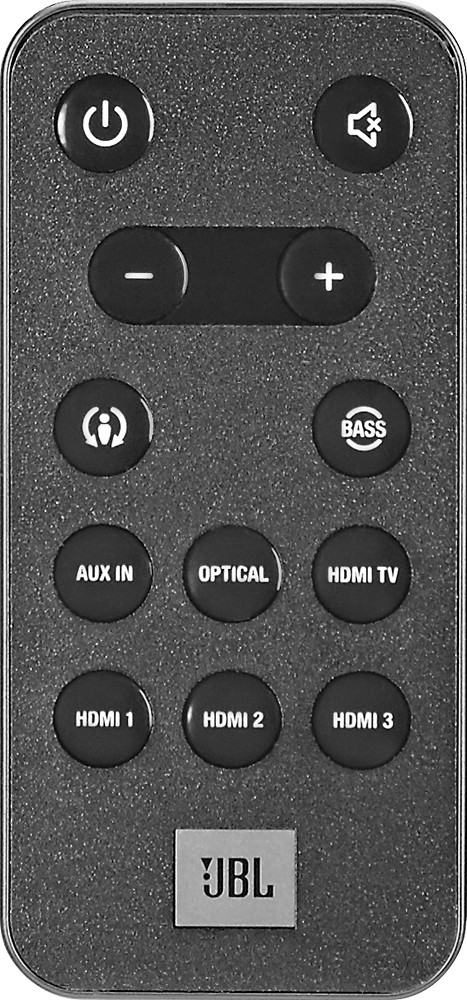
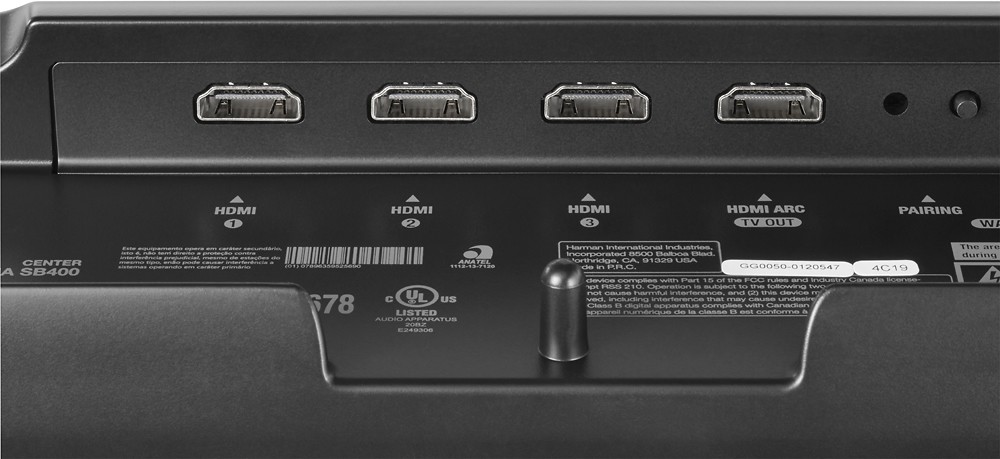
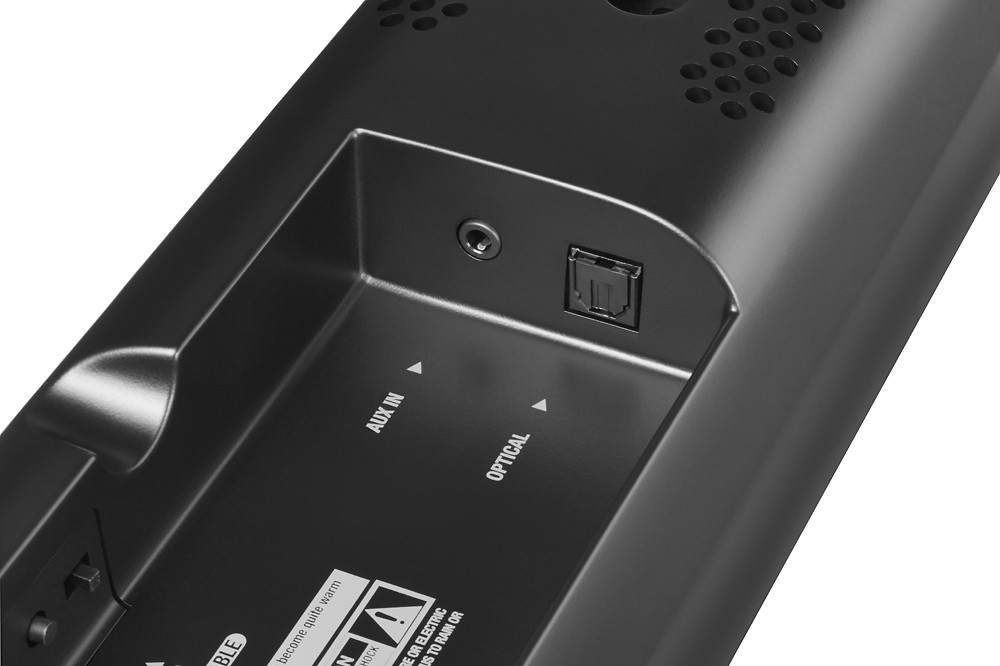
A:Answer If you're looking to program CINEMA SB400 to respond to your TWC remote, here are the steps.
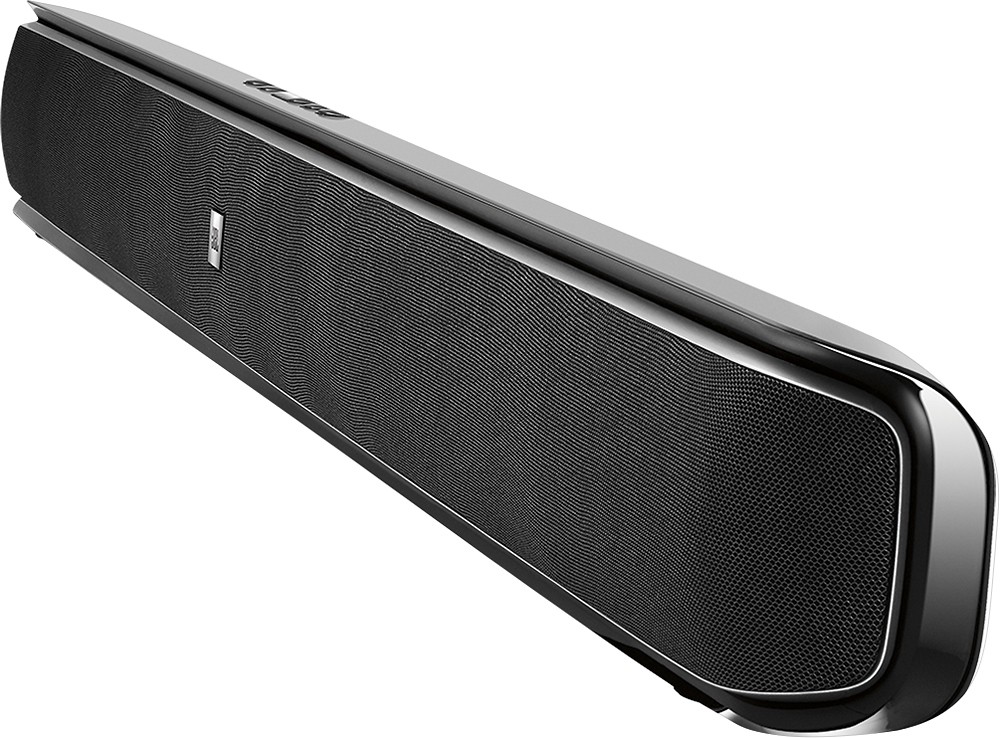
Have the TWC remote in hand. When you start programming the remote, be ready to aim the TV remote to the front of the soundbar from about 300mm–900mm (12–36 inches) away.
To program the power, volume down, volume up and mute commands:
1. Ensure that the CINEMA SB400 is ON.
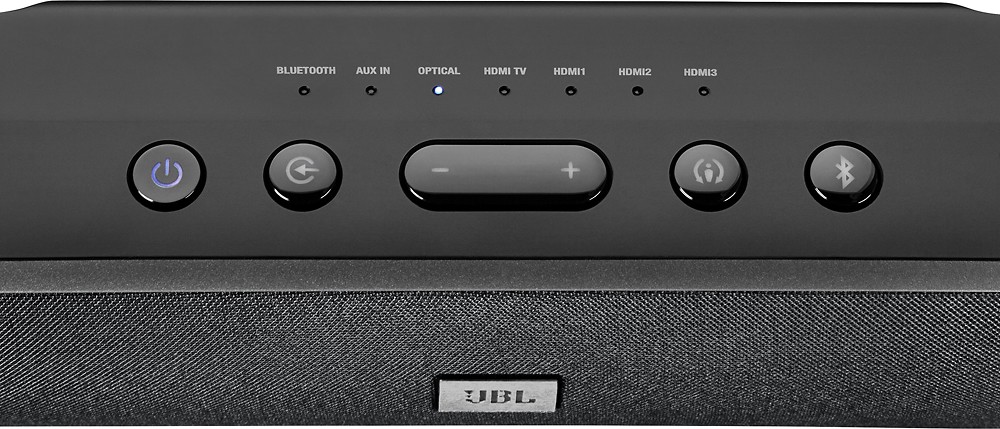
2. On the soundbar, press and hold the top-panel Surround button until the LED flashes amber. If the LED does not flash after three seconds, release the buttons and try again.
3. Press the soundbar top-panel button you want to program (Power, Volume Down, Volume Up, Volume Down and Up simultaneously for Mute).
4. Aim the TV remote at the front of the soundbar and slowly press the corresponding button on the top-panel button until the Surround button on the soundbar flashes white for one second. This indicates that the programming operation has been successful.
5. To exit the learning mode (at any time or when the learning is complete), press and hold the soundbar Surround button until the amber LED stops flashing.
If you would like to program a new TV remote control or you are missing a command, restart the whole process.
To reset the CINEMA SB400 remote settings:
1. Press the top-panel power button to enter Standby mode (amber color indicator)
2. Press and hold the Surround and Volume (–) buttons simultaneously. Once factory defaults are restored, the CINEMA SB400 surround button will flash white for one second, then the unit will enter into operational mode.