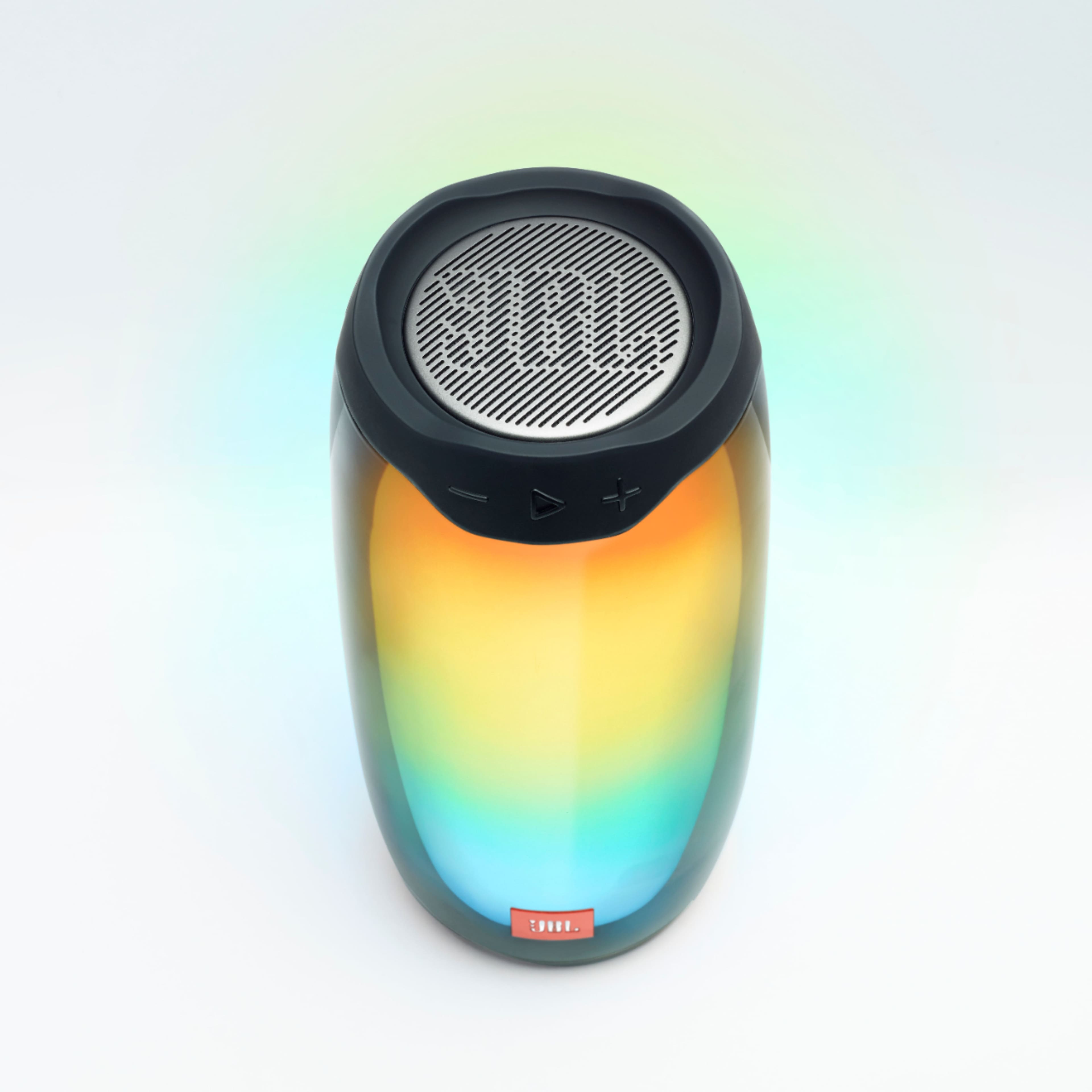
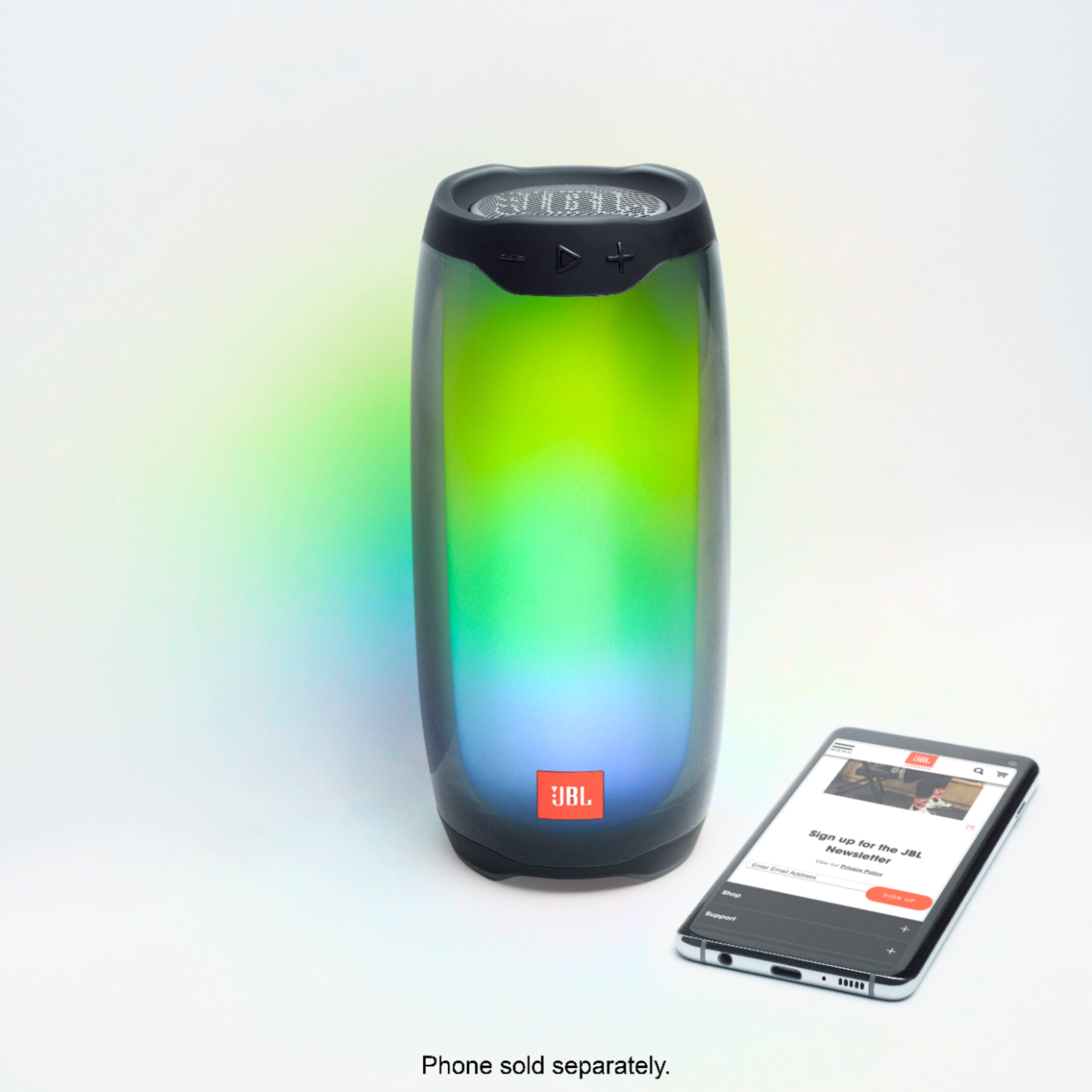
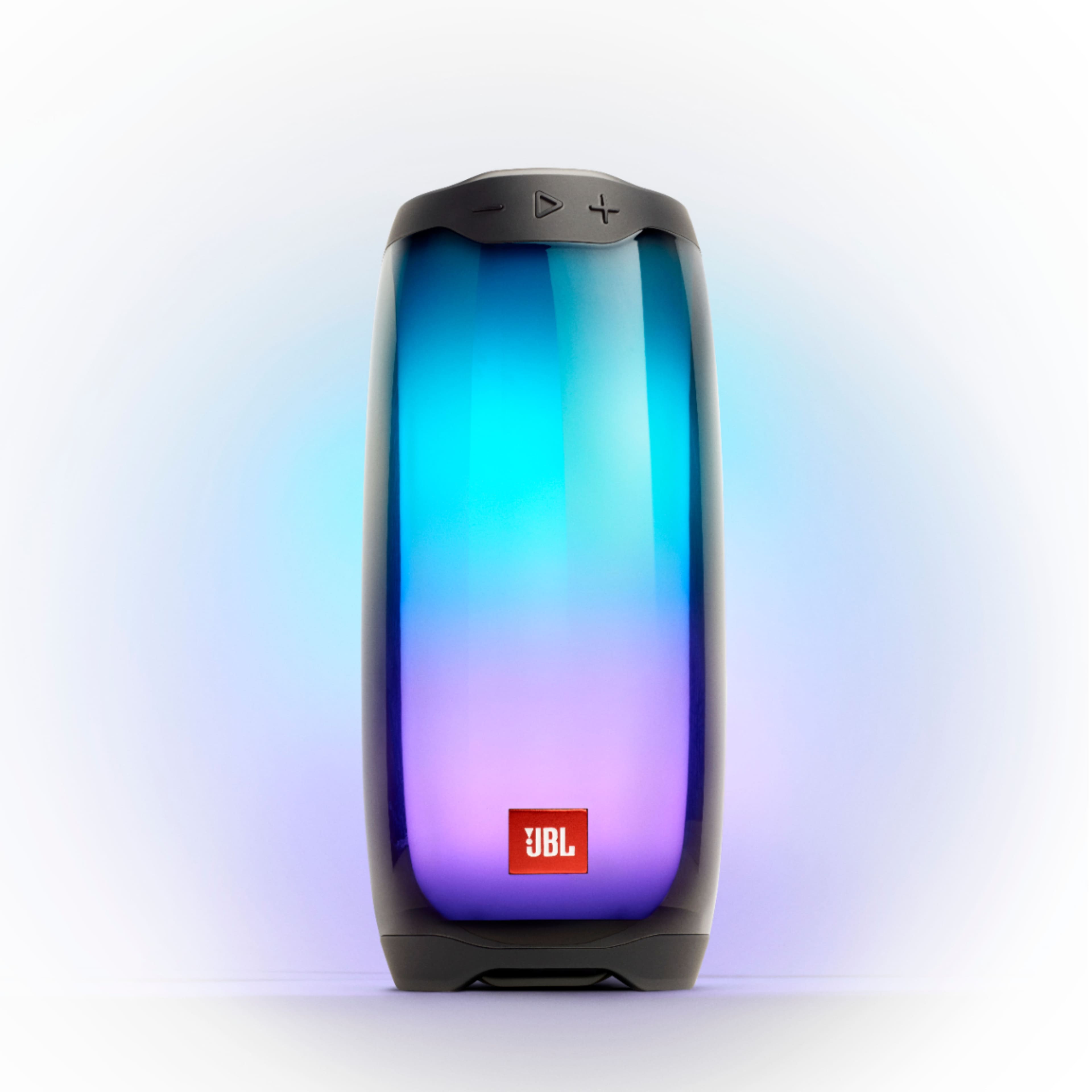
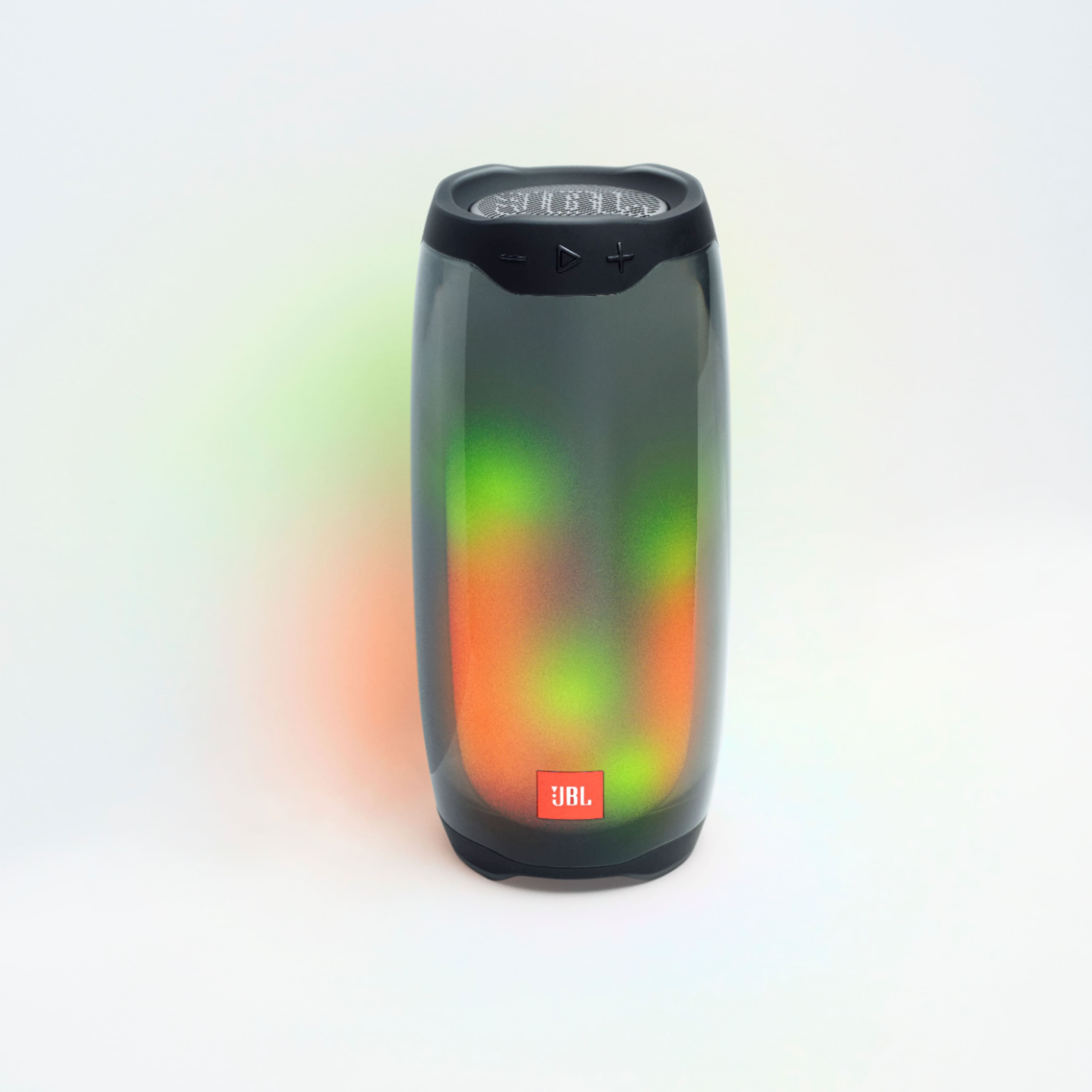
A:AnswerThe battery will not overcharge. There is no harm in leaving your JBL Pulse 4 connected to electricity at all times. You can simply pick it up, unplug it from the charger and be on your way, knowing that you have a full charge. However, if you’d like to conserve electrical energy, disconnect from charging.
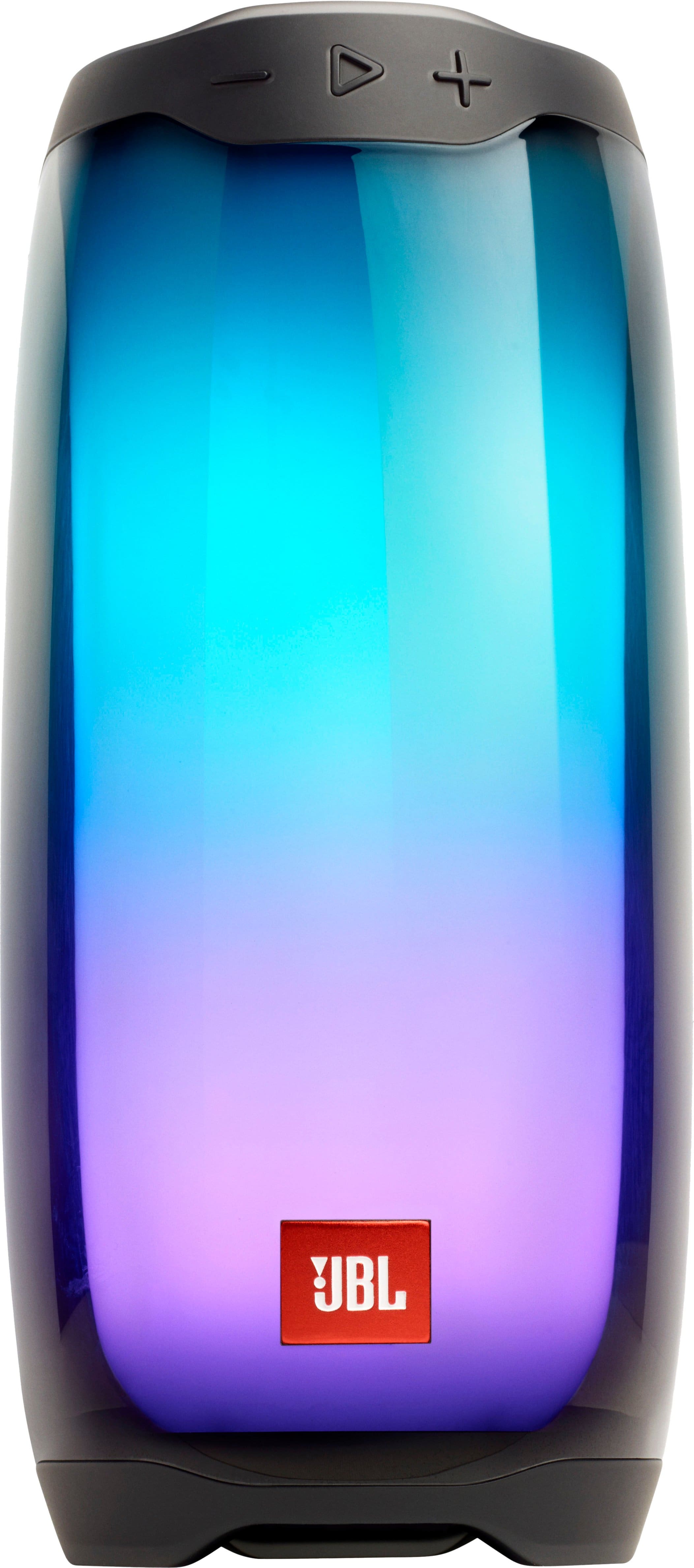
A:AnswerJBL Pulse 4 is designed to connect directly with mobile phones, tablets, and laptops. It doesn't have BT APTX Low Latency codecs so you may experience some audio-video delays when you'll be using it for gaming or watching videos. This speaker is made for listening to music and it may not work as intended when used with a wireless dongle.
A:AnswerOur JBL Pulse 4 may reach up to 12 hours of playtime depending on your music source and content that is being played as well as volume level. The music playtime was tested on continuous playing at a moderate volume. Playing at a high/max volume and bassy music content will decrease the playtime.
A:AnswerYes. There's a button on the speaker that you can hold down to make the lights turn off. I believe it is the same button that you press to select the other light effect that you want.