A:AnswerHey,
Provided your device supports a standard a2dp bluetooth protocol, you'll be fine. When you get a sec, please reach out to us via email, [email protected] or via phone (405)445-7219 m-thur pst fri 8-3 pst so that we may provide you with more info.
Kind Regards
#TeamJLab Customer Support
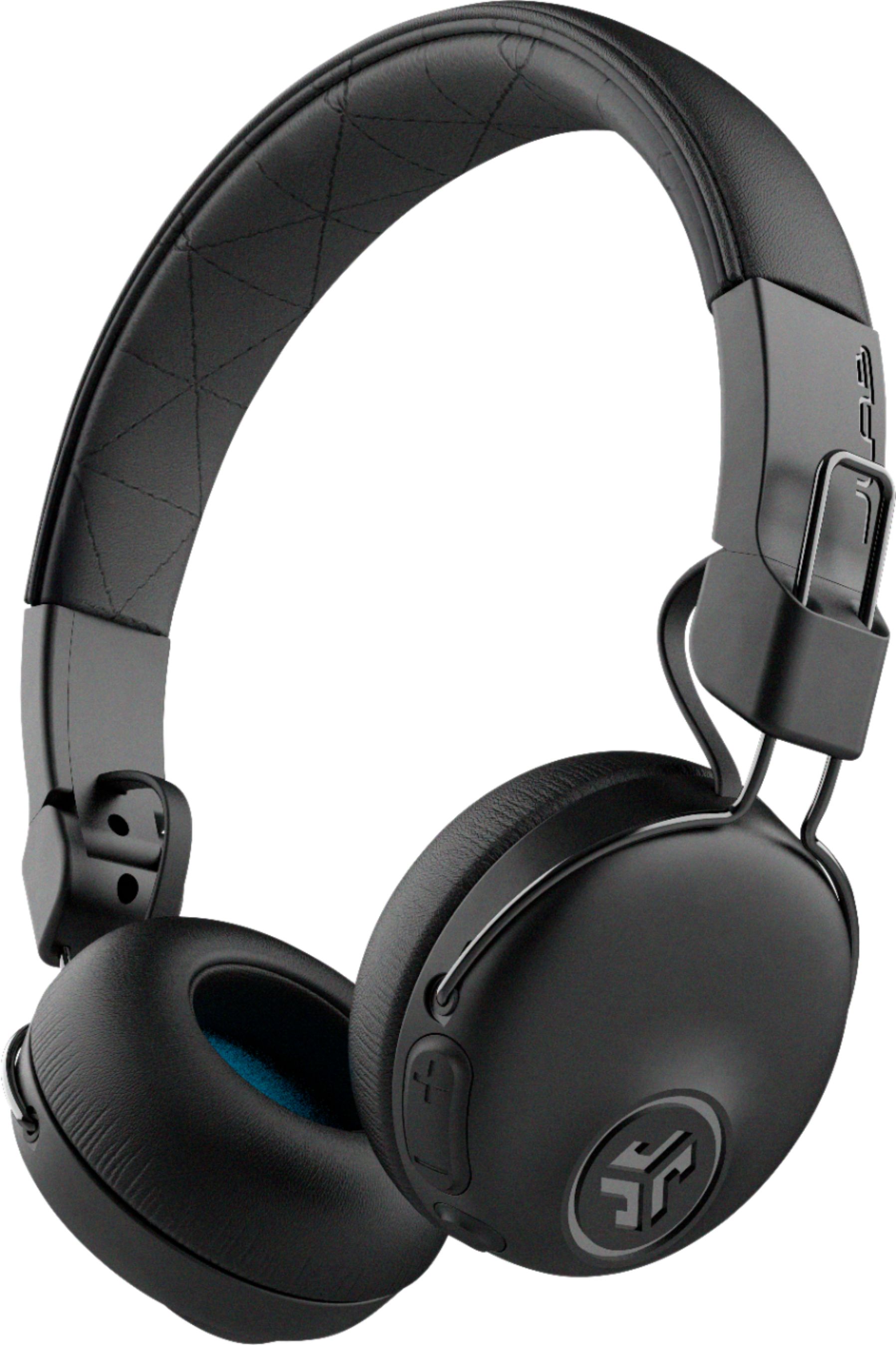
A:AnswerHey xbox,
Yes, however, you'll need a dedicated gaming headset to take advantage of online communication. When you get a sec, please reach out to us via email, [email protected] or via phone (405)445-7219 m-thur pst fri 8-3 pst so that we may provide you with more info.
Kind Regards
#TeamJLab Customer Support
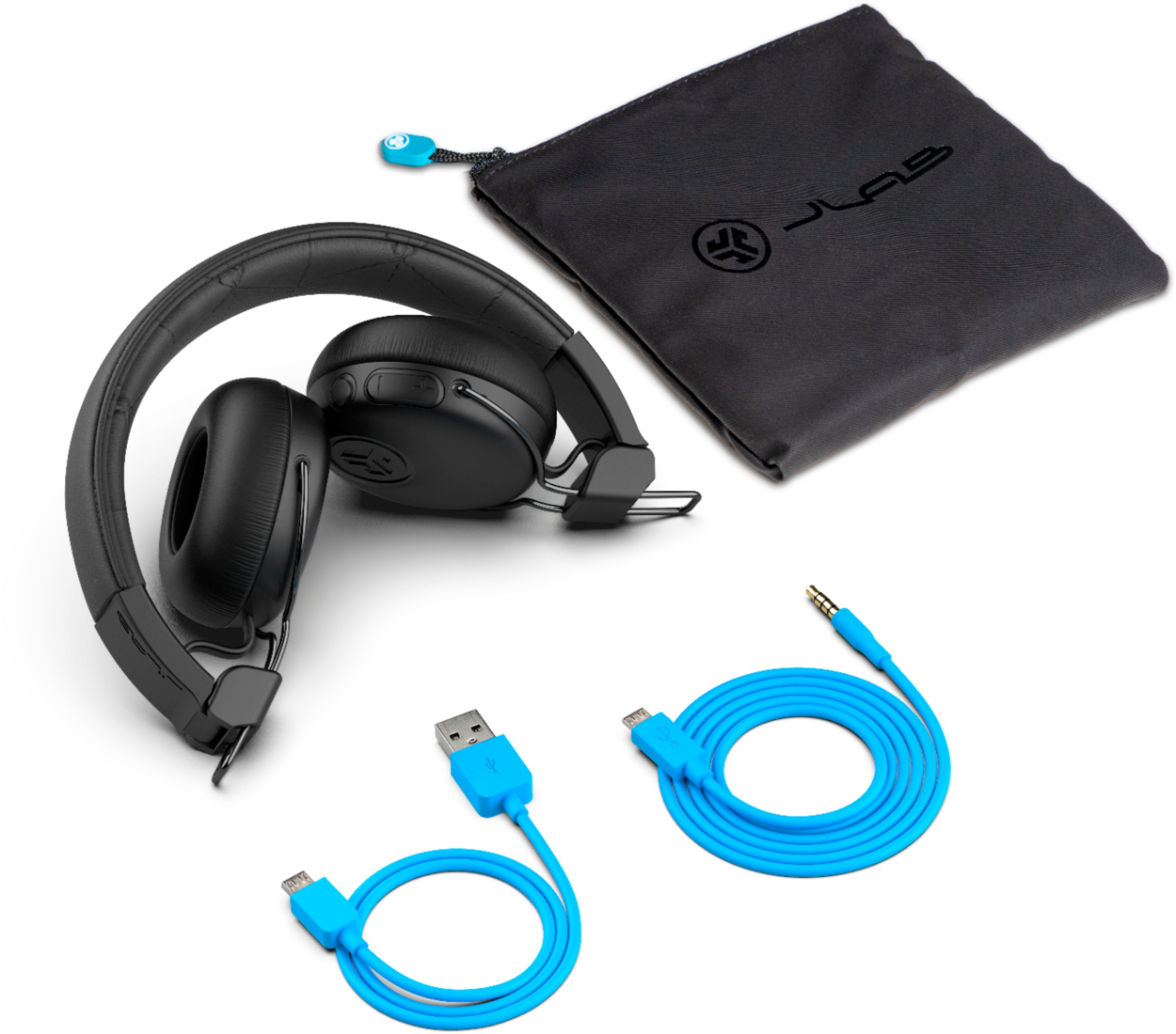
A:AnswerHi, you can play music either wirelessly through Bluetooth or you can simply play direct through the device with the provided aux cable. However, you will need a device to play the music as the headphones do not store music.
Davian
#TeamJLAB
A:Answerit completely depends on the TV. A 25' aux extension cable would work maybe (or shorter depending on the distance to your TV) and you might be an HDMI audio extractor if you are using a DVD... or if it is a smart TV it might even support bluetooth. These headphones support Bluetooth and Aux, if your TV doesn't support Bluetooth any adapter will make the voices disconnected (delayed) from the video. So you'll need to hardwire it in with Aux adapters and/or such.
A:AnswerHey
Yes, they are indeed compatible. When you get a chance, please reach out to us either via email [email protected] or shoot us a call at 405.445.7219 Monday-Thursday between 8am-5pm p.t Friday 8am-3pm p.t so that we may provide you with more info.
We want to help you
#FINDYOURGO
JLab Audio
A:AnswerHey quinn,
When you get a chance, please reach out to us either via email [email protected] or shoot us a call at 405.445.7219 Monday-Thursday between 8am-5pm p.t Friday 8am-3pm p.t so that we may
provide you with specifics. We want to help you
#FINDYOURGO
JLab Audio
A:AnswerNot sure about heavy machinery, but you can definitely block out people talking and focus on what you’re doing. Also they do not give out that hissing sound. At least mine don’t.
A:AnswerHello,
Yes, provided the tv is bt enabled, or you get a bt adapter. So sorry to hear of the troubles that you have run into. We do cover all of our bluetooth headphones for two years under warranty. When you get a sec, please reach out to us via email, [email protected] or via phone (405)445-7219 m-thur pst fri 8-3 pst so that we may provide you with more info.
Kind Regards
#TeamJLab Customer Support
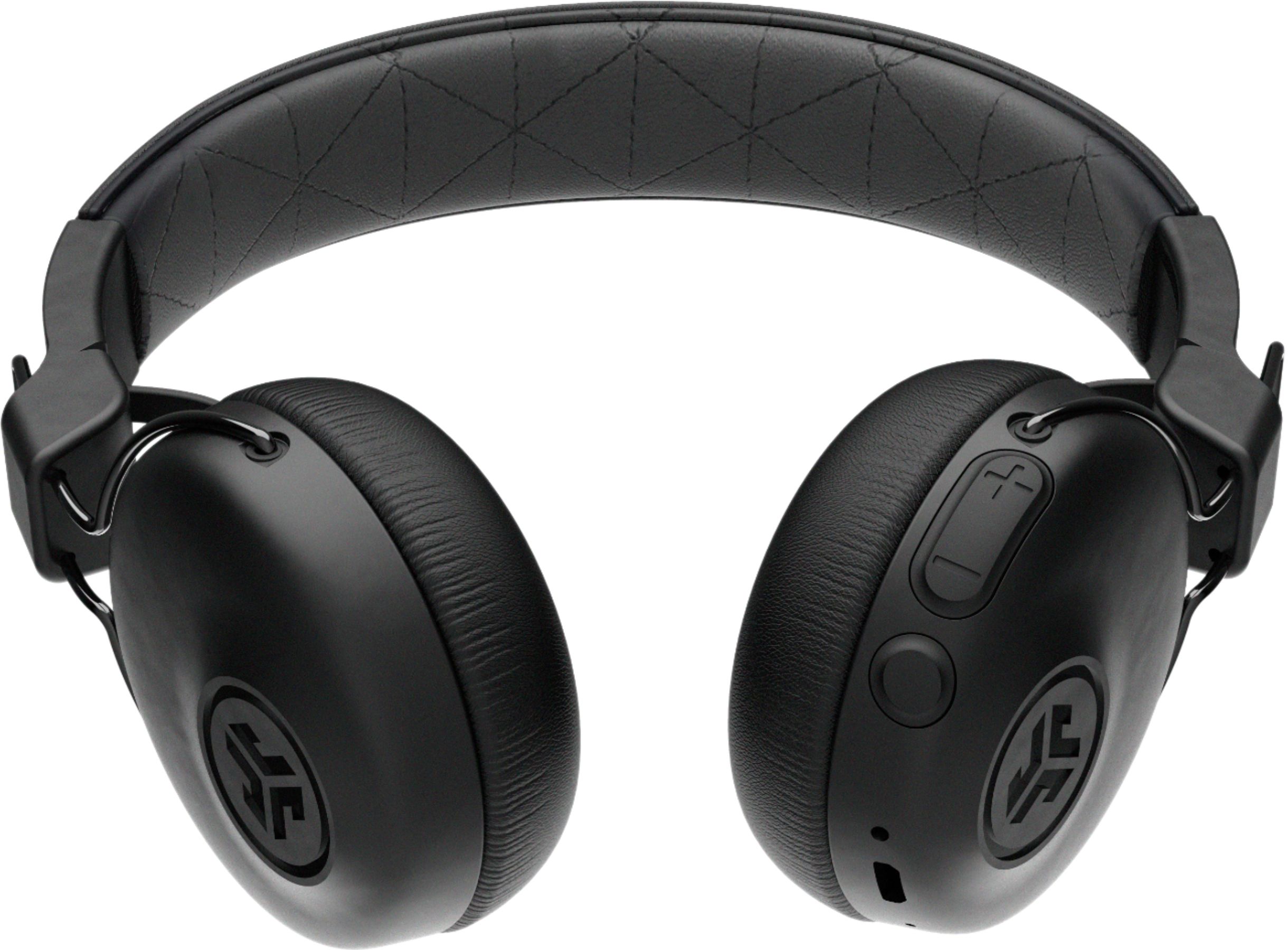
A:AnswerHey jack,
They will indeed work. When you get a sec, please reach out to us via email, [email protected] or via phone (405)445-7219 m-thur pst fri 8-3 pst so that we may provide you with more detail.
Kind Regards
#TeamJLab Customer Support
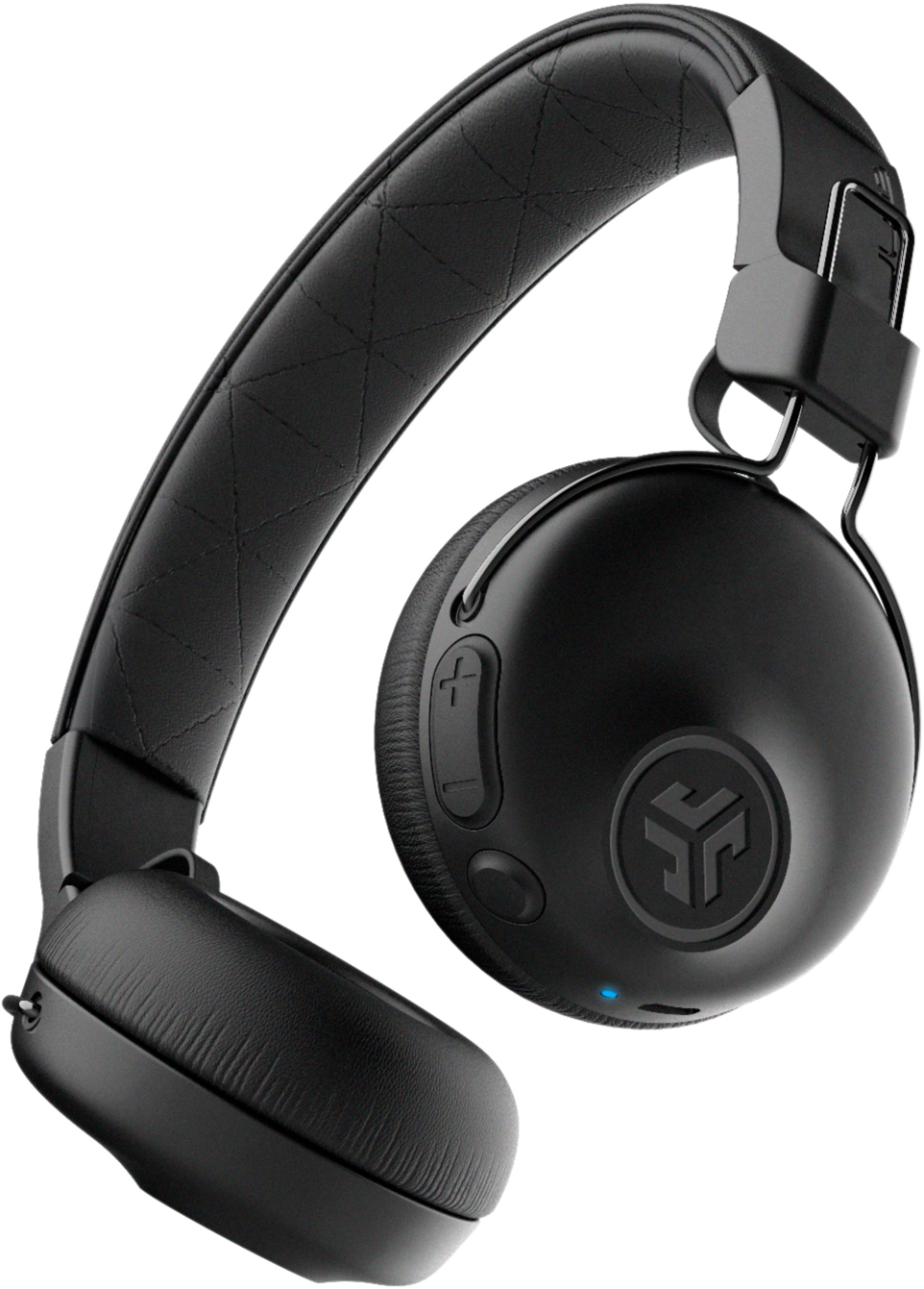
A:AnswerThey should. As long as you have your bluetooth enabled on your phone and you turn your headphones onto discoverable mode (by holding the headphone's power button until it's blinking blue and red), you should be able to pair your headphones to your Galaxy 10.
A:AnswerHey,
Provided your tv is bt enabled from the factory, or you have a separate bt adapter. When you get a sec, please reach out to us via email, [email protected] or via phone (405)445-7219 m-thur pst fri 8-3 pst so that we may provide you with further detail.
Kind Regards
#TeamJLab Customer Support