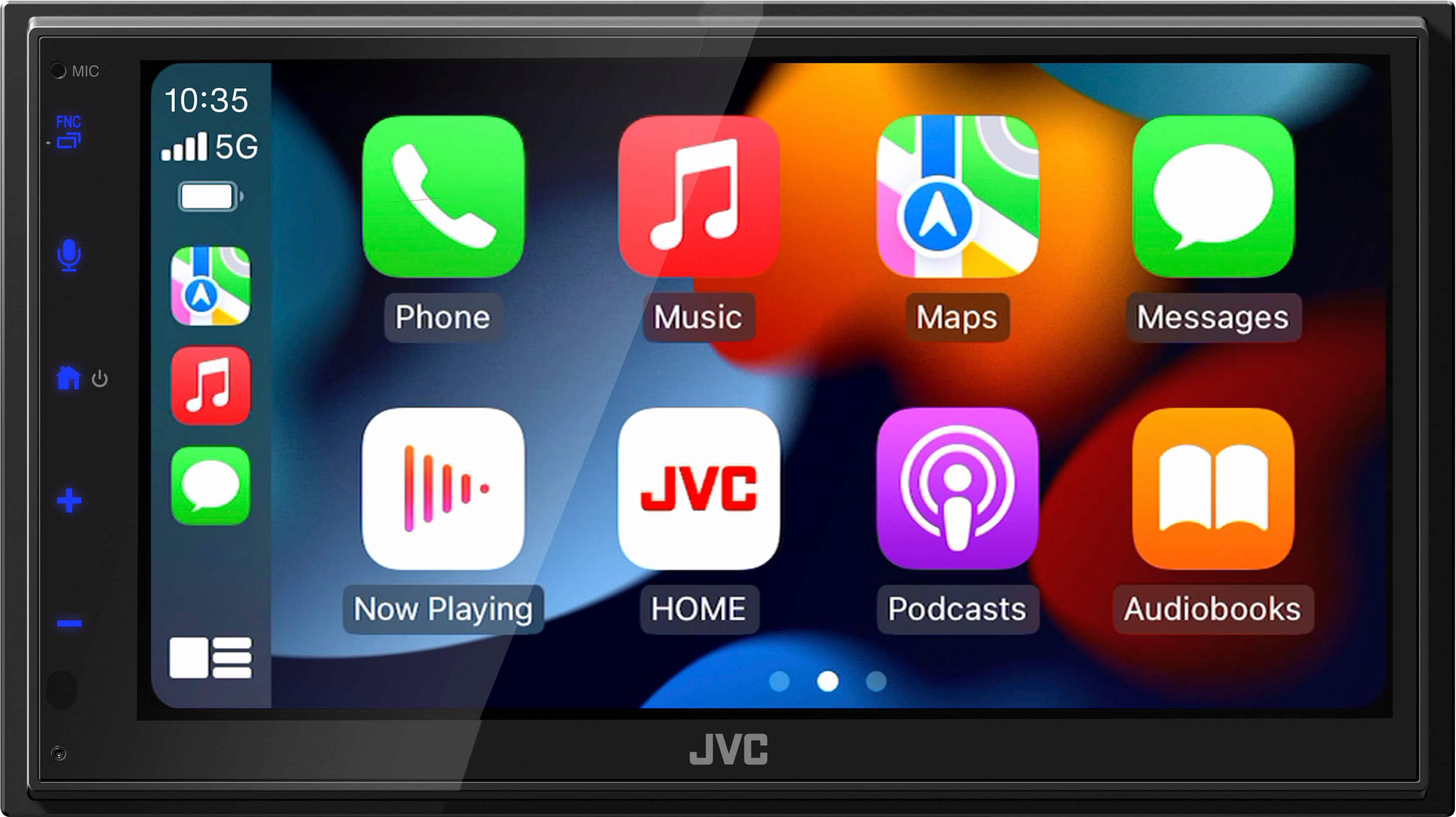
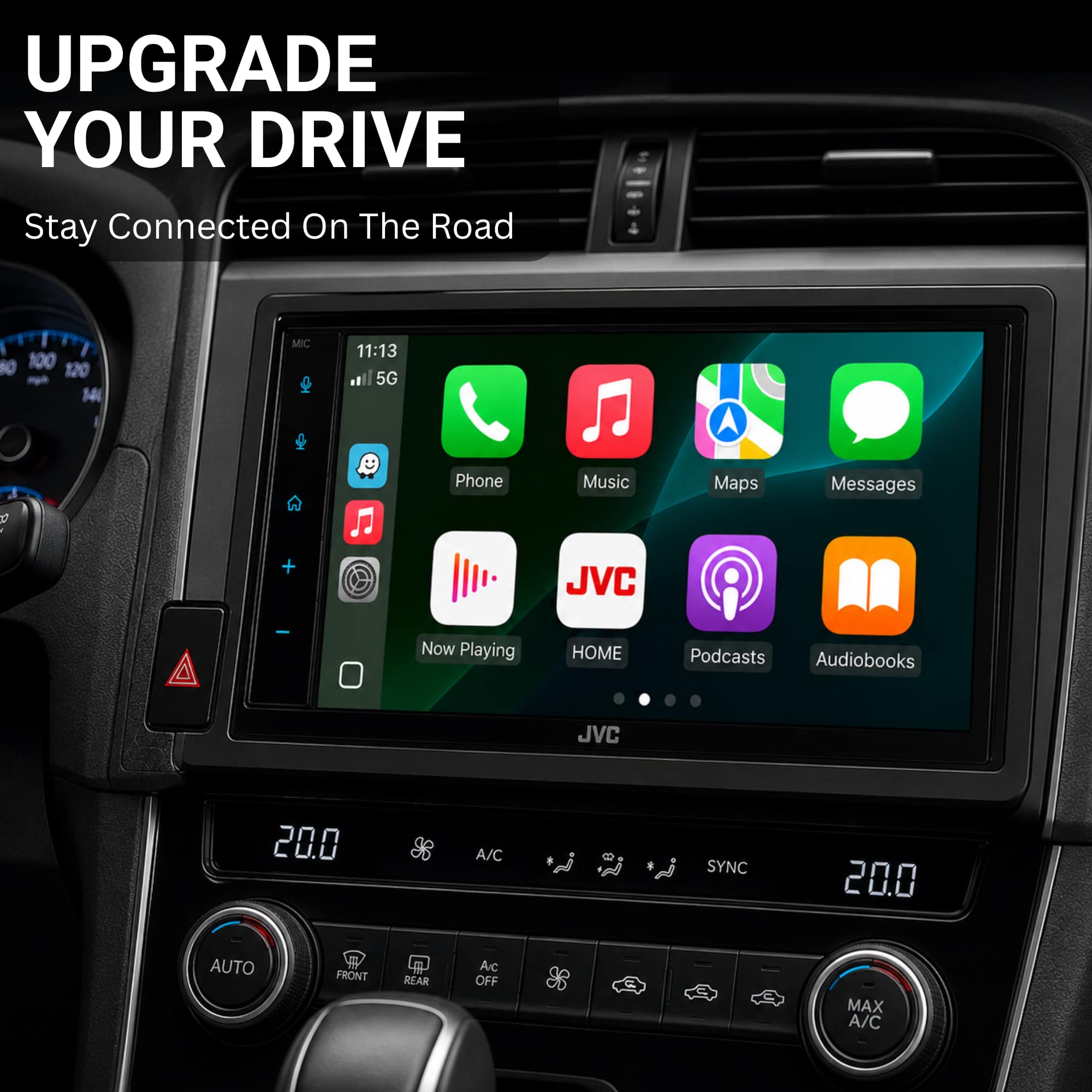
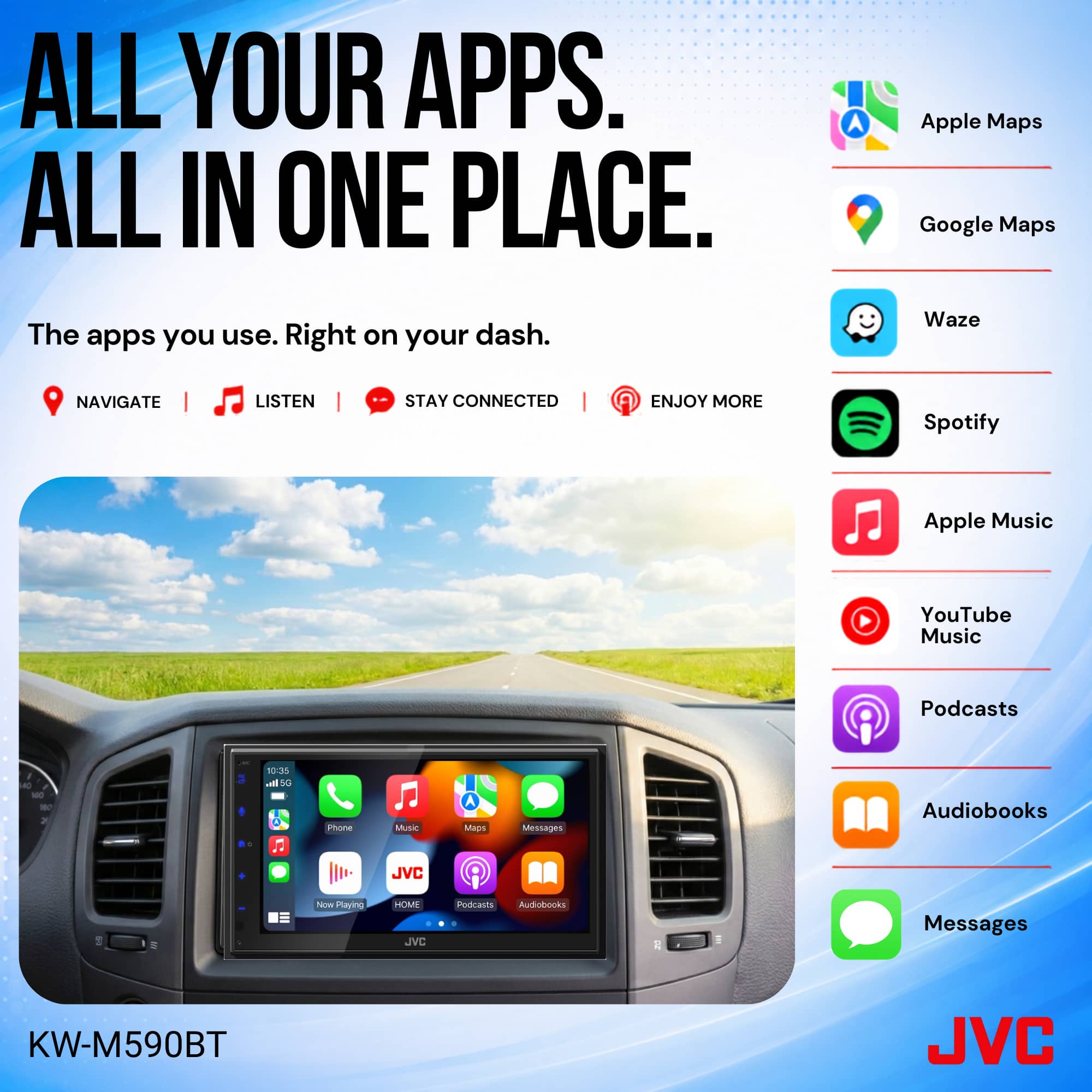
A:AnswerThank you for considering JVC for your car audio needs! This comes down to how Apple CarPlay works, not specifically the JVC KW-M590BT. CarPlay only allows apps that Apple has approved for CarPlay use. These are generally navigation, messaging, audio, and a few EV/parking apps. Examples include Apple Maps, Google Maps, Waze, Spotify, Audible, etc. OnX Offroad (like OnX Hunt and OnX Backcountry) is not a CarPlay-compatible app as of now. That means: You cannot display the full OnX Offroad app interface on the JVC KW-M590BT screen through CarPlay. You can also reach out to our team for assistance, to answer any questions. Please contact us at 1-800-252-5722 or email us at [email protected]. Thank you for choosing JVC, we look forward to helping you upgrade your car audio experience! Best regards, The JVC Customer Relations Team
A:AnswerThank you for considering JVC for your car audio needs! Ensuring your product is compatible with your vehicle is essential, and we’re here to help. To check if this JVC receiver fits your Camry, we recommend using a fit guide, which provides detailed compatibility information. You can find that on the product pages on Bestbuy.com. We also recommend connecting with a Geek Squad install professional at your local Best Buy store, regarding any additional required accessories that might be required for your specific vehicle and/or sold separately. You can also reach out to our team for assistance—we’re happy to verify compatibility or answer any questions. Please contact us at 1-800-252-5722 or email us at [email protected] with your vehicle’s make, model, and year, and we’ll guide you from there. Thank you for choosing JVC, we look forward to helping you upgrade your car audio experience! Best regards, The JVC Customer Relations Team
A:AnswerThank you for considering JVC for your car audio needs! Since Best Buy and their team of Geek Squad installers handle the installation services, you would have to reach out to them to understand how much they charge. You can also reach out to our team for assistance, to answer any questions. Please contact us at 1-800-252-5722 or email us at [email protected]. Thank you for choosing JVC, we look forward to helping you upgrade your car audio experience! Best regards, The JVC Customer Relations Team
A:AnswerThank you for considering JVC for your car audio needs! Best Buy provides the installation services, so we suggest you check if this JVC receiver fits your vehicle. To do this, we recommend using a fit guide, which provides detailed compatibility information. You can find that on the product pages on Bestbuy.com. We also recommend connecting with a Geek Squad install professional at your local Best Buy store, regarding any additional required accessories that might be required for your specific vehicle and/or sold separately. You can also reach out to our team for assistance—we’re happy to verify compatibility or answer any questions. Please contact us at 1-800-252-5722 or email us at [email protected] with your vehicle’s make, model, and year, and we’ll guide you from there. Thank you for choosing JVC—we look forward to helping you upgrade your car audio experience! Best regards, The JVC Customer Relations Team
A:AnswerThank you for considering JVC for your car audio needs! Best Buy provides the installation services, so we suggest you check if this JVC receiver fits your vehicle. To do this, we recommend using a fit guide, which provides detailed compatibility information. You can find that on the product pages on Bestbuy.com. We also recommend connecting with a Geek Squad install professional at your local Best Buy store, regarding any additional required accessories that might be required for your specific vehicle and/or sold separately. You can also reach out to our team for assistance—we’re happy to verify compatibility or answer any questions. Please contact us at 1-800-252-5722 or email us at [email protected] with your vehicle’s make, model, and year, and we’ll guide you from there. Thank you for choosing JVC—we look forward to helping you upgrade your car audio experience! Best regards, The JVC Customer Relations Team
A:AnswerThank you for considering JVC for your car audio needs! The JVC KM-M590BT has a USB Type-A (standard rectangular connector). You would then need to use a cord that matches the connector on your iPhone, which is different based on the model you have. You can also reach out to our team for assistance, to answer any questions. Please contact us at 1-800-252-5722 or email us at [email protected]. Thank you for choosing JVC—we look forward to helping you upgrade your car audio experience! Best regards, The JVC Customer Relations Team
A:AnswerThank you for considering JVC for your car audio needs! Ensuring your product is compatible with your vehicle is essential, and we’re here to help. To check if this JVC receiver fits your Mercedes, we recommend using a fit guide, which provides detailed compatibility information. You can find that on the product pages on Bestbuy.com. We also recommend connecting with a Geek Squad install professional at your local Best Buy store, regarding any additional required accessories that might be required for your specific vehicle and/or sold separately. You can also reach out to our team for assistance—we’re happy to verify compatibility or answer any questions. Please contact us at 1-800-252-5722 or email us at [email protected] with your vehicle’s make, model, and year, and we’ll guide you from there. Thank you for choosing JVC—we look forward to helping you upgrade your car audio experience! Best regards, The JVC Customer Relations Team
A:AnswerThank you for considering JVC for your car audio needs! Ensuring your product is compatible with your vehicle is essential, and we’re here to help. To check if this JVC receiver fits your Scion, we recommend using a fit guide, which provides detailed compatibility information. You can find that on the product pages on Bestbuy.com. We also recommend connecting with a Geek Squad install professional at your local Best Buy store, regarding any additional required accessories that might be required for your specific vehicle and/or sold separately. You can also reach out to our team for assistance—we’re happy to verify compatibility or answer any questions. Please contact us at 1-800-252-5722 or email us at [email protected] with your vehicle’s make, model, and year, and we’ll guide you from there. Thank you for choosing JVC—we look forward to helping you upgrade your car audio experience! Best regards, The JVC Customer Relations Team
A:AnswerThank you for considering JVC for your car audio needs! Yes, the JVC KW-M590BT connects to speakers using built-in speaker outputs (via wiring harness) and optionally through RCA preamp outputs if you want to use an external amplifier. You can also reach out to our team for assistance, to answer any questions. Please contact us at 1-800-252-5722 or email us at [email protected]. Thank you for choosing JVC, we look forward to helping you upgrade your car audio experience! Best regards, The JVC Customer Relations Team
A:AnswerThank you for considering JVC for your car audio needs! Ensuring your product is compatible with your vehicle is essential, and we’re here to help. To check if this JVC receiver fits your Nissan Sentra, we recommend using a fit guide, which provides detailed compatibility information. You can find that on the product pages on Bestbuy.com. We also recommend connecting with a Geek Squad install professional at your local Best Buy store, regarding any additional required accessories that might be required for your specific vehicle and/or sold separately. You can also reach out to our team for assistance—we’re happy to verify compatibility or answer any questions. Please contact us at 1-800-252-5722 or email us at [email protected] with your vehicle’s make, model, and year, and we’ll guide you from there. Thank you for choosing JVC—we look forward to helping you upgrade your car audio experience! Best regards, The JVC Customer Relations Team
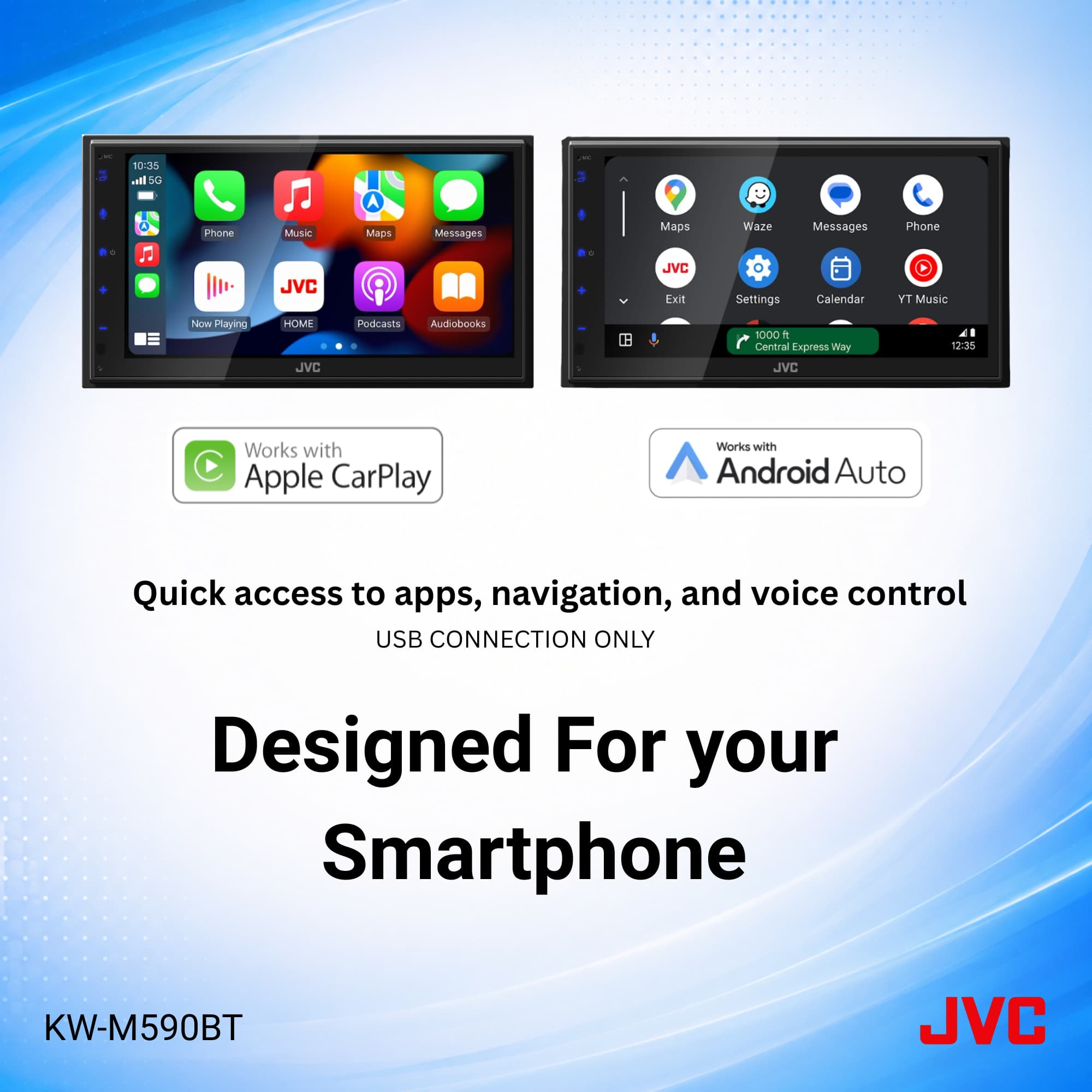
A:AnswerThank you for considering JVC for your car audio needs! The JVC KW-M590BT receiver supports wired CarPlay connectivity via USB. This model does not support wireless connectivity to Apple CarPlay. You can also reach out to our team for assistance, to answer any questions. Please contact us at 1-800-252-5722 or email us at [email protected]. Thank you for choosing JVC—we look forward to helping you upgrade your car audio experience! Best regards, The JVC Customer Relations Team
A:AnswerThank you for considering JVC for your car audio needs! Ensuring your product is compatible with your vehicle is essential, and we’re here to help. To check which wiring harness is correct for your vehicle, that is a question for the Best Buy fit guide. You can find that on the product pages on Bestbuy.com. We also recommend connecting with a Geek Squad install professional at your local Best Buy store, regarding any additional required accessories that might be required for your specific vehicle and/or sold separately. You can also reach out to our team for assistance—we’re happy to verify compatibility or answer any questions. Please contact us at 1-800-252-5722 or email us at [email protected] with your vehicle’s make, model, and year, and we’ll guide you from there. Thank you for choosing JVC—we look forward to helping you upgrade your car audio experience! Best regards, The JVC Customer Relations Team
A:AnswerThank you for considering JVC for your car audio needs! Please contact us at 1-800-252-5722 or email us at [email protected] so we can get some more information, in regard to this specific issue. Thank you for choosing JVC—we look forward to helping you upgrade your car audio experience! Best regards, The JVC Customer Relations Team
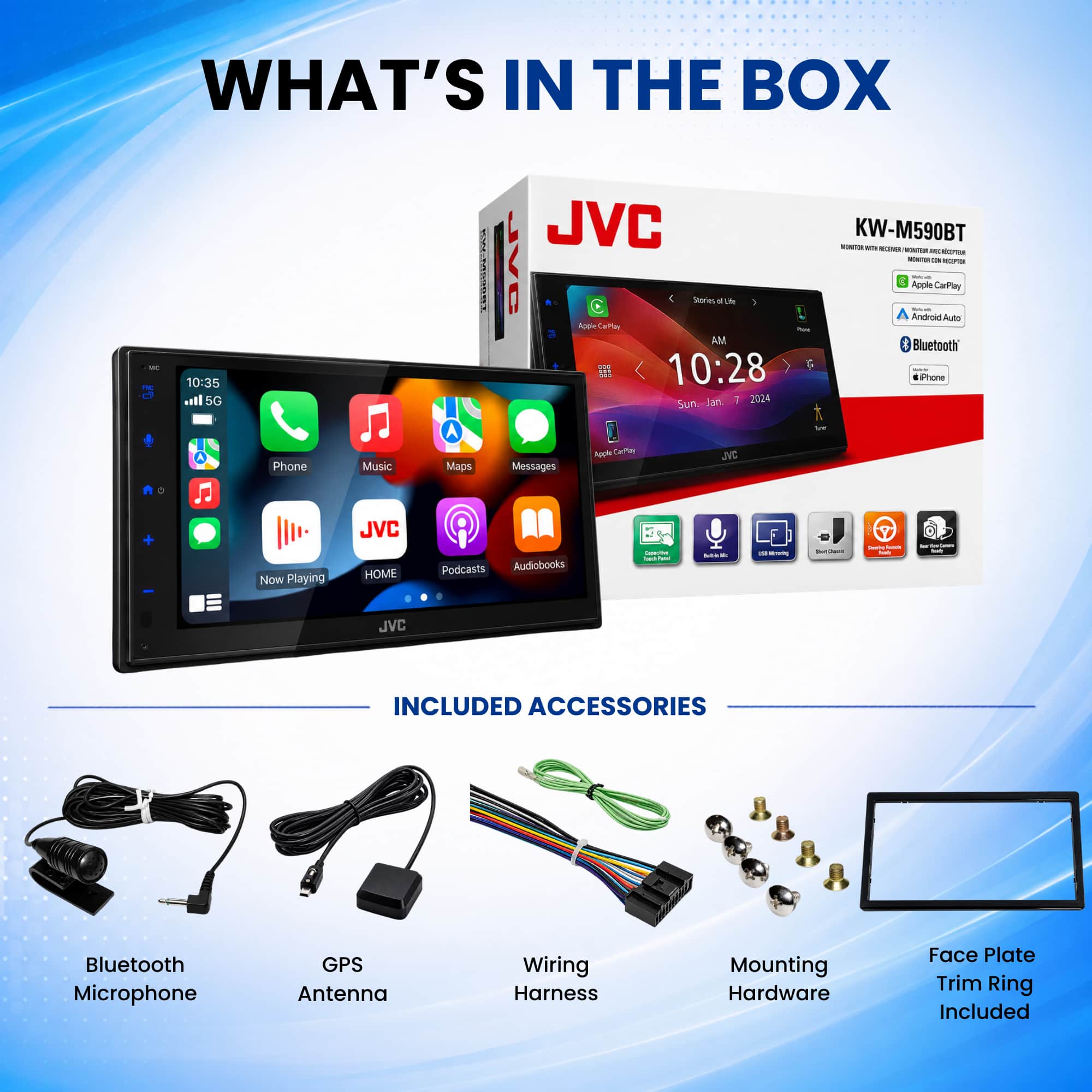
A:AnswerThank you for considering JVC for your car audio needs! On the JVC KW-M590BT, you can connect your phone directly via a rear USB input on the back of the receiver. In the box, JVC includes a USB extension cable so you can route it to your dash or glove box. You can also reach out to our team for assistance, to answer any questions. Please contact us at 1-800-252-5722 or email us at [email protected]. Thank you for choosing JVC—we look forward to helping you upgrade your car audio experience! Best regards, The JVC Customer Relations Team
A:AnswerThank you for considering JVC for your car audio needs! The JVC KW‑M590BT is a digital media receiver that does not include a built-in SiriusXM tuner. However, it can control SiriusXM playback if you add a compatible external SiriusXM Connect tuner, which would be sold separately. You can also reach out to our team for assistance, to answer any questions. Please contact us at 1-800-252-5722 or email us at [email protected]. Thank you for choosing JVC—we look forward to helping you upgrade your car audio experience! Best regards, The JVC Customer Relations Team
A:AnswerThank you for considering JVC for your car audio needs! Ensuring your product is compatible with your vehicle is essential, and we’re here to help. To check if the JVC KW-M180BT fits your 2010 Toyota Tundra, we recommend using a fit guide, which provides detailed compatibility information. You can find that on the product pages on Bestbuy.com. We also recommend connecting with a Geek Squad install professional at your local Best Buy store, regarding any additional required accessories that might be required for your specific vehicle and/or sold separately. You can schedule an install appointment, at Best Buy, directly on the website when you make the product purchase. You can also reach out to our team for assistance—we’re happy to verify compatibility or answer any questions. Please contact us at 1-800-252-5722 or email us at [email protected] with your vehicle’s make, model, and year, and we’ll guide you from there. Thank you for choosing JVC—we look forward to helping you upgrade your car audio experience! Best regards, The JVC Customer Relations Team
A:AnswerThank you for considering JVC for your car audio needs! Ensuring your product is compatible with your vehicle is essential, and we’re here to help. To check if the JVC KW-M590BT fits your 2006 Chevrolet Impala LTz and is compatible with all the factory features, we recommend using a fit guide, which provides detailed compatibility information. You can find that on the product pages on Bestbuy.com. We also recommend connecting with a Geek Squad install professional at your local Best Buy store, regarding any additional required accessories that might be required for your specific vehicle and/or sold separately. You can schedule an install appointment, at Best Buy, directly on the website when you make the product purchase. You can also reach out to our team for assistance—we’re happy to verify compatibility or answer any questions. Please contact us at 1-800-252-5722 or email us at [email protected] with your vehicle’s make, model, and year, and we’ll guide you from there. Thank you for choosing JVC—we look forward to helping you upgrade your car audio experience! Best regards, The JVC Customer Relations Team