A:AnswerI use the charger that came with my galaxy watch, also micro usb it works fine, you might want check out the charging brick. I have charged them in my vehicle, with the cable that came with. Good luck.
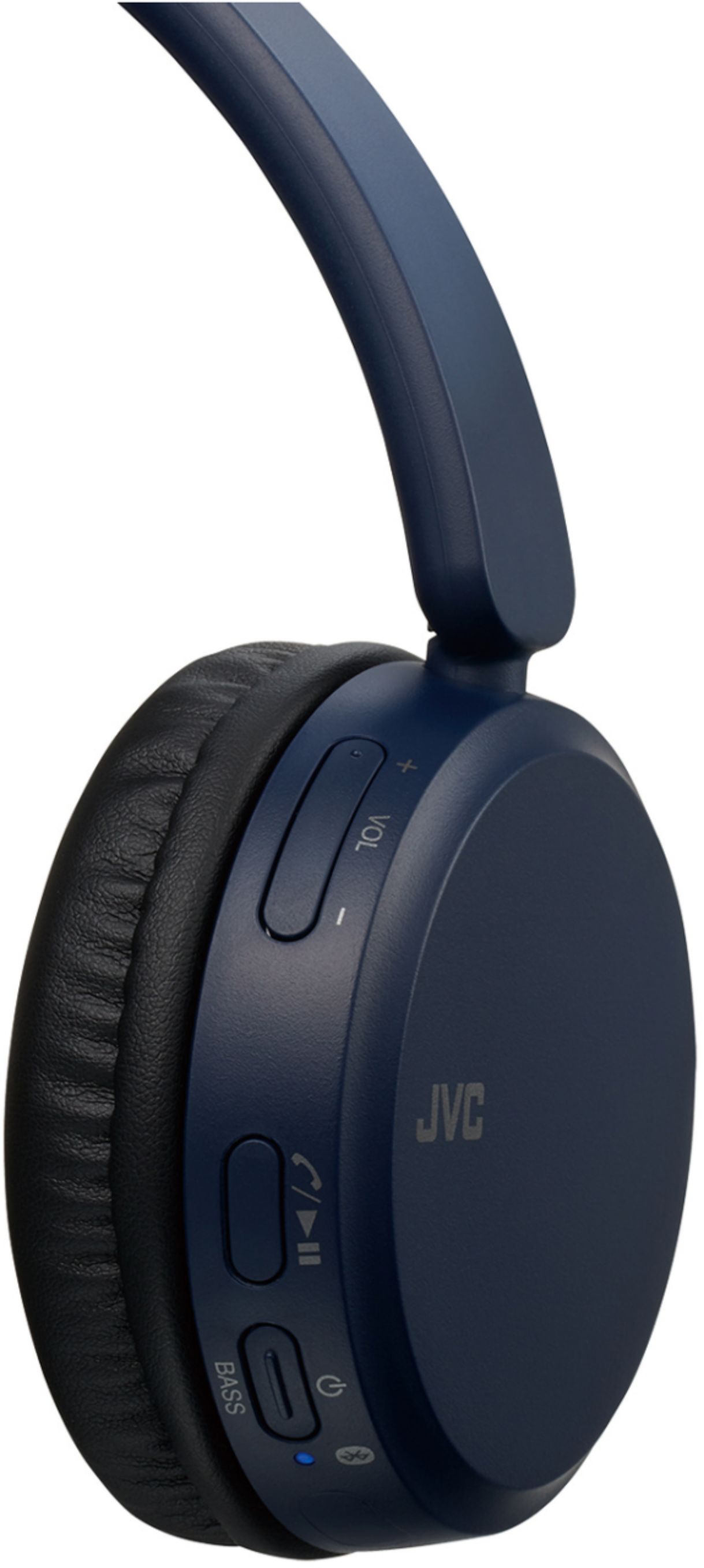
A:AnswerPush and hold the Power Button for 7sec. until the indicator light flashes red and blue really fast, then go to your device bluetooth settings to pair the headset.
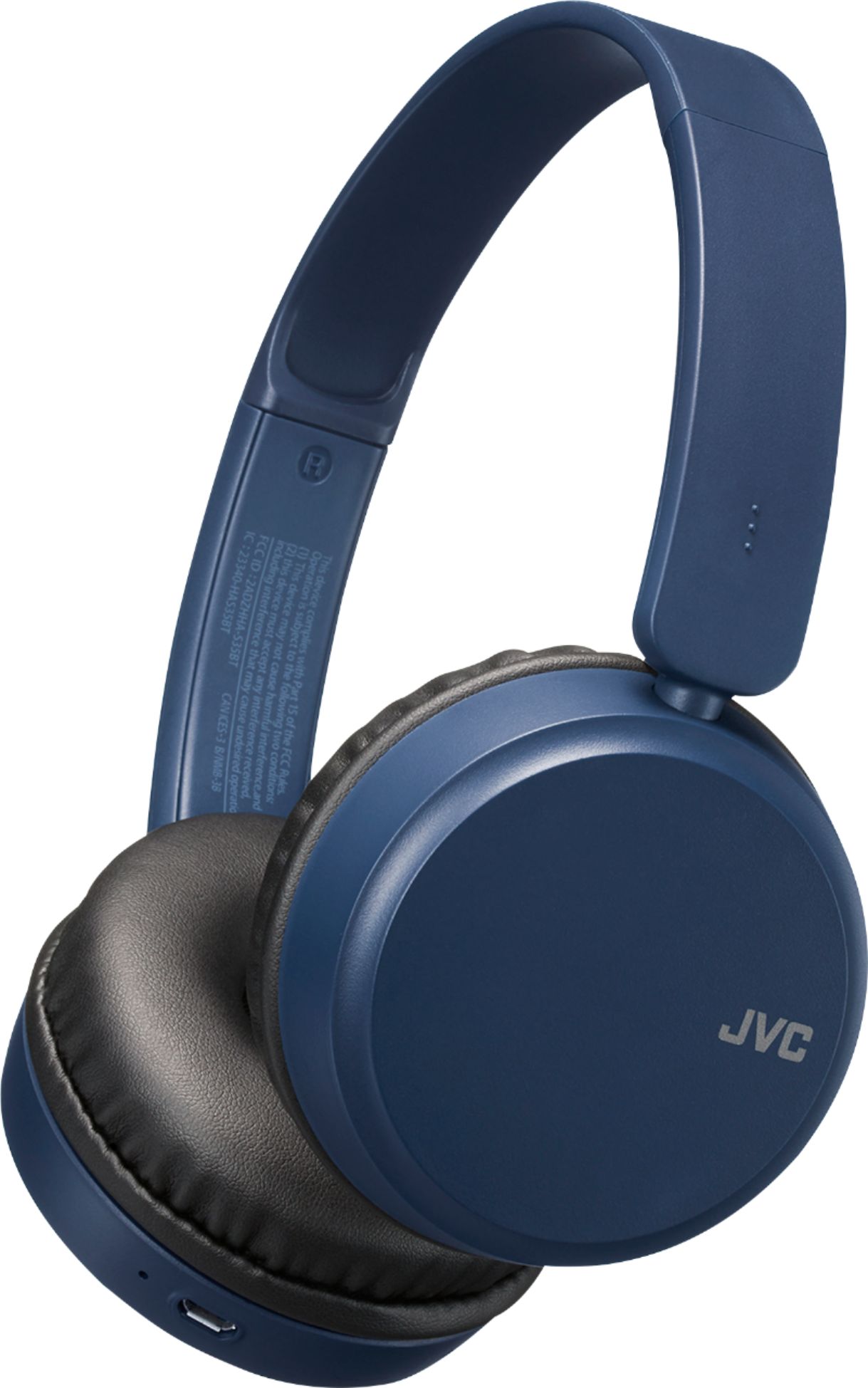
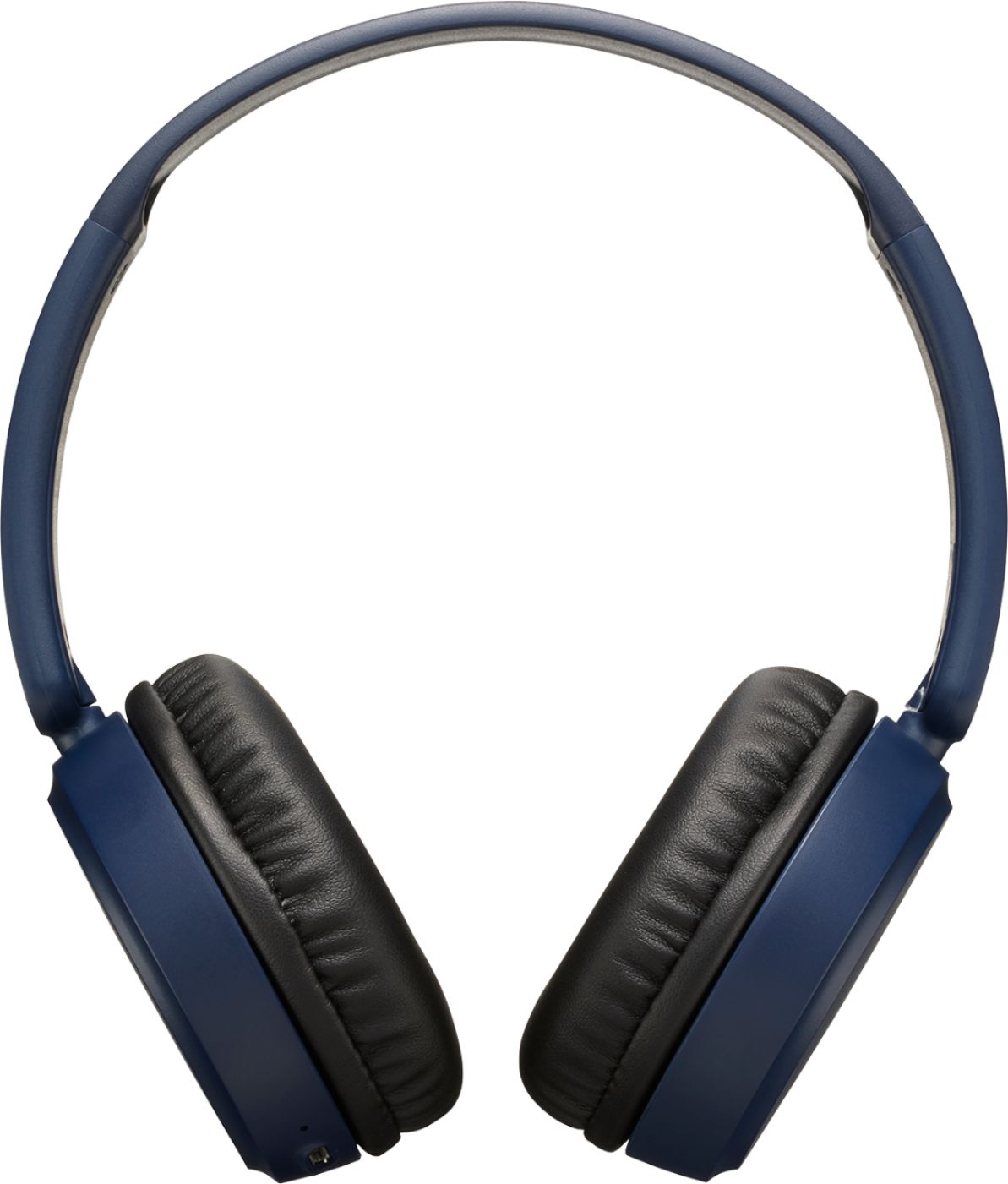
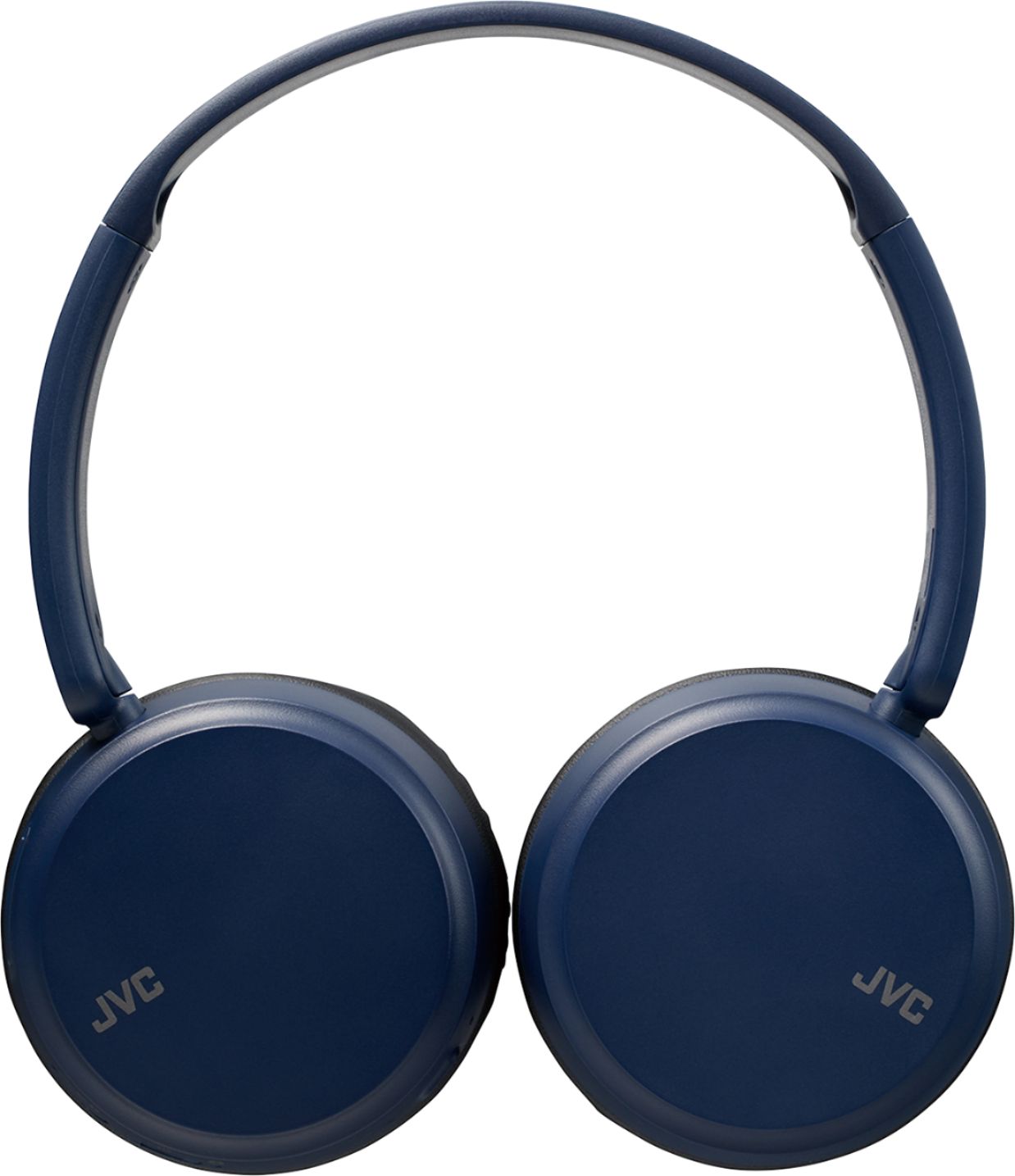
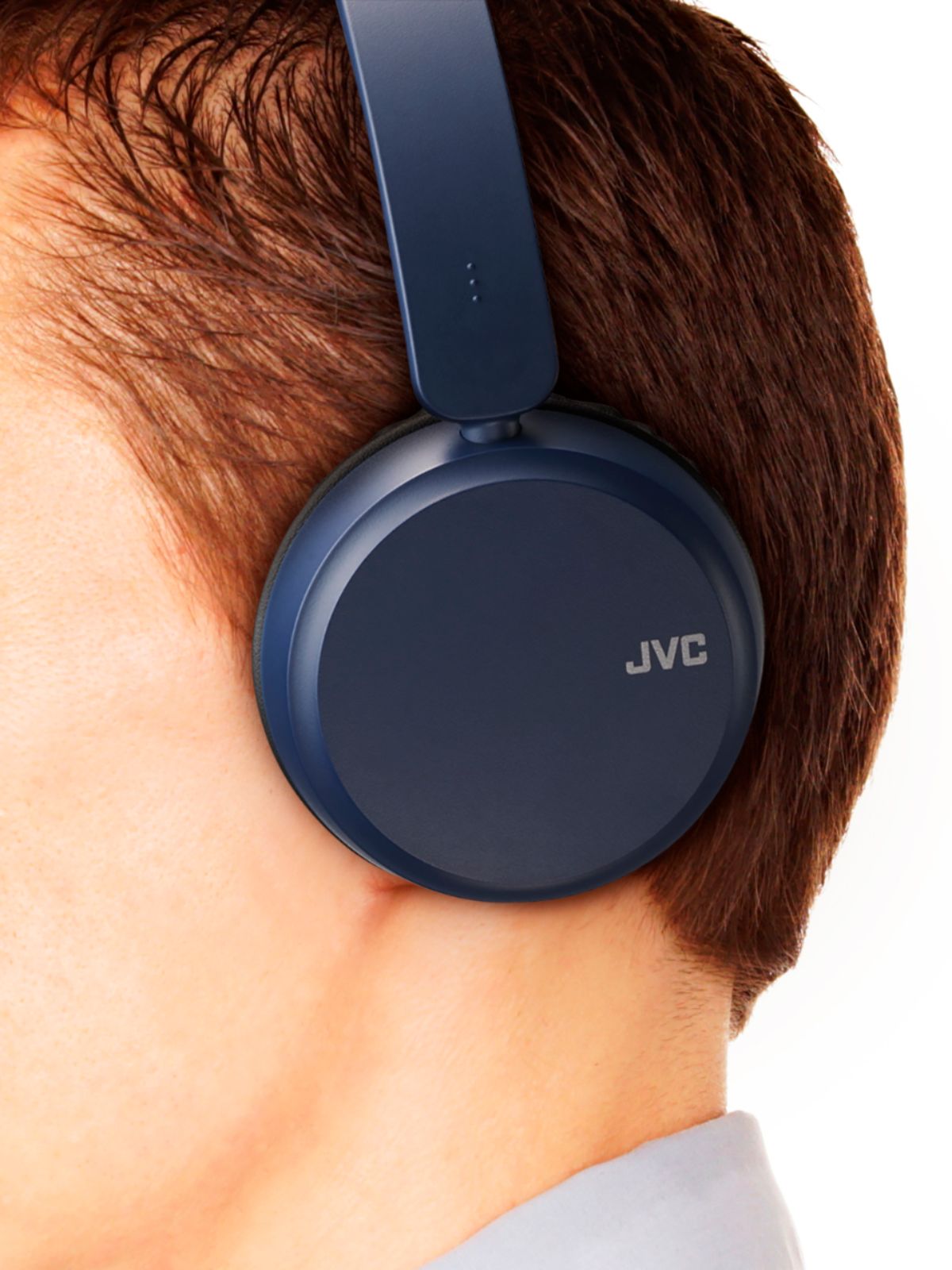
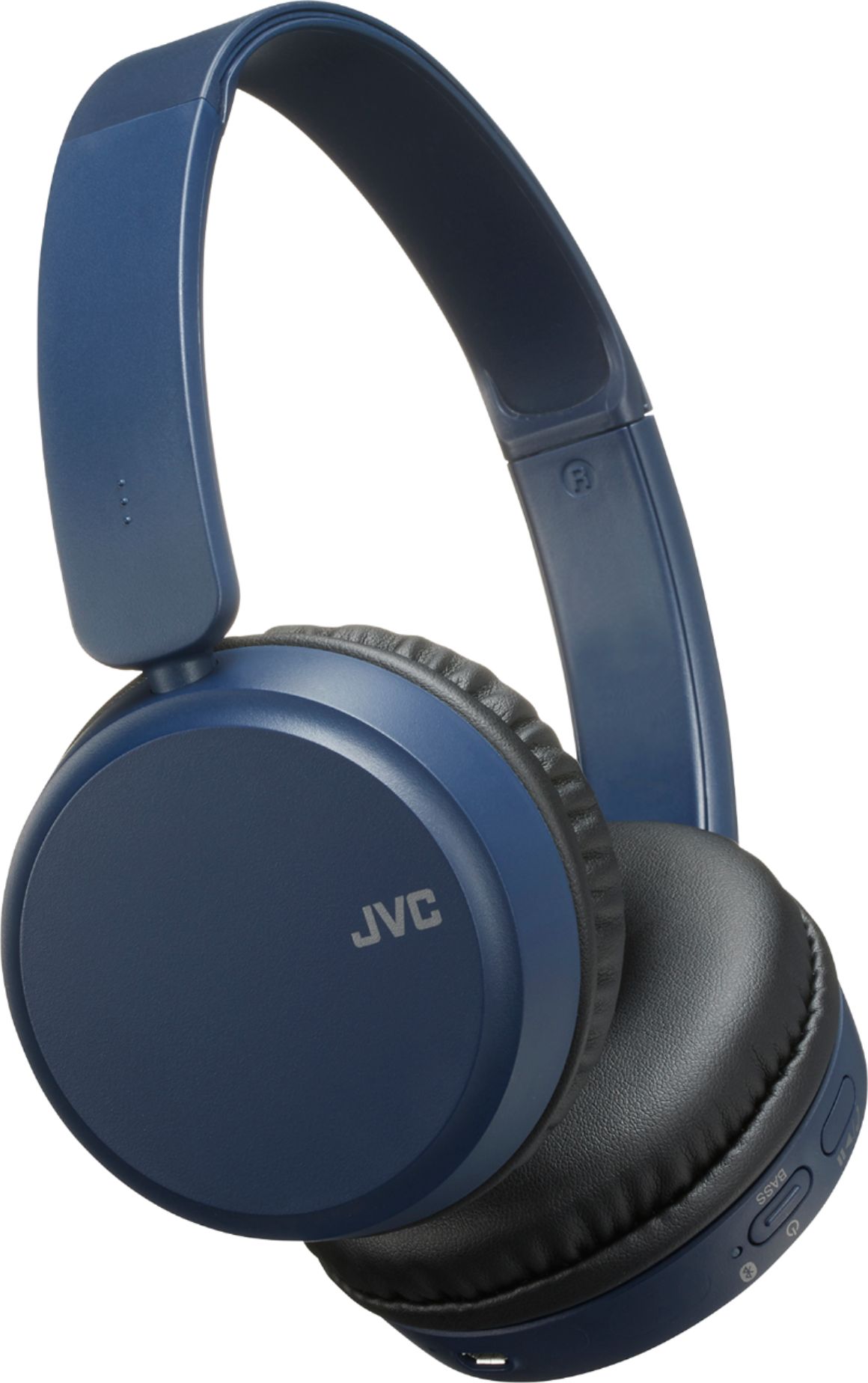
A:AnswerThe HA-S35BT are Bluetooth headphones. When a device such as your cell phone is connected to it, you can listen to your music from the headphones themselves.
A:AnswerSorry, Xbox allows only certain headsets to be paired to their console. Please reach out to them for this limited list of Bluetooth compatible headsets
A:AnswerOnce this device is connected to your Windows laptop, it will work with any application running on it. It becomes the audio output for your laptop. One thing to remember is that you need to pair and connect to the Bluetooth headphone before starting the application. For example, when I am in an application and I start a Bluetooth headphone, the application may not recognize the switch from speaker to Bluetooth headphone.
A:AnswerYou may have exceeded the maximum amount of devices which can be paired to your laptop. Remove 1 or 2 others to see if they will pair. I had the same issue on my tablet. But this is no fault of the headphones.