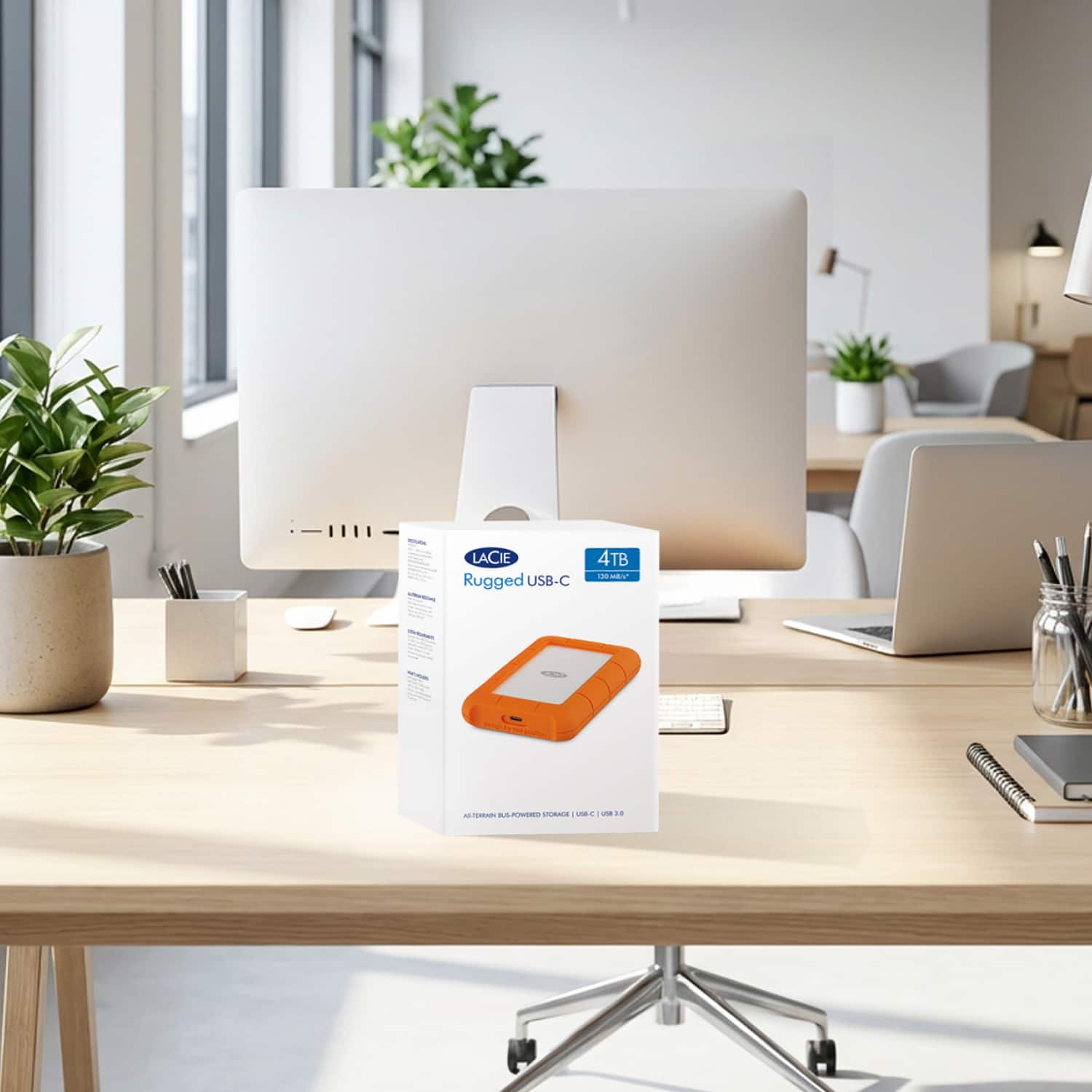
A:AnswerVarious web sites report that read and write speeds are up to 130GB per second but I had to transfer about 1 TB of data and it took far, far longer than 8 seconds. Actual performance probably depends on the format and organization of your files.
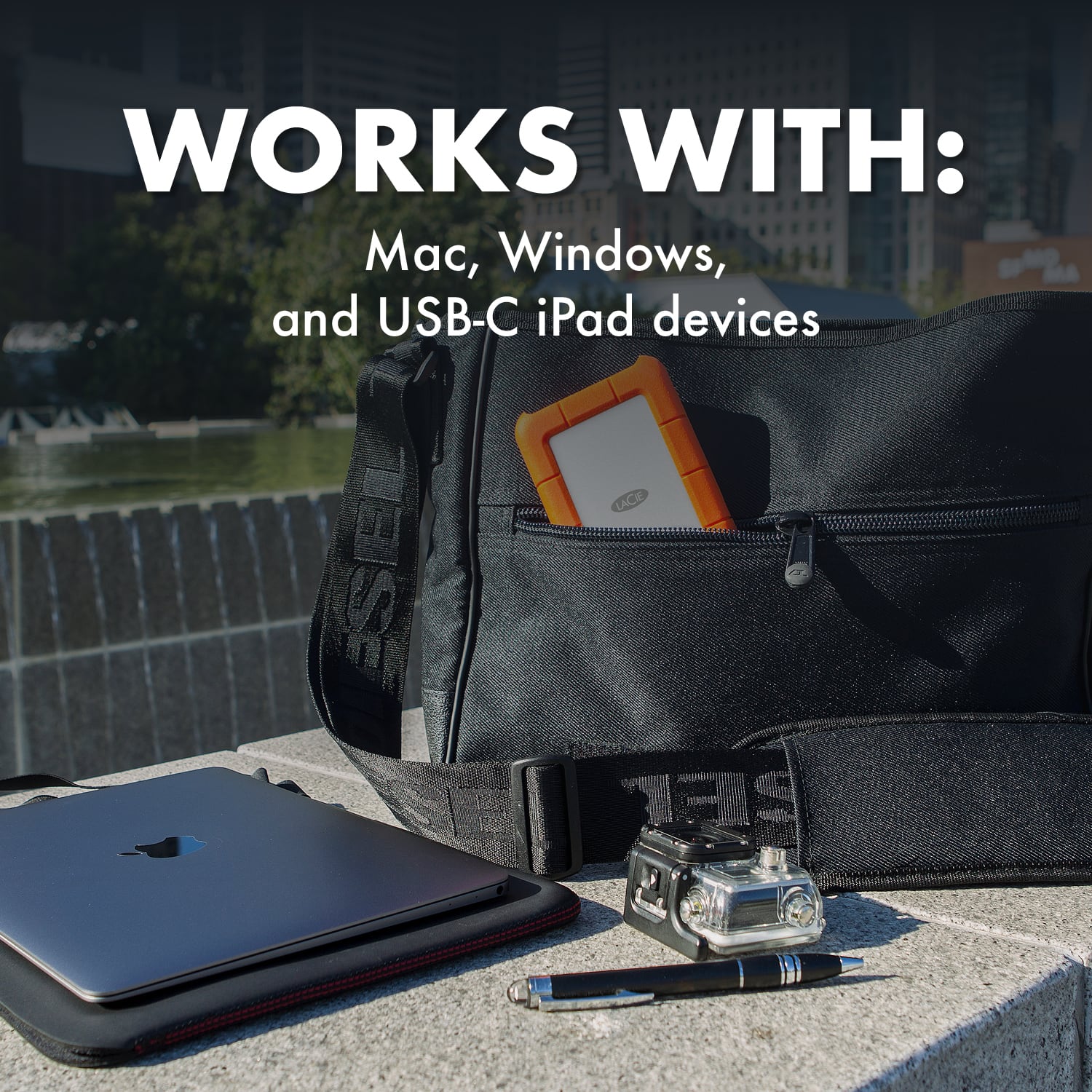
A:AnswerYes it should be if you format it to exFAT unless it's already formated to that. Mine wouldn't read so I am formatting it to exFAT via Windows Disk Management. I should then be able to use it on Windows, Apple, Android, Chrome OS and Xbox One.
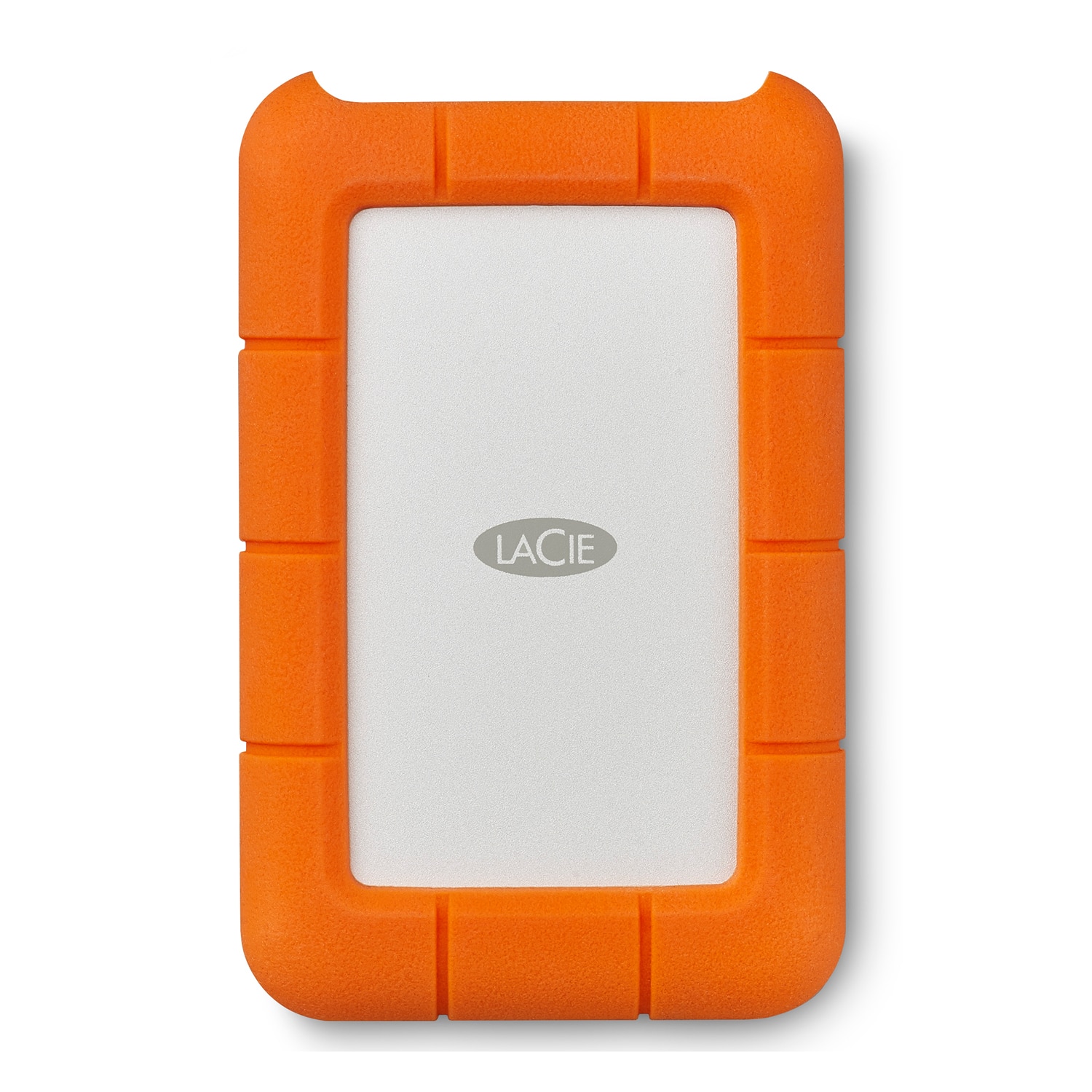
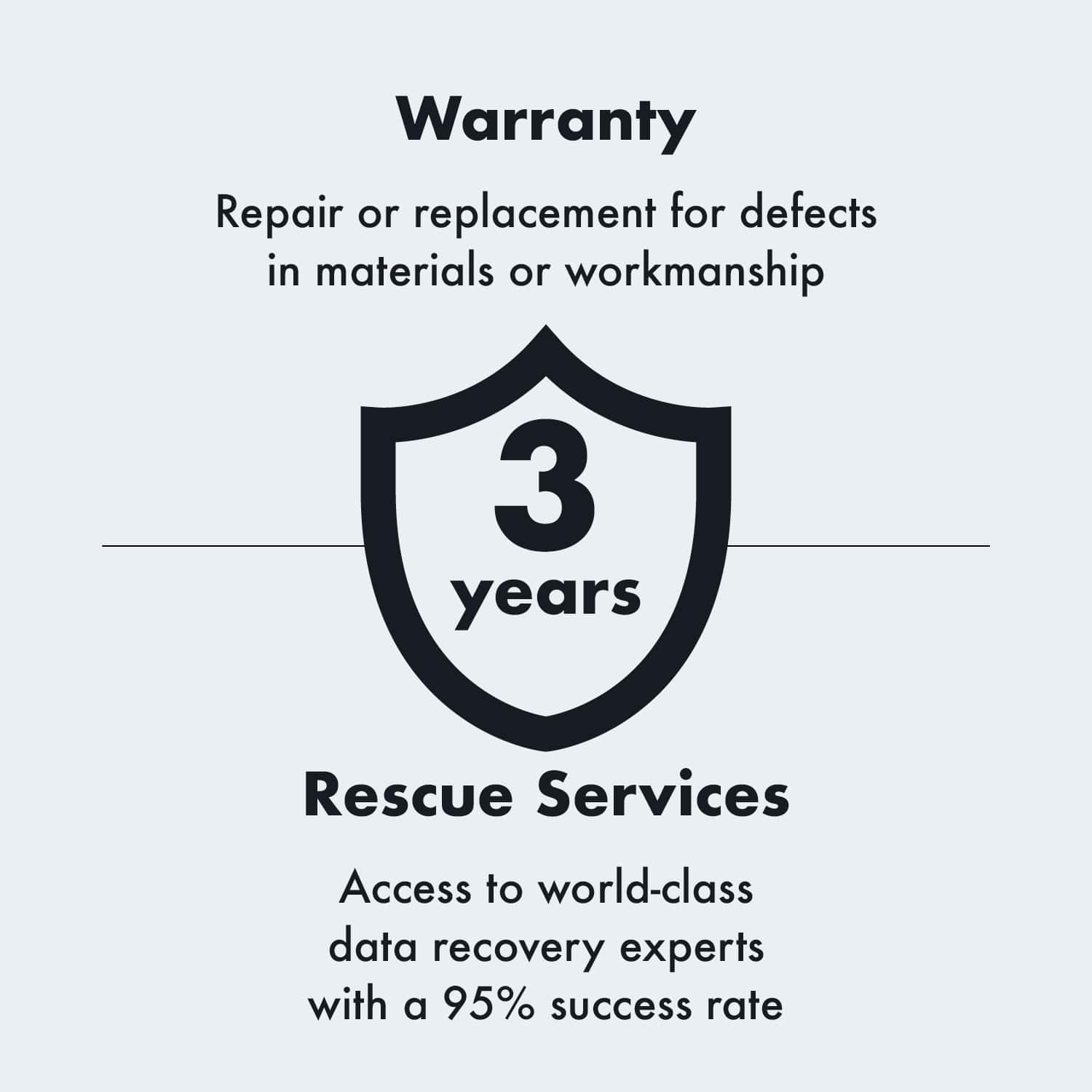
A:AnswerIt’s 5T so you can record clips as your playing video games and then transfer/save your proud achievements to this external hard drive as you would with any other external hard drive from your gaming console. The protective case keeps your videos safe and there’s free recovery software if the device is ever damaged.
A:AnswerIt's a spinning drive, so that will be your bottleneck. I work in audio and sometimes hit the disk buffer. I would imagine for 4K footage you're really going to want a SSD for a work drive.
A:AnswerMy LeCie drive is on a Apple Notebook and I have very few photo files. I see that I have file names with over 70 characters length file names. I am not experiencing any backup error messages due to file name length.
I hope this helps
A:AnswerYes. It ships in Fat 32 (possible FAT 16) so don't reformat it. There are limitations in things you can do but you can easily move it back and forth between windows and Macs in that format. While Mac's can see/read NTFS they cannot write to it unless additional software is bought.
A:AnswerOnly if your ipad is USB c and can talk to it. The possibility depends on the OS , the model of ipad and the app required to do so. You're gonna have to research it.