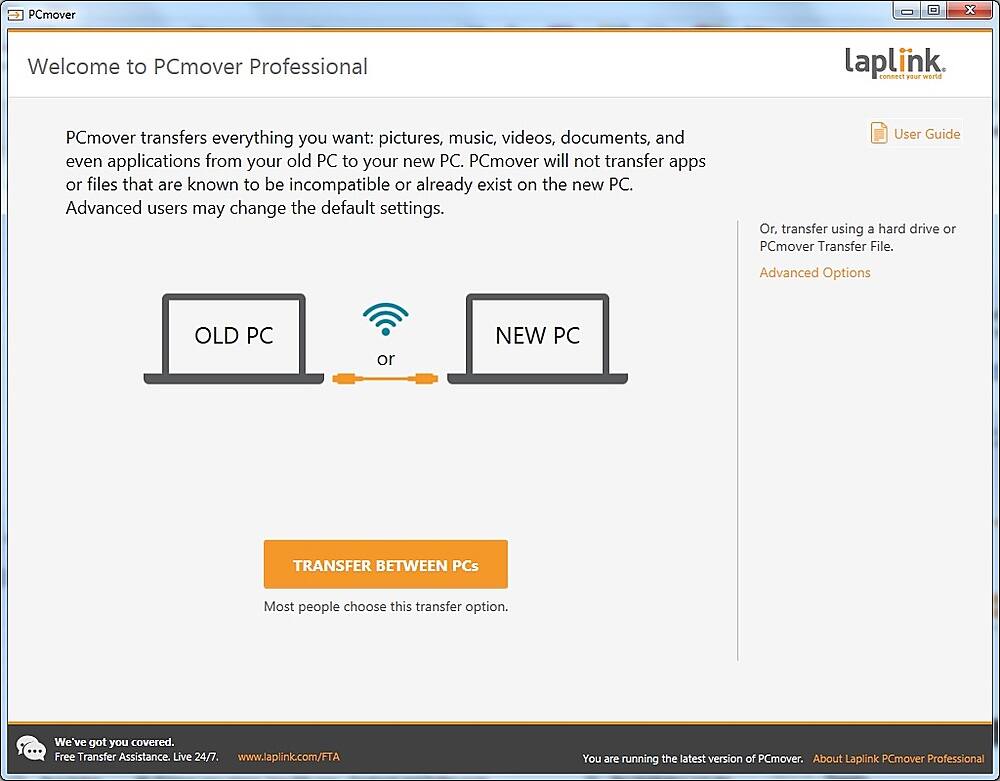
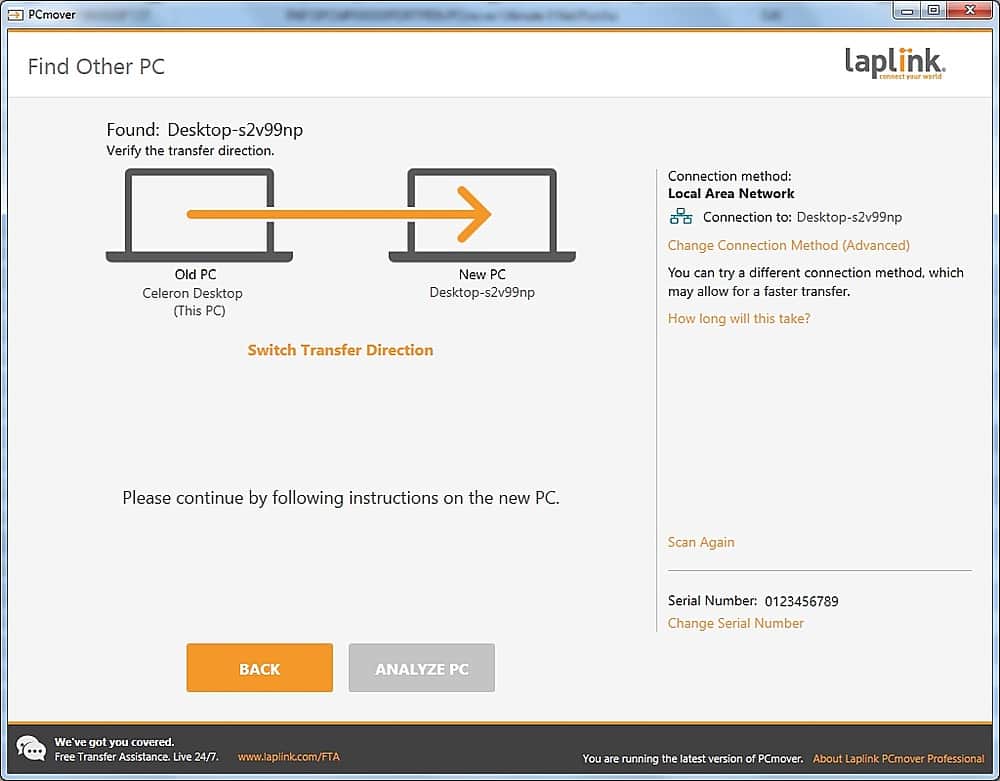
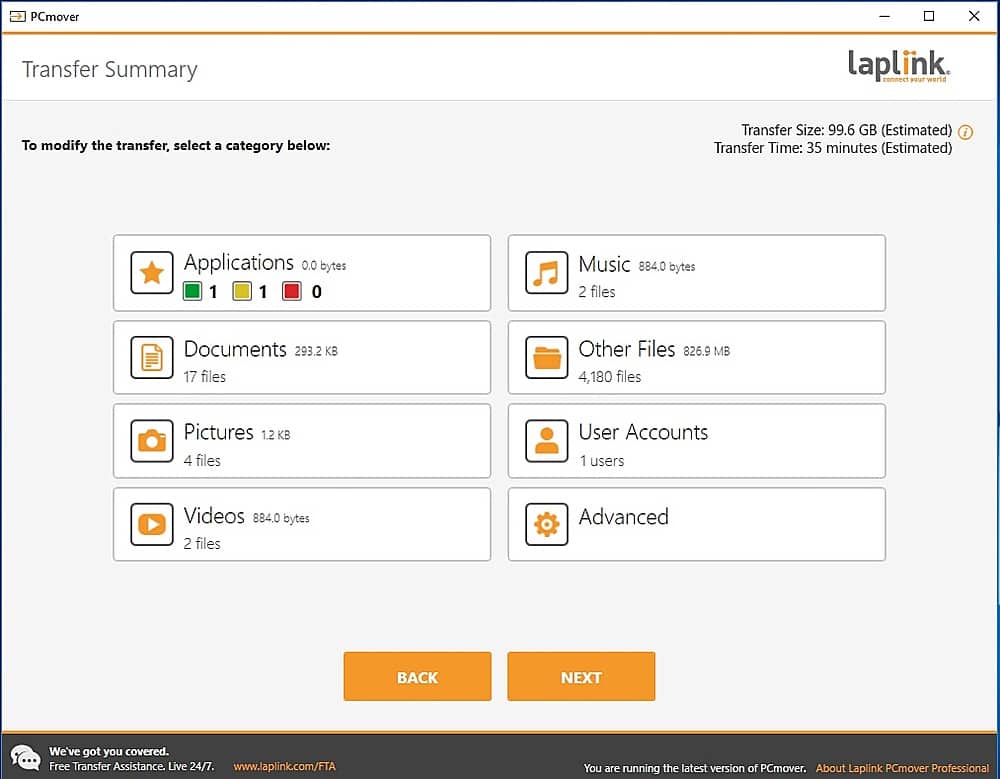
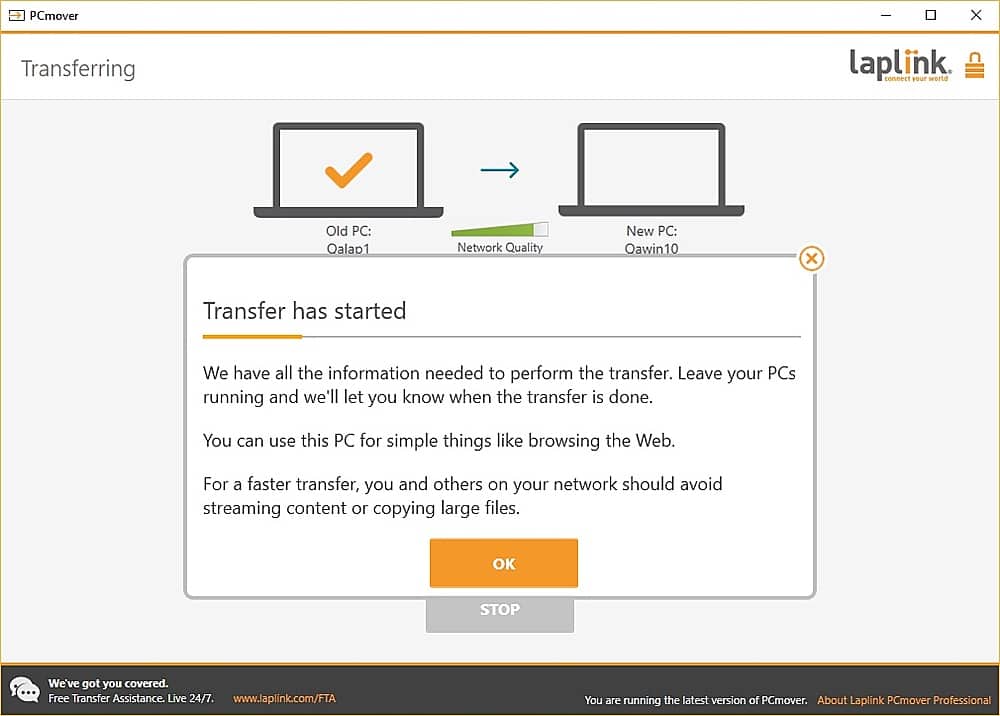
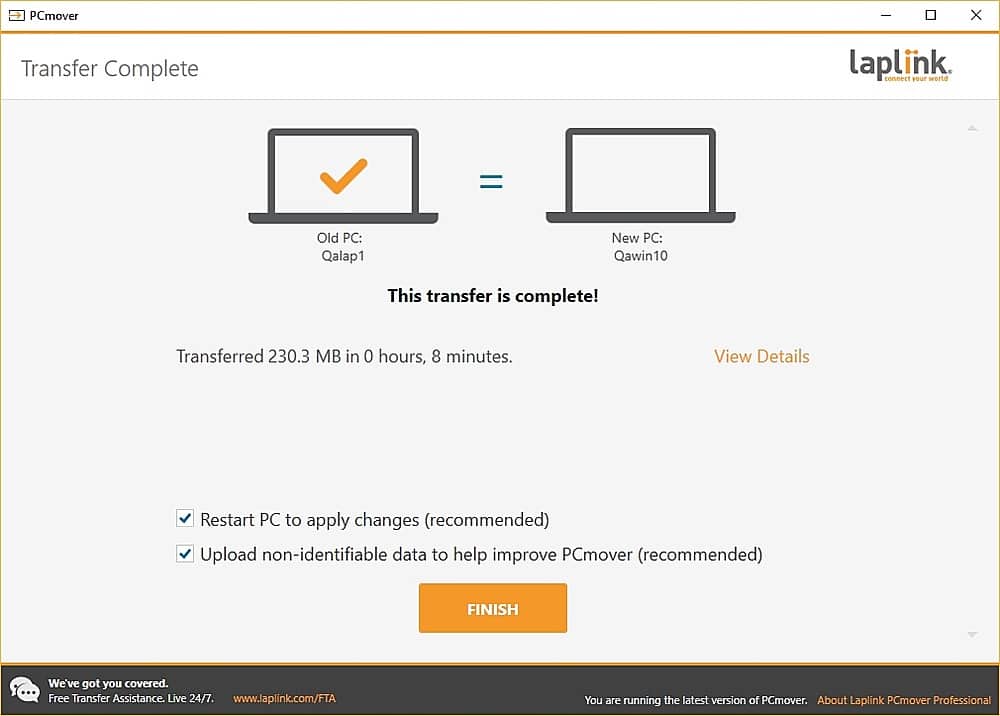
A:AnswerYou can by doing the following and then clone to the 2nd computer using the PCV file. This will take twice as long than have two separate computers hooked up at the same time. You can transfer through your home network or using the crossover cable that comes with the physical version.
Create a Transfer File (PCV file) on an external hard drive to transfer to a new PC. The PCV file can only be restored using the same version of PCmover that created it.
A:AnswerIf you mean the activation code for PCMover, you only need to enter it on only one computer
If you mean other programs, it is a "hit and miss" situation.