Questions & Answers
- Model:
- ZA3N0003US
- |
- SKU:
- 6267024
Highly rated by customers for: Screen Size, Sound Quality, Ease of use
Page Showing 221-230 of 230 questions
Q: QuestionCan you print from this device? Example "Google, print out my grocery list".
Asked by jmouhoo.
- A:Answer No
Answered by KJLBILLIONAIRE8
Q: QuestionCan you play music on Sonos speakers with this device?
Asked by lakersfreak.
- A:Answer No I don't think so.
Answered by KJLBILLIONAIRE8
Q: QuestionHi, Is the charger for this product is supporting also 240V current (European electric grid) if I would like to bring it to Europe? Best regards,
Asked by Lucius.
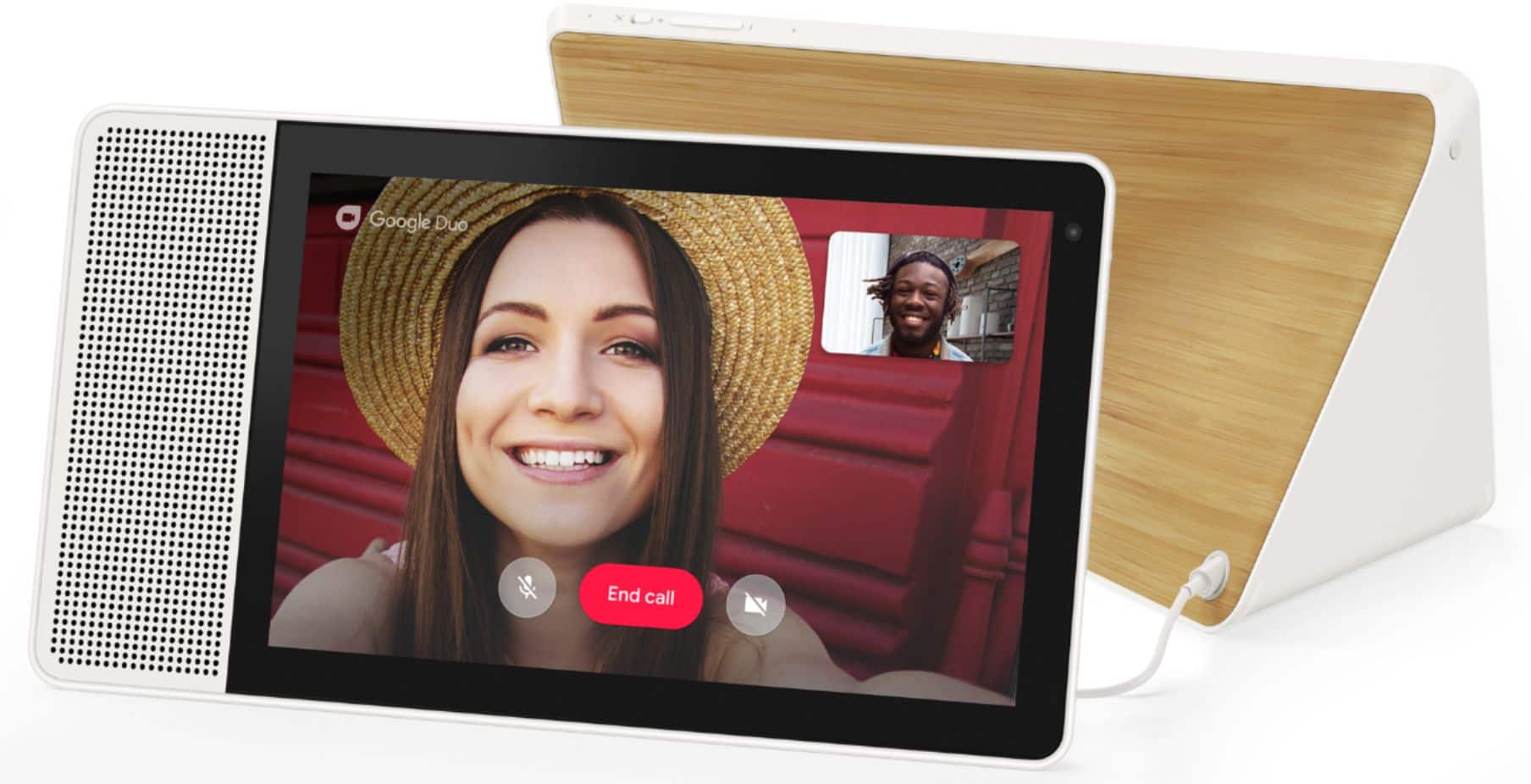
- A:Answer Hello, The AC adapter of the Lenovo Smart Display has an input capacity of 100V-240V 1.3A 50-60Hz, is Dual Voltage, and ships with a USA compatible wall side plug. To use the display outside the USA, you will need a wall side plug adapter, compatible with the country the Smart Clock will be used in.
Answered by Lenovo Product Expert

Q: QuestionCan I play podcasts on my device with Pocket casts?
Asked by Podcast.
- A:Answer Well, yes and no. If you try to launch PocketCast on the Google Smart Display it will respond that "voice actions are not available for that app." However, the GSD has Chromecast capabilities built in so you can cast to it from your phone, computer, or tablet.
Answered by DanVM
Q: QuestionIt has nothing to do with setup. It has to do with alternative warranty. spills.. screen cracks... etc etc. especially when you have children. walmart has one available to purchase in store when you purchase the lenovo smart display. Best Buy does not
Asked by Anonymous.
- A:Answer Hi! Currently Best Buy offers one, two, and three year Geek Squad Protection plans that cover against drops, spills, and cracks.
Answered by Lenovo Product Expert

Q: Questiondoes goggle assist work with ring doorbell 2
Asked by t.
- A:Answer No directly. Now that Amazon owns Ring I doubt you'll see integration between the two. I had a Ring doorbell but switched once Google Nest hello came out. Never looked back. It's light years ahead of Ring in a bunch of ways. Video and audio quality. Love when my Lenovo smart display announces when someone comes to the front door. When my kids come back from school and Ring the front door, the Lenovo smart display will say "Jack is at the front door" So if you have an smart display (Lenovo or Google home) you'll probably want to get into the Google ecosystem.
Answered by Stone23
Q: QuestionHow about we get some geek squad protection options
Asked by Anonymous.
- A:Answer Please check with Best Buy Geek Squad directly, to get Geek Squad services for your new Lenovo Smart Display with Google Assistance.
Answered by Lenovo Product Expert

Q: QuestionHow do you connect this to bluetooth headphones? I contacted Lenovo and the techs didn't even know what the product was.
Asked by chulk.
- A:Answer The Lenovo Smart Display cannot be connected to Bluetooth headphones. Designed to be a family smart home speaker with a screen for the living room or kitchen, it is thought to be available to respond to the house members and guests at all times. For more information visit https://www.lenovo.com/us/en/teus/smart-display
Answered by Lenovo Product Expert

Q: QuestionWill this work with my Nest Hello doorbell and Nest cameras? thx you.
Asked by mjb64.
- A:Answer No it will not work. The smart clock 2 will say its not supoorted. If the nest doorbell rongs, it will show a no video icon. Im returning mine for a nest hub
Answered by jon604
Q: QuestionWhy is my google assistant showing a black screen. Can not see anything on the screen.
Asked by Rose.
- A:Answer Factory Resetting your Smart Display Resetting your Lenovo Smart Display is a very simple process, In order to do this you must: 1. Press both Volume up and down buttons for about 8 seconds as the device power on. It will automatically run factory reset. All setting should be redo after factory reset.
Answered by Charlie
Top Rated
- Tech Fest Deal$99.99