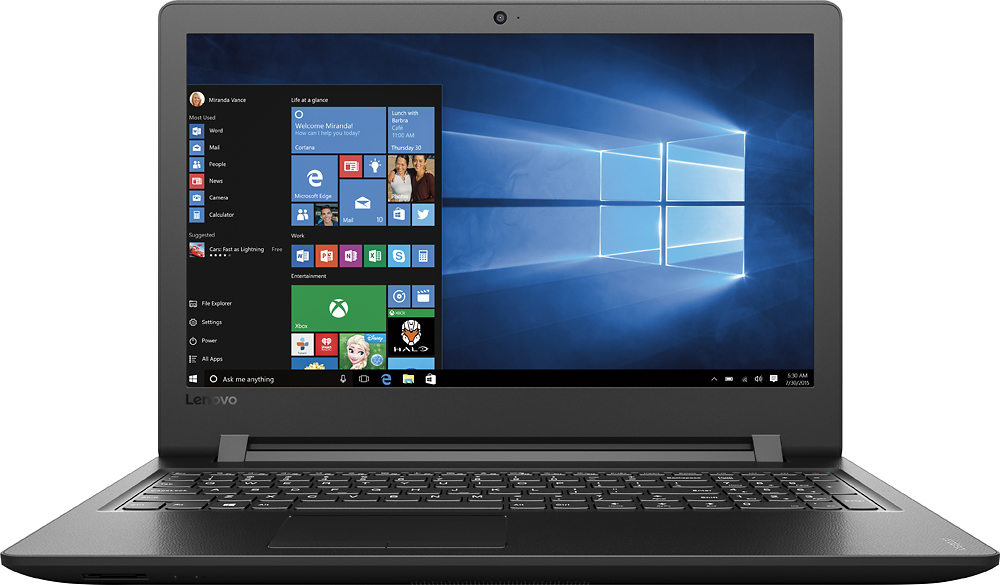
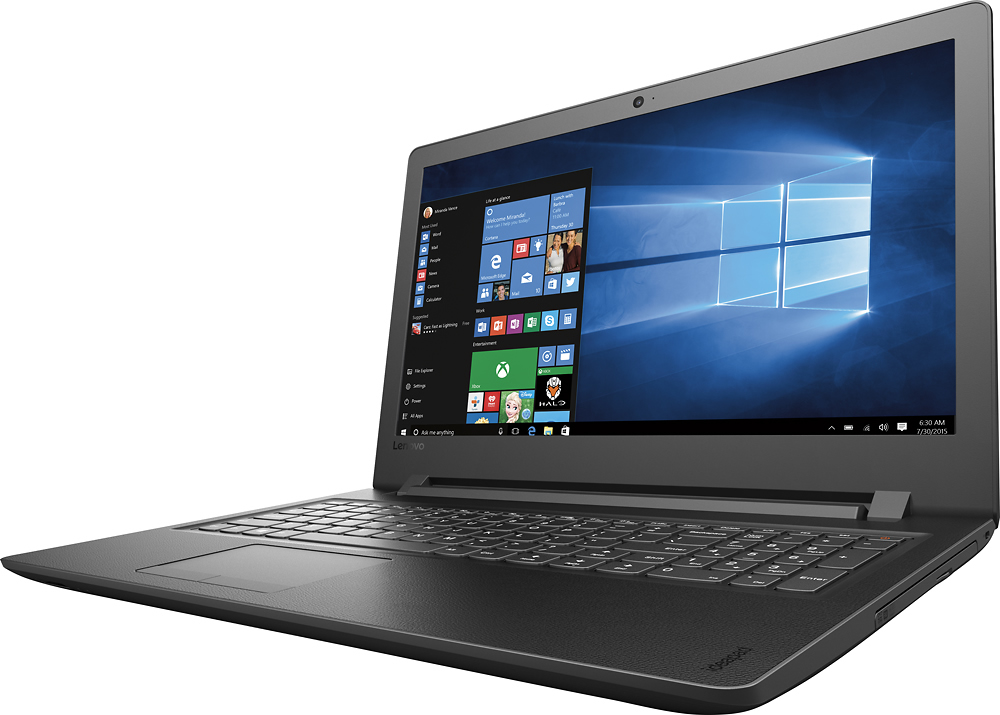
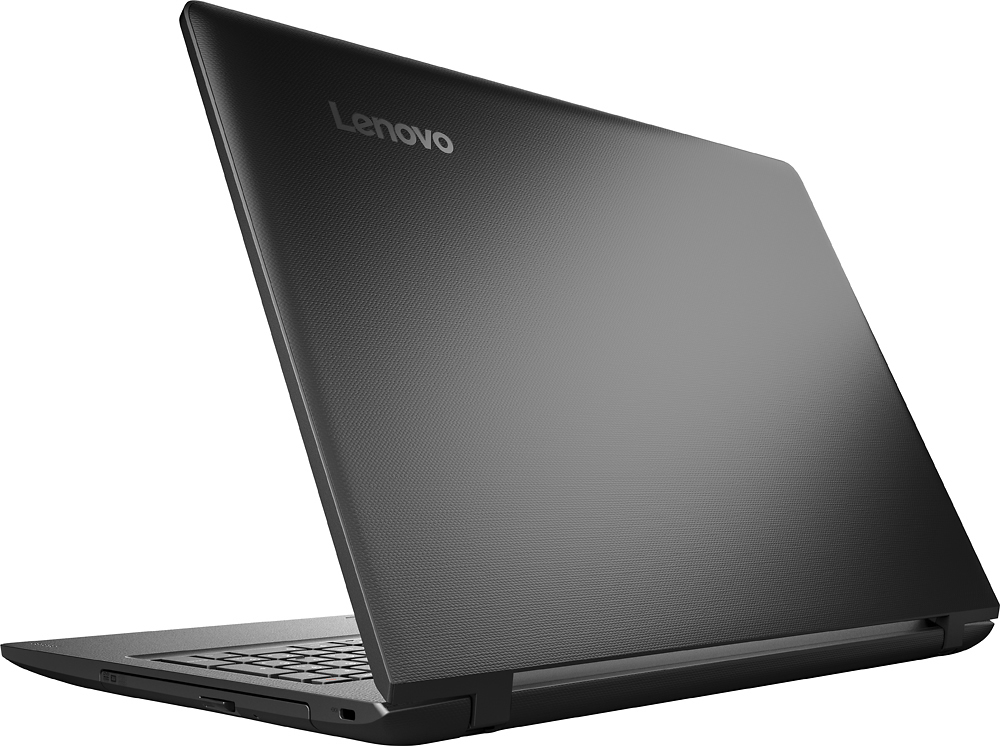
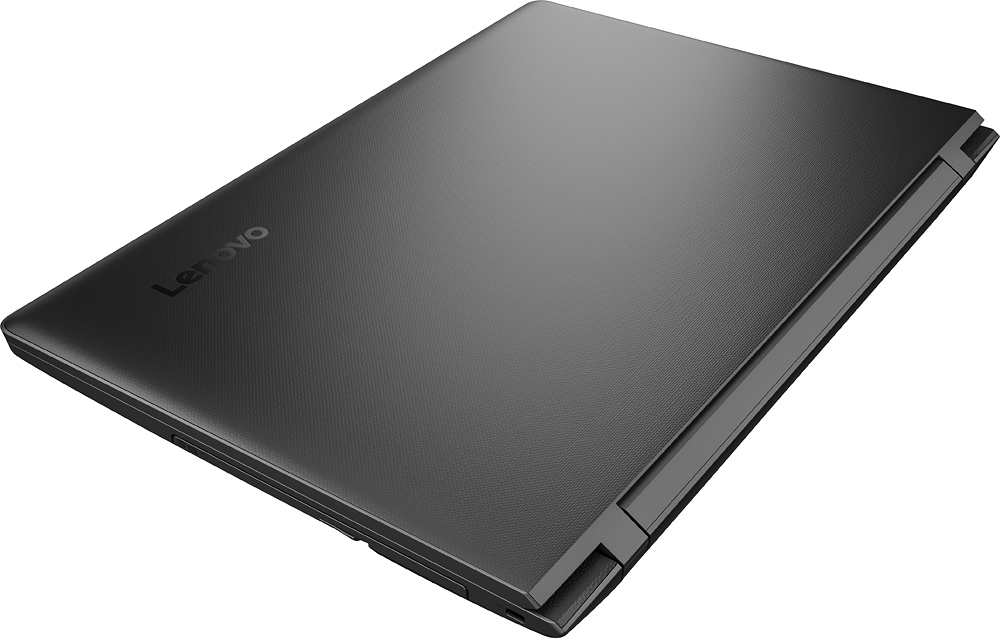
A:AnswerNo, this is a light use system. It is not meant heavy use or demanding software programs. We would recommend you consider a system with at least an Intel Core I-5 processor. Here is a link to an example:
http://www.bestbuy.com/site/lenovo-300-17isk-17-3-laptop-intel-core-i5-8gb-memory-1tb-hard-drive-black/5613401.p?skuId=5613401
A:AnswerAll work on this device must be performed by a certified technician, so as to not void the warranty. We recommend you contact a certified technician for advice.
A:AnswerThat will depend on the software you want to use to create the music. We recommend you check with the software publishers of the software you will be using for their compatibility with Windows 10 Home 64-bit operating system and the minimum/recommended hardware requirements (Is a Graphics card required, the processor speed and the minimum required system RAM) to run their program, then compare those requirements to this system's configuration.
A:AnswerI doubt it would be a very satisfying experience. System is minimal. Fine for web surfing and such - but not strong in any particular way. Plus speakers are poor.
A:AnswerNever seen a Laptop that you could change the CPU or Graphics as they generally are soldered on to ensure they really don't come loose being in a mobile type environment. So as far as the CPU that would be a big no! As far as the Ram I have posted in a couple other answers as the information is either just not read or not understood. If you go to Crucial dot com the memory company you can run a scan of not just this laptop but any laptop/desktop. This particular Laptop will max out at 32GB of DDR4-2400 SODIMM. The system comes with 4GB of memory already installed with a an additional open slot. (see photos added). No I did not actually look at the installed ram to see if it was soldered (which I doubt it is) The bottom of the laptop has about a dozen or so small Phillips type screws. (This design s different from other laptops one may be use to where the battery etc is in different compartments and visible) the whole bottom is 1 piece molded up and around. You must remove all these screws prior, not to mention having your system powered off. Once that is done use a small sturdy very thin piece of plastic or your finger nail and find a starting point to access the bevel on this laptop to start separating it from the top half it carefully work around the whole trim, you only need the front left open to access the empty SODIMM slot under the left side of the keyboard, the seam on this system is very very well hidden, the easiest would be look along side the edge of the keyboard and you will see it it actually wraps from the bottom, I would not remove more than you need to as it is pretty accessible. My Disclaimer is this( I am a certified Technologies technician A+,N+ Security + Microsoft MTA & MCSA with more than your average persons abilities and proper tools for working on computers etc. I do not know if you need to pay a certified tech to install this extra memory or not. really makes no sense like buying a car a the dealer telling you all the work must be done at the dealer or the warranty is void! So do at your own risk but it is not hard to do!) But like I said I really do not know as I have found no evidence anywhere stating this claim! If you have common sense then you can probably upgrade the ram if not then pay to have it done. But my daughters system is now running 20GB DDR4-2400 SODIMM which really makes a difference in the speed and usefulness of this laptop! pictures verify this. I hope this helps in the answers on if this ram is up-gradable etc. As far as upgrading the HDD, not sure why anyone would need to ? being a 1 TB HDD not to mention all the online cloud storage and portable HDD available.
A:AnswerThere is ONE SODIMM slot. The laptop comes with 4GB of RAM built-in to the motherboard and the SODIMM slot empty. You can add 16GB more via a RAM DIMM to the expansion slot for a maximum of 20GB (4+16). The integrated RAM and the RAM slot are both DDR4. The built-in RAM is DDR4-19200. It is preferred that you get a SODIMM of the same speed (19200). The process of getting to the RAM slot is a bit complicated - first you have to remove ALL screws from the bottom of the unit. Second, you have to remove the DVD drive. Third, you have to remove the two screws exposed from removing the DVD drive. Finally, you need to use a plastic shiv to pop up the keyboard exposing the final screw (not exactly an easy task...I used a used Gift Card to pop it out). Remove this screw and the bottom of the computer will come off. Insert the RAM, and put all the screws back.
A:AnswerPlease clarify. So if it comes with 4GB and has no memory slot, how do you upgrade it to 8GB?
Also Crucial lists a 16GB SODIMM that's compatible with this machine.
If the 4GB is soldered on the MB there still must be a SODIMM slot for additional memory.