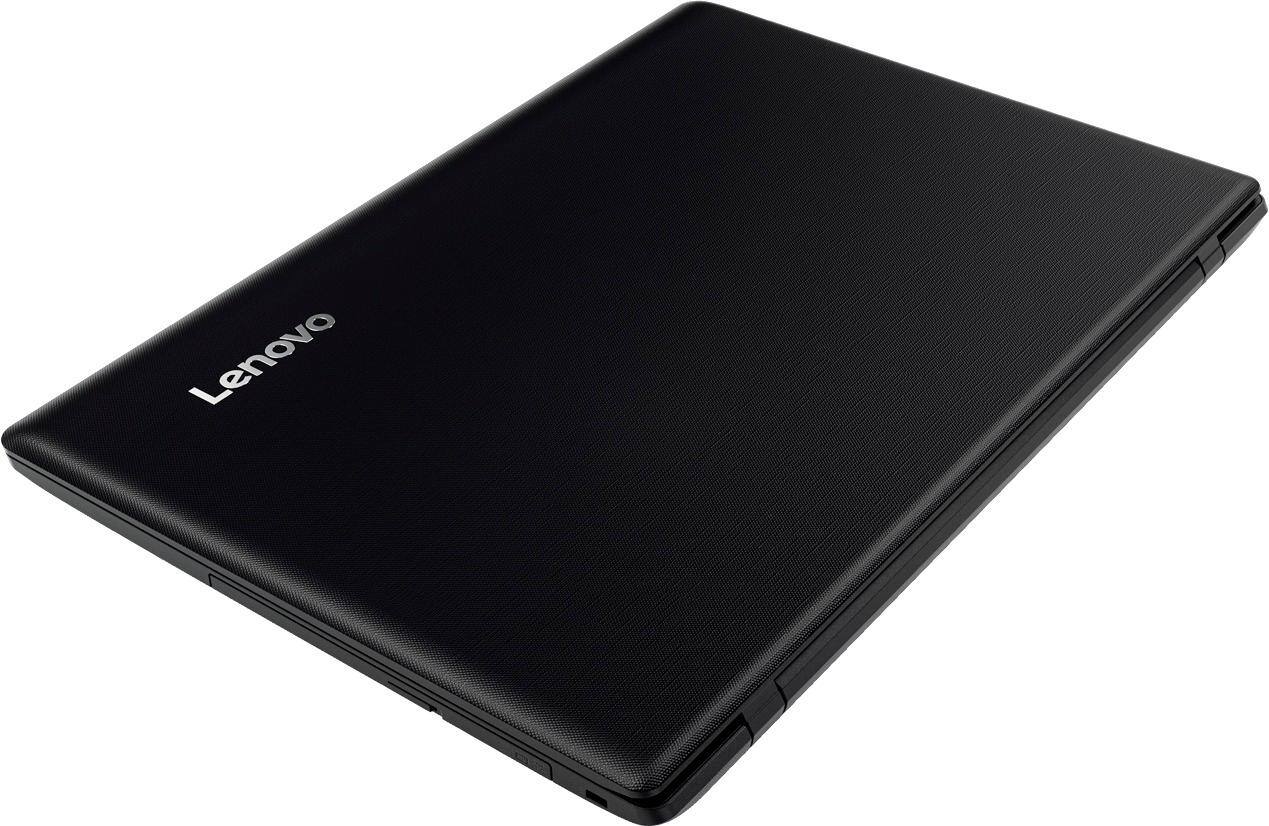
A:AnswerAMD processors are well respected in the computing industry. Be sure you choose a processor based system that can perform the work you intend to use the computer for. For instance, the configuration of this system is a light use to mid-range computer. This computer is not meant for heavy use, multi-task type of work. If you have multiple programs/windows open at the same time, all day long, this computer will not meet your computing needs.
A:AnswerYou would need to plug it in to charge it, but once it is charged, you should be able to use it on the battery (unplugged from the outlet) for a few hours.
A:AnswerThis computer is wayyyy overkill for just word processing and typing papers and online courses. Yes, you will be able to do all that, but I would suggest looking into a cheaper option.
A:AnswerYou can use the CD?DVD drive within the device. First though, make sure the programs are compatible with Windows 10. If you install programs that are not compatible with Windows 10, these programs may cause Windows 10 operating system to fail.
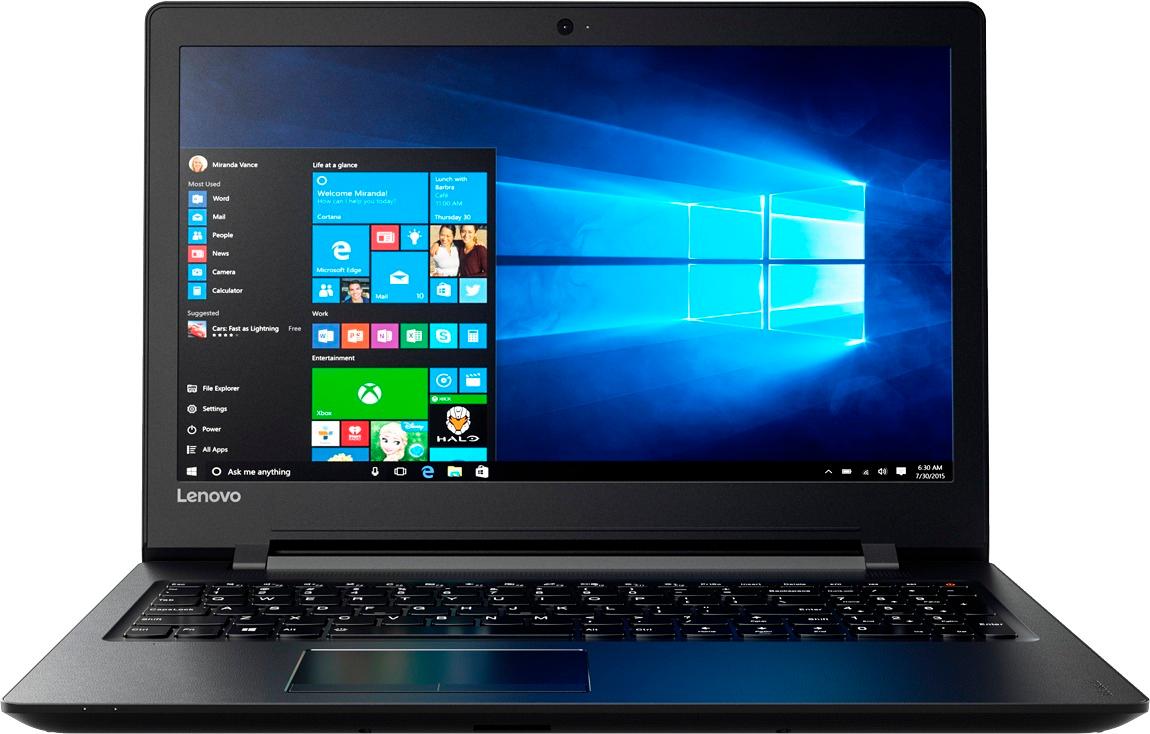
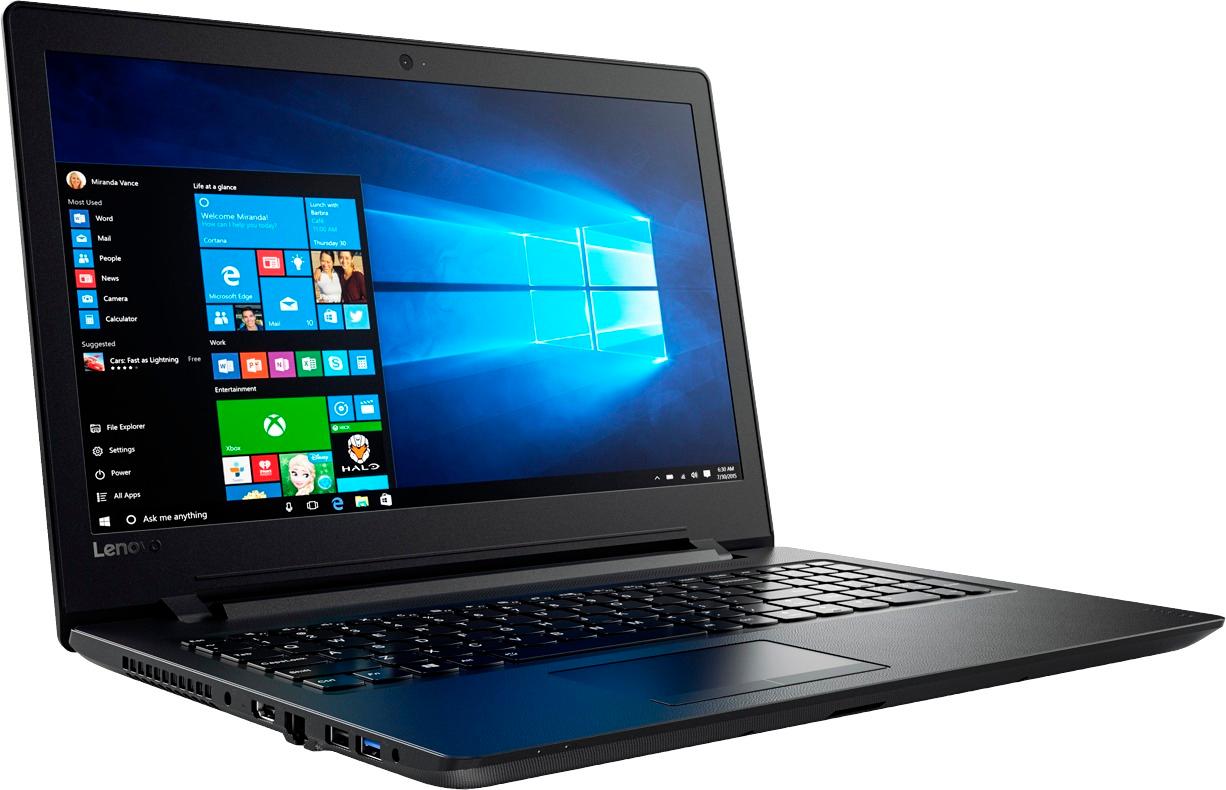
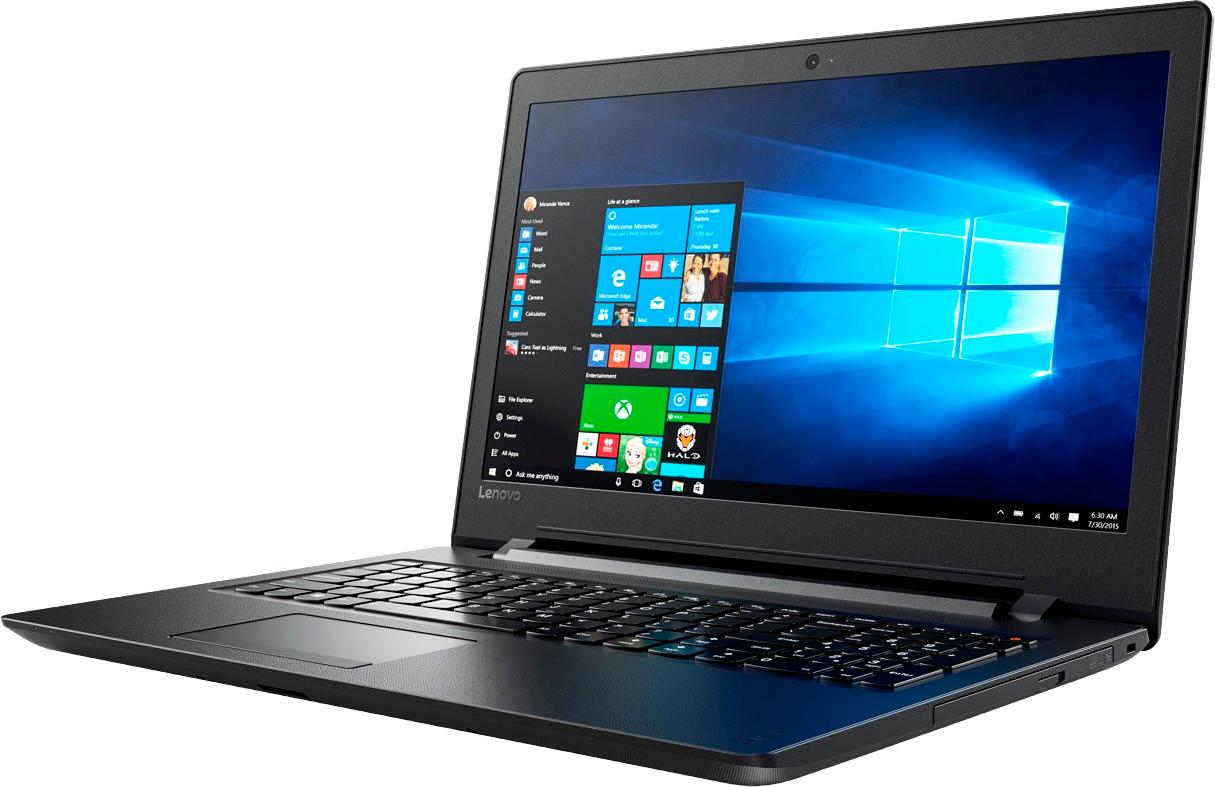
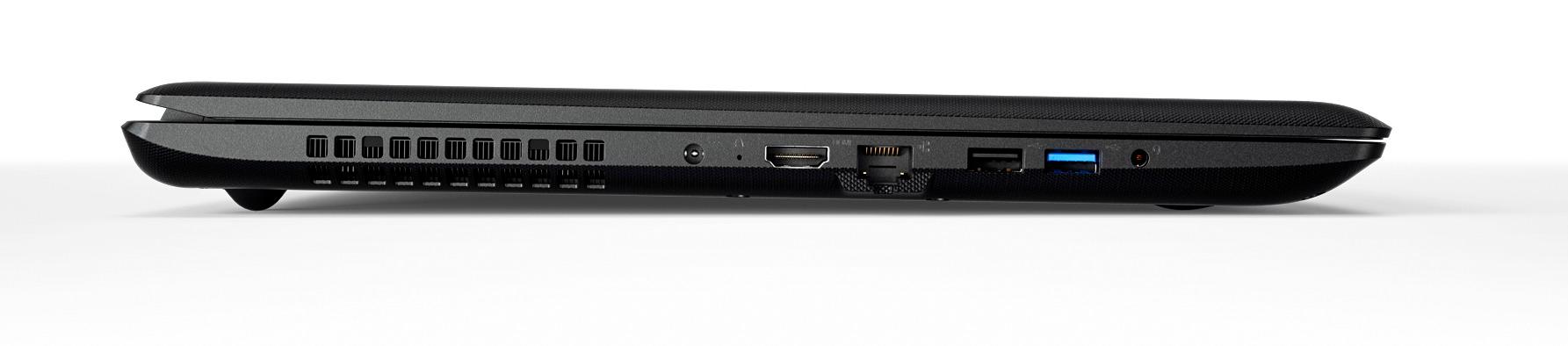
A:AnswerWell it is a big and sturdy type of a laptop which I do not like, but for the price I didn't mind too much. For a young 10-year-old, I would normally say no, but at the price they are going for now it is great deal. It actually has a DVD player in it which is a rarity for a full laptop and not one of those 10 " screen tablets...which in my opinion would be fine for you grandson and playing games. But he would grow out of it very quickly and the Lenovo (which is a great company and makes the best laptops for business in my opinion) would do so much more...it has way too many games already installed on it which to me is bloat ware, but to your grandson would be a positive. The screen is big enough - 15" to help him from going blind looking at some of those before mentioned tablets. It has good stock speakers and it can handle quite a bit of software like MS Office, etc... the big boy stuff which would probably translate well for his homework and to be able to run a bunch of those games.... I would not recommend if he is into some of those serious games (but then you would not be a very good grandpa for letting him play with those big boy graphic games. Not too many USB slots (2) but expanders are dirt cheap and it has other useful slots as well. Has a computer HDMI out interface to connect with any LED TV with a corresponding HDMI in up to 4K HD TV HDMI, and it works very well duplicating the screen from the laptop. Have not used it to run any Kodi or software like that, but I am sure it could handle it. I think in summary at that price they are going for you could not go wrong. Comes with Windows 10 and the keys are big and easy to get to. Some complain that the shift and enter keys are the same size.... but again for $279 and even less at $179 today you can't go wrong. Screen is bright and detailed enough Looks great. So yes is my answer. But opinions are all relative are they not? Good luck!
A:AnswerIgnore these clowns telling you to spend more money at BB. It's a relatively cheap computer, don't worry about the warranty. Upgrading the RAM is one of the easiest things you can do. It takes about 10 minutes to remove the old RAM chip from the slot and insert the new one. Just note there is only one slot on the board, so you'll have to buy an 8gb RAM card rather than adding a second 4gb to it.
A:AnswerHP sells many models of the Envy x360 with different processors. The Ryzen 5 model is the newest and best model available from AMD or Intel. It's a bargain and a powerful laptop. Don't pay more for an inferior Intel powered laptop. AMD Ryzen is the gold standard now in the laptop segment.