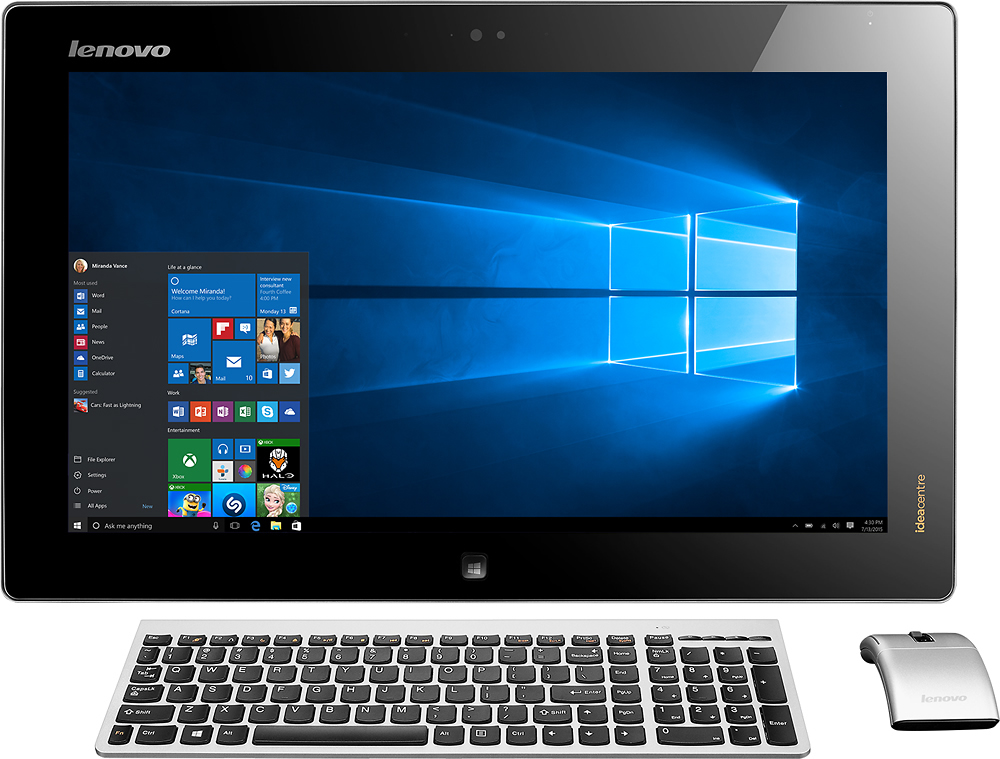
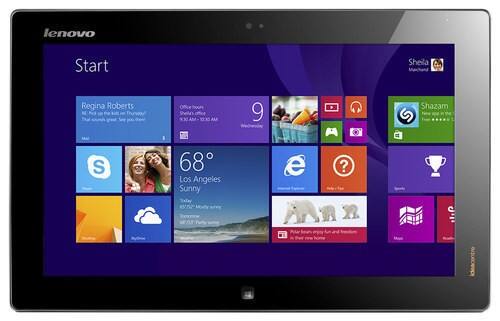
A:Answer I had a similar problem with mine, when it sleeps and blacks out the screen it would not respond to either the key board or the touch. I fixed the settings so that it does not sleep. Go to your account picture in the app/start menu, right click on it and select "change account picture", it will go to a screen that has an arrow by the word "Accounts" click on the arrow this will take you to a screen that says "PC Settings", choose: "PC and devices". On the list presented choose "Lock Screen" go to the right side of the screen and scroll down to make sure the question "When my PC is inactive, show the lock screen instead of turning off the screen" is set to ON. Also the following question "turn off screen after slide show has played" should be set to Don't turn off. This should fix the touch screen issue.