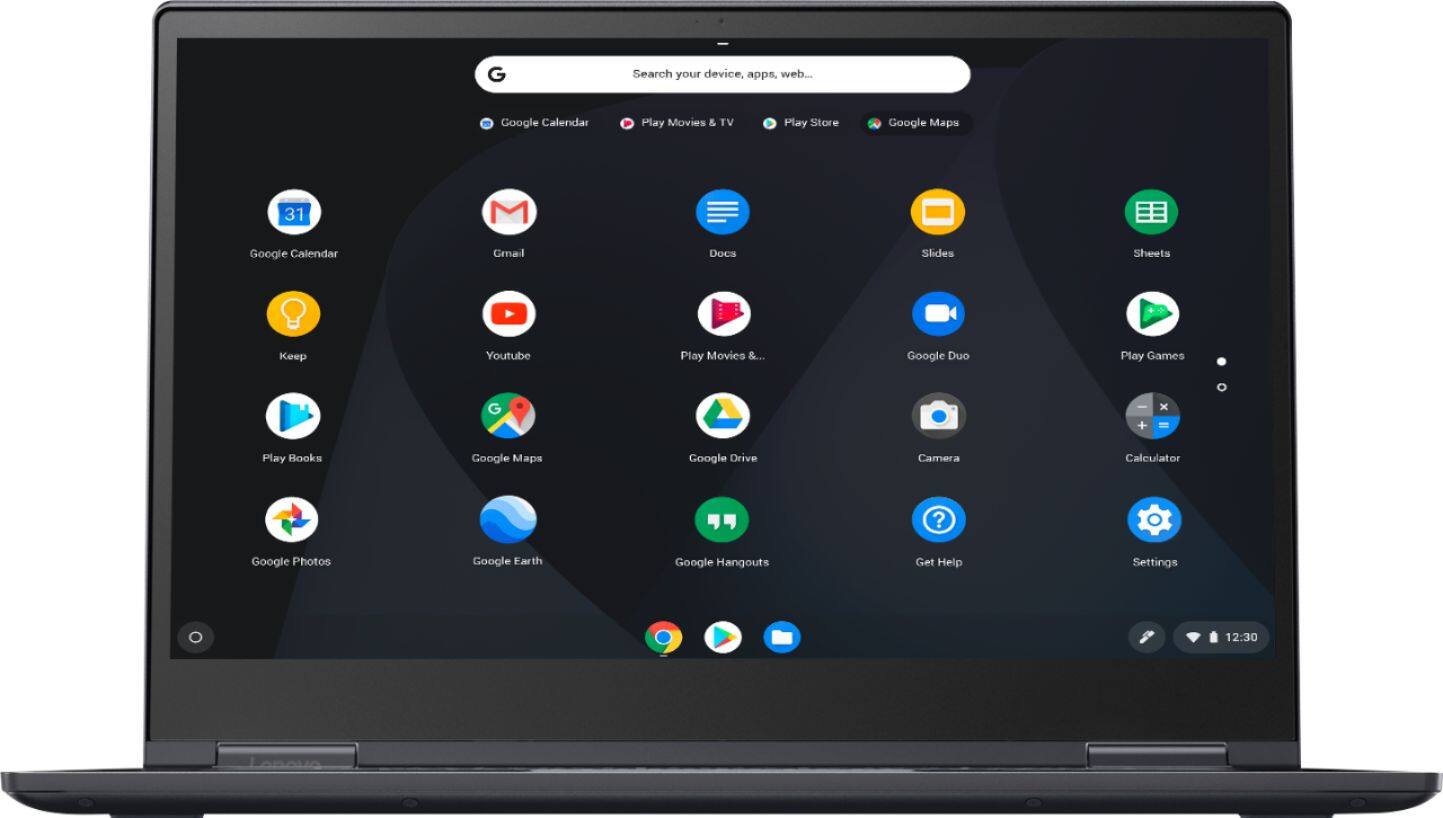
A:AnswerYes. This Chromebook uses Google Docs through the Google Server. Pages, the Google Docs version of Microsoft Word is completely compatible. You will be able to open, edit and return the document to the sender and they will be able to open your Google Docs version.
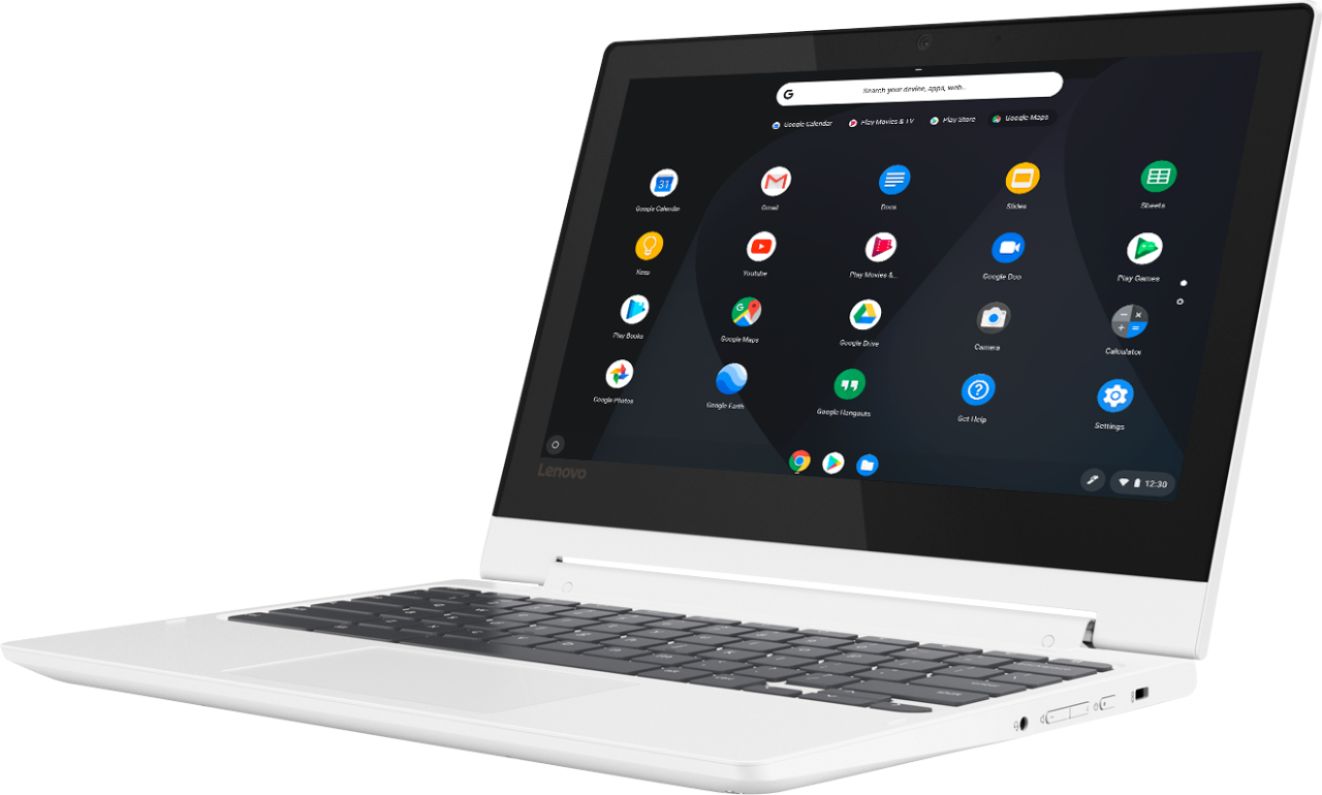
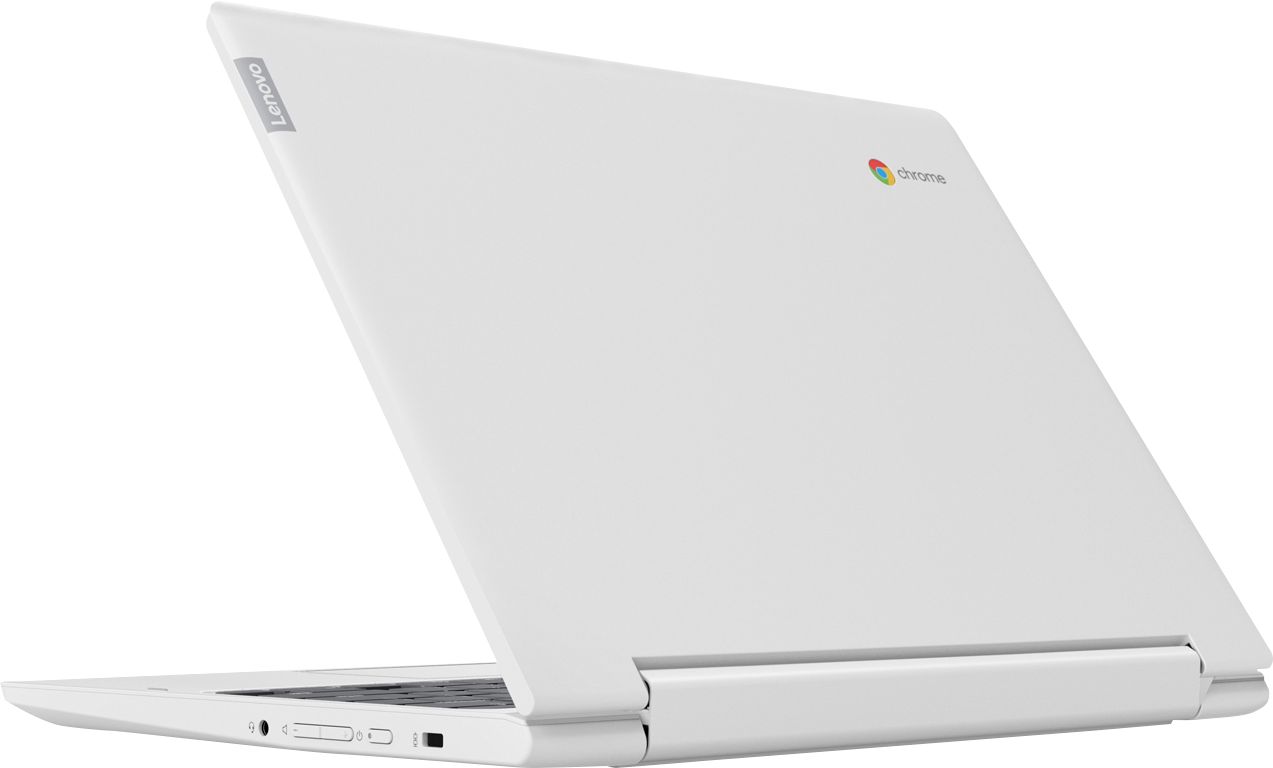
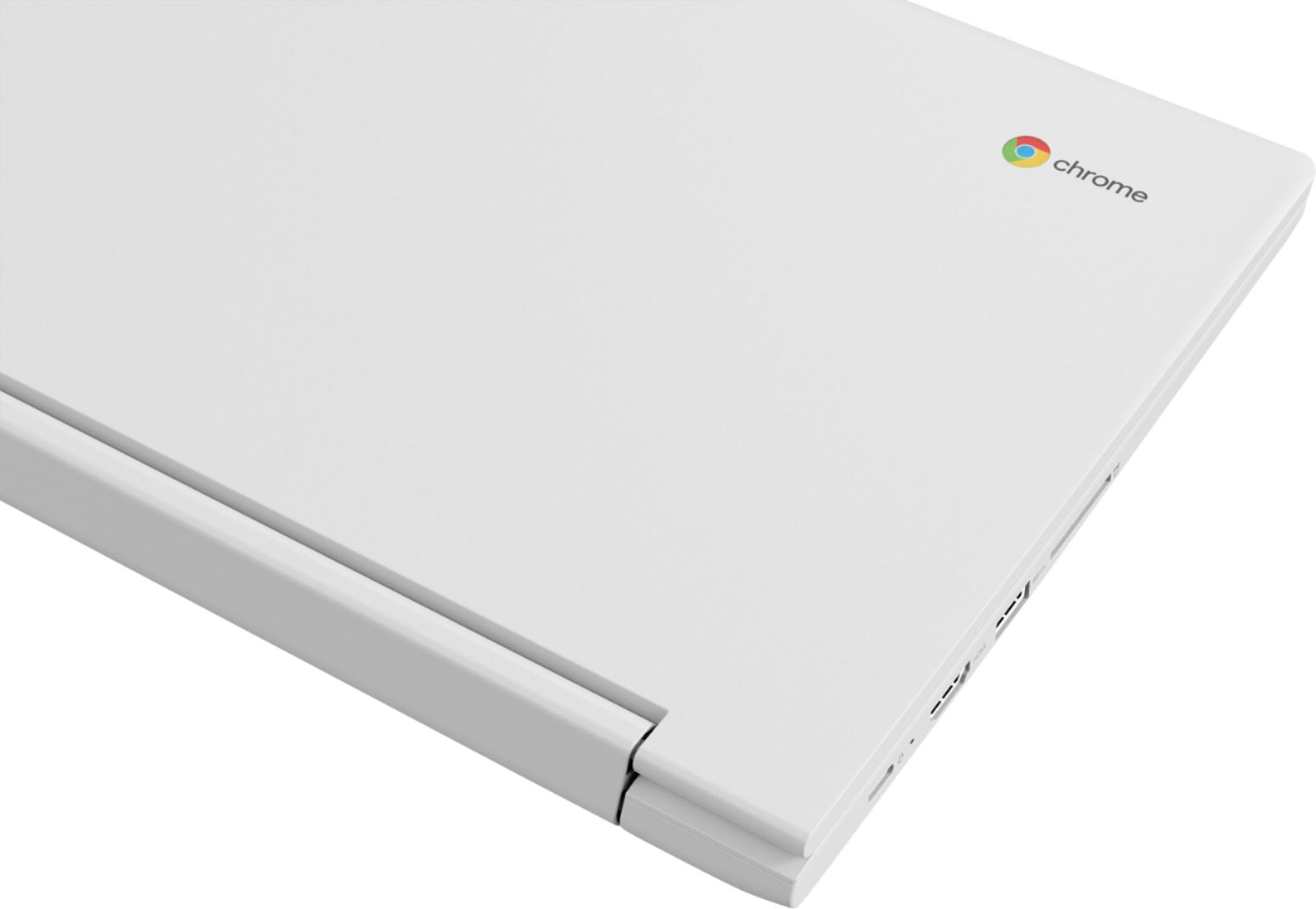
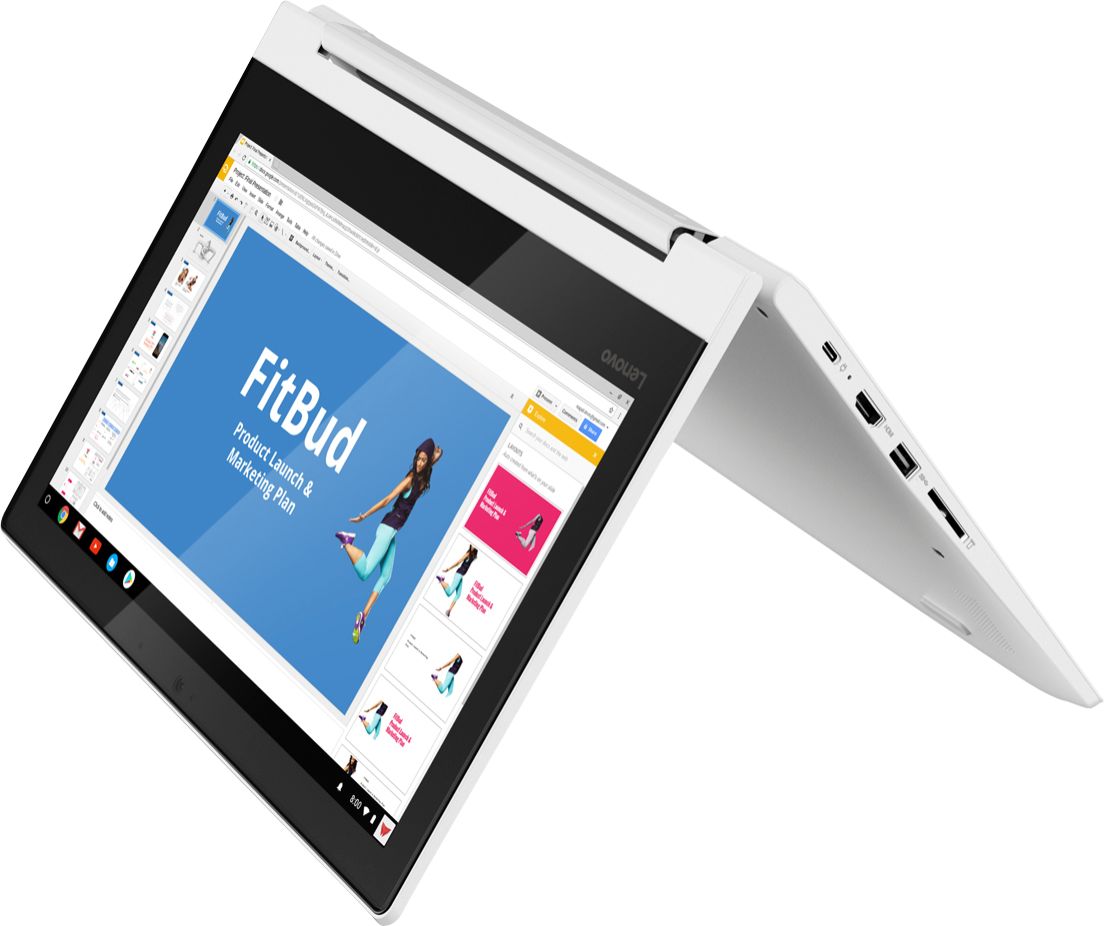
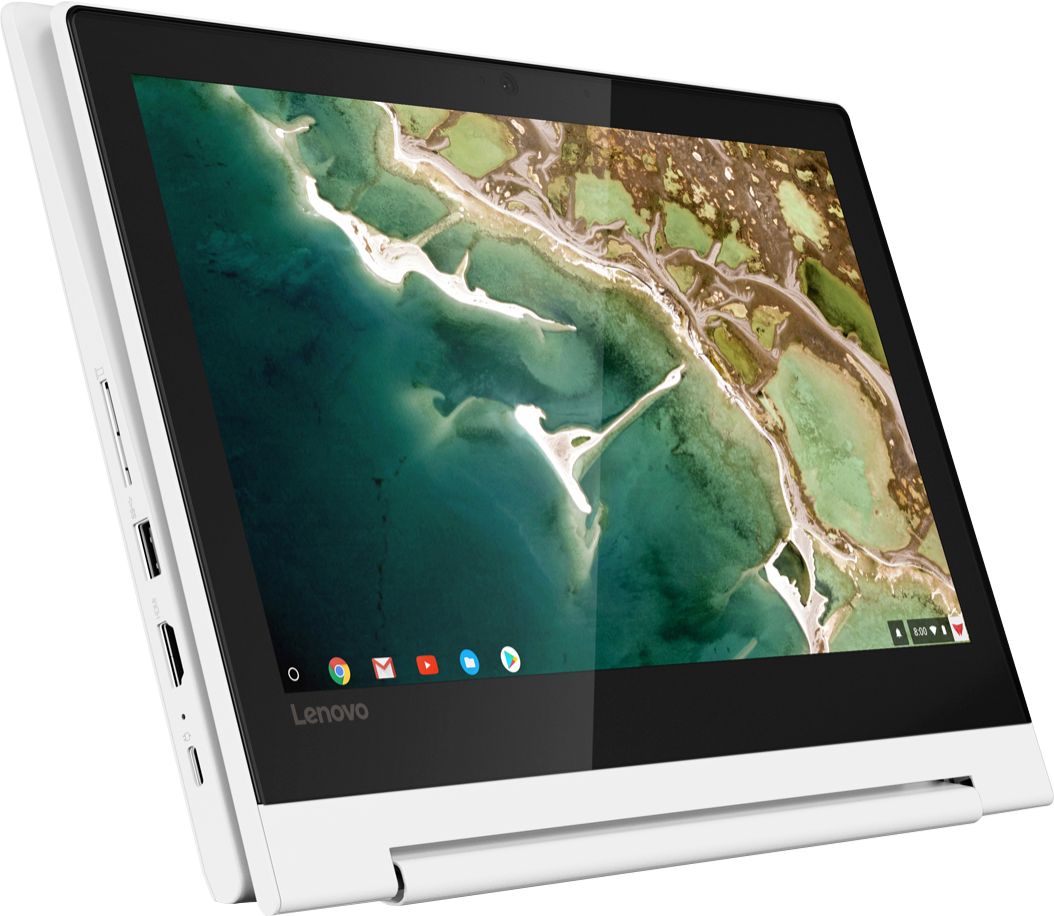
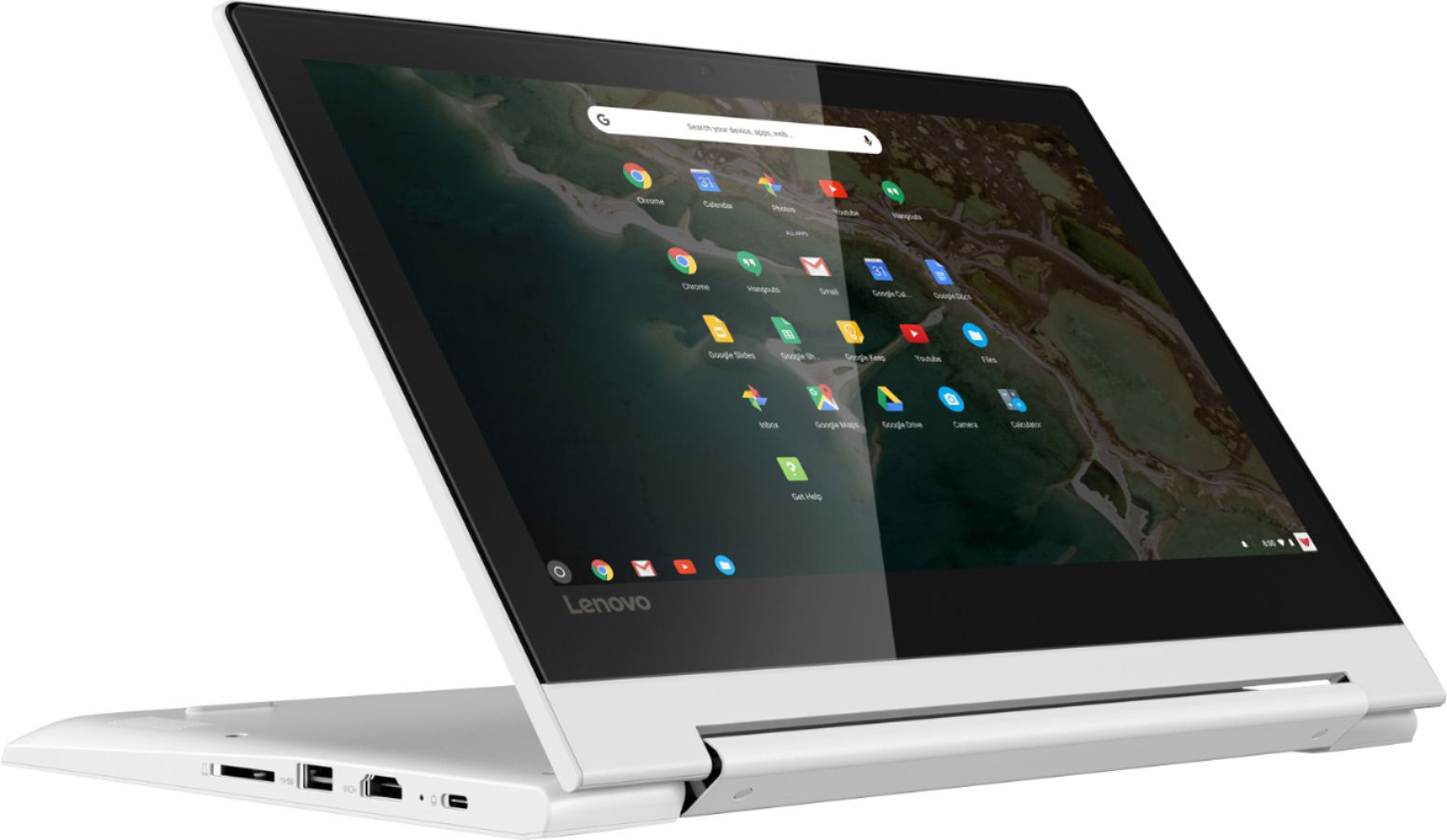
A:AnswerThe Lenovo C330 Chromebook has one standard USB port and one USB-c port. If you need more USB ports for this device, you may want to consider using a USB Hub with this device.
A:AnswerYes! Any simple documents are transferred smoothly like they were created on your new computer! I have yet to transfer zip files sonI cannot say on those, but I can confirm docs. transfer easy and smooth. I didn't think I d like this Chromebook at first but I have grown to love it and it goes everywhere with me! The doc. app on it is super simple, just like windows and microsoft 7! I def. Recommend!
A:AnswerAdobe Flash is directly integrated with Google Chrome and enabled by default. Any available updates for Adobe Flash are automatically included in Google Chrome system updates. For more information about Adobe Flash and your Chromebook, visit Google's Adobe Flash Player page.
A:AnswerThere are lots of apps to download that you could write a book or anything else. Also it has Google docs right on the computer which is free. There are a lot of writing options for Google docs they do have a resume document to use.
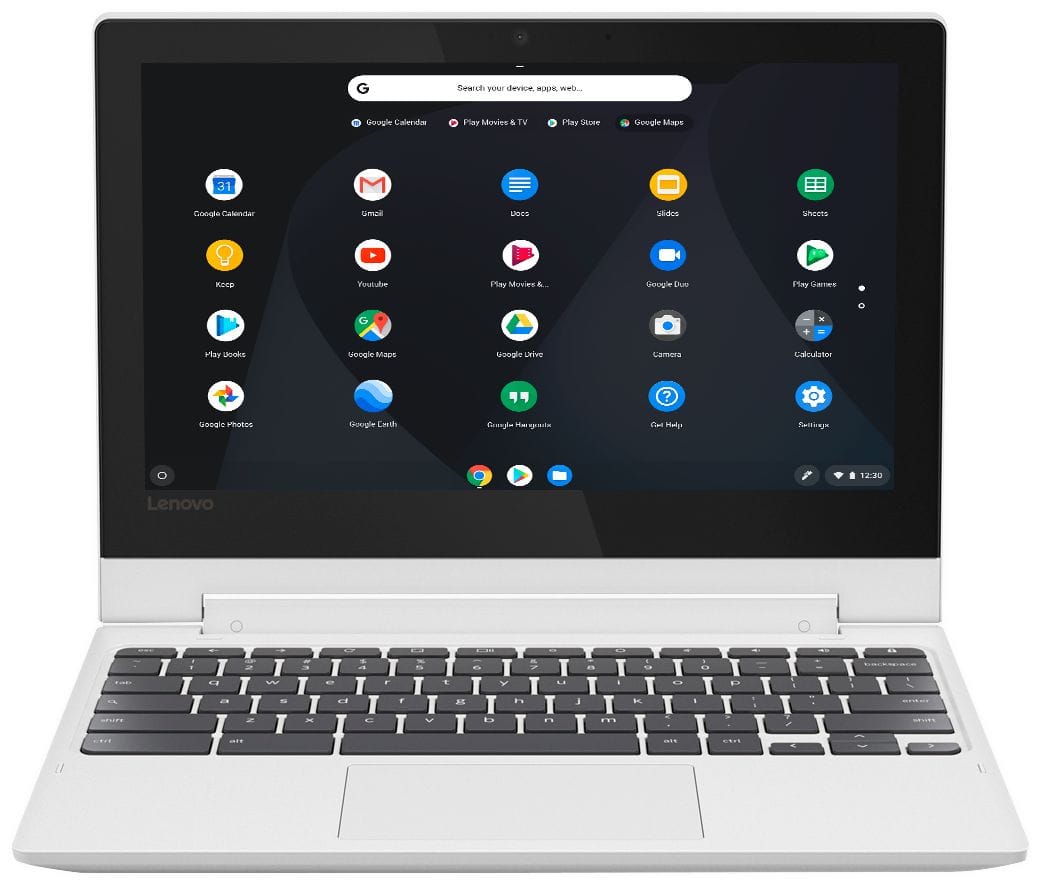
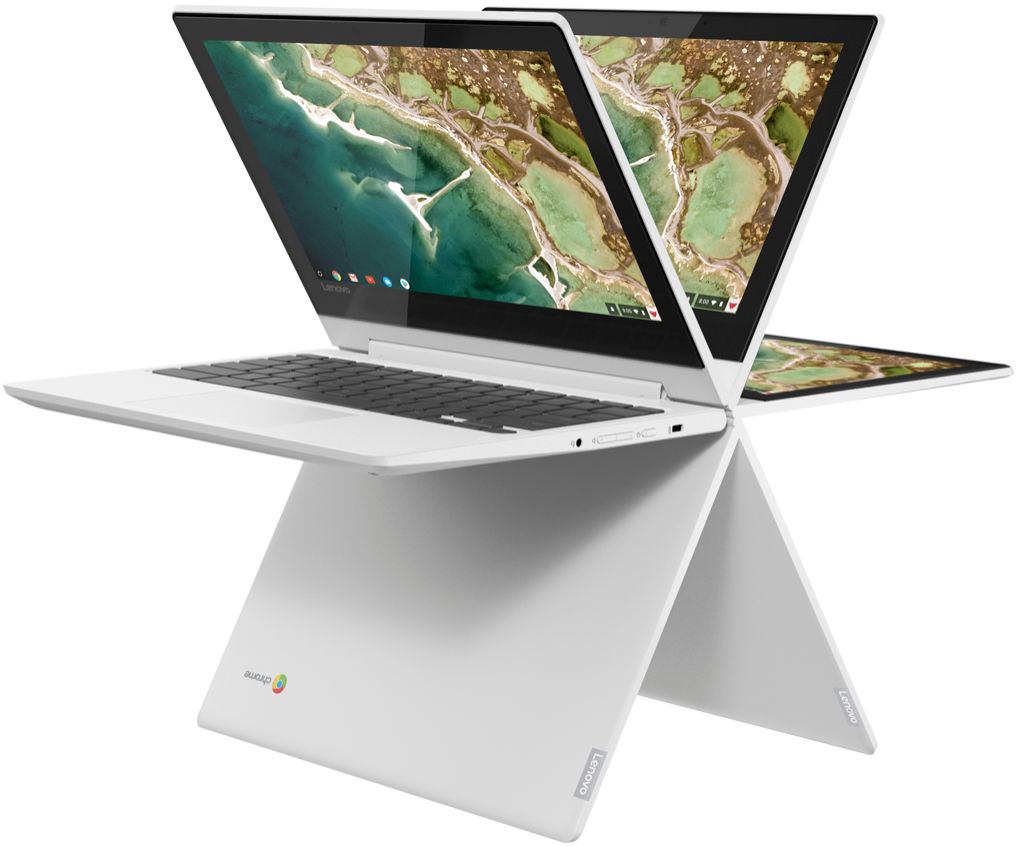
A:AnswerThe 2-in-1 does not refer to the operating system. It is a Chromebook and therefore does not have Windows. It is a 2-in-1 because it functions as a normal laptop computer, and the screen also flips all the way back to function as a touch-screen tablet.
A:AnswerI connected my dell Logitech mouse by usb and it worked great . I’m sure any wireless remote would work too. If you want to be sure I would call and find out which ones work for your computer or on YouTube.
A:AnswerThe Lenovo C330 Chromebook, model number 81HY0001US, ships with a 3CELL_45WH_INTERNAL, Lithium Polymer battery, with a battery life of up to 10 hours, depending on the work that the device is performing.