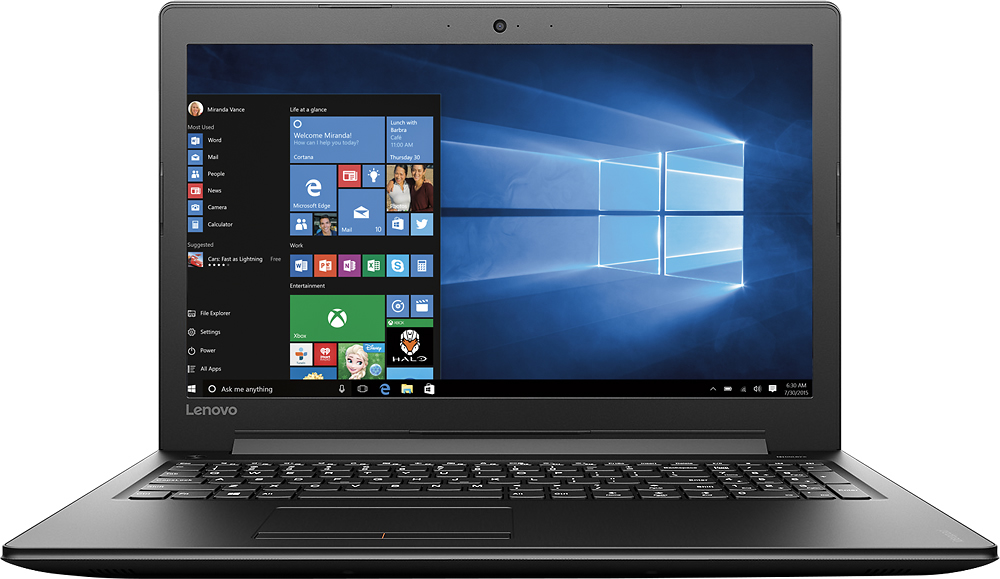
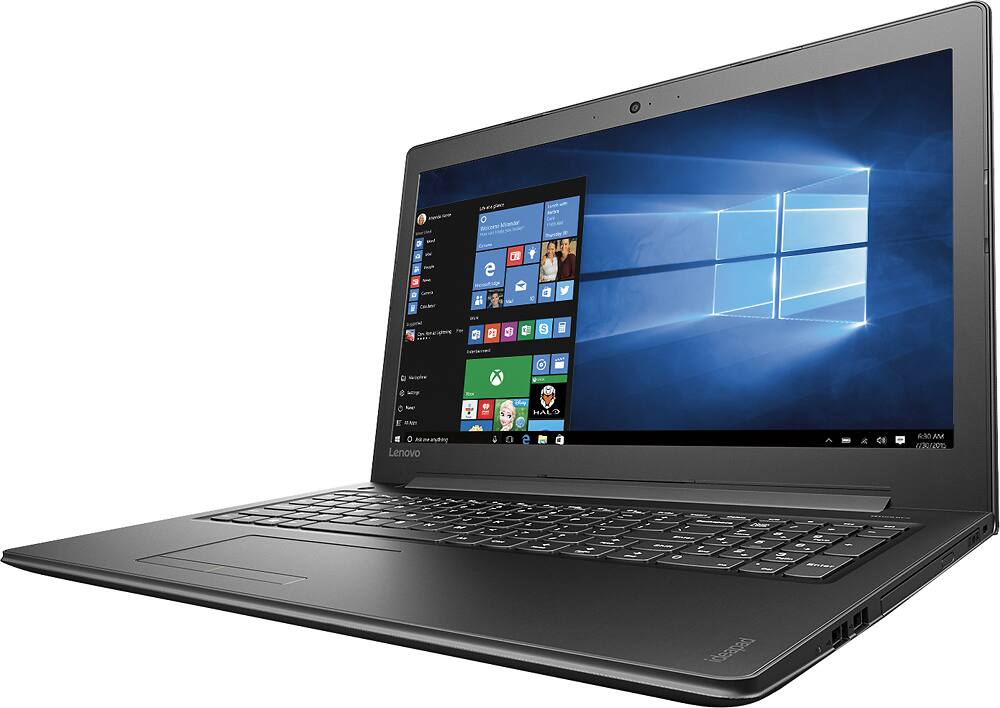
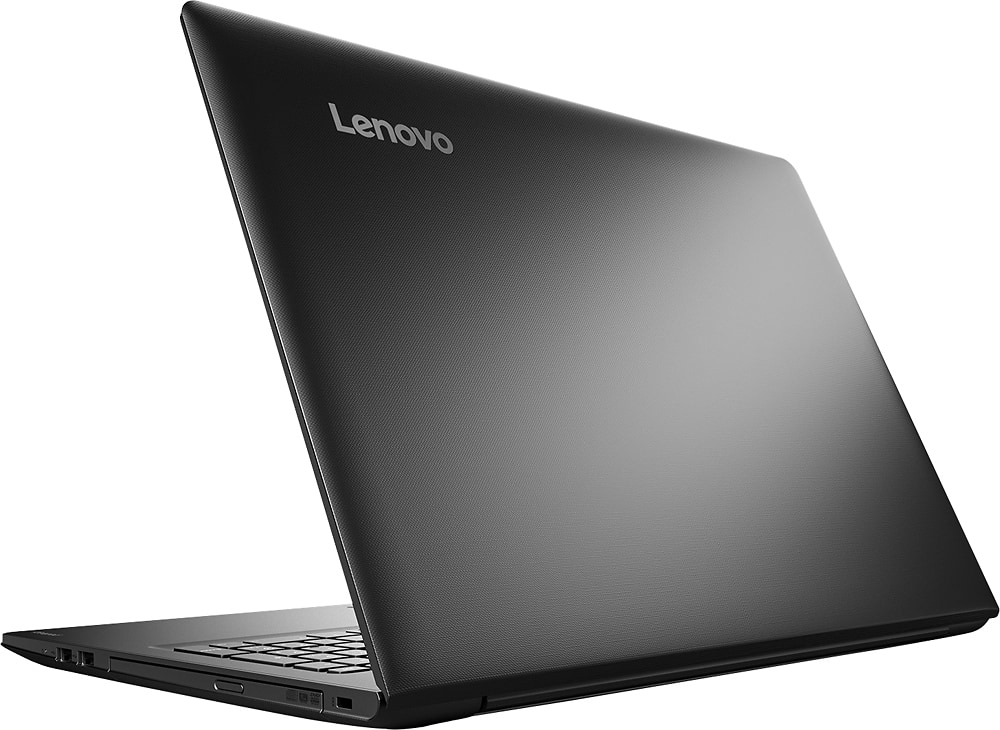
A:AnswerI made sure to save my work constantly because I had the same problem. I even took it to the geek squad and still had problems. My solution is to throw this one out the window and buy an HP.
A:AnswerThat depends on the requirements of the photo editing software you will be using. We recommend you check with the photo editing software publisher for their compatibility with Windows 10 Home 64-bit operating system and the minimum/recommended hardware requirements (Is a Graphics card required, the processor speed and the minimum required system RAM) to run their program, then compare those requirements to this system's configuration.
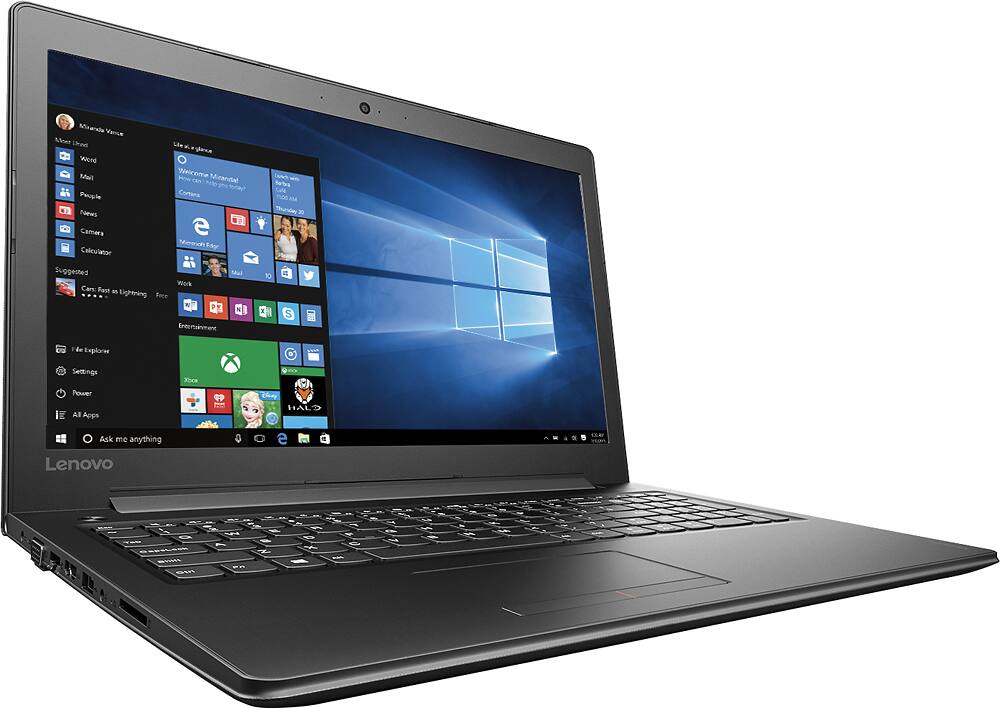
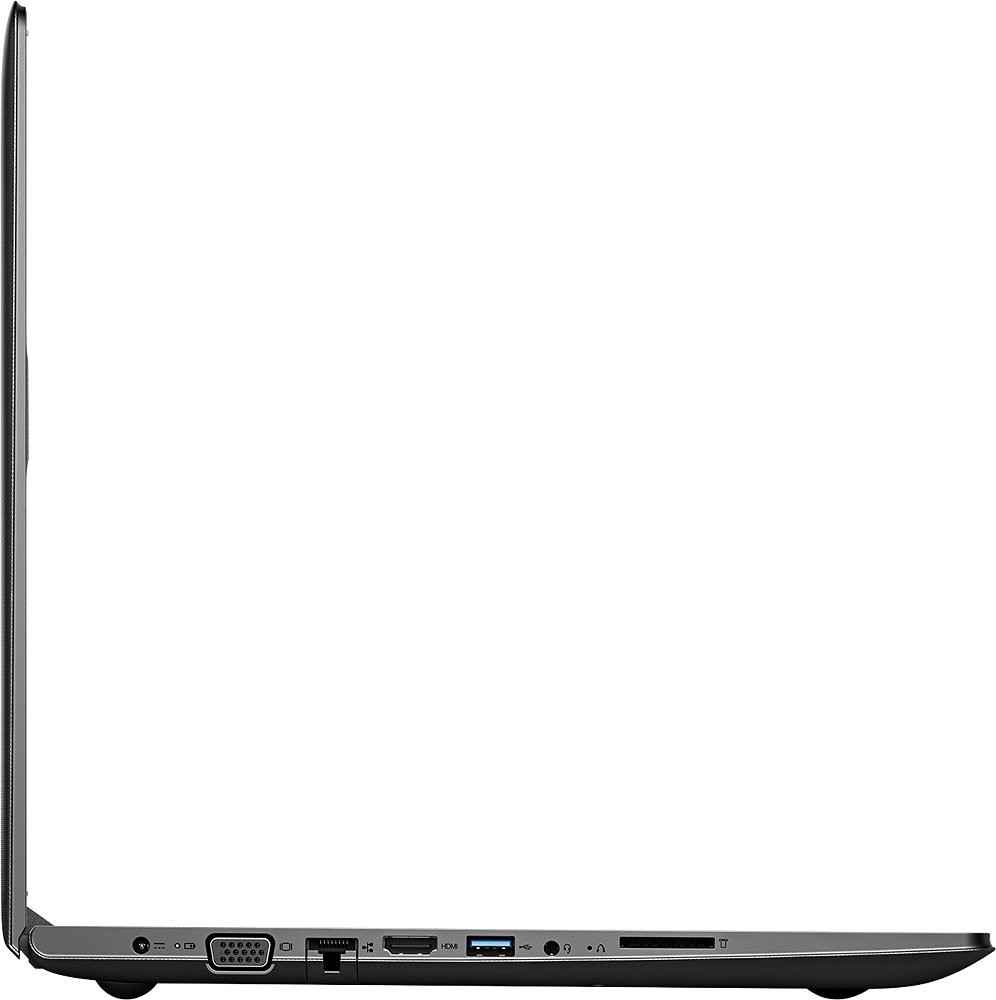
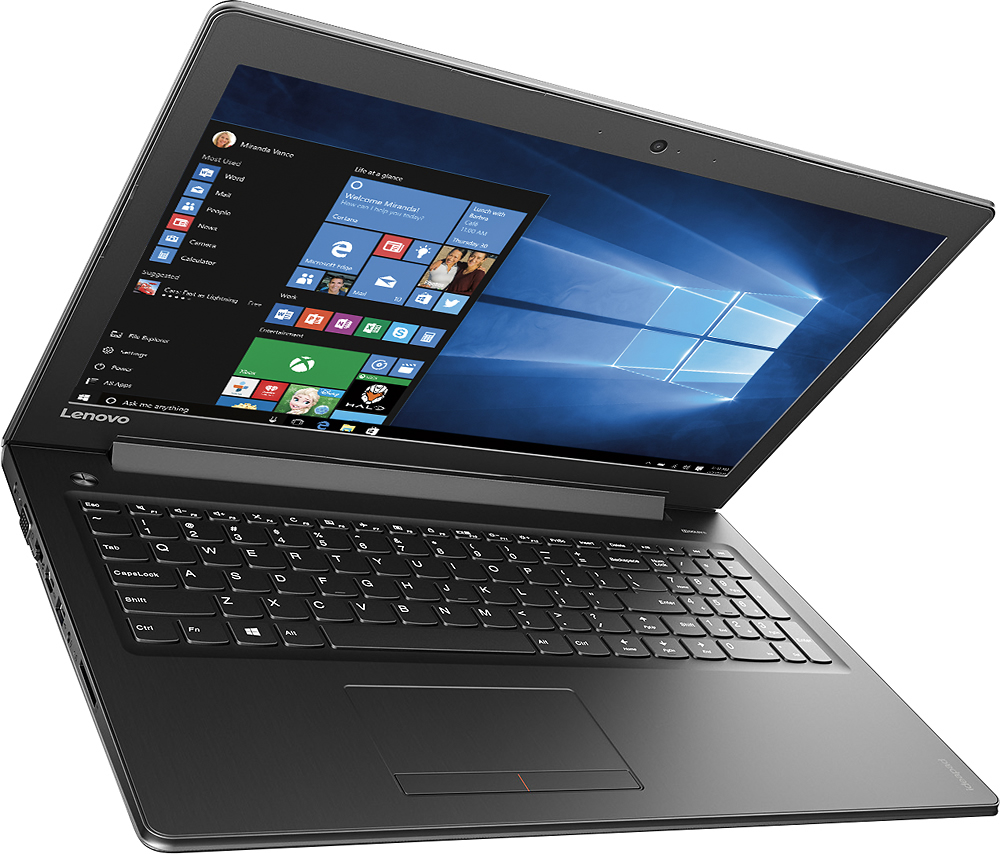
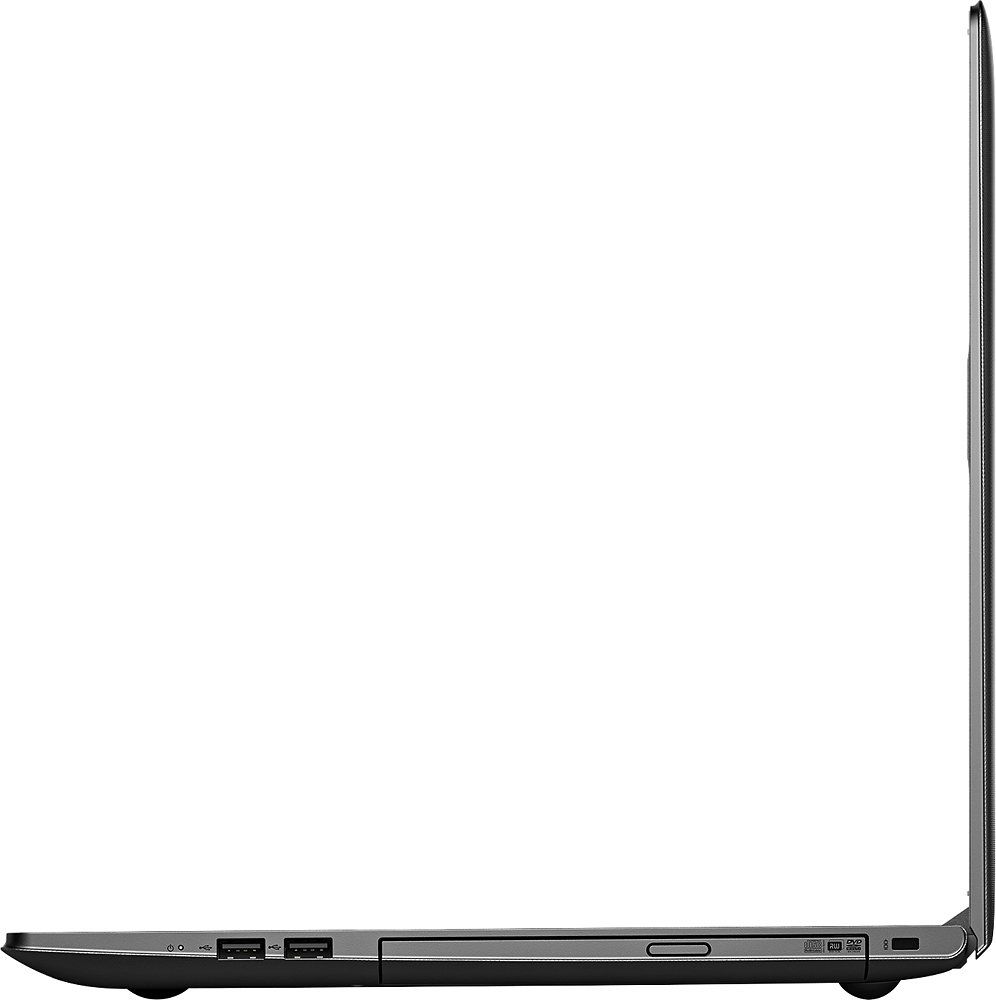
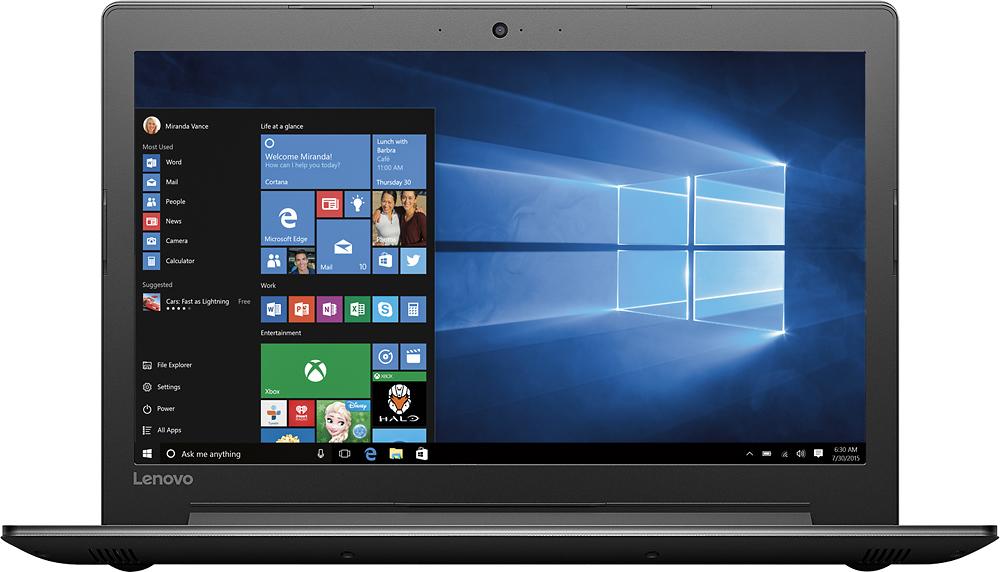
A:AnswerUse your fingernail or dull pointed object (stylus/pen) and push the oval button in the middle of the disc drive (right side of laptop) and simply push on that spot.
Release and let the door pop open. It may take a moment for the laptop to respond, just be patient. You'll hear the rev of the drive and it will pop open about an inch or so. Pull the drive open until it extend no further. Carefully slide disc slightly into the laptop opening of disc drive and gently place disc center nub on round disc holder, push down and then push drive door closed (it will click back when closed). It works much like most other thin laptop disc drive door opening/closing.
A:AnswerIt should be powered enough to run Adobe Elements Primiere but not the full-blown Adobe Premiere CC suite app. It might but this is a low level (mid-level entry) laptop (or higher level entry laptop, if you will) and it hit its limit quickly with shared video memory INTEL 620 and only 8GB of ram, so home version of Corel or Adobe will run just fine.