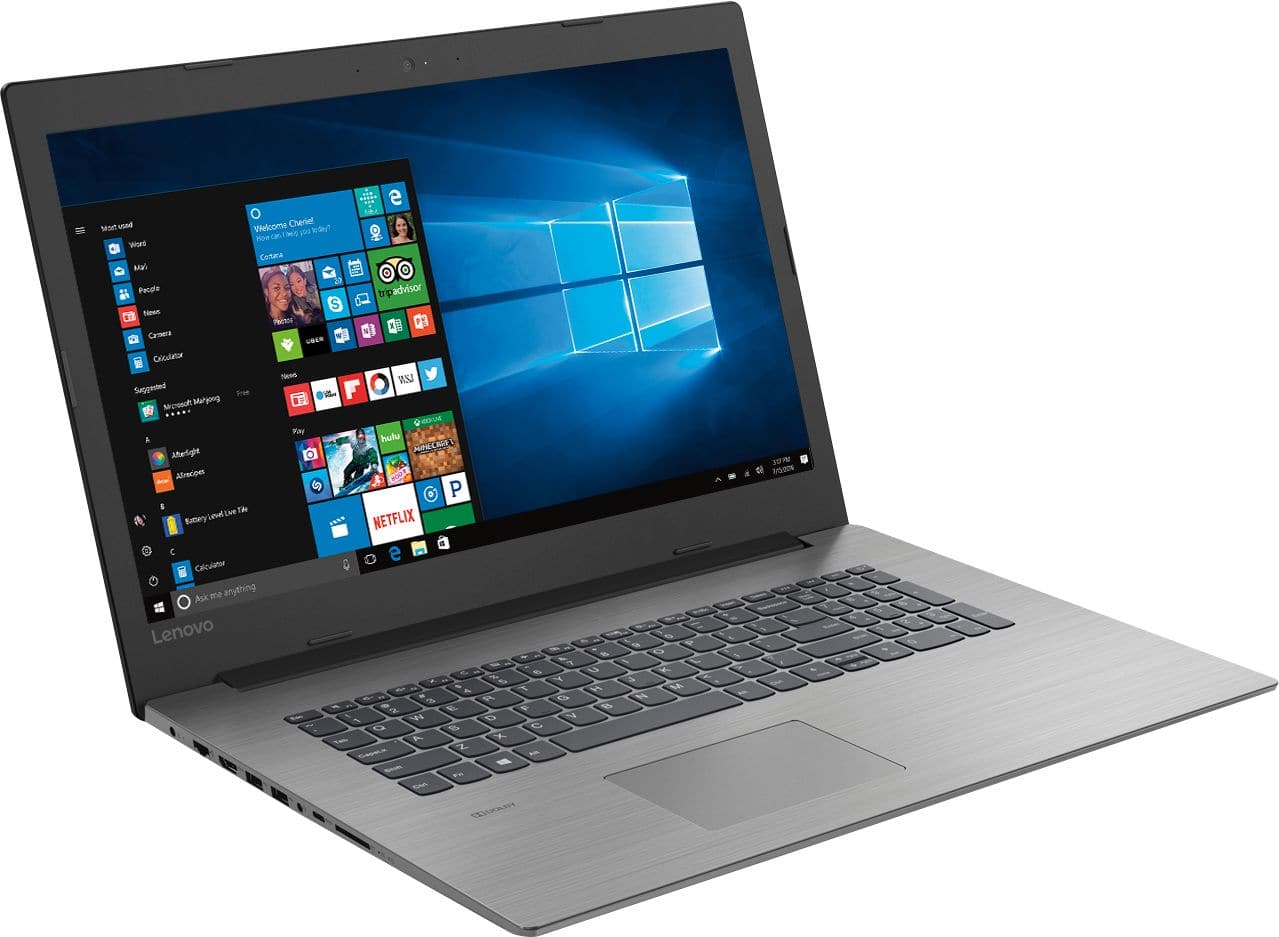
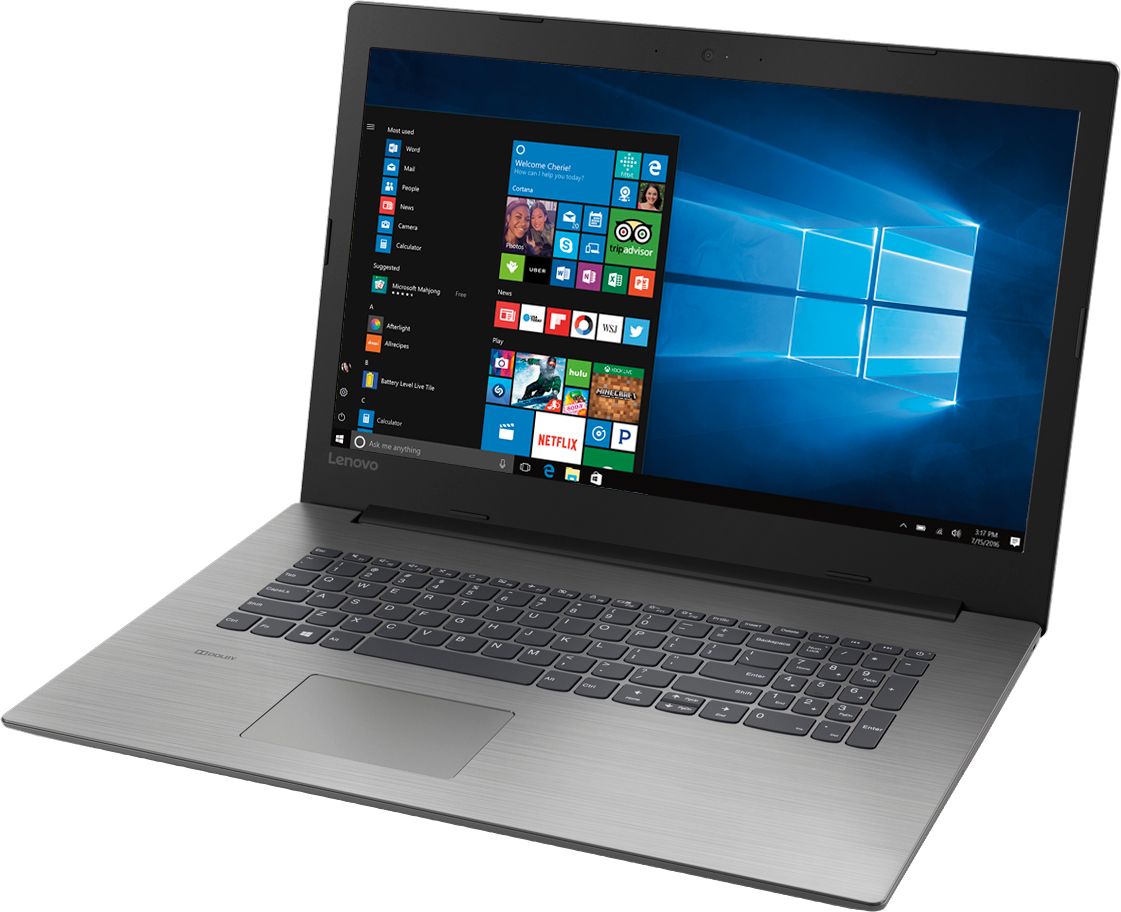
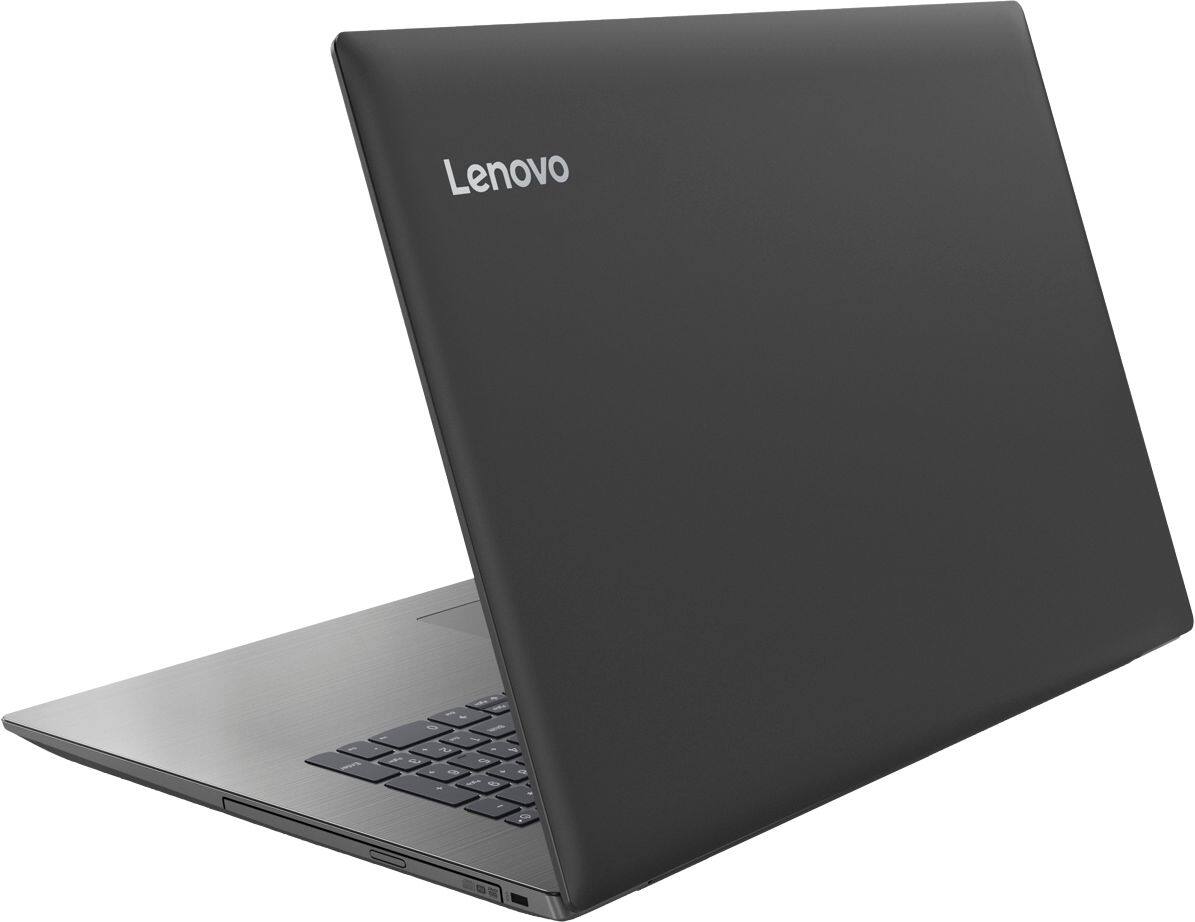
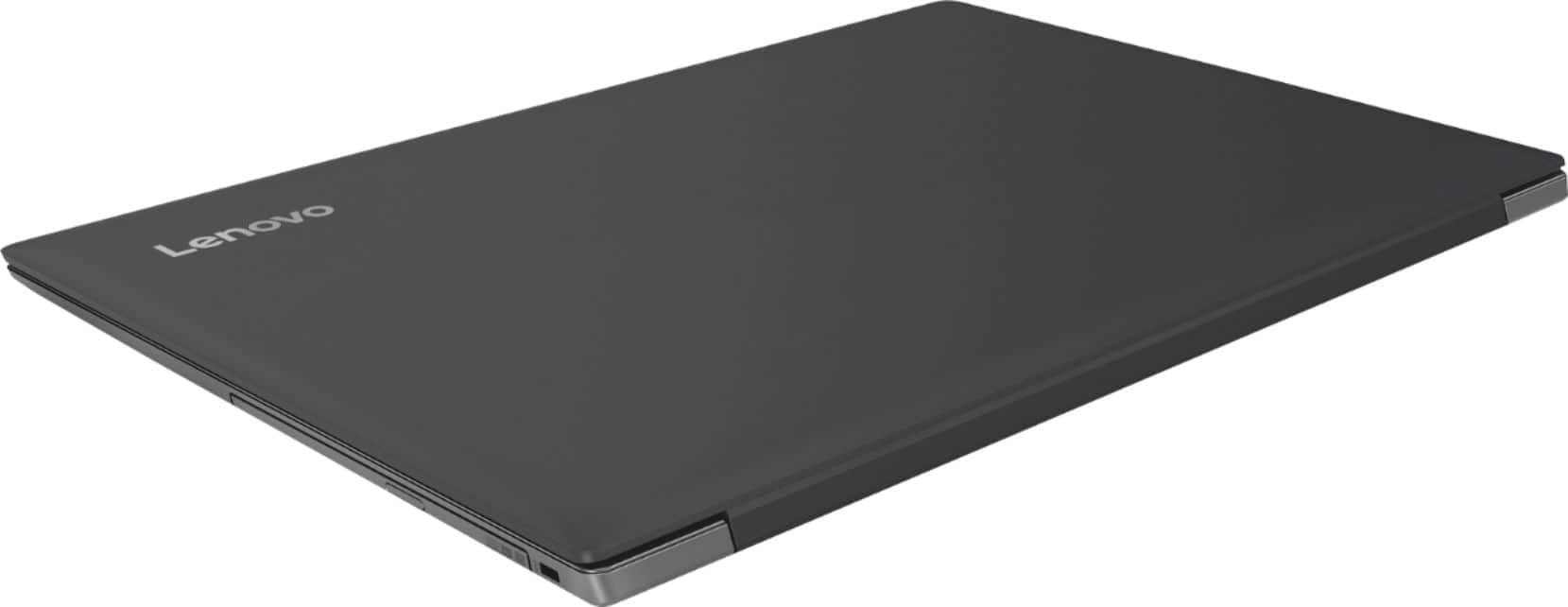
A:AnswerYou just did! Enjoy your new Lenovo IdeaPad 330-17 laptop. If you ever have any issues, you can reach us here or call Lenovo Tech Support at: 877-453-6686.
A:AnswerIt really will depend on the requirements of the software you will be using. We recommend you check with the specific software publisher's web sites for the software you will be using, for their compatibility with Windows 10 Home 64-bit operating system and the minimum/recommended hardware requirements (Is a Graphics card required, the processor speed and the minimum required system RAM and the minimum available hard drive space) to run their program, then compare those requirements to this system's configuration.
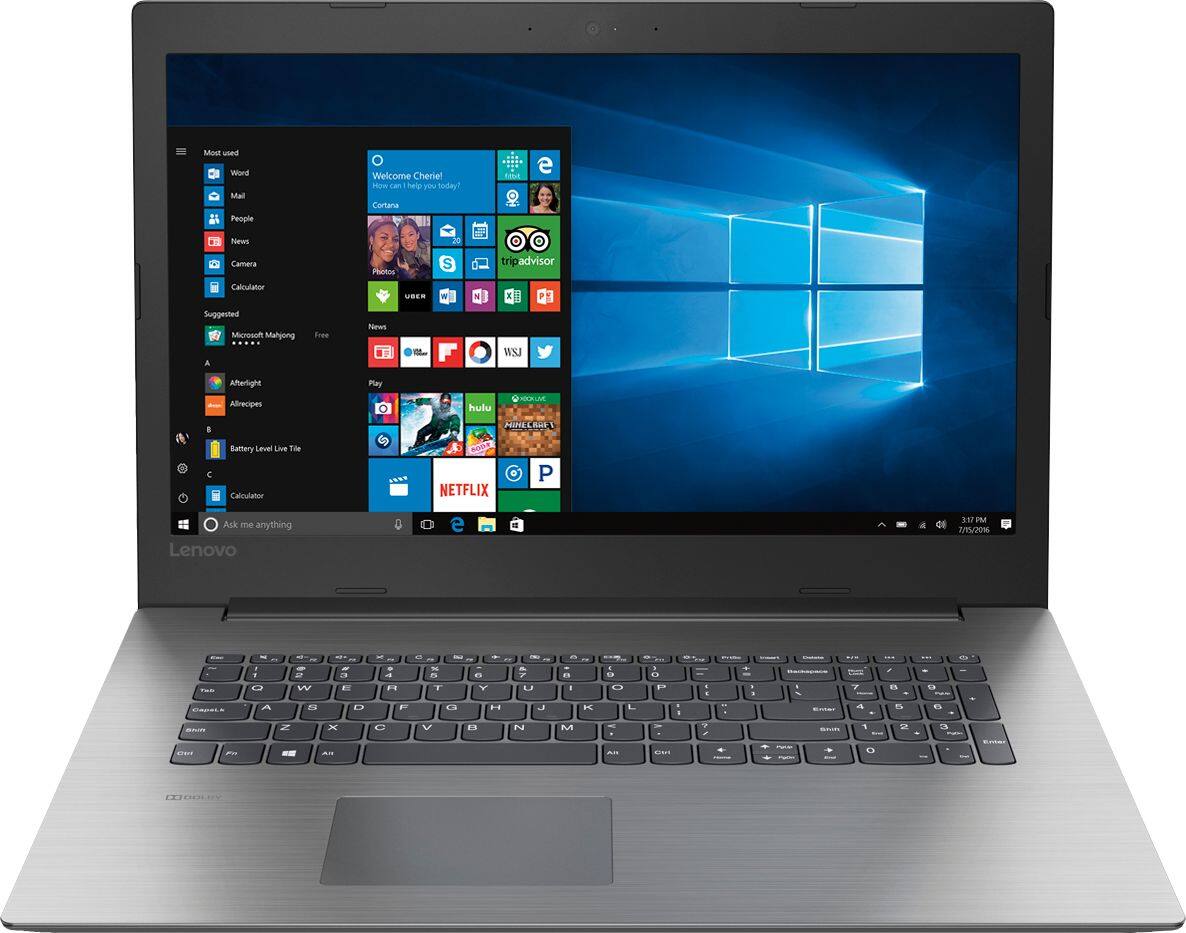
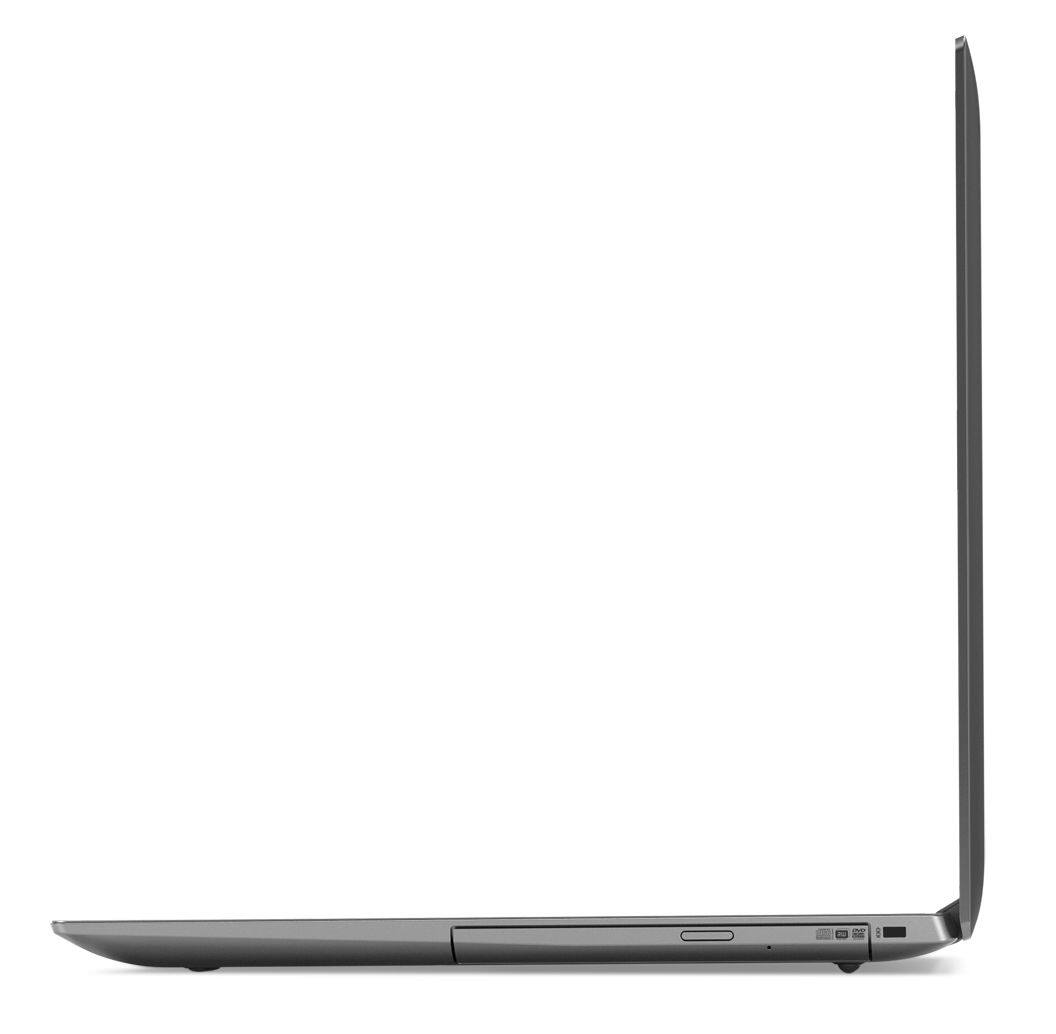
A:AnswerThere is a CD/DVD-RW drive built in, but to play commercial music CDs and play commercial movie DVDs, you will need to install Media Player software, that is not included with Windows 10 Home.
You can purchase Media Player software and install it yourself.
A:AnswerHere is a link to instructions for resetting your password: https://support.microsoft.com/en-us/help/4028457/windows-10-reset-your-local-account-password
A:AnswerModel number 81DM001UUS does have a CD/DVD-RW drive built in. In order to play commercial CDs and DVDs you will need to install Media Player software on the computer that does not come pre-installed with Windows 10 Home 64-bit operating system.
A:AnswerThere is a 30-day trial of Microsoft Office 365 included as part of the Windows 10 operating system. In order to keep the program active after the trial period, you will need to purchase a product key. You will not need to download any additional software.
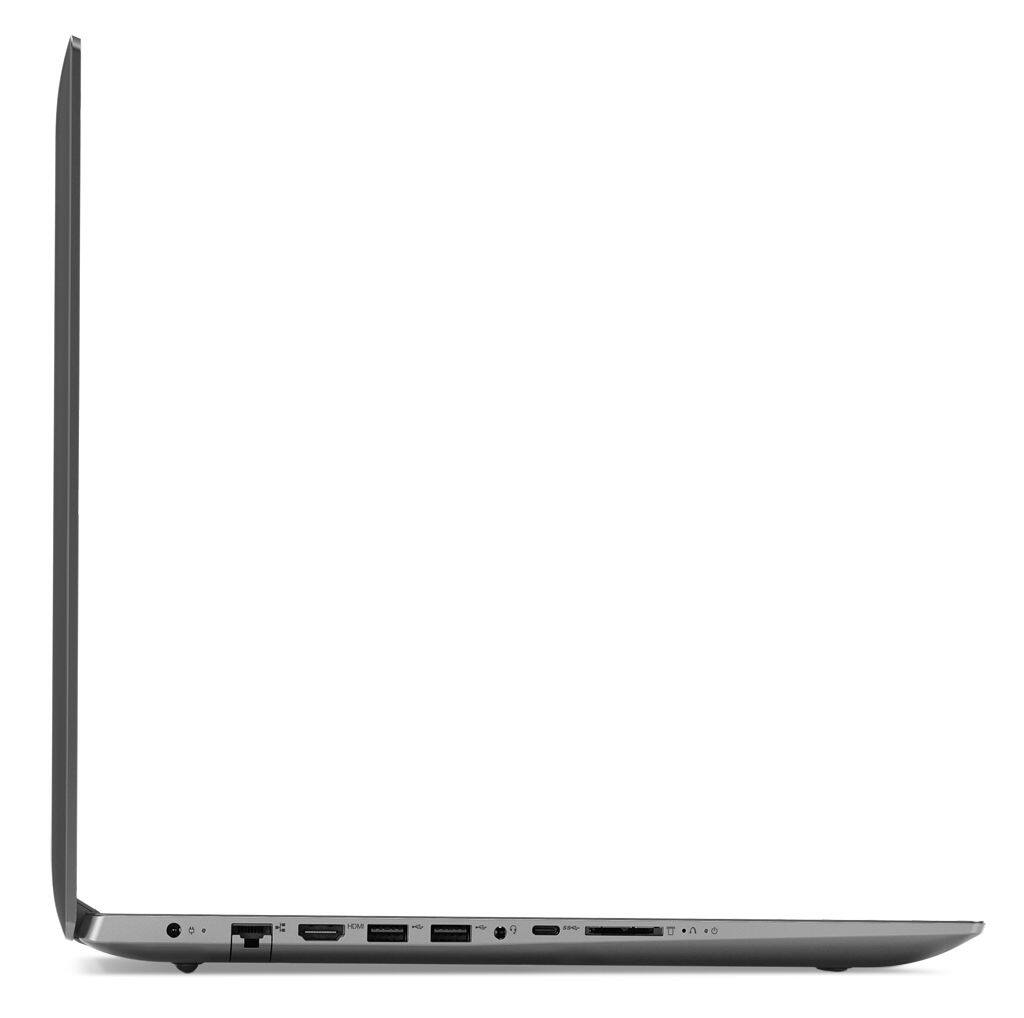
A:AnswerThere is no video signal going through the USB-c port, only the HDMI-Out port. This system can support only one external monitor plus the device screen for a total of two screens.