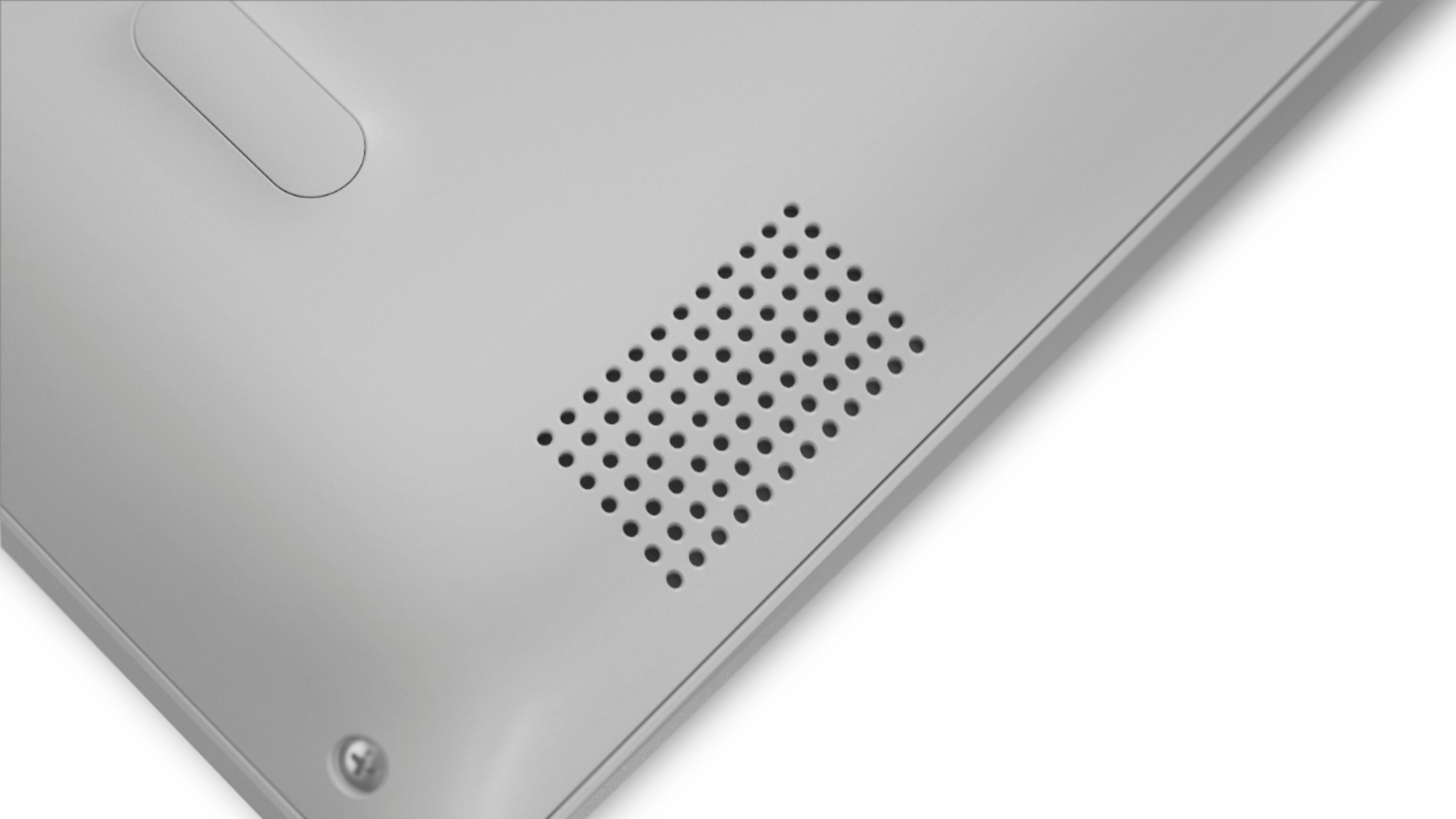
A:Answer I suspect this answer will get removed, but here goes. Lenovo might want you to think the laptop is not user upgradeable, but that's not true. The laptop is easy to open - just remove the half-dozen or so phillips screws on the bottom and the bottom panel pops off with a tiny bit of prying. From there, there's a metal shield over the motherboard, held on with another four phillips screws. Take that off and you have access to upgrade the SSD, RAM, even the wifi card if you want. As a nice touch, the motherboard includes an M.2 slot along with the SATA connector, so you could have a SATA SSD and an M.2 SSD, or just M.2. I know this because I did it myself: I swapped the 128GB SATA SSD for a 256GB NVMe M.2 SSD. I didn't upgrade the RAM - unfortunately there's only one RAM slot, so you'd have to get a 16GB DDR4 SODIMM module. See the attached picture for what the inside looks like.
As for this voiding your warranty, there were no "warranty void if removed" stickers. Even if there were, Google around and you'll see that such measures are illegal - Lenovo can't legally refuse to honor your warranty just because you upgraded your SSD.
Bottom line: this laptop IS user upgradeable, and in fact I recommend giving it a shot. I enjoyed putting in a faster SSD and really pushing it to its limits. With that upgrade in place it's a screaming fast machine, and with the fast and power-efficient Ryzen chip this laptop is an excellent choice.