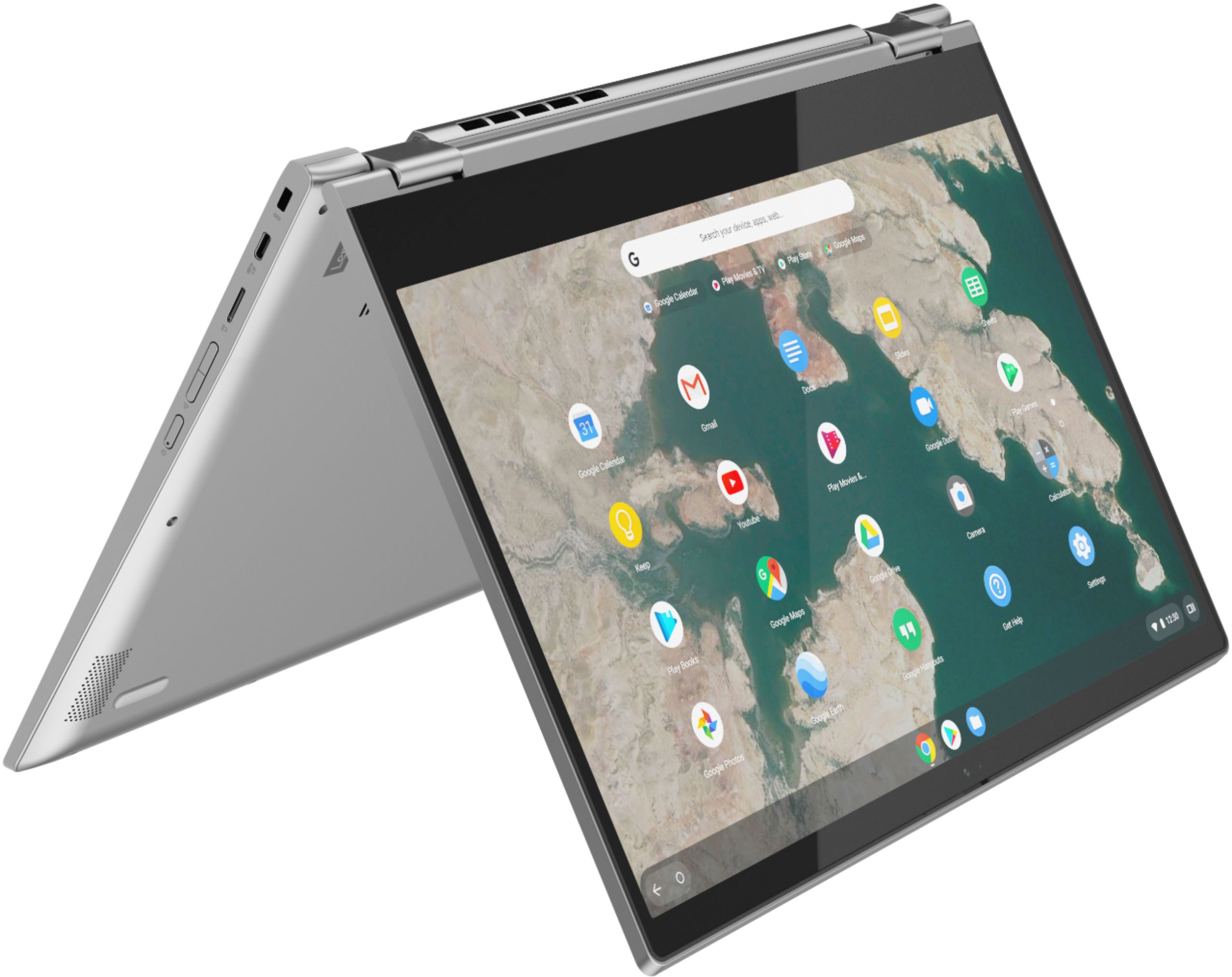
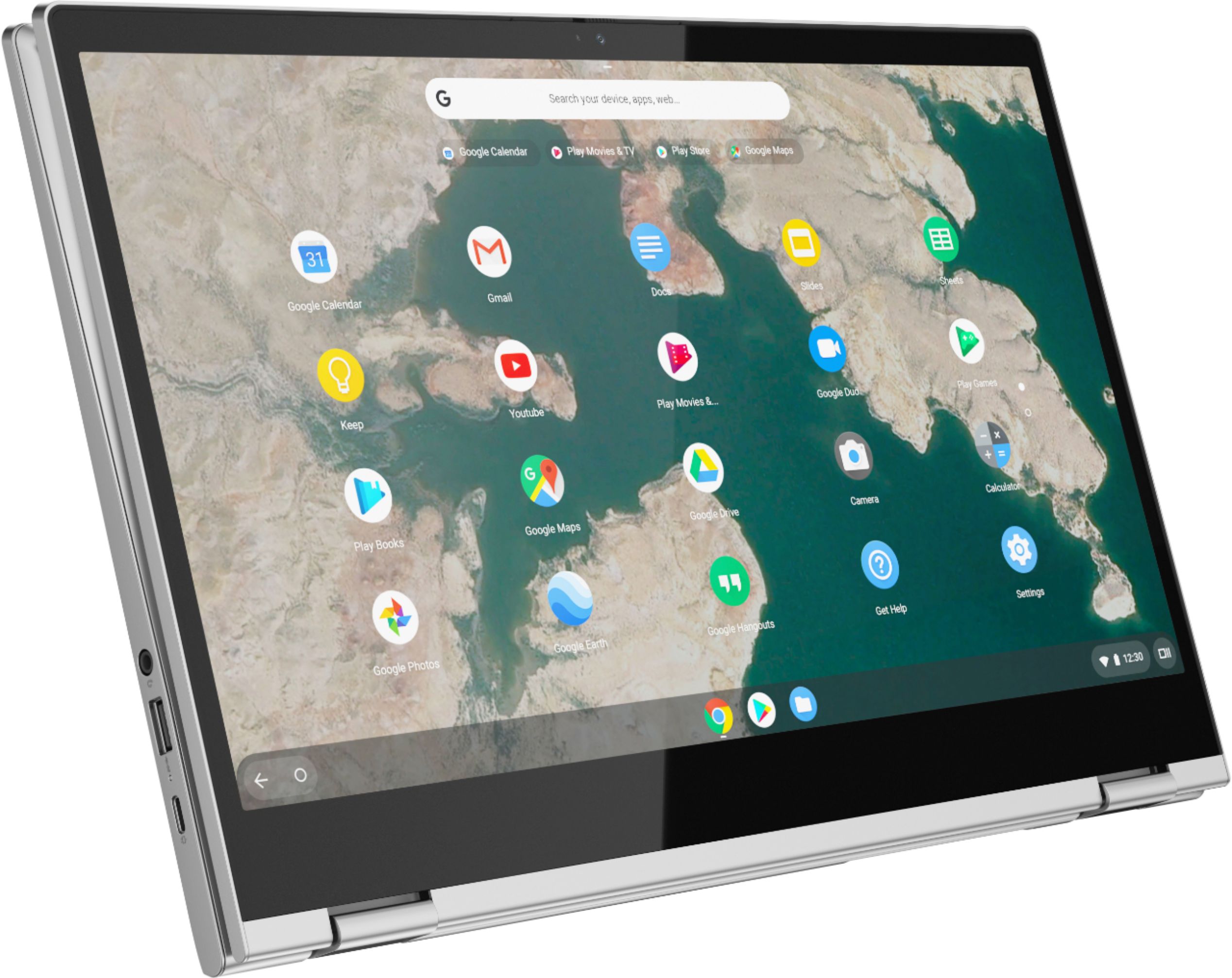
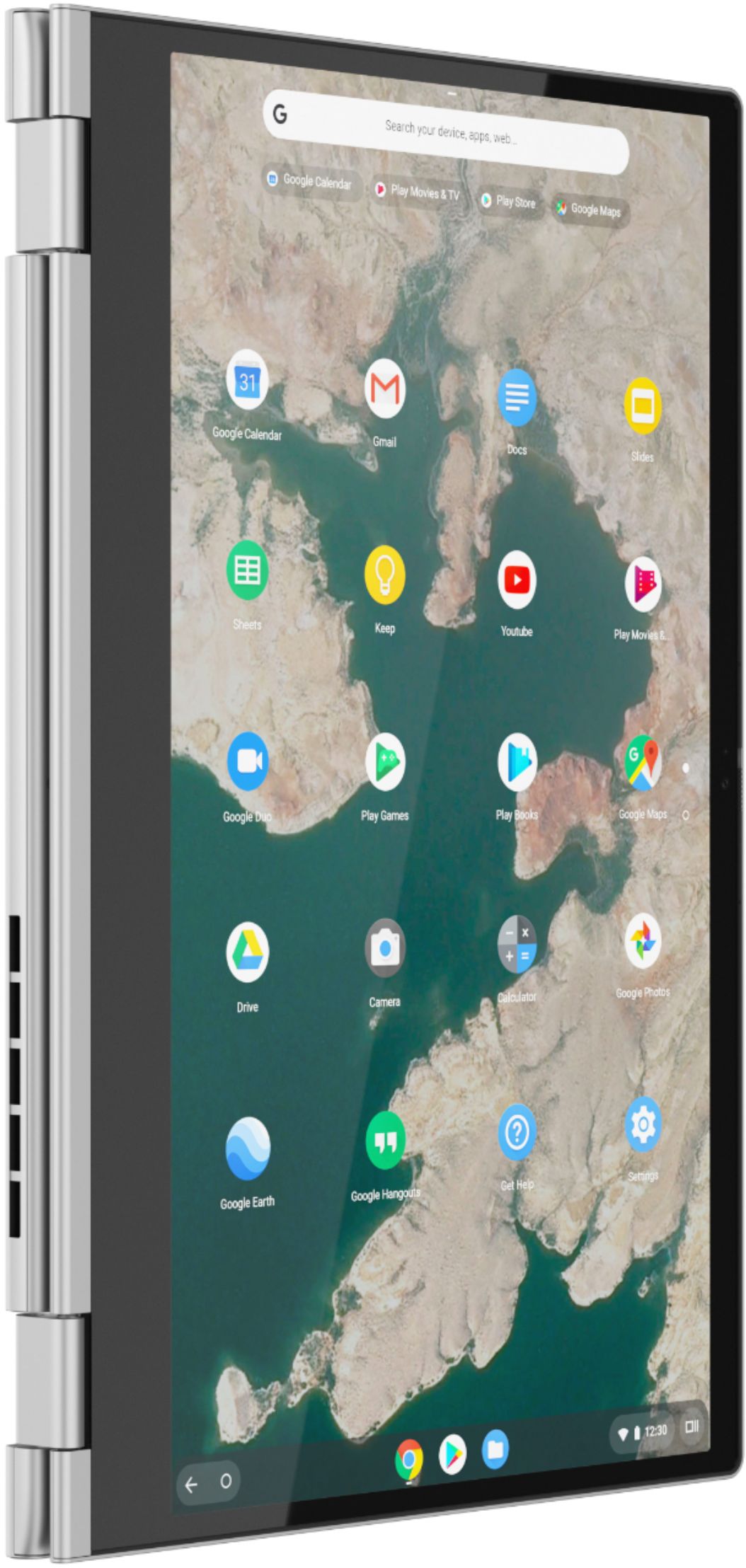
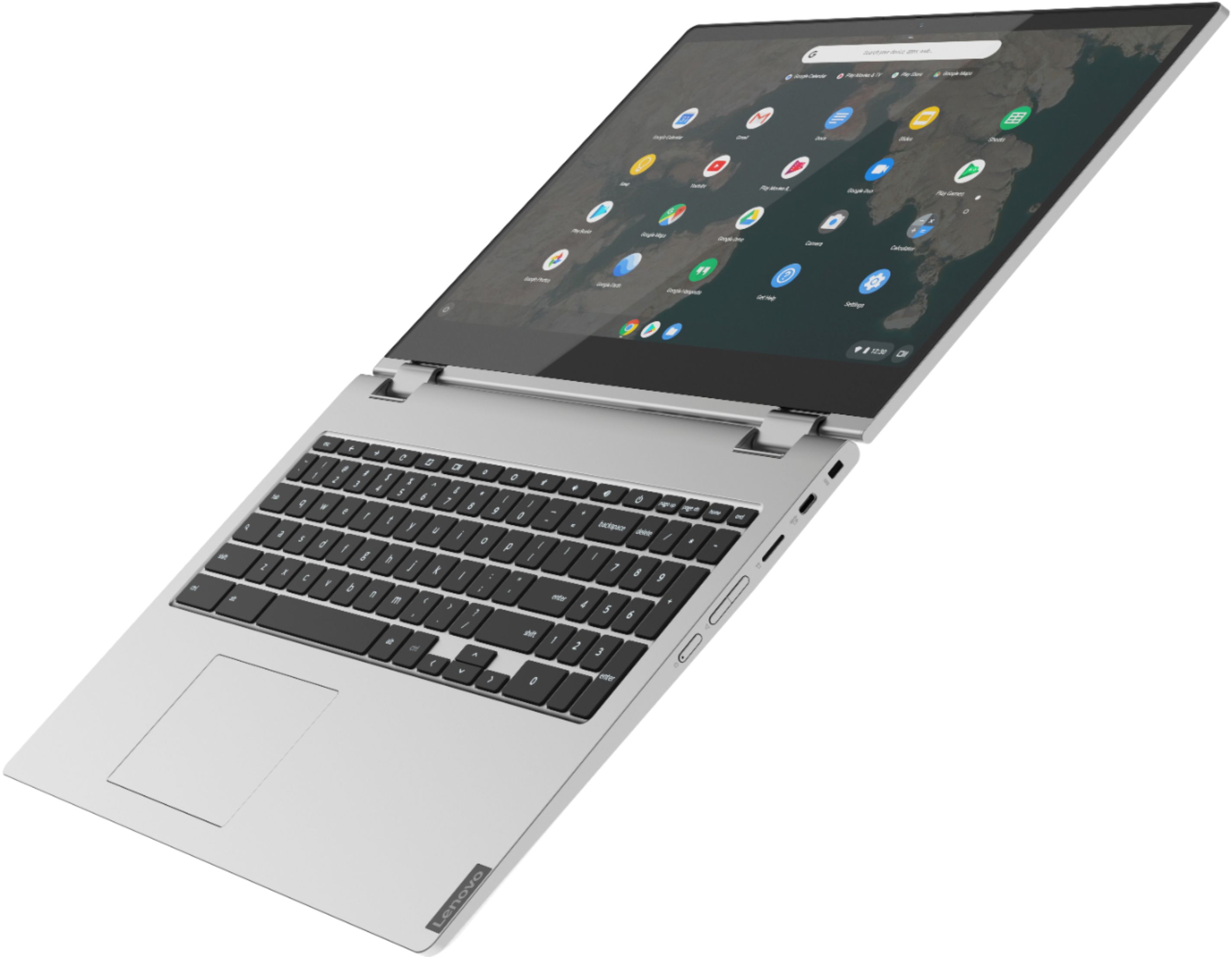
A:AnswerThat really will depend on the requirements and compatibility of the specific APPs you will be using. The Lenovo C340 15 Chromebook ships with the Chrome Operating System and is compatible with Google Play Store APPs. We recommend you check with the specific APPs software publisher's web sites, of the specific APPs you want to use, for their compatibility with the Chrome operating system and the minimum/recommended hardware requirements (Is a Graphics card required, the processor speed and the minimum required system RAM and the minimum available hard drive space) to run their program, then compare those requirements to this system's configuration.
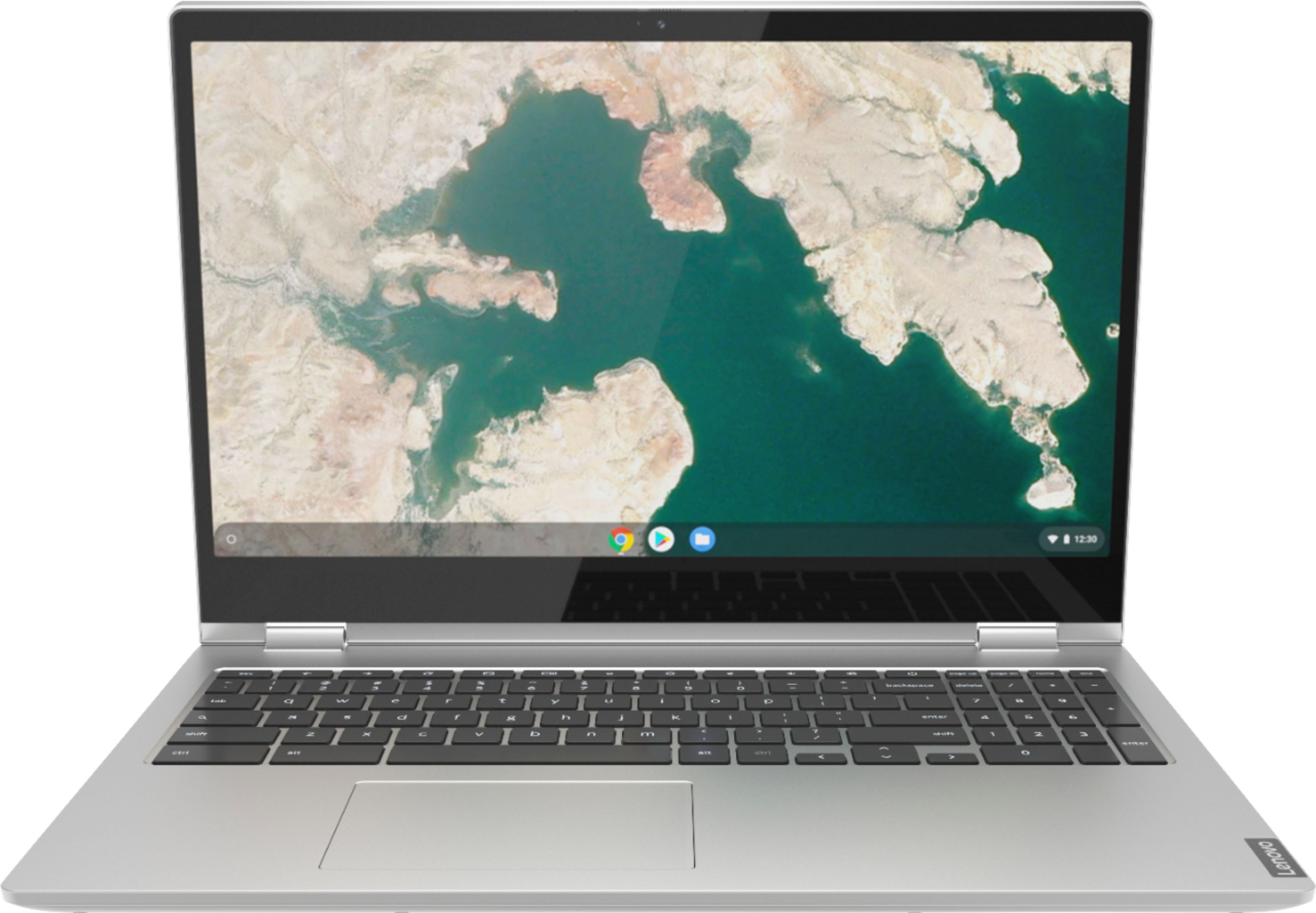
A:AnswerId assume yes since it is touchscreen and those pens work on touchscreen items. I have the laptop and the touchscreen feature works well and I dont see why iy wouldnt work with a digital pen.
A:AnswerThe Lenovo C340-15 Chromebook uses Google Docs for office type programs. Google Docs is completely compatible with Microsoft Office Programs and this is a free service through the Google Server. If you must have the actual Microsoft Office Programs, you can purchase Microsoft Office 365 for this Chromebook at the Google Play Store.
A:AnswerHello Gramps2. Thank you for your question. Based on the information provided by the manufacturer, this Lenovo C340-15 2-in-1 system comes with Chrome OS Operating System.
You can check more technical specifications for this Lenovo C340-15 2-in-1 system here:
***https://psref.lenovo.com/Detail/Lenovo/Lenovo_Chromebook_C340_15?M=81T9000VUS***
Thank you for choosing Intel!
A:AnswerBe sure that you have WiFi location services turned on within your Lenovo C340-15 Chromebook. Here is a link to instructions for activating Location Services within the Chrome Operating System: https://docs.buddypunch.com/en/articles/919258-how-to-enable-location-services-for-chrome-safari-edge-and-android-ios-devices-gps-setting. If the issue continues, we recommend you contact Lenovo Tech Support for Chromebooks at: 800-426-7378.
A:AnswerHello Bob. Thank you for your question. Looking at the system requirements for running the Snapfish photo app, it's compatible with devices running Windows 10 version 10240.0 or higher, Windows 8.1 operating systems. In this instance, this Lenovo C340-15 2-in-1 system is not compatible with the photo app as it comes with Chrome Operating System.
You can check the system requirements for running the Snapfish photo app here:
***https://www.microsoft.com/en-us/p/snapfish/9wzdncrfhwlf?activetab=pivot:regionofsystemrequirementstab***
Thank you for choosing Intel!
A:AnswerAll Chromebooks, including this Lenovo C340-15 Chromebook, model number 81T9000VUS, receive free virus protection software through the Google Server every time the device connects to the internet. No additional virus protection software is needed or should be installed on Chromebooks.